A:AnswerSamsung claims 14 hours of active use per charge.
I have used it for a week a few hours a day on one charge.
Mine is relatively new so I do not have an answer for how many years.
A:AnswerYou can simply pull down your apps from the video Play Store by signing into your Gmail account. For anything else you can use the My Files app, probably in your Samsung folder, to copy photos and files to the SD card. Then you just place that SD card into the new tablet.
A:AnswerThe New Galaxy Tab A 8" has both GPS and Accelerometers.
An app I highly recommend is the "Sensors Multitool" that allows direct access to these sensors.
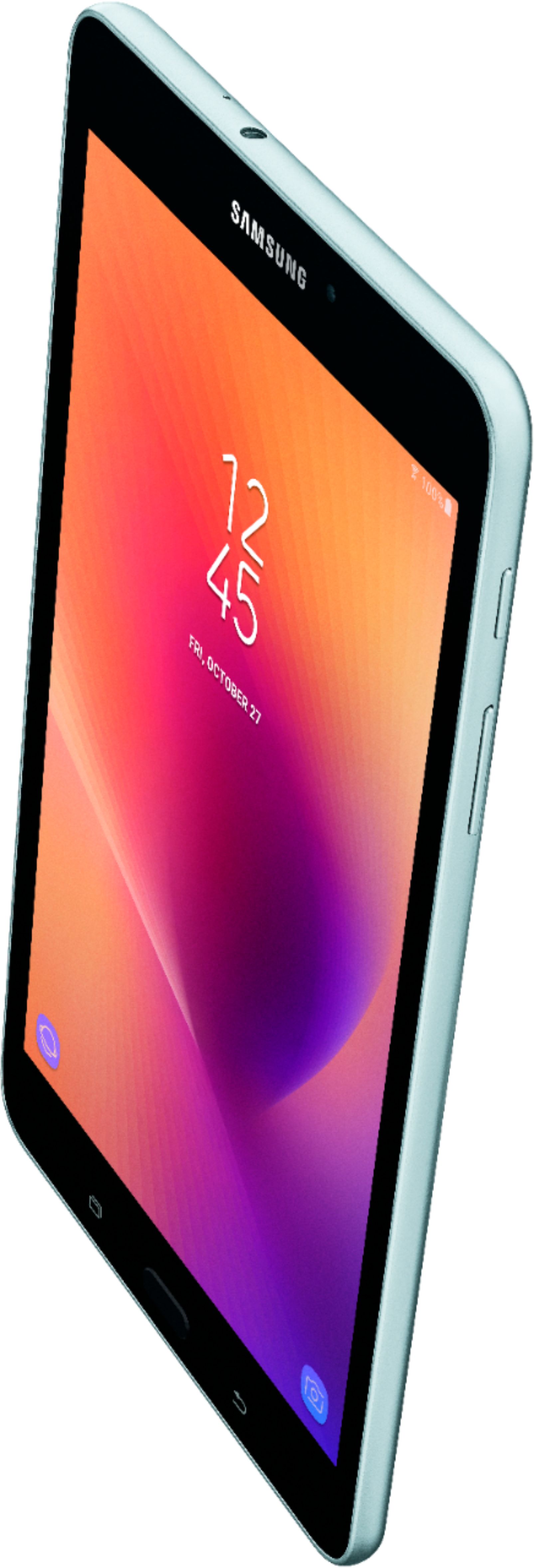
A:AnswerThere's a small tray on the left side. Works like the sim tray on your phone. Use the included tool to pop it open, insert SD card and put the tray back in.
A:AnswerActually.... yes you can text on this tablet. You download your carriers app from the playstore and it will sync to your account. It even receives and sends without your phone. It is a seperate entity. Thats one of the pros that made me decide to keep this tablet.