A:AnswerI read from the Amazon Kindle app and it is just as clear and easy to read as any of my other tablets. I don't do games but when I watch movies on VUDU they look very good and are at least 720P HD. The resolution isn't quite full HD quality on this one.
A:AnswerYou can, but with this tablet you have to do it over a WiFi Connection since you do not have a cellular connection and can't download over a cellular connection. You will need to setup payment options in your Google Play account (if you wish to download apps. that are not free) since you can't charge app purchases to a cellular account.
A:AnswerIt charges the fastest when the tablet is completely shut off. The battery lasts longer than my phone does and my family is on this a lot. It does go into sleep mode when it is inactive after a few minutes, but you can change the time in your settings. The sound is great for a tablet for playing games and watching movies.
A:AnswerLOL, are you kidding! Sorry, that wasn't really helpful but I couldn't help it. There are some programs that come installed that you can get rid of with just an uninstall command in the application manager. On the other hand there are some programs that are permanently install whether you want them or not. It's been like that for decades on all phones and tablets from wherever you get them on both operating systems (iOS/Android). The only way to get them out is to perform a rooting of the device which can be hit or miss depending upon skill of the hacker. I did kill one phone doing the procedure once, it made a nice paperweight for my desk afterwards.
A:AnswerYes the galaxy tab a does have gps. For voice guided navigation I would use an app called co-pilot. This app can be used offline meaning that no Internet connection is needed. It just uses the gps of the device and the map data that needs to be downloaded through WiFi first. You can find the app through the Google play store
A:AnswerNook, Kindle, Google Books.... There are a bunch of e book apps that will run on the Tab A.
I will say that depending on the type of books you own your experience may vary (ie audio books under Nook have some compatibility issues running on non Nook devices)
I personally say go for it. Get the tablet and install your account. If you were to have any issues, best buy's return policy will take care of that.
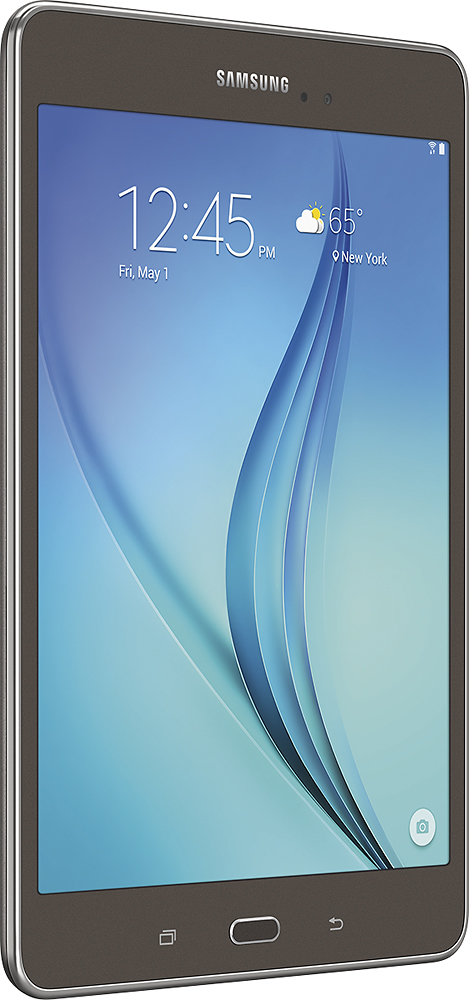
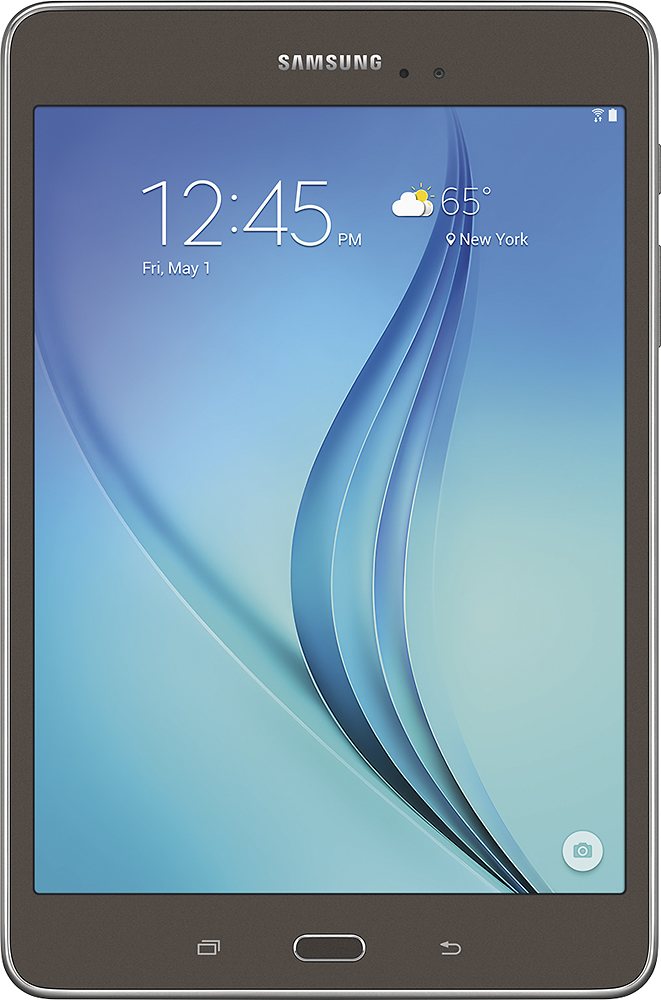
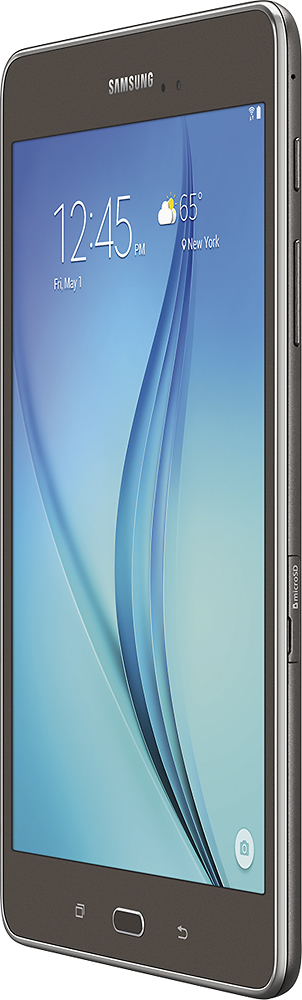
A:AnswerThey are both great and fast. The biggest differences you may notice between the Tab A vs the Tab Pro will be weight and screen size. Yes the Pro has a 8.4 inch screen but it also has a 16:9 screen ratio vs the Tab A's 4:3 ratio. The difference here is the A has a screen that's more square vs the elongated and thinner Tab Pro. The shape of the Tab A's is more akin to reading a book in its vertical position.
All that said, the tab pro is a tiny bit faster and has more system ram. It is last years device so even with those extra specs it may stop getting software support long before the Tab A.
Both are excellent devices and if I could chose again, I'd go with the Tab Pro while the cost is low but I do really like the Tab A, enough that I bought it over the Pro because of the life of the software.
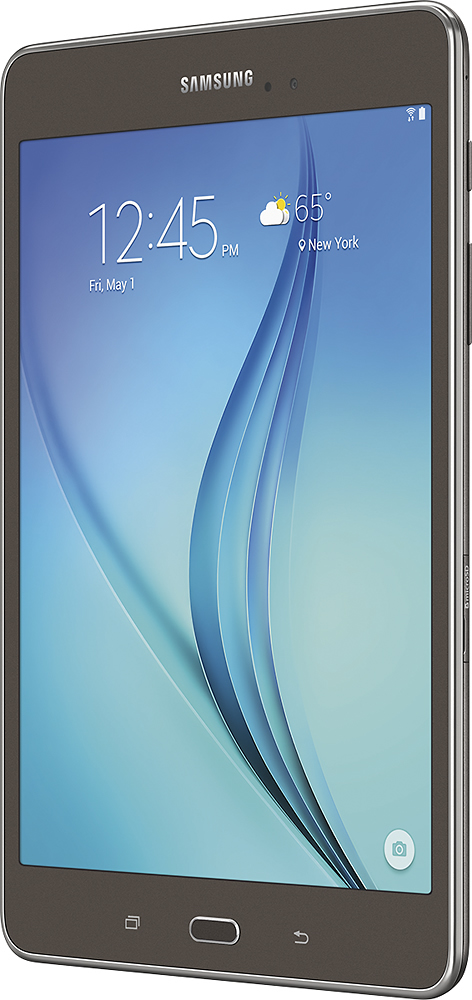
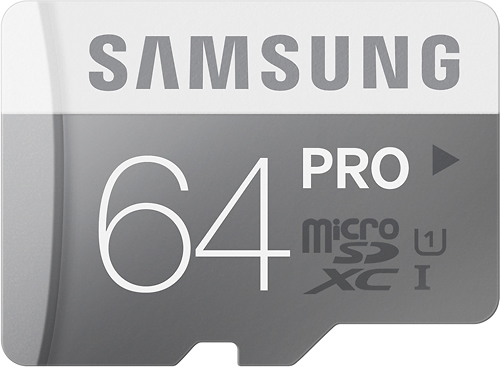
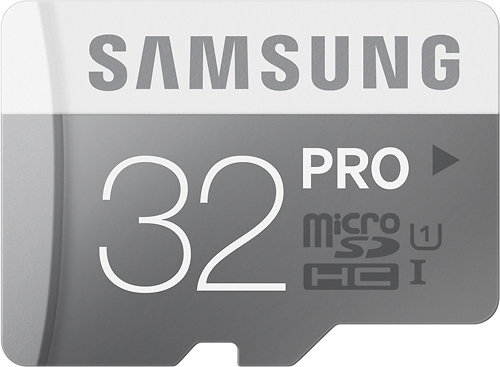
A:AnswerAbout 11 GB. It is 16GB internal memory and the system memory takes up about 4.91 GB of memory so that leaves you with about 11GB to use. Purchasing a microSD card can expand the memory up to 128 GB of external memory, but a 32 GB or a 64 GB microSD card is plenty.