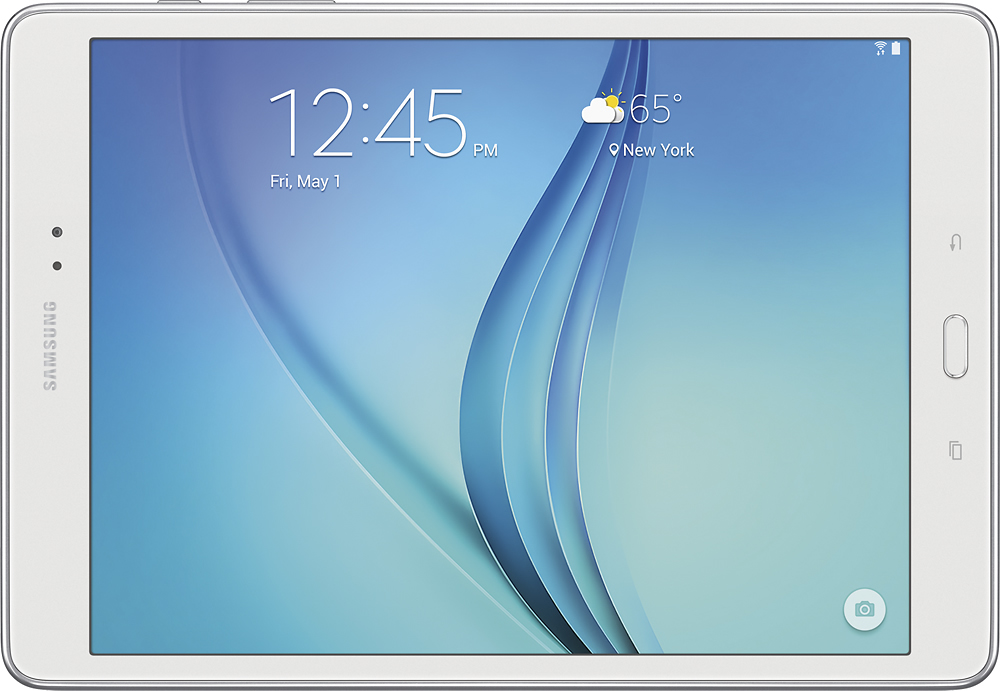
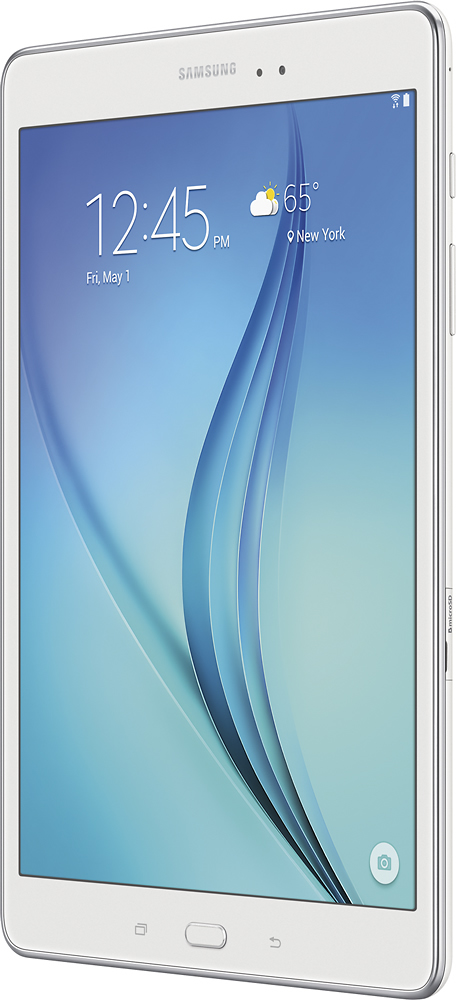
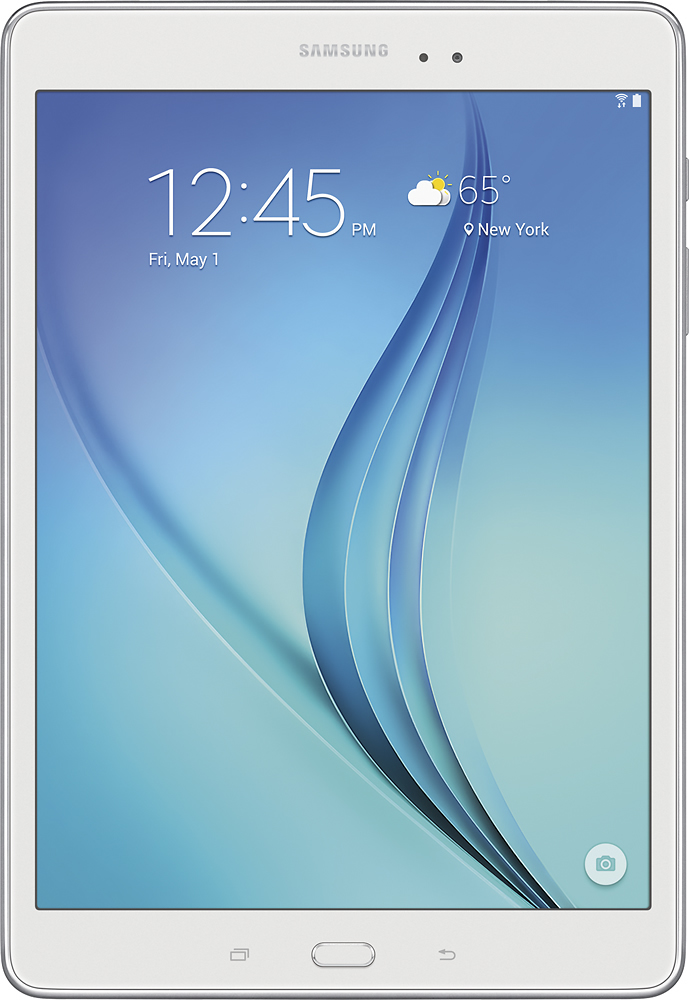
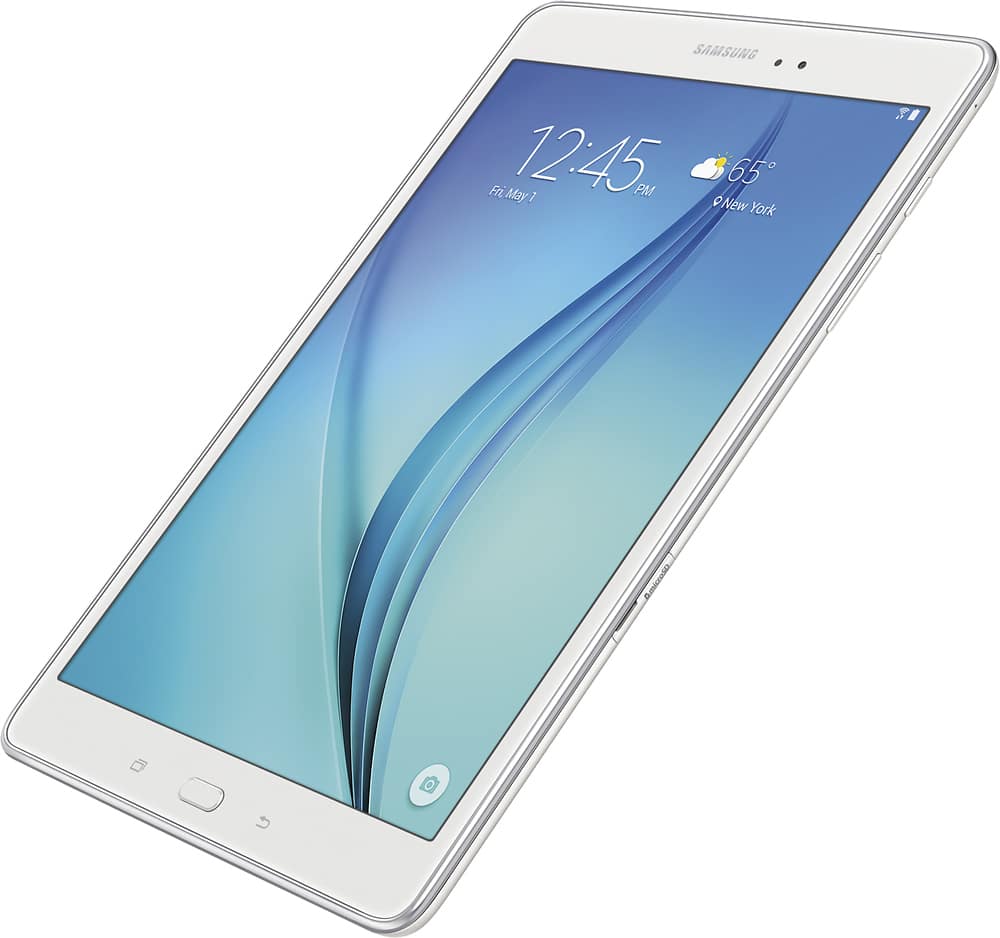
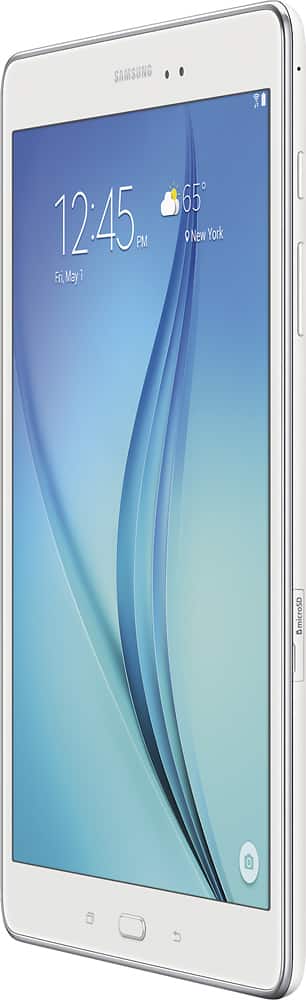
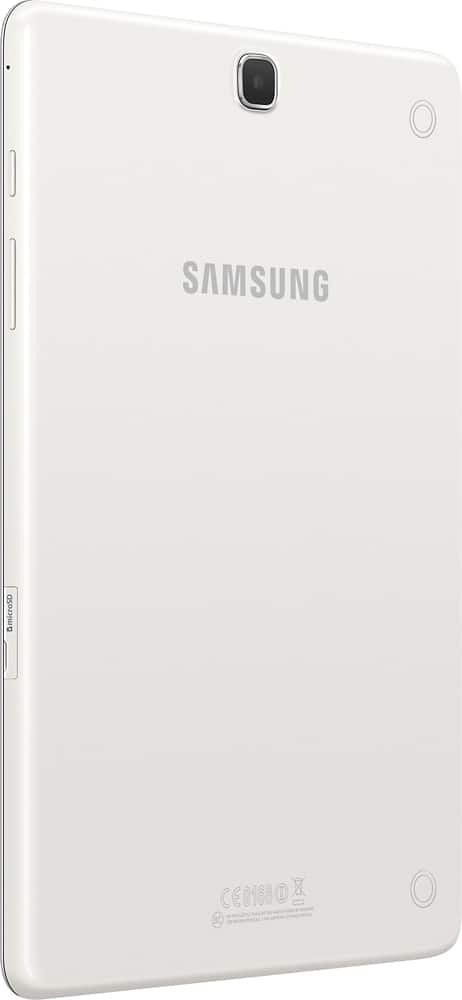
A:AnswerIt's pretty easy....1st look for the Micro SD Card slot on the side of the tabket. Then open the slot, you may have to use your finger nail to dig into the Grove to open the slot. Then insert the Micro SD Card. The card is only designed to go in 1 way (with the metal strips facing toward the tablet). Take your time sliding the card in (because you may break it). If the card doesn't go in 1 way, then flip it over and try the other side. Just make sure the metal strips on the card go in facing the tablet.
A:AnswerNo you cannot. Unlike a computer, the RAM is hardwired into this device. Even if you had the technical ability to change it, I'm sure the change in hardware would cause software issues
A:AnswerAll Android Tablets and Apple tablets block adobe flash player. But unlike Apple Tablets; andriod tablets can be tweaked to use flashplayer. It's a bit of a lengthy process that involves disabling Google chrome. The steps involved are too long to explain here, but you can download the Samsung Plus app in the playstore. Then go to the community boards and do a search on "Enabling Adobe Flashplayer for Galaxy Tab" and just follow the steps...It's pretty easy, I've already had it done to my tablet...You won't regret it.