A:AnswerSalutations, thanks for taking the opportunity to ask us your question about the Samsung Galaxy Tab A9+. The advertised Galaxy Tab A9+ is a Wi-Fi enabled tablet. This tablet utilizes Wi-Fi and/or Bluetooth connectivity in order to be considered fully functional. You are looking for an LTE version of tablet if you were wanting to add it to Verizon's wireless network. If you have additional questions for us, feel free to contact Samsung Support at your leisure. Thank you for being a dedicated Samsung customer. - Debra
A:AnswerSalutations PK, thanks for taking the opportunity to ask us your question about the Samsung Galaxy Tab A9+. Yes, that's exactly right, PK! Just visit the Google Play store to download your favorite apps on this tablet! Let us know i you have any other questions for us by reaching out to Samsung Support at your leisure. Thank you for being a dedicated Samsung customer. - Debra
A:AnswerHi Mamadiva, thanks for taking the time out of your hectic day to ask us your question about the Samsung Galaxy Tab A9+. The advertised Galaxy Tab A9+ is a Wi-Fi enabled tablet that can be easily paired via Bluetooth with your smartphone. However, if you are asking if you can add this tablet to your T-Mobile wireless plan, this would not be possible. This tablet lacks the cellular connectivity needed in order to be added to a carrier's data network. If you think of any other questions for us, feel free to contact Samsung Support at your earliest convenience. Thank you for being a cherished Samsung customer. - Debra
A:AnswerGood day Only1cw, thank you for reaching out about the Samsung Galaxy Tab A9+. The advertised Galaxy Tab A9+ is the Wi-Fi/Bluetooth Only version of this device so it cannot be added to your wireless carrier's network, however, it is fully functional while in the presence of a steady Wi-Fi signal. You are able to download your favorite apps from the Google Play Store, take videos and pictures with the on-board camera, read your audio books, and you can also easily transfer your content from your old device to your new Galaxy Tab A9+ by utilizing Samsung Smart Switch. If you have additional questions or if you would like further assistance, please feel free to reach out to Support at your earliest convenience. Thank you for being a dedicated Samsung customer. - Debra
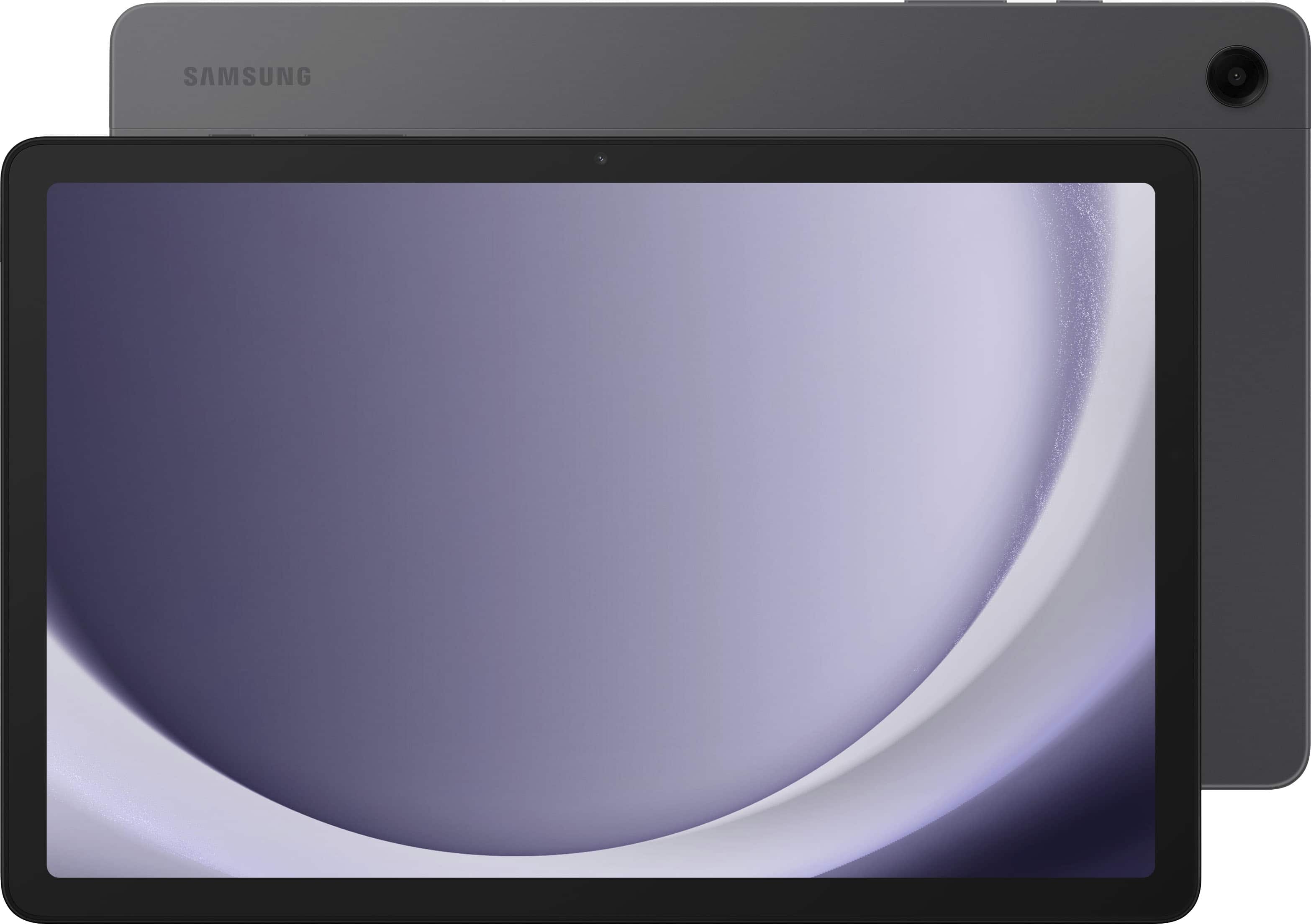
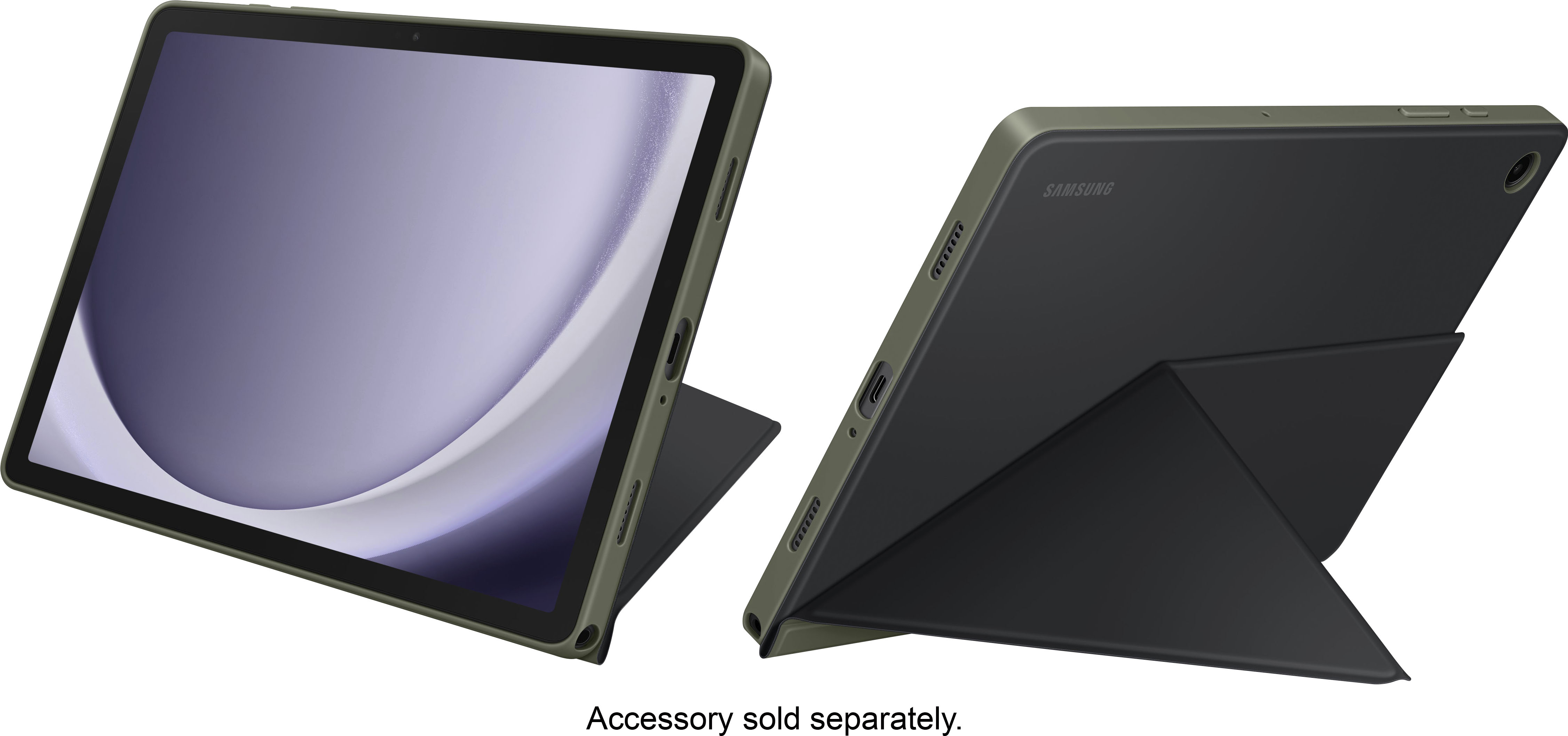
A:AnswerGreetings Cher, thank you for taking the time to ask us your question about the Samsung Galaxy Tab A9+. For the Galaxy Tab A9+, the best keyboard option available is the official Samsung Book Cover Keyboard Slim. If you have any other questions, please do not hesitate to contact Support. Thank you for being a valued Samsung customer. - Debra

A:AnswerHowdy, thank you for taking the time to ask us your question about the Samsung Galaxy Tab A9+. Yes, the Samsung Book Cover Keyboard Slim for Galaxy Tab A9+ has been designed specifically for the Galaxy Tab A9+. Feel free to contact Support if you think of additional questions for us. Thank you for choosing Samsung! - Debra
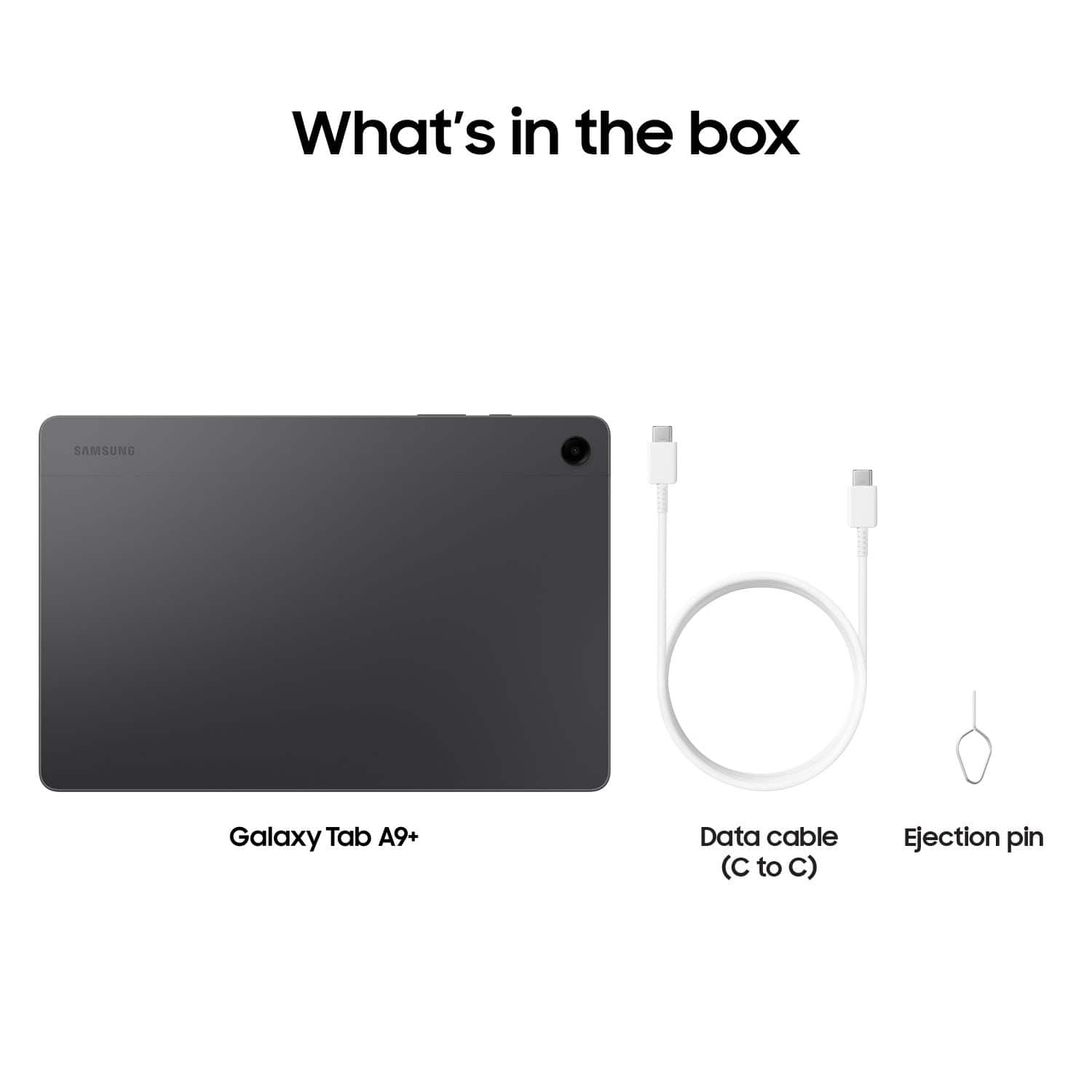
A:AnswerHello Charise, thank you for asking us your question about the Samsung Galaxy Tab A9+. The advertised Galaxy Tab A9+ utilizes a USB Type-C port and supports a maximum wired charging speed of 15W. Typically, it is paired with a 15W charger, however, it's also compatible with Samsung's 25W adapters for efficient charging. If you have additional questions for us or if you would like further assistance, please feel free to reach out to Support. Thank you for being a faithful Samsung customer. - Debra
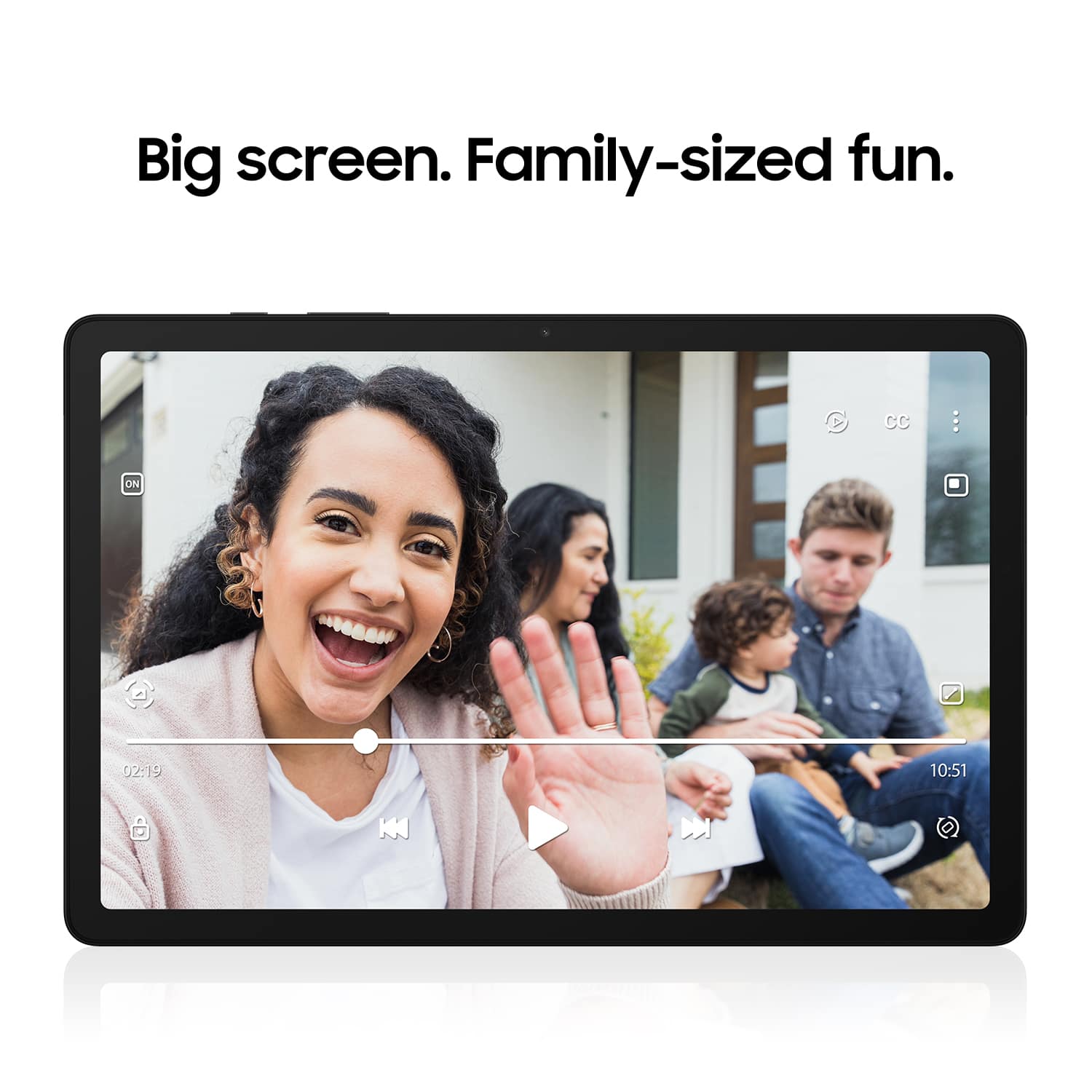
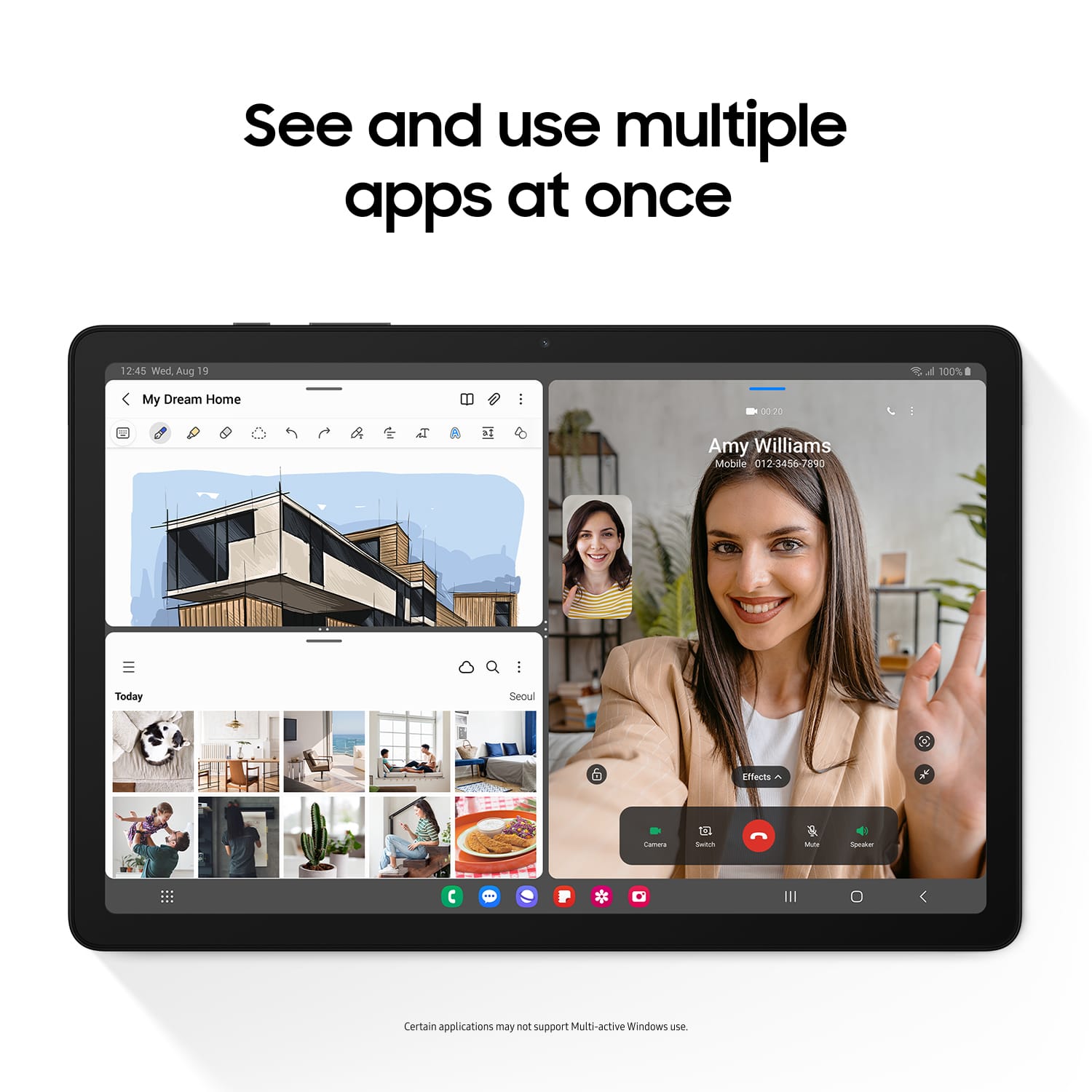
A:AnswerGood day, thank you for asking us your question about the Samsung Galaxy Tab A9+. The advertised Galaxy Tab A9+ makes video calls using built-in apps like Google Meet, WhatsApp, or carrier-specific video calling. You can initiate calls directly from the Contacts or Phone app by tapping the video camera icon. It also supports "Call & text on other devices" to sync with Samsung phones. If you have any other questions for us or if you'd like further assistance, please do not hesitate to contact Support at your leisure. Thank you for being a treasured Samsung customer. - Debra

A:AnswerI'm 70 and I found it to have a larger learning curve than my Tab +5. I am still in the familiarization phase and it is better than at first. The AI, help, and online manual are more general, not specific to the model.
So, if you are patient, it works itself out.
A:AnswerHey there WEAZER, thank you for asking us your question about the Samsung Galaxy Tab A9+. Yes, you can download YouTube and all of your other favorite apps from the Google Play Store. Please let us know if you have any other questions for us by contacting Support. Thank you for being a loyal Samsung customer. - Debra
A:AnswerHey there 9000, thanks for asking us your question about the Samsung Galaxy Tab A9+. Choosing a microSD card can vary, depending on your needs. Check out, "MicroSD cards and your Galaxy phone or tablet" to learn about the types of microSD cards available to you. If you have additional questions for us afterward, please feel free to reach out to Support. Thank you for being a loyal Samsung customer. - Debra
A:Answer128 GB RAM. It uses a standard SD card. I have a 32GB card from the old Tab 5+; it will take I think up to 1 TB, but check it out at Samsung website.