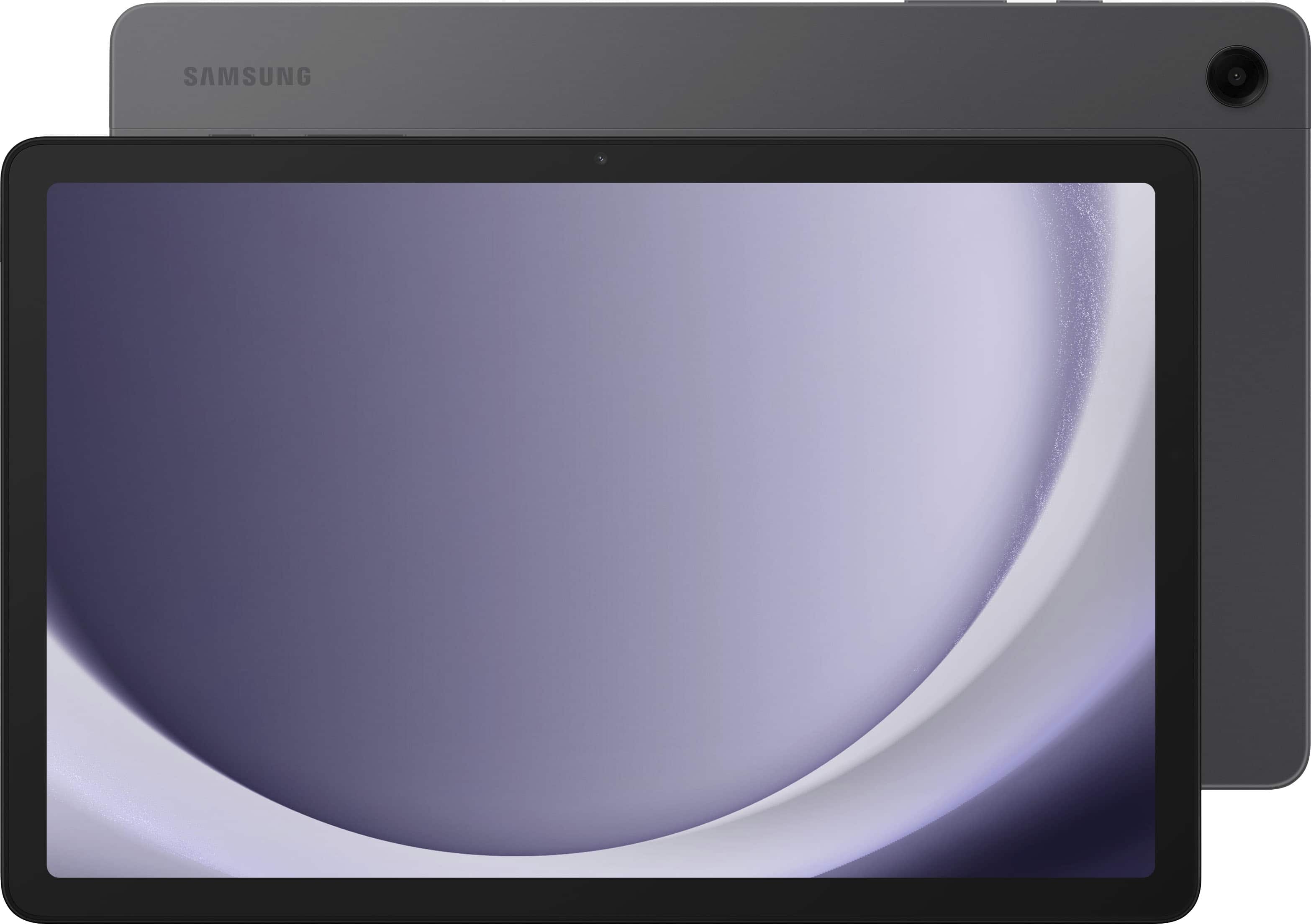
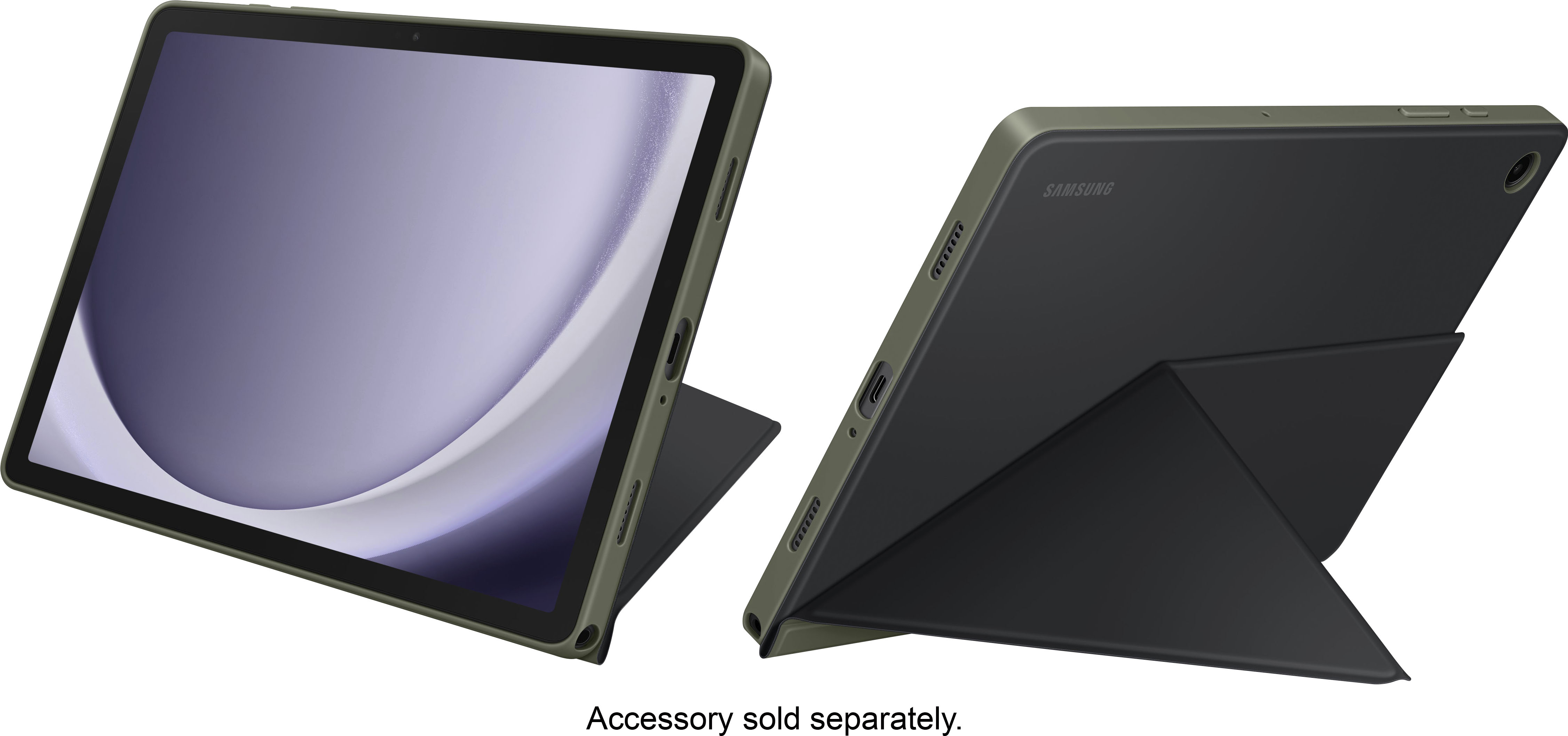
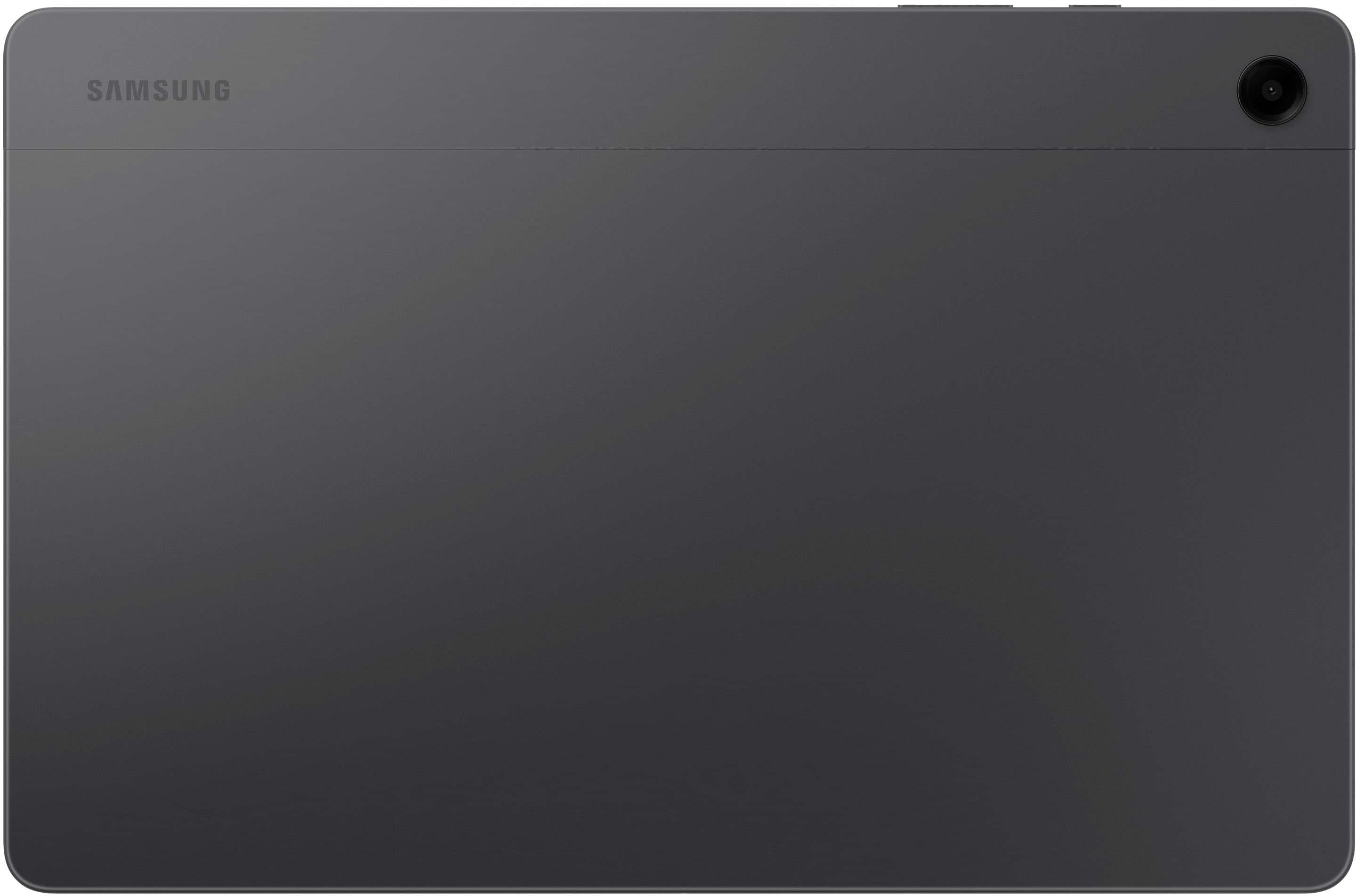
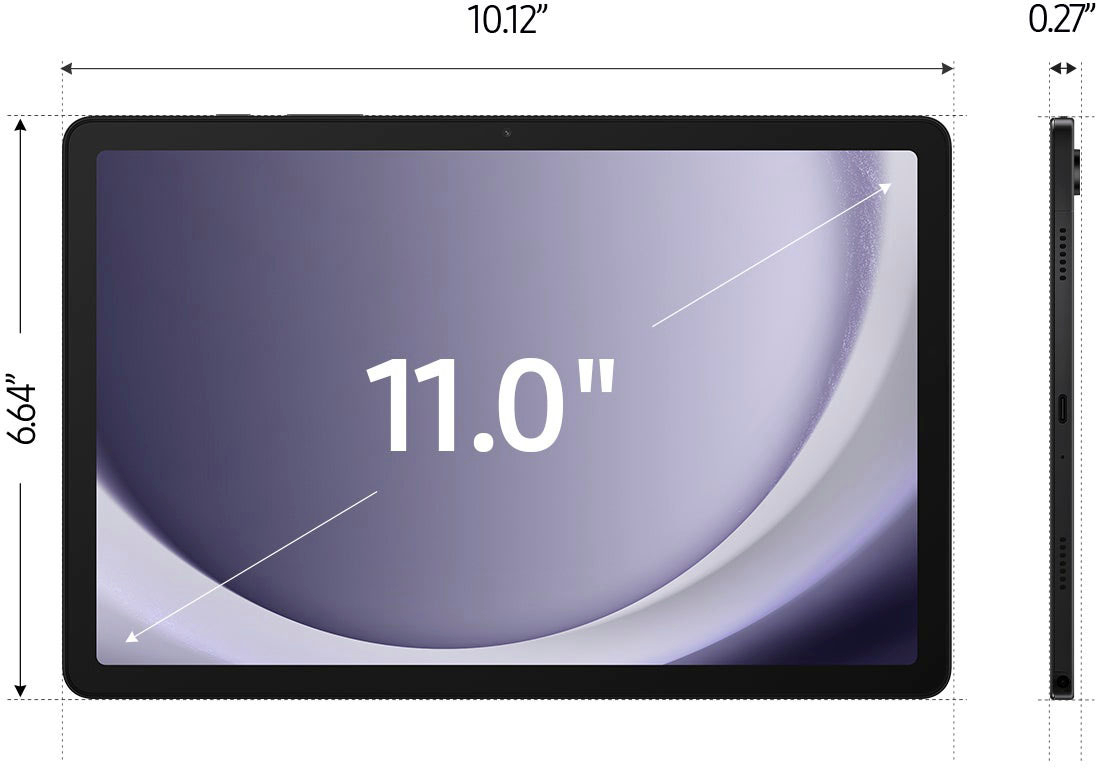
A:AnswerHello there ITX, thank you for finding the available time out of your day to ask us your question about the Samsung Galaxy Tab A9+. No, the Tab A9+ does not offer a water-resistance rating. Feel free to reach back out to us if you have any other questions. Thanks for being a loyal Samsung customer. - Debra
A:AnswerHi there VBee, thanks for taking the time to ask us your question about the Samsung Galaxy Tab A9+. The advertised Tab A9+ (U.S Version) is a Wi-Fi enabled device that is fully functional while in the presence of a steady Wi-Fi signal. If you have any other questions for us, feel free to reach out to Support. Thank you for being a loyal Samsung customer. - Debra
A:AnswerHello there Tee, thank you for finding the available time out of your lively day to ask us your question about the Samsung Galaxy Tab A9+. No, the Tab A9+ is not compatible with the S Pen. Feel free to contact Support if you think of any other questions for us. Thank you for being a steadfast Samsung customer. - Debra
A:AnswerHi there Bartacus, thanks for taking the time to ask us your question about the Samsung Galaxy Tab A9+. Yes, the Tab A9+ allows you to achieve mobile continuity between your device and other connected devices. Here's how: From Settings, tap Connected devices for the following features - Samsung DeX: Connect your device to a PC or TV for an enhanced multitasking experience. Feel free to contact Support if you think of any other questions you may have. Thank you for being a loyal Samsung customer. - Debra
A:AnswerI got a 25 watt samsung charger. The tablet charges at 15 watts. When I plug it in, it says fast charging and takes about an hour and a half to charge from 50%. It's supposed to take 2 and a half hours to charge from 0%.
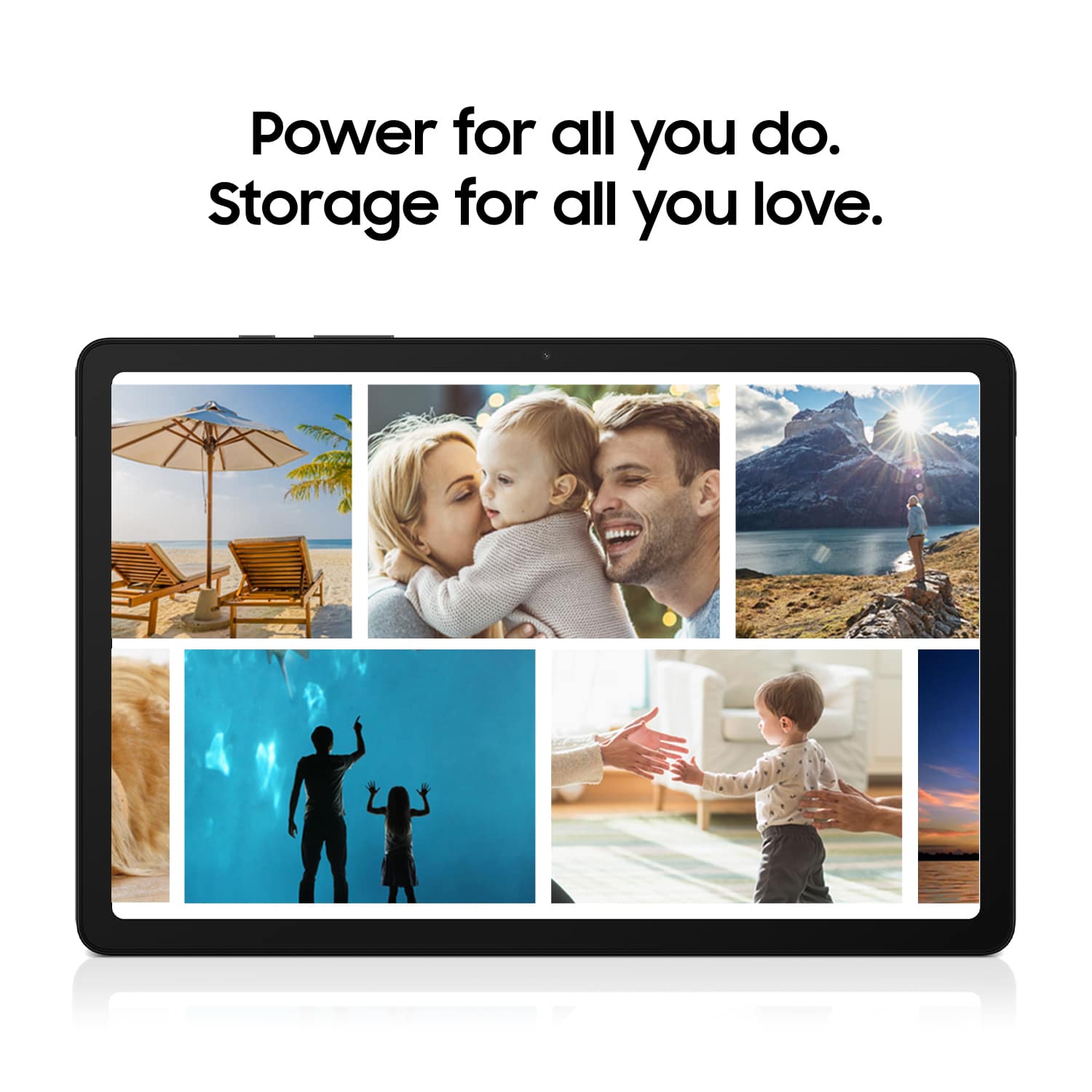
A:AnswerHello Arquin, thank you for finding the time out of your lively day to ask us your question about the Samsung Galaxy Tab A9+. Yes, you can absolutely add a microSD card, up to 1TB, to the Tab A9+ if you would like to take advantage of the expandable storage capability. If you think of any other questions for us, feel free to reach out to Support. Thank you for being a treasured Samsung customer. - Debra
A:AnswerAloha K123, thank you for finding the opportunity to ask us your question about the Samsung Galaxy Tab A9+. That's a good question! The Galaxy Tab A9+ is not compatible with the S Pen. If you have any other questions, please feel free to contact Support. Thank you for being a staunch Samsung customer. - Debra
A:AnswerAloha Tophat, thank you for finding the opportunity to ask us your question about the Samsung Galaxy Tab A9+. Yes, it is possible to utilize your Hotspot feature on your other devices to provide a steady wireless connection to your Tab A9+ when not in the presence of a steady Wi-Fi signal. If you have any other questions for us, feel free to reach back out. Thank you for being a staunch Samsung customer. - Debra
A:AnswerHi there, thanks for taking the time out of your day to ask us your question about the Samsung Galaxy Tab A9+. Please login to the Google Play Store to view the compatible devices for your apps. Let us know if you have any other questions afterward by reaching out to Support. Thank you for being a faithful Samsung customer. - Debra
A:AnswerHello, thank you for finding the time out of your lively day to ask us your question about the Samsung Galaxy Tab A9+. Yes, the Tab A9+ does indeed have a microphone available. Feel free to reach back out if you have additional questions for us. Thank you for being a treasured Samsung customer. - Debra
A:AnswerSalutations, thanks for taking the time out of your busy schedule to ask us your question about the Samsung Galaxy Tab A9+. You can use Samsung Notes to create notes containing text, images with footnotes, voice recordings, and music. You can share your notes using social networking services. You can also create annotated voice recordings perfect for lectures or meetings. Take notes while recording audio. Playback is synced to scroll to the corresponding text. If you have any other questions for us, feel free to reach out. Thank you for being a faithful Samsung customer. - Debra
A:AnswerAloha Joci, thank you for finding the opportunity to ask us your question about the Samsung Galaxy Tab A9+. No, the Tab A9+ is not compatible with the S Pen. If you think of any other questions for us, feel free to contact us. Thank you for being a staunch Samsung customer. - Debra
A:AnswerAloha Dennis, thank you for finding the opportunity to reach out to us about the Samsung Galaxy Tab A9+. You can easily review information about your device, including current status, legal information, hardware and software versions, and more by: > From Settings, tap About tablet for your model number, serial number, and IMEI information. > Tap additional items for more information about your device. ** You can find your device's FCC ID from About tablet > Status information. If you would like any further assistance, feel free to reach out to us. Thank you for being a staunch Samsung customer. - Debra
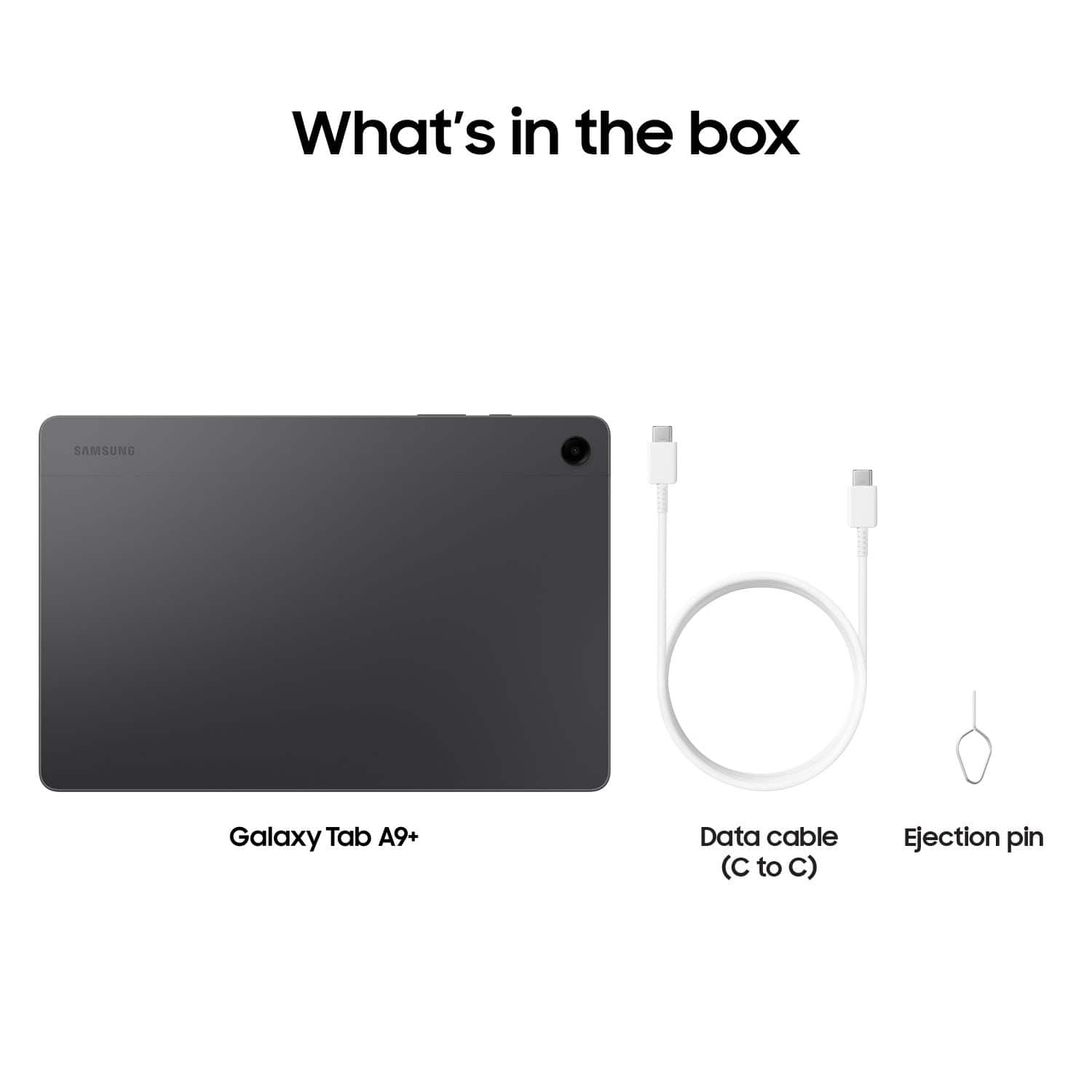
A:AnswerThanks for reaching out to us, Tanya. The Tab A9+ comes with a Type-C data cable and an eject pin. You can use a flash drive with Samsung tablets. It's crucial to keep your USB drive updated to ensure compatibility and proper functionality. Check the manufacturer's website for any updates if your flash drive is not appearing. If you have any further questions, please do not hesitate to reach out to us at Support. -Kelvin
A:AnswerThank you for reaching out with your question, Hale. You can mirror your Samsung tablet's screen to your Samsung TV, and you can also watch Samsung Plus shows on your tablet. The tablets compatible with Samsung Plus include the Galaxy Tab S7+, Tab A7, Galaxy Tab A 8.0 (2019), Tab A 8.4 (2020), Tab A 10.1 (2019), Tab A S Pen (2019), and several others such as the Galaxy Tab S4, S5e, S6, S6 Lite, S7, S7 Plus, S8, S9, S10, A9+, Active Pro, and Active 2. The A9+ would be compatible! If you have any more questions, feel free to reach out to us at Support!
A:AnswerHi, thanks for taking the opportunity to ask us your question about the Samsung Galaxy Tab A9+. No, the Tab A9+ does not have a pre-installed program for spreadsheets, however, you can easily download apps to this device by visiting the Google Play Store. Let us know if you have additional questions for us by reaching out to Samsung Support. Thanks for being a valued Samsung customer. - Debra