Appliances Presidents’ Day SaleEnds 2/25. Limited quantities. No rainchecks.Shop now

Main Content

Questions & Answers

Your price for this item is $199.99
The comparable value price is $269.99
Page Showing 101-120 of 228 questions
  • QuestionHello , can I use this for GPS?

    Asked by Drew.

    • Answer It has a location function which is supposed to be able to be used for gps. Not sure if it will work as good as a gps device.

      Answered by TimothyG

  • QuestionCan it be run off of hotspot on my phone?

    Asked by Tophat.

    • Answer Aloha Tophat, thank you for finding the opportunity to ask us your question about the Samsung Galaxy Tab A9+. Yes, it is possible to utilize your Hotspot feature on your other devices to provide a steady wireless connection to your Tab A9+ when not in the presence of a steady Wi-Fi signal. If you have any other questions for us, feel free to reach back out. Thank you for being a staunch Samsung customer. - Debra

      Answered by Samsung

  • QuestionCan you play fort nite on this tablet?

    Asked by Anonymous.

    • Answer Hi there, thanks for taking the time out of your day to ask us your question about the Samsung Galaxy Tab A9+. Please login to the Google Play Store to view the compatible devices for your apps. Let us know if you have any other questions afterward by reaching out to Support. Thank you for being a faithful Samsung customer. - Debra
      Answered by Samsung

  • QuestionDoes it have a microphone for typing the message

    Asked by Anonymous.

    • Answer Hello, thank you for finding the time out of your lively day to ask us your question about the Samsung Galaxy Tab A9+. Yes, the Tab A9+ does indeed have a microphone available. Feel free to reach back out if you have additional questions for us. Thank you for being a treasured Samsung customer. - Debra
      Answered by Samsung

  • QuestionDoes this tablet anable dictation?

    Asked by Anonymous.

    • Answer Salutations, thanks for taking the time out of your busy schedule to ask us your question about the Samsung Galaxy Tab A9+. You can use Samsung Notes to create notes containing text, images with footnotes, voice recordings, and music. You can share your notes using social networking services. You can also create annotated voice recordings perfect for lectures or meetings. Take notes while recording audio. Playback is synced to scroll to the corresponding text. If you have any other questions for us, feel free to reach out. Thank you for being a faithful Samsung customer. - Debra
      Answered by Samsung

  • QuestionDoes that tablet has a compatible PEN ?

    Asked by Joci.

    • Answer Aloha Joci, thank you for finding the opportunity to ask us your question about the Samsung Galaxy Tab A9+. No, the Tab A9+ is not compatible with the S Pen. If you think of any other questions for us, feel free to contact us. Thank you for being a staunch Samsung customer. - Debra
      Answered by Samsung

  • QuestionAM I ABLE TO DO DOCUMENTATION AND TAKE ONLINE CLASSES FOR WORK ON THIS? I DON'T NEED Microsoft word or anything I just need to be able to run online programs. Thank you.

    Asked by Annamariblu.

    • Answer Yes. This is a great, easy to use tablet. You'll enjoy it.

      Answered by Anonymous

  • QuestionI want to add my Samsung tablet to my phone plan, but it does not have an IMEI number. It is supposed to be on the box or in the tools menu. Not there.

    Asked by Dennis.

    • Answer Aloha Dennis, thank you for finding the opportunity to reach out to us about the Samsung Galaxy Tab A9+. You can easily review information about your device, including current status, legal information, hardware and software versions, and more by: > From Settings, tap About tablet for your model number, serial number, and IMEI information. > Tap additional items for more information about your device. ** You can find your device's FCC ID from About tablet > Status information. If you would like any further assistance, feel free to reach out to us. Thank you for being a staunch Samsung customer. - Debra
      Answered by Samsung

  • QuestionDoes the Samsung A9+ tablet come with a book cover and does it have a slot to attach a jumpdrive?

    Asked by Tanyatuxedo.

    • Answer Thanks for reaching out to us, Tanya. The Tab A9+ comes with a Type-C data cable and an eject pin. You can use a flash drive with Samsung tablets. It's crucial to keep your USB drive updated to ensure compatibility and proper functionality. Check the manufacturer's website for any updates if your flash drive is not appearing. If you have any further questions, please do not hesitate to reach out to us at Support. -Kelvin

      Answered by Samsung

  • QuestionCan I use this with a In-Vehicle data plan such as General Motors.

    Asked by Mike.

    • Answer If your car has WIFI then you turn it on and use it as a hotspot and connect your Tab to that car WIFI.

      Answered by JeffreyW

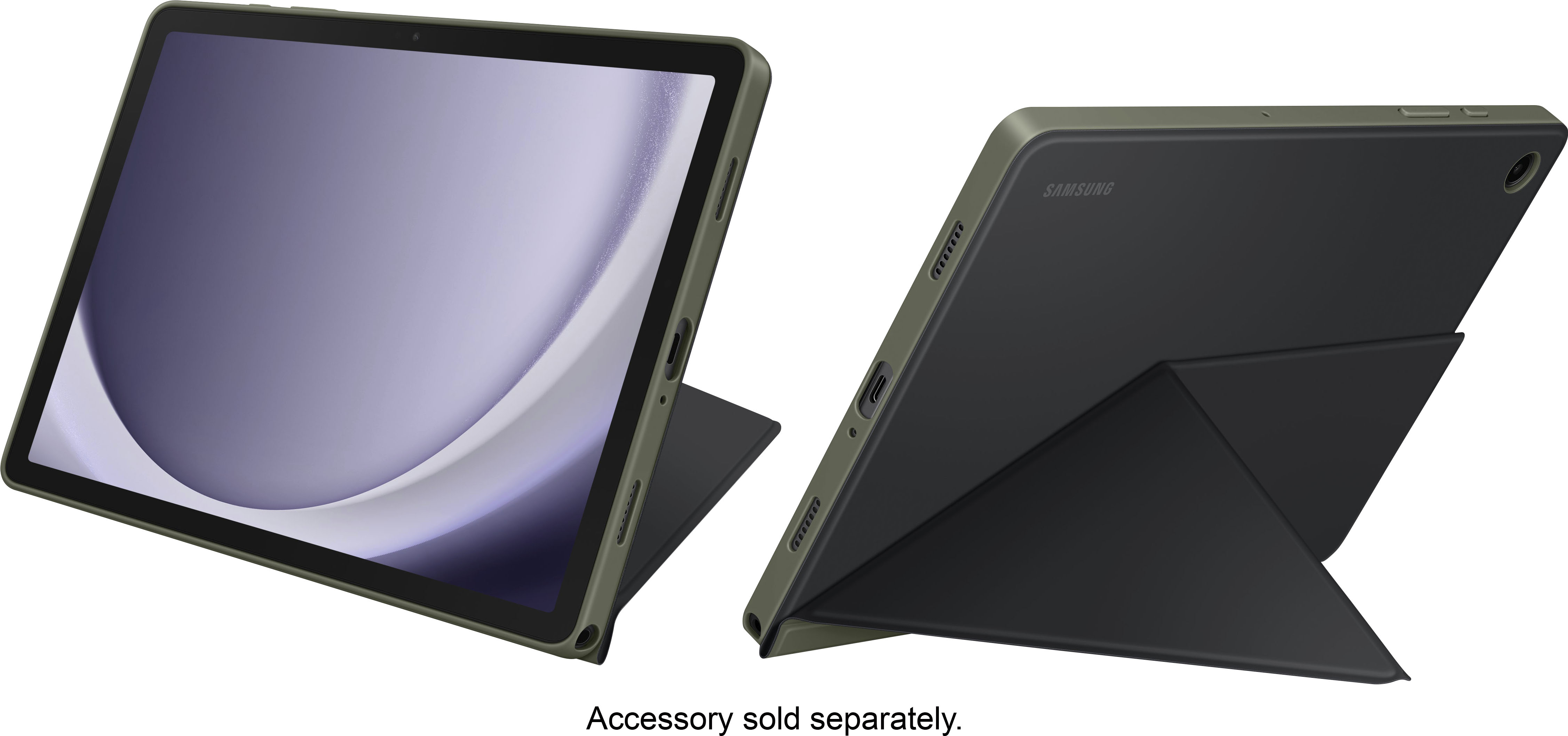
  • QuestionWhy am I having a hard time finding a case for Samsung Galaxy tablet a 9+11 inch for my particular model number SM-X210NZAEZAR? Do I have to go by the serial number?

    Asked by Jk.

    • Answer Found mine on Amazon just typed in Samsung a9+. hope this helps.

      Answered by VVic

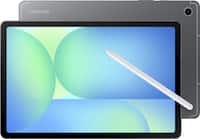
  • Questiondoes this come with a spreadsheet program?

    Asked by Anonymous.

    • Answer Hi, thanks for taking the opportunity to ask us your question about the Samsung Galaxy Tab A9+. No, the Tab A9+ does not have a pre-installed program for spreadsheets, however, you can easily download apps to this device by visiting the Google Play Store. Let us know if you have additional questions for us by reaching out to Samsung Support. Thanks for being a valued Samsung customer. - Debra
      Answered by Samsung

  • QuestionDoes it come with a power brick?

    Asked by shelleye5455.

    • Answer no.

      Answered by RamonaC

  • QuestionDoes Samsung have ANY tablets that have a SIM card slot and able to use cellular data? I've searched everywhere and can't get a straight answer from anyone or anywhere. My Samsung Tab A7 Lite has a SIM card and uses cellular data.

    Asked by Anonymous.

    • Answer Thanks for reaching out to us! We always look forward to assisting our valued customers. Although this tablet is a Wi-Fi tablet, we do offer tablets with LTE connectivity. If you have any further questions, please do not hesitate to reach out to us at Support. -Kelvin

      Answered by Samsung

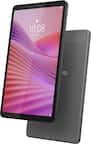
  • QuestionIs this a touch screen tablet?

    Asked by Christine.

    • Answer Hey Christine, thank you for finding the time out of your bustling day to ask us your question about the Samsung Galaxy Tab A9+. Yes, the Tab A9+ does indeed offer a touch screen display. If you have any other questions, please feel free to reach out to Samsung Support at your leisure. Thank you for being a trustworthy Samsung customer. - Debra
      Answered by Samsung

  • QuestionCan I access the playstore? I think the Google Android version?

    Asked by Kiwi.

    • Answer Hi Kiwi, thanks for taking the time out of your day to ask us your question about the Samsung Galaxy Tab A9+. Yes, the Tab A9+ does have access to the Google Play Store. If you have any other questions, please feel free to contact Samsung Support. Thank you for being a cherished Samsung customer. - Debra
      Answered by Samsung

  • QuestionDoes it have hdmi output not the port just output

    Asked by Andre.

    • Answer It's great to hear from you, Andre. We always look forward to assisting you. We see that you are interested in the Galaxy Tab A9+. The Tab A9+ does not have a HDMI port. If you have any further questions, please do not hesitate to reach out to us at Support. -Kelvin

      Answered by Samsung

  • QuestionCan we use it to take notes?does it support any pen?

    Asked by Akash.

    • Answer Hello Akash, thank you for finding the time out of your lively day to ask us your questions about the Samsung Galaxy Tab A9+. Yes, you can absolutely take notes with the Tab A9+. The S Pen is not supported with this device, however, you may utilize a passive or capacitive stylus, if you'd like. If you have any other questions for us, do not hesitate to contact Samsung Support. Thank you for being a treasured Samsung customer. - Debra
      Answered by Samsung

  • QuestionWhat is the release date of this item.

    Asked by Anonymous.

    • Answer Greetings, thank you for finding the opportunity to ask us your question about the Samsung Galaxy Tab A9+. The Tab A9+ was released in October 2023. If you have any other questions for us or if you would like any other questions, do not hesitate to reach out to Samsung Support. Thank you for being a trustworthy Samsung customer. - Debra
      Answered by Samsung

  • QuestionWill this tablet allow speech to text during a college lecture ?

    Asked by Speechtotext.

    • Answer Hi Speechtotext, thanks for taking the time out of your day to ask us your question about the Samsung Galaxy Tab A9+. The Galaxy Tab A9+ does offer Text-to-speech as one of its features. You can easily configure your Text-to-Speech (TTS) options. TTS is used for various accessibility features, such as Voice Assistant. Here's how: > From Settings, tap General management > Text‑to‑speech for options: * Preferred engine: Choose either the Samsung or Google Text-to-speech engine. Tap Settings for options. * Language: Set the default speech language. * Speech rate: Set the speed at which the text is spoken. * Pitch: Set the pitch of the speech. * Play: Tap to play a short demonstration of speech synthesis. * Reset: Reset the speech rate and pitch. If you have any other questions for us, feel free to reach out to Samsung Support at your leisure. Thank you for being a cherished Samsung customer. - Debra
      Answered by Samsung