Questions & Answers
- Model:
- SM-X210NZAAXAR
- |
- SKU:
- 10995702
Q: QuestionHi, Can I use this tablet at home without connecting to WiFi ? Or do I always need to have WiFi connected to use it ? I don't understand why this tablet is so cheap ? Please help, Thank u kindly
Asked by Nikki.
- A:Answer You can use it with out Wifi you just can't use services that require it like youtube, Netflix ect.... unless you have downloaded content.
Answered by JasonH
Q: QuestionWhy does my mouse go missing? I have to restart my computer with my touchpad to get my mouse back. How can I make this stop happening?
Asked by James.
- A:Answer If this is concerning the tablet there is no mouse. On the PC try unplugging the Mouse and use another port or use another mouse. You can also google your question and they will give you videos with information
Answered by Judes
Q: QuestionCan this tablet be updated to Android 15 ?
Asked by SR.
This question was asked about the related product: Samsung - Galaxy Tab A9+ 11" 64GB - Wi-Fi - Silver
- A:Answer Aloha SR, thanks for asking us your question about the Samsung Galaxy Tab A9+. Yes, the Galaxy Tab A9+ can be upgraded to Android 15. If you have any other questions for us or if you would like any further assistance, please do not hesitate to reach out to Support. Thanks for being a steadfast Samsung customer. - Debra
Answered by Samsung

Q: QuestionIs this a good gaming tablet
Asked by Loudoo.
- A:Answer it is good for smaller games, not graphic intensive, my wife plays card games on it, but anything more then that, it is not recommended.
Answered by LJPrestier
Q: QuestionDoes this come with touch rejection
Asked by Anonymous.
- A:Answer Yes. Go to settings tap on Display scroll down and tap Touchscreen and look for option that states Touch Rejection or Palm Rejection and turn it on.
Answered by Judes
Q: Questioncan this tablet be used both vertically & horizontal ?
Asked by juliascloset.
- A:Answer Yes
Answered by PJdiva
Q: QuestionCan you download all kinds of apps on this through Google Play or Google Store?
Asked by Apps.
- A:Answer Yes without issue
Answered by PeterM
Q: QuestionCan I download 4k videos and cast to my Samsung TV in 4k?
Asked by Boo250.
This question was asked about the related product: Samsung - Galaxy Tab A9+ 11" 64GB - Wi-Fi - Silver
- A:Answer Good day Boo250, thanks for taking the time to ask us your question about the Samsung Galaxy Tab A9+. Yes, you can do both! If you have any other questions for us, feel free to reach out to Support. Thanks for choosing Samsung! - Debra
Answered by Samsung

Q: Questiondo I need a s/d card for the tablet to work?
Asked by Beachgirl.
- A:Answer No. Although depending on how much space you need, you may want to jist go ahead and grab another. Once the tablet gets around 60% memory capacity full it starts getting real sluggish.
Answered by user117824
Q: QuestionWill the knitCompanion App work on this device?
Asked by Kris.
- A:Answer Yes it will
Answered by Judes
Q: QuestionIs this comparable to the microsoft surface with ability to download a browser app and use it?
Asked by Comparison.
- A:Answer Yes it does
Answered by Judes
Q: QuestionI want a tablet where I can upload PDFs and make notes on them. Will this tablet work for that? Is that what the stylus is for?
Asked by gst2025.
This question was asked about the related product: Samsung - Galaxy Tab A9+ 11" 64GB - Wi-Fi - Silver
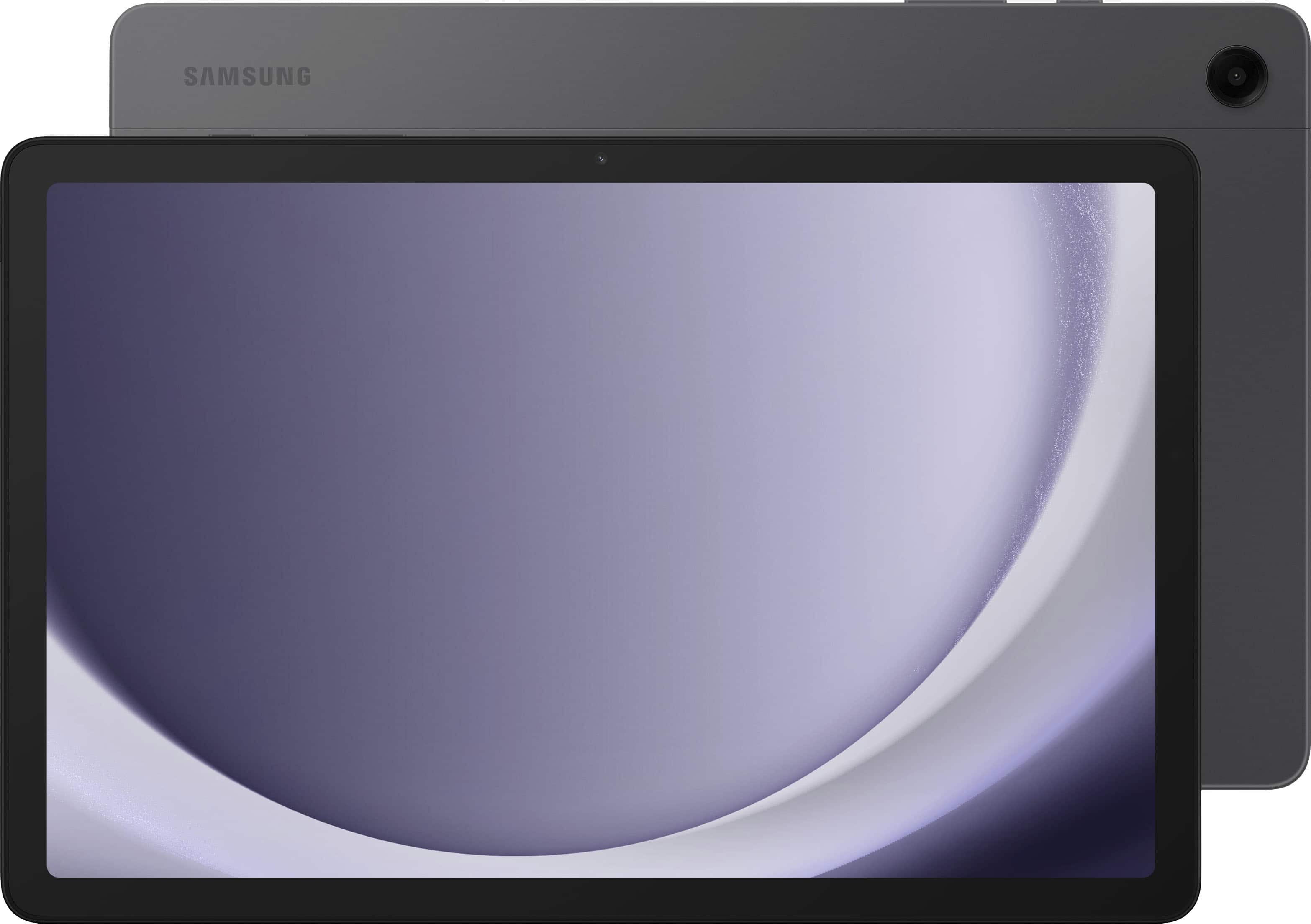
- A:Answer Aloha Gst2025, thanks for taking the time to ask us your questions about the Samsung Galaxy Tab A9+. The Samsung Notes app on your Galaxy phone and tablet lets you import PDF documents. You can write on, draw on, and annotate your PDFs right from the app and then save them for future use. There are additional options for exporting PDFs and notes as well, such as PowerPoint presentations or Microsoft Word documents, if you need to add the contents elsewhere. The Galaxy Tab A9+ is not S Pen compatible, however, a passive or capacitive stylus works just fine to get the job done. If you think of any other questions for us or if you would like any further assistance, do not hesitate to contact Support. Thanks for being a staunch Samsung customer. - Debra
Answered by Samsung

Q: QuestionWhere to get the manual of tab a9+?
Asked by jack.
- A:Answer The user guide for the Samsung Galaxy Tab A9+ tablet is in the settings menu tap on user guide to open it
Answered by Anonymous
Q: Questionwhat to do if I gorgot the PIN?
Asked by Anonymous.
- A:Answer You would need to do a factory reset. You can google your question and they will provide videos showing you how to find it.
Answered by Judes
Q: QuestionDoes this come with a place to connect earphones?
Asked by Terri.
- A:Answer Yes it is located in the left corner next to the usb c charging port. You can also connect this tablet with wireless Bluetooth earbuds or headsets
Answered by Anonymous
Q: QuestionIs this tablet compatible to show my swann security cameras?
Asked by D1.
- A:Answer Sorry, I have no idea. However, I would suggest you email or call Swann Security and ask if the tablet will support your cameras.
Answered by Chris
Q: Questiondo it come with google play
Asked by Anonymous.
- A:Answer Yes it does. It is a wonderful tablet. I like it better than Apple.
Answered by RLJ1970
Top Rated
- $209.99$209.99The price was $249.99
- $244.99$244.99The price was $269.99
- $849.99$849.99The price was $1,199.99
- $129.99$129.99The price was $169.99
- $289.99$289.99The price was $329.99
- $319.00$319.00The price was $349.99
- $878.00$878.00The price was $999.99
- $259.99$259.99The price was $309.99
- $408.99$408.99The price was $649.00
- $299.99$299.99The price was $349.99
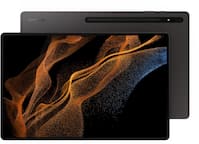
Samsung - Refurbished Excellent - Galaxy Tab S8 Ultra - 14.6" 512 GB - Wi-Fi - with S-Pen - Graphite$469.00$469.00The price was $499.99- $448.00$448.00The price was $599.99