Questions & Answers
- Model:
- SM-X210NZAAXAR
- |
- SKU:
- 11232915
Q: QuestionDoes this have a sim card clot or can I insert a sim card in this tablet?
Asked by Chris.
- A:Answer Hey there Chris, thank you for finding the free time out of your busy day to ask us your question about the Samsung Galaxy Tab A9+. The advertised Galaxy Tab A9+ is a Wi-Fi enabled tablet that lacks the cellular capability needed in order to be added to a wireless carrier's network. You would be looking for an LTE/5G version of this tablet if you were wanting to add it to your wireless carrier's network and/or to be able to add a SIM card to the tablet. So, to ultimately answer your question, the advertised Galaxy Tab A9+ does not have a sim card slot. It does, however, have expandable storage up to 1TB so it will offer a microSD slot. I hope that helps answer your question and provides some guidance for you on finding the correct tablet to fit your needs. If you have any additional questions for us, do not hesitate to reach out to Samsung Support. Thank you for being a valued Samsung customer. - Debra
Answered by Samsung
Q: Questionhow much is a charger for this device or can you use your phone charger
Asked by Anonymous.
- A:Answer You can use a Type C charger and most phone chargers are that type. If not, chargers should be around 15 dollars.
Answered by FraFran
Q: QuestionCan’t it run Microsoft apps and basic office softwares like pdf, word, excel, videos
Asked by J.
- A:Answer Yes, if you already have Microsoft 365 for your PC, you can actually download a copy to your tablet for easy access.
Answered by Ballin
Q: QuestionIs this tablet memory upgradable like the Microsoft Surface?
Asked by DonitaM.
- A:Answer Aloha Nit, thank you for finding the opportunity to ask us your question about the Samsung Galaxy Tab A9+. The Tab A9+ is offered in 64GB with 4GB RAM or 128GB with 8GB RAM. You are able to expand the storage of this tablet up to 1TB when you add a microSD card to this device. If you think of any other questions for us, feel free to contact Samsung Support at your earliest convenience. Thank you for being a loyal Samsung customer. - Debra
Answered by Samsung

Q: QuestionCan this device be located if lost or stolen.
Asked by Daneo.
- A:Answer Yes, you can locate a lost or stolen Samsung Galaxy Tab A9+ 11" using several methods: Find My Mobile: If you have previously set up Samsung's Find My Mobile service on your tablet and your Samsung account, you can use this service to locate your device. You can access Find My Mobile through the Samsung website or the Find My Mobile app on another device. Google Find My Device: If you have enabled the "Find My Device" feature on your tablet and linked it to your Google account, you can use Google's Find My Device service to locate, ring, lock, or erase your device remotely. You can access Find My Device through the Google website or the Find My Device app on another device.
Answered by FUGATI
Q: QuestionCan you load Yahoo mail on this tablet?
Asked by Anonymous.
- A:Answer Yes! You'll need to download the correct app from the Google play store.
Answered by PTfromPNW
Q: QuestionHow does the screen compare to the screen on iPad 10 for quality? Can I get a deal on galaxy buds fe if I purchase with this tablet?
Asked by hhshah.
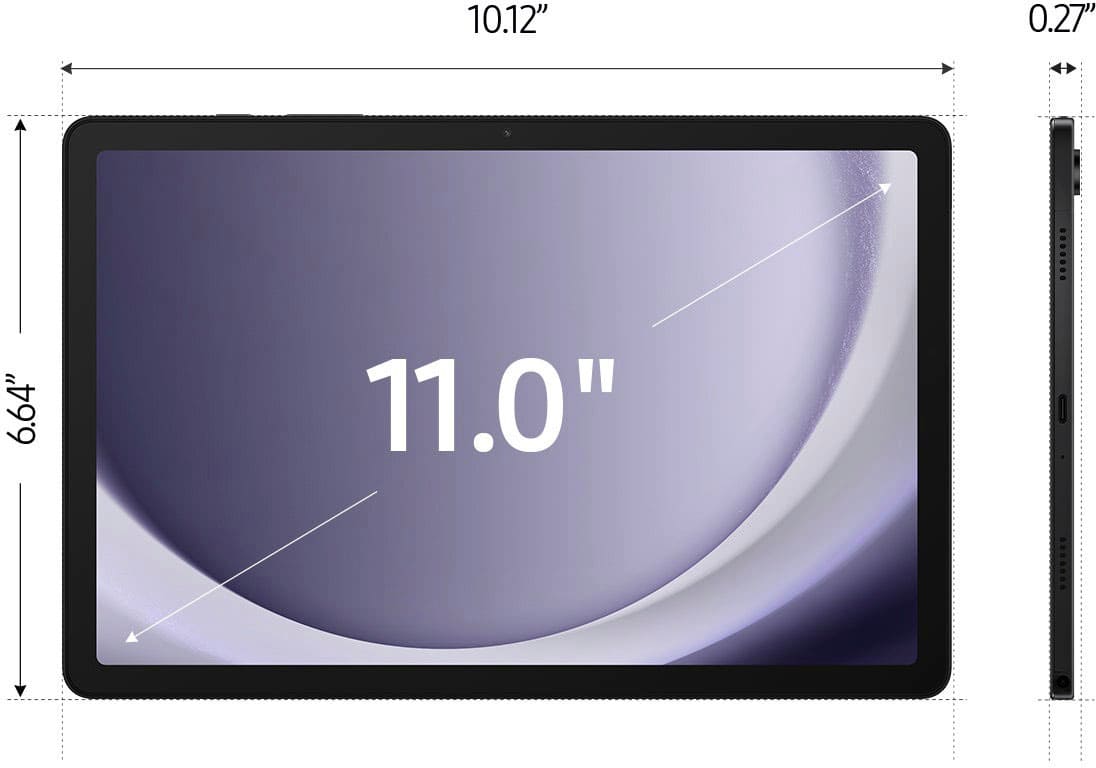
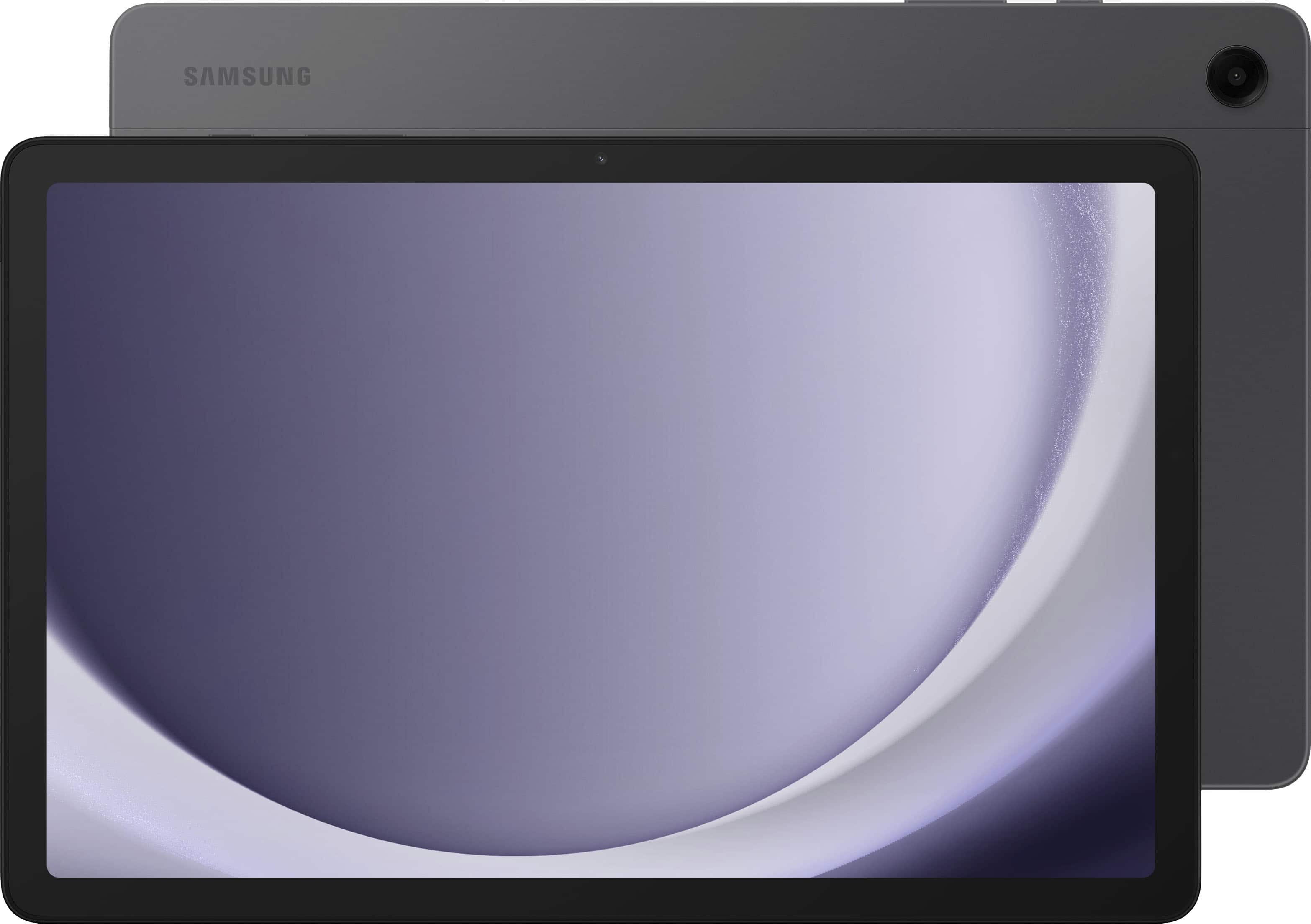
- A:Answer Both the Samsung Galaxy Tab A9+ 11" and the iPad 10 (assuming you are referring to the iPad 10.2-inch model) offer high-quality displays, but there are some differences worth considering. The Samsung Galaxy Tab A9+ 11" features an 11-inch TFT LCD display with a resolution of 1600 x 2560 pixels. This display provides crisp and clear visuals with vibrant colors and good viewing angles. However, as it uses a TFT LCD panel, it may not offer the same deep blacks and contrast levels as other display technologies like AMOLED. On the other hand, the iPad 10.2-inch comes with a Retina display, which is Apple's term for high-resolution screens. It has a resolution of 2160 x 1620 pixels, offering sharp details, excellent color accuracy, and wide viewing angles. Additionally, Apple's Retina displays typically feature IPS (In-Plane Switching) technology, which delivers rich colors, deep blacks, and high contrast ratios. In terms of overall quality, both displays are excellent and will provide a satisfying viewing experience for most users. However, if you prioritize color accuracy and deep blacks, you may prefer the iPad's Retina display. If you're looking for a larger screen size, the Galaxy Tab A9+ might be more appealing.
Answered by FUGATI
Q: Questionwhat keyboard is there?
Asked by kirish.
This question was asked about the related product: Samsung - Galaxy Tab A9+ 11" 64GB - Wi-Fi - Silver
- A:Answer Salutations Kirish, thank you for taking the time to ask us your question about the Samsung Galaxy Tab A9+. The Galaxy Book Cover Keyboard Slim for Galaxy Tab A9+ would be a perfect addition to your device. If you have any other questions or if you would like any further assistance, please feel free to reach out to Support. Thank you for being a steadfast Samsung customer. - Debra
Answered by Samsung
Q: QuestionCan You tube tv oleate on this device.many answers relate to you tube, but it seems you tube tv is not an option on many tablets
Asked by Confused.
- A:Answer Yes, there is a separate "YouTube TV" app for tablets. It is available on the play store and is available to download for this tablet. I own the tablet and can download it. Remember though, that the YouTube TV app does require a spearare subscription in order to be able to access the content found on it.
Answered by Moohan
Q: QuestionI have Samsung Galaxy + buds. Will the Samsung Galaxy Tab A9+ pair easily with them?
Asked by Sweetie13.
This question was asked about the related product: Samsung - Galaxy Tab A9+ 11" 64GB - Wi-Fi - Silver
- A:Answer Aloha Sweetie13, thank you for finding the opportunity to ask us your question about the Samsung Galaxy Tab A9+. Yes, they will! Feel free to check out, "How to connect your Galaxy Buds" if you would like more information. Let us know if you think of any other questions for us by reaching out to Support. Thank you for being a staunch Samsung customer. - Debra
Answered by Samsung

Q: QuestionDoes this tablet come new or pre-owned?
Asked by Marshall.
- A:Answer I got this one new.
Answered by LillyMiller
Q: QuestionCan I print to a printer from this tablet
Asked by Steve.
- A:Answer Yes I can print as well
Answered by Tootie
Q: Questionhow much is a stand?
Asked by mike.
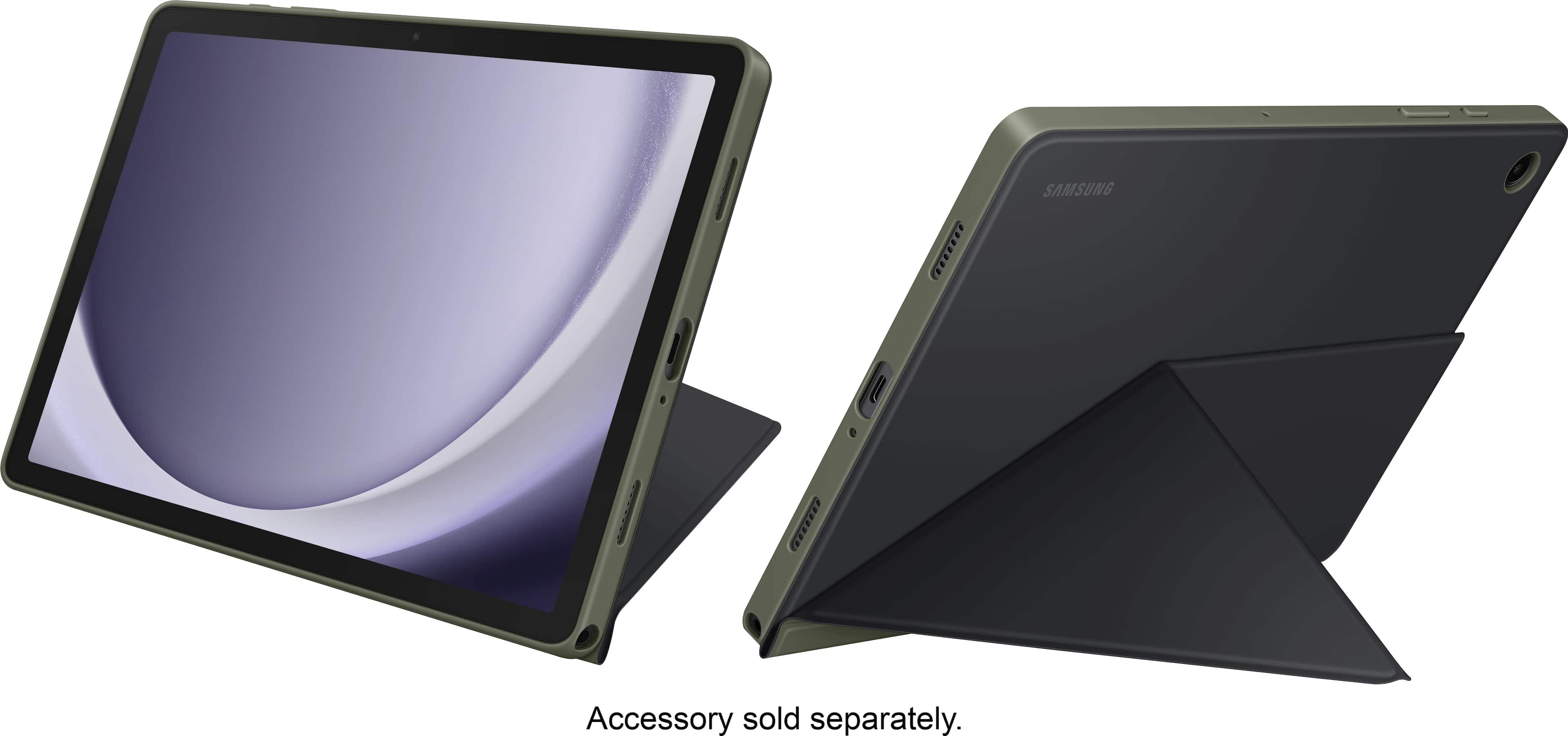
- A:Answer I bought a protectivecover with a built-in stand for round 10 to 15 dollars
Answered by Kevinlry
Q: QuestionCan it be used overseas in japan?
Asked by Testtrax.
This question was asked about the related product: Samsung - Galaxy Tab A9+ 11" 64GB - Wi-Fi - Silver
- A:Answer It should work anywhere. The only issue would be the WiFi. Different countries have different frequency channels allocated for use, so it is possible that there are some hotspots that use a frequency that this tablet cannot get in that country.
Answered by Harrkev
Q: QuestionCan I use the charger from my Samsung Galaxy Tab A8 with the Samsung Galaxy Tab A9+?
Asked by Karen.
- A:Answer Howdy Karen, thanks for taking the time out of your hectic day to ask us your question about the Samsung Galaxy Tab A9+. Absolutely, you can! The Galaxy Tab A9+ and the Galaxy Tab A8 utilize USB Type C data cables to charge the devices. Using the charging cable from either tablet will pose no issue for you as they are compatible. If you have any other questions for us or if you would like any further assistance, please do not hesitate to reach out to Samsung Support at your earliest convenience. Thank you for being a valued customer. - Debra
Answered by Samsung

Q: QuestionDoes this item have the live transcribe function for the hearing disabled?
Asked by shackman12.
- A:Answer Hi Shackman12, thanks for taking the time out of your day to ask us your question about the Samsung Galaxy Tab A9+. That's a good question! Yes, you can configure the settings of the Tab A9+ to help you interact with your device’s sounds, including captioning, sound balance, and hearing aid support. Here's how: From Settings, tap Accessibility > Hearing enhancements and tap an option: Live Transcribe: Use the microphone to record speech and convert it to text. If you have any additional questions for us or if you would like further assistance, let us know by reaching out to Samsung Support at your earliest convenience. Thank you for being a cherished Samsung customer. - Debra
Answered by Samsung

Q: QuestionDoes this tablet have an sd card reader?
Asked by Anonymous.
- A:Answer This has a space to add a micro-sd card. It is used to expand the storage.
Answered by Harrkev
Q: Questioncan you download eBooks and read emails on this device?
Asked by busness.
- A:Answer If you have a wifi connection, and GMail or something similar
Answered by pennm
Q: QuestionI still have the charger from my Samsung T580 that I bought in 2016. Can I use that charger with this tablet? If not, what comes in the box?
Asked by Annie.
- A:Answer Probably not. My two tablets were about 8 years apart in age and the charging plugs are not compatable.
Answered by ElizabethC
Q: QuestionHow long with it take updates
Asked by MJ.
- A:Answer Less than 5 minutes so far
Answered by GoldGorilla1978
Best-selling tablets
- $265.00$265.00The price was $269.99
- $179.99$179.99The price was $189.99
- $135.33$135.33The price was $139.99
- $172.00$172.00The price was $179.99