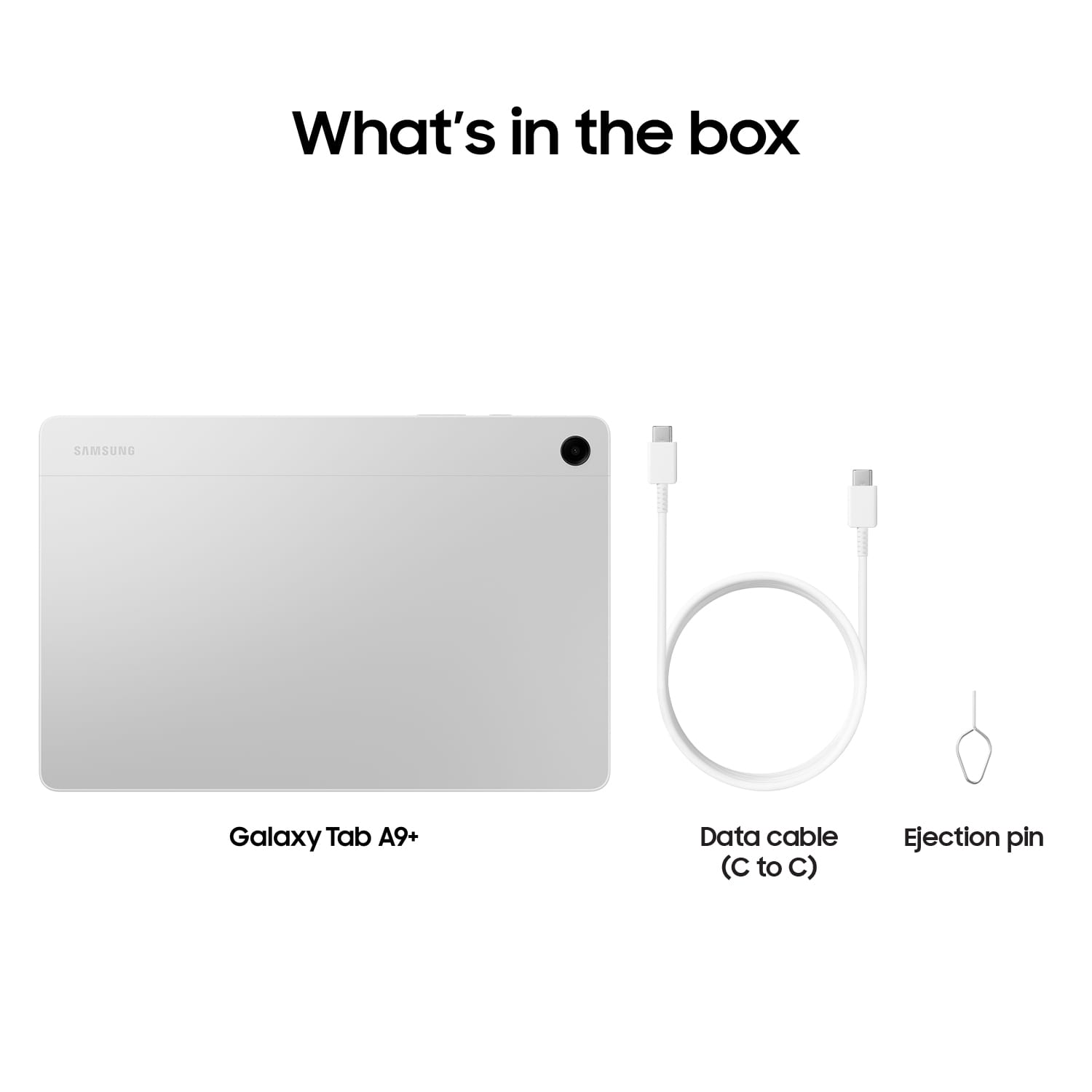
A:AnswerSalutations Lola, thanks for taking the opportunity to ask us your question about the Samsung Galaxy Tab A9+. Yes, the Tab A9+ does support Google Play services. Feel free to contact us with any other questions you may have. Thank you for being a dedicated Samsung customer. - Debra
A:AnswerIt's great to hear from you! We noticed you reached out to inquire about the Tab A9+. The Galaxy Tab A9 and Tab A9+ are designed to provide a seamless multitasking experience with up to 4GB of RAM memory, ensuring that you can switch between apps and tasks without experiencing lag. The built-in 64GB storage capacity is ideal for storing your high-resolution videos, photos, and files without worrying about running out of space. In addition, the devices offer the flexibility to expand the storage further using a microSD card, with support for up to 1TB of additional storage, giving you ample space to store all your digital content and media files. With the ability to expand storage, you can have peace of mind knowing that there's always room for more content, whether it's your growing media library or important work documents. If you have any further questions, we'd be more than happy to assist you at Support. -Kelvin
A:AnswerHi there, thanks for taking the opportunity to ask us your question about the Samsung Galaxy Tab A9+. No, the advertised Galaxy Tab A9+ is a Wi-Fi enabled tablet that lacks the cellular connectivity needed in order to be added to a carrier's wireless network. You would be looking for an LTE version of tablet if you were wanting to add it to your wireless carrier's network, add a SIM card to the tablet, and/or provide internet to the device in the absence of a steady Wi-Fi connection. If you have any other questions for us, let us know by reaching out to Samsung Support. Thank you for being a loyal Samsung customer. - Debra
A:AnswerHi there, thanks for taking the available time out of your hectic day to ask us your question about the Samsung Galaxy Tab A9+. Sometimes Wi-Fi problems are caused by simple network issues. Other times, you may need to take additional steps on your phone or tablet to ensure your Wi-Fi connection is stable, such as re-adding the connection or assigning a static IP address. When you have the opportunity available, please take a moment to review, "Galaxy phone or tablet Wi-Fi connection issues" to help resolve what you may be experiencing with your Galaxy Tab A9+. If you have any other questions for us or if you would like any further assistance, let us know by reaching out to Samsung Support. Thank you for being a faithful Samsung customer. - Debra
A:AnswerHowdy Matt, thanks for taking the available time out of your busy day to ask us your question about the Samsung Galaxy Tab A9+. No, however, you can still achieve mobile continuity between your device and other connected devices. Samsung DeX allows you to connect your device to a PC or TV for an enhanced multitasking experience. You can also utilize Smart View is you would like to show your device's screen or play videos on a nearby TV. Hope that helps answer your question. If you think of any additional questions for us, let us know by contacting Samsung Support. Thank you for being a valued Samsung customer. - Debra
A:AnswerHello Lina, thank you for contacting us! The answer to your question is yes, the Galaxy Tab A9+ supports a plethora of streaming services, including Frndly TV and Tubi TV. You will be able to enjoy your shows and movies in full HD 1920x1200 resolution. If you have any additional questions, please reach out to us at support. - Kelvin
A:AnswerThank you for reaching out to our support team. We wanted to address your inquiry about the Tab A9+. The Tab A9+ tablet does not support S Pen capabilities. However, if you are interested in a device with S Pen functionality, we have several options available, including the Galaxy Z Fold6, Galaxy Z Fold5, Z Fold4, Note series phones, Tab S7, Tab S8, Tab S9, S21 Ultra, S22 Ultra, S23 Ultra, S24 Ultra, and Book3. These devices are equipped with S Pen capabilities, which may align more closely with your needs. If you have any further, reach out to us at Support. -Kelvin
A:AnswerYou do not need access to the internet to receive GPS data. GPS satellite transmissions are independent of cell/wifi data. The only thing the internet provides is mapping data, which of necessary you can download and save to local storage.
A:AnswerHi, it's great to hear from you! To answer your question, the Tab A9+ Wi-Fi edition does have GPS capabilities, although you would need to be connected to the internet via hotspot connection or Wi-Fi connection. If you have any further questions, do not hesitate to let us know at support. -Kelvin
A:AnswerAloha Mitch, thank you for finding the opportunity to ask us your question about the Samsung Galaxy Tab A9+. No, the Galaxy Tab A9+ is a Wi-Fi enabled device that lacks the cellular connectivity to be added to a wireless network. In fact, this device is fully functional only in the presence of a steady Wi-Fi signal. Let us know if you have any other questions for us by reaching out to Support. Thank you for being a staunch Samsung customer. - Debra