A:AnswerFrom my experience the adapter that comes with the tablet is rated 110-220 volts. To be certain, check the writing on the adapter. You may need a magnifying glass to read it well, its very tiny.... You may however need a plug adapter to fit the type of socket in the country you will be going to.
A:Answerif you want to use it where there is no wifi signal, use your phone as a "hotspot" and you can connect this tablet to the internet through the phones data.
A:AnswerYes. Turn on sync from top bar. Scroll right to left on top bar icons till you see sync icon. Tap and follow directions to sync to your phone.
You can also sync to TV to use your tablet or phone as a remote to control TV settings, including on and off. The user manual covers this in detail as well as other functions. I downloaded the manual from suggested Web address site online.
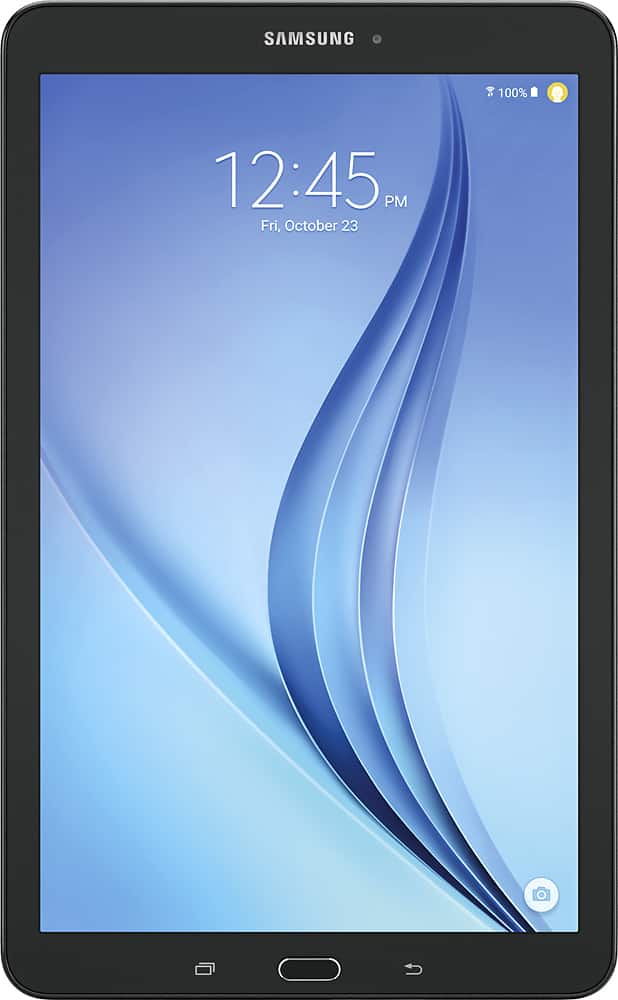
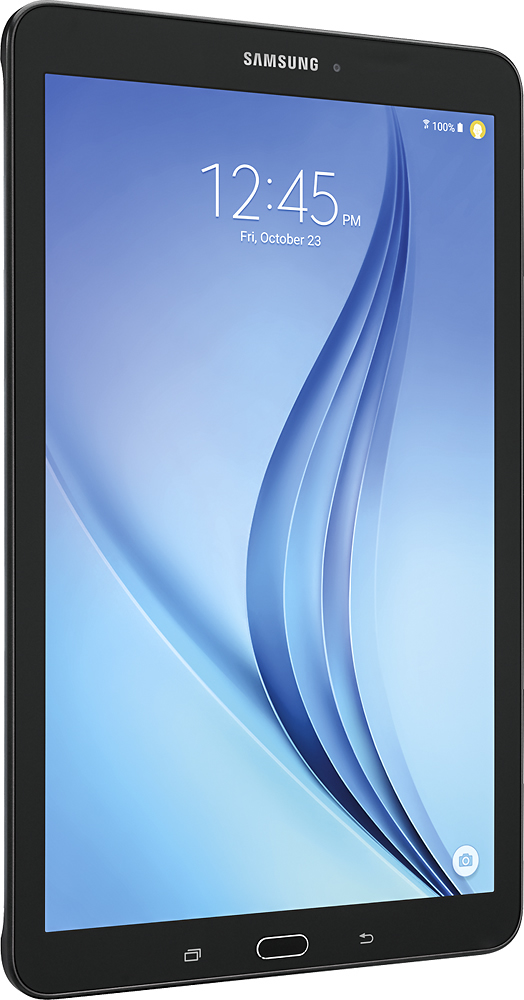
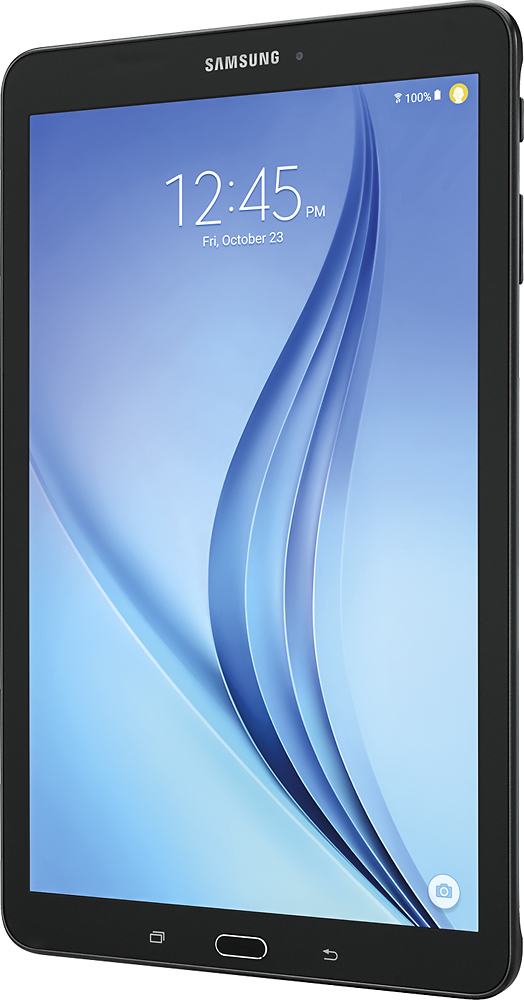
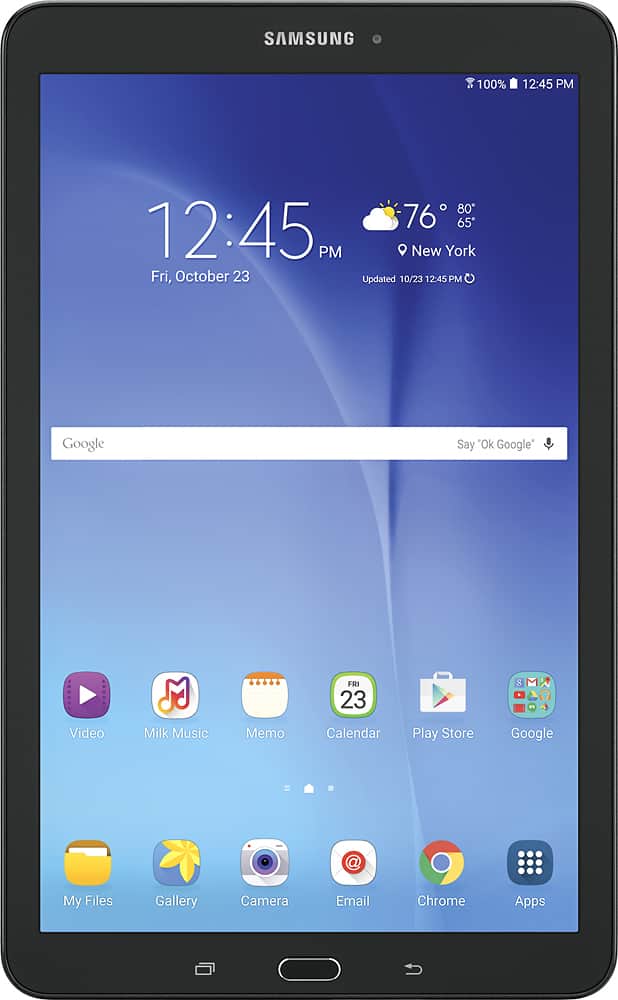
A:AnswerThe Samsung Galaxy Tab A has an aspect ration of 4:3 with an IPA screen. The Tab E has a nice display (although I am not sure whether it is IPA), but the key difference is the screen is wider (16:9 aspect ratio), which is great for watching movies. The Tab E also costs less.