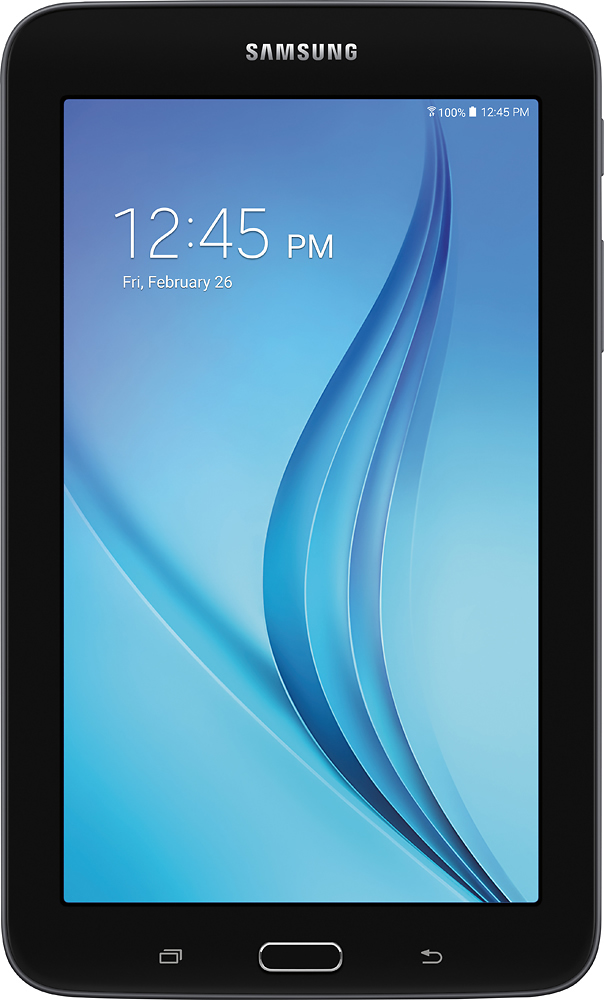
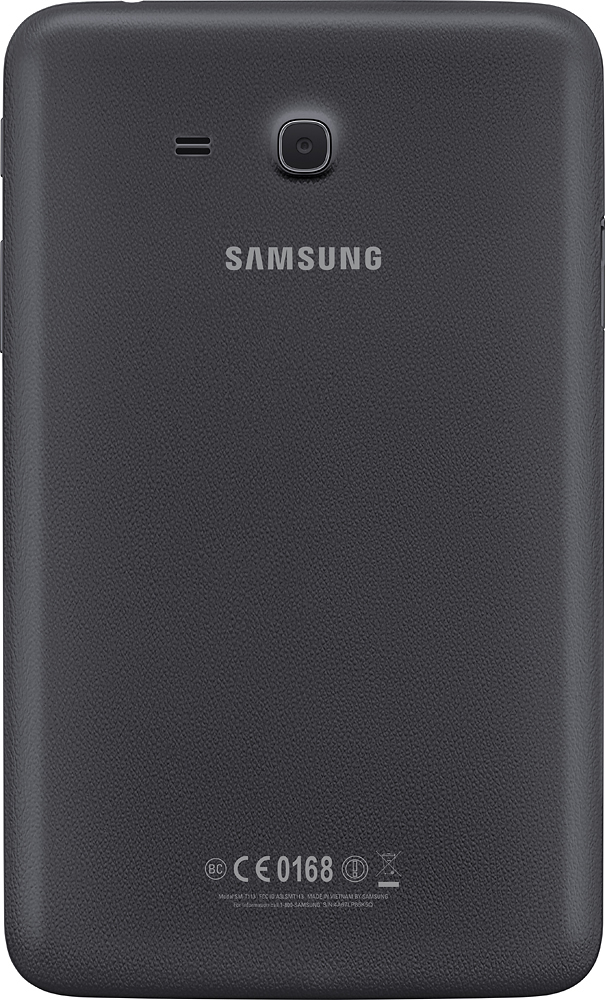
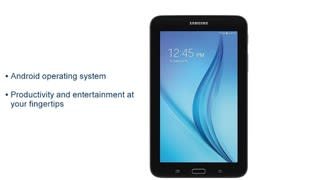
A:AnswerThis is a great tablet but will be just like reading on a galaxy phone. Glare can still be a problem in direct sunlight just like if you try to look at your phone in the sun.
A:AnswerThe Galaxy Tab E Lite has several functions that use the GPS ability. As a reminder, before using any features that require location assistance, you must enable your device’s location services. I have provided a link to the Tab E's manual. Please consult page 55 for instructions.
https://www.samsung.com/ca/support/model/SM-T113NDWAXAC/ ^Thomas
A:AnswerI own two Galaxy tabs. The Galaxy Tab E Lite is used by my 3 yo for long car trips. My Galaxy Tab A6 is used exclusively for reading nook books. It’s just slow and cumbersome (to me). I use my iPhone 6S for maintaining long lists and notes (Notes app). I can even update/add lists and notes on my MacBook Pro. I’m sure you could use the Galaxy Tab E Lite, too, but the keyboard isn’t as responsive as my iPhone’s keyboard.