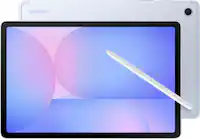
A:AnswerAloha Dee1, thanks for asking us your question about the Samsung Galaxy Tab S10 FE. As of January 2024, we are extending our security update support for Samsung Galaxy devices by up to 7 years, to help our users enjoy the latest Galaxy experiences longer and securely. Let us know if you have any other questions for us by reaching out to Support. Thank you for being a devoted Samsung customer. - Debra
A:AnswerHey Sassy, thank you for taking the time to ask us your question about the Samsung Galaxy Tab S10 FE. The advertised Galaxy Tab S10 FE is the U.S. version of this device. If you have any other questions for us or if you'd like further assistance, please do not hesitate to contact Support. Thank you for being a loyal Samsung customer. - Debra
A:AnswerHello Roma, thank you for taking the time to ask us your question about the Samsung Galaxy Tab S10 FE. No, the Galaxy Tab S10 FE/FE+ does not support wired connections to an external display monitor. The USB-C port does not support video output. If you have additional questions, please feel free to contact Support. Thanks for being a valued Samsung customer. - Debra
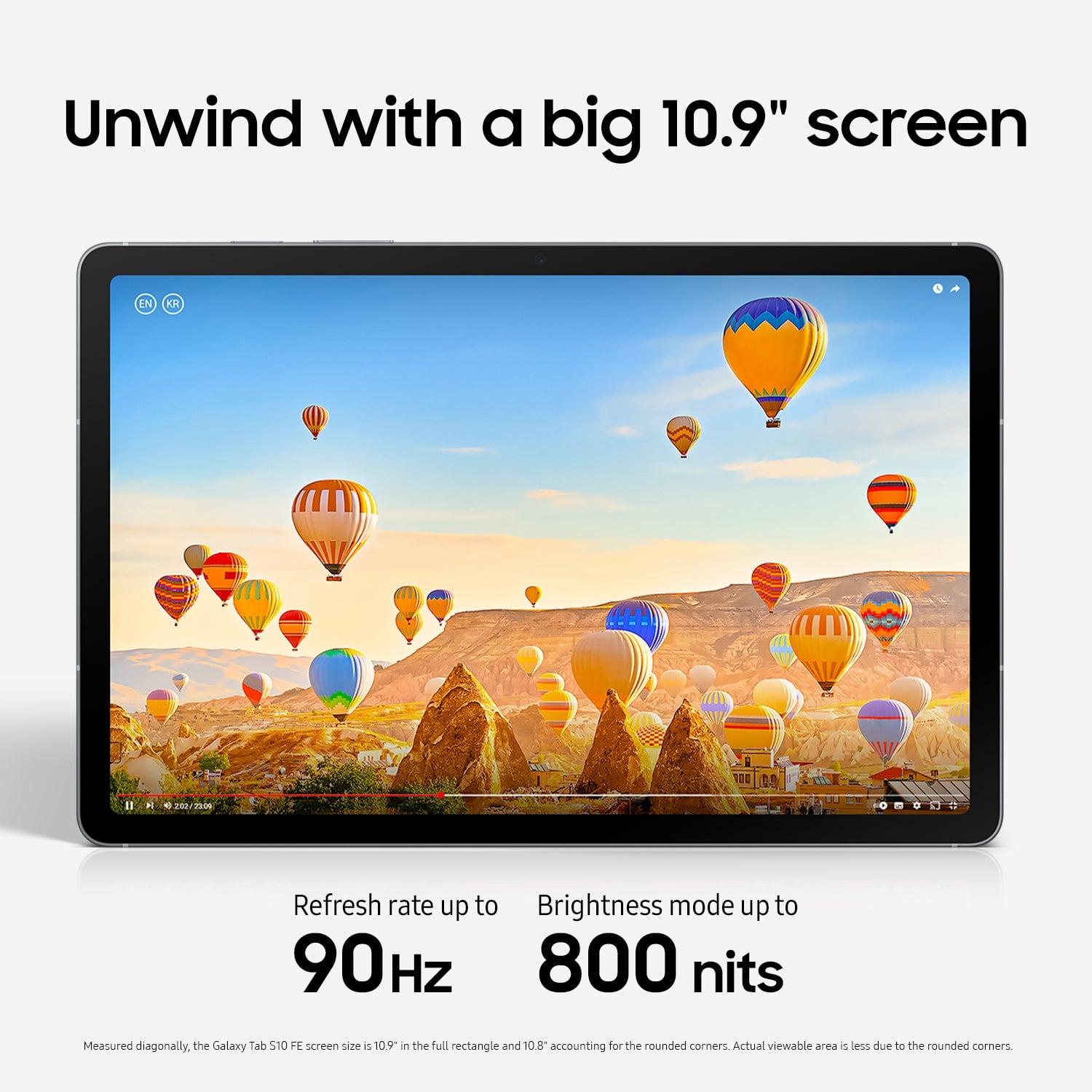
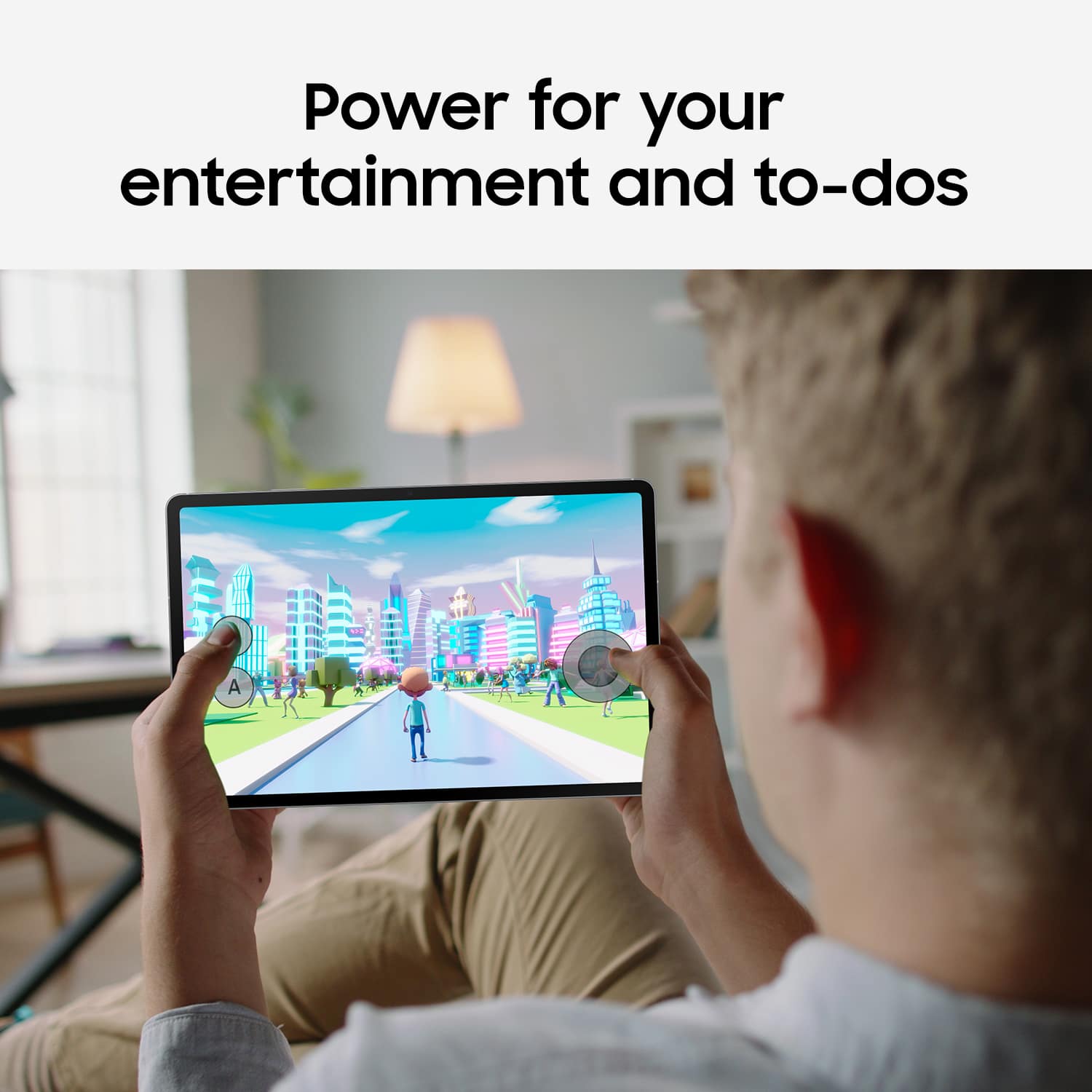
A:AnswerHey, thank you for asking us your question about the Samsung Galaxy Tab S10 FE. The Galaxy Tab S10 FE offers a bigger, better display with up to 90Hz adaptive refresh rate making your content look crisp and scrolling feel fluid. Vision Booster keeps views looking clear even outdoors with up to 800 nits brightness. If you have any other questions, please feel free to reach out to Support. Thanks for being a staunch Samsung customer. - Debra
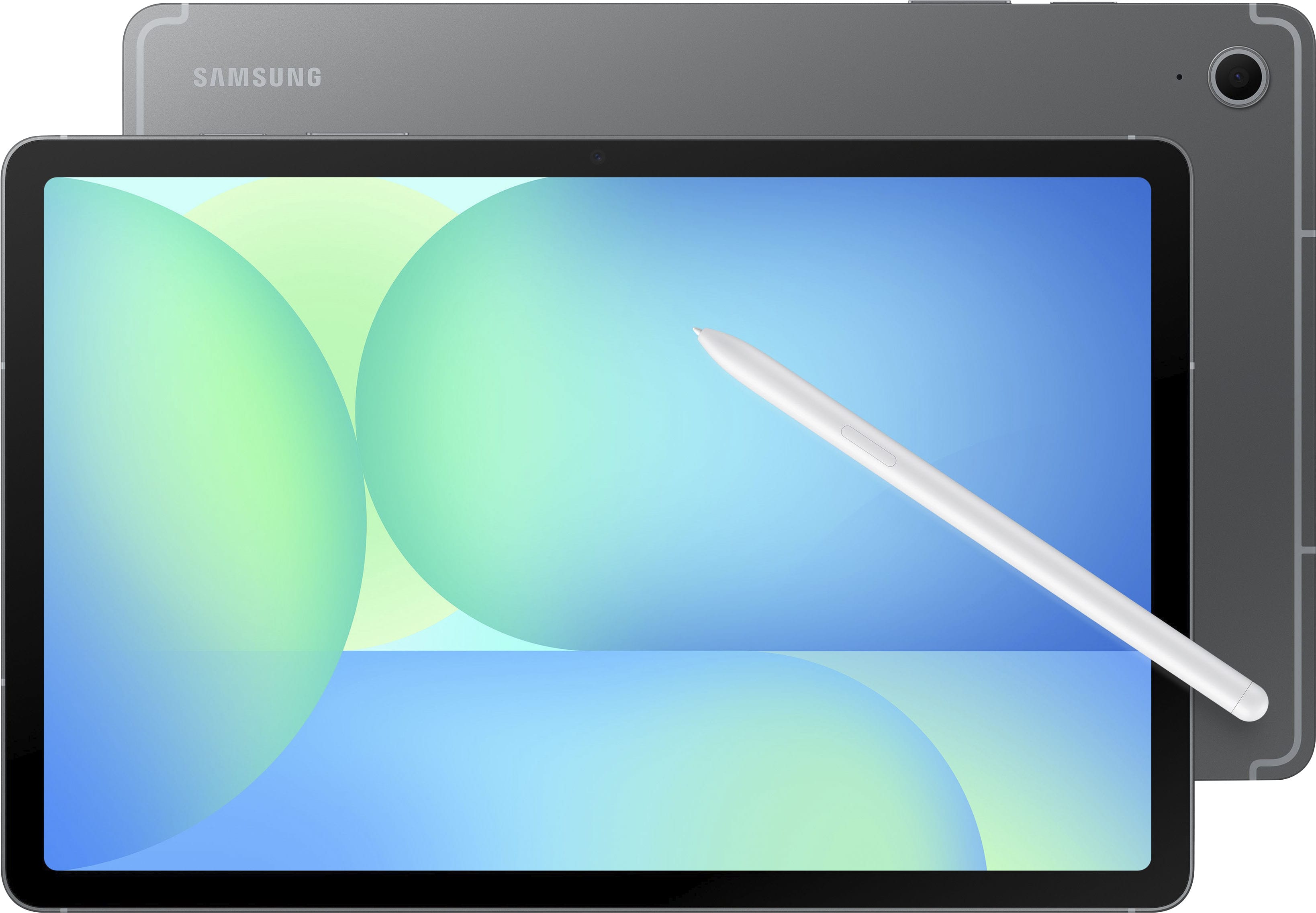
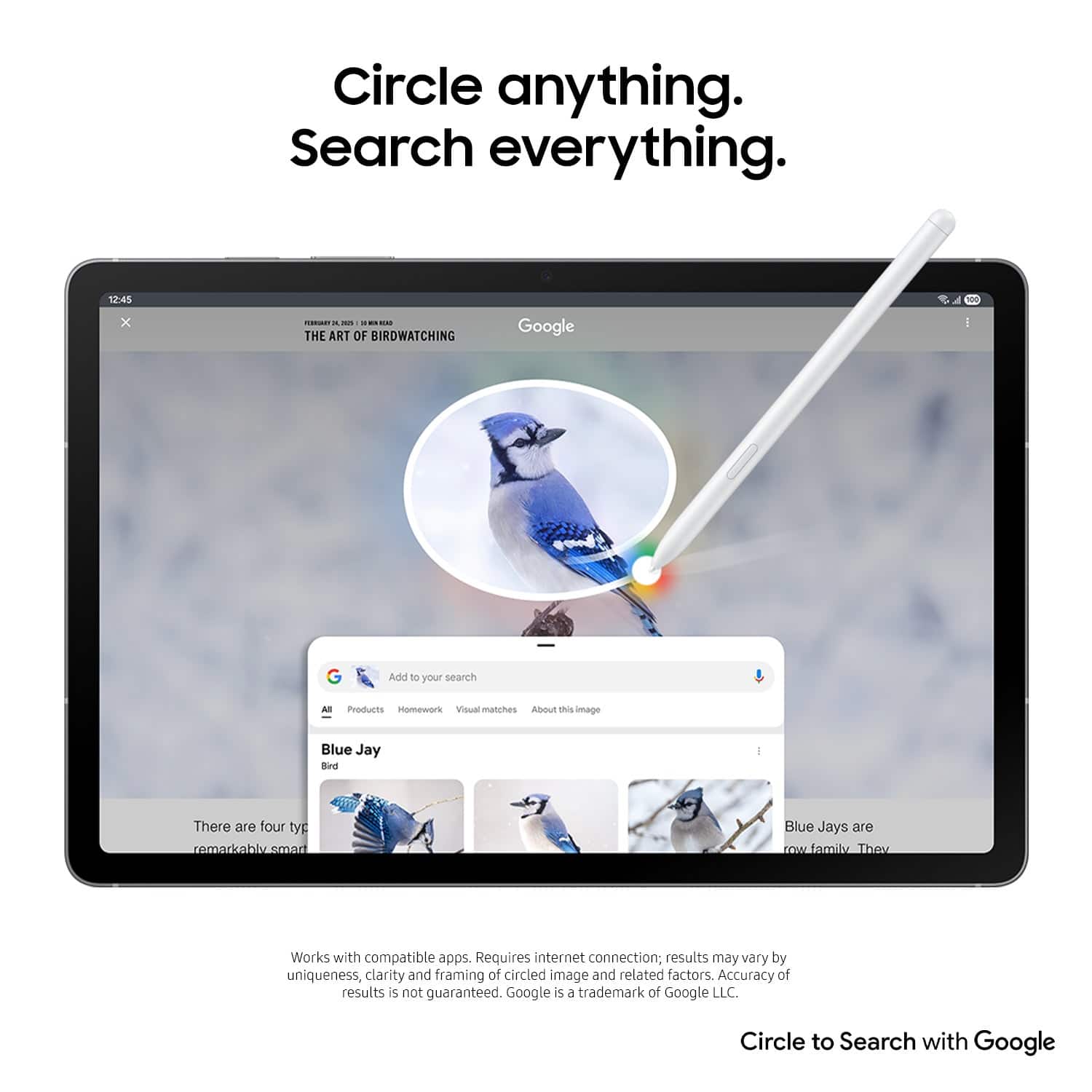
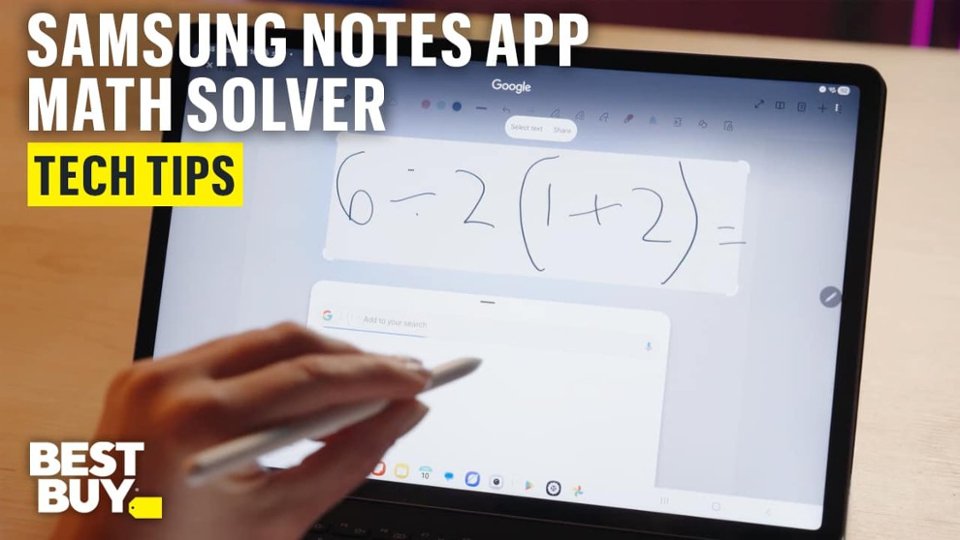
A:AnswerHi there Alx, thank you for taking the time to ask us your question about the Samsung Galaxy Tab S10 FE. Yes, the Galaxy Tab S10 FE, as well as other Galaxy Tabs with S Pen support, can convert handwritten notes to typed text. If you have additional questions, feel free to reach out to Support at your leisure. Thank you for being a valued Samsung customer. - Debra
A:AnswerHey, thank you for taking the time to ask us your question about the Samsung Galaxy Tab S10 FE. No, the advertised Galaxy Tab S10 FE does not support wired HDMI output via its USB-C port. The USB-C port on the FE models is limited to USB 2.0 speeds and lacks the necessary DisplayPort capability for wired screen mirroring or Dex to an external monitor. If you have any other questions for us or if you would like further assistance, please feel free to reach out to Support. Thank you for being a loyal Samsung customer. - Debra
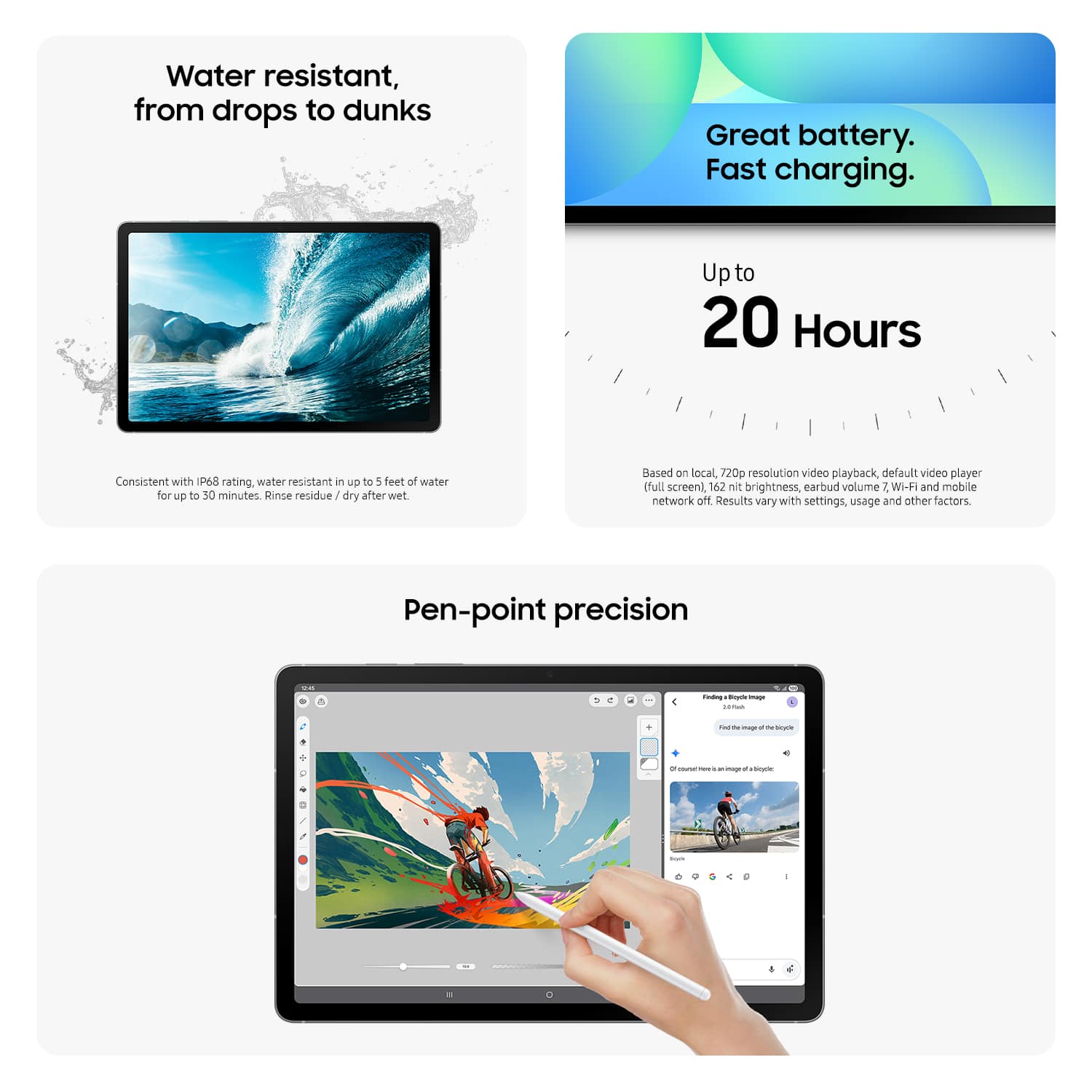
A:AnswerGood day Joe, thanks for asking us your question about the Samsung Galaxy Tab S10 FE. The Tab S10 FE offers Up to 20 hours of video playback time with its 8,000 mAh battery capacity. If you have any other questions, please let us know by reaching out to Support. Thanks for choosing Samsung! - Debra
A:AnswerIt doesn’t come with Microsoft Office apps like Word or Excel pre-installed. It mainly includes Samsung apps, along with some basic apps like YouTube and Spotify.
A:AnswerHello there Dadndan, thanks for asking us your question about the Samsung Galaxy Tab S10 FE. The advertised Galaxy Tab S10 FE is a Bluetooth/Wi-Fi enabled device and it lacks a SIM card tray. This device is unable to be added to your wireless carrier's network. If you have additional questions for us or if you would like any further assistance, please feel free to contact Support. Thanks for choosing Samsung! - Debra
A:AnswerYes ,am looking for the tab with atleast E SIM compatibility. is possible to add my carrier network through E SIM. Please confirm anyother model is there in Samsung. Thanku in advance
A:AnswerSalutations Saymay, thank you for taking the opportunity to ask us your question about the Samsung Galaxy Tab S10 FE. That's a great question! Yes, the Galaxy Tab S10 FE can be used for learning to code, however, tablets in general are not ideal for complex software development and your experience will have limitations compared to a laptop. If you have additional questions for us, please do not hesitate to contact Support. Thanks for being a valued Samsung customer. - Debra
A:AnswerGreetings SaulC94, thank you for asking us your question about the Samsung Galaxy Tab S10 FE. No, the Galaxy Tab S10 FE does not support HDR10+, however, HDR10 is supported. If you think of any other questions, please do not hesitate to contact Support. Thanks for being a trustworthy Samsung customer. - Debra
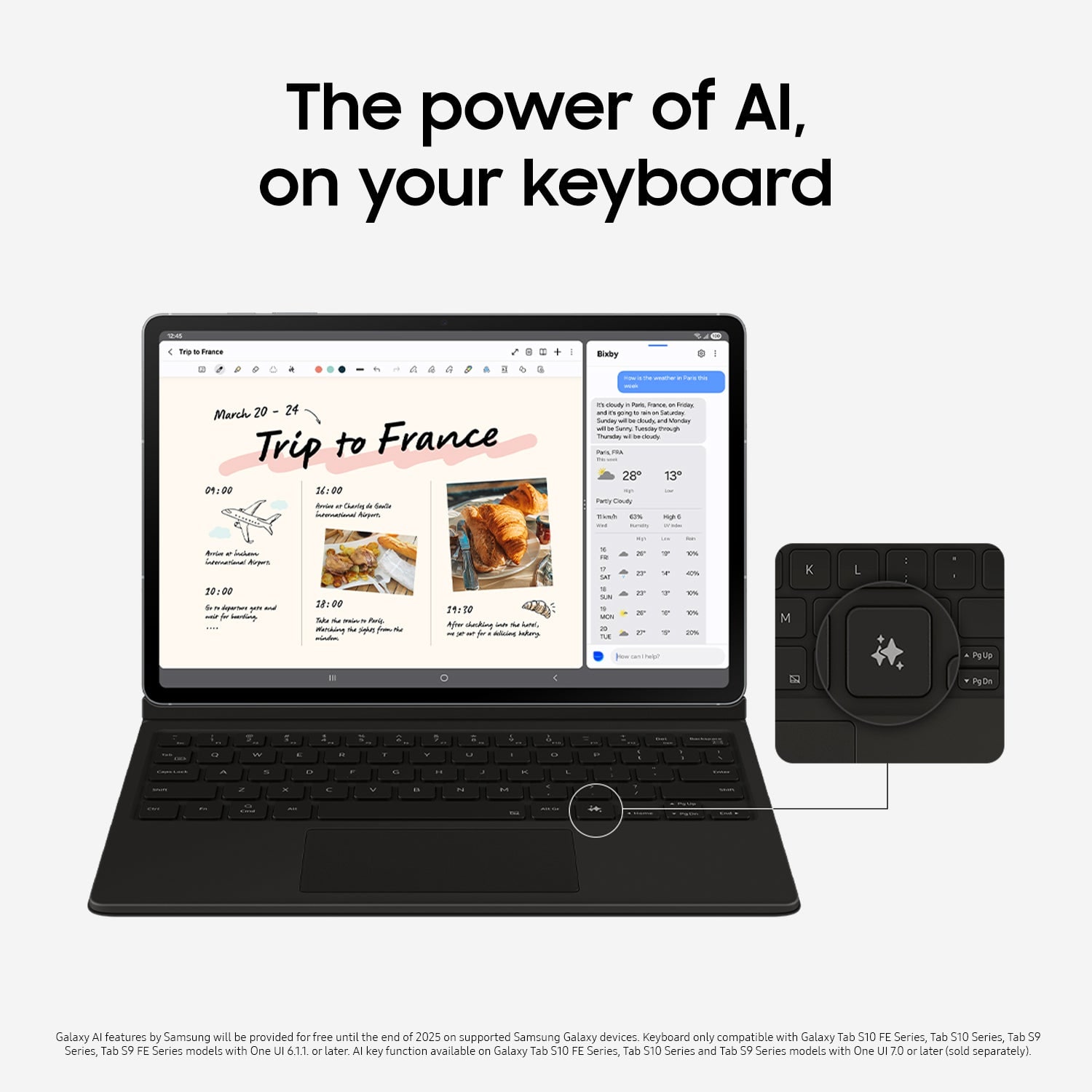
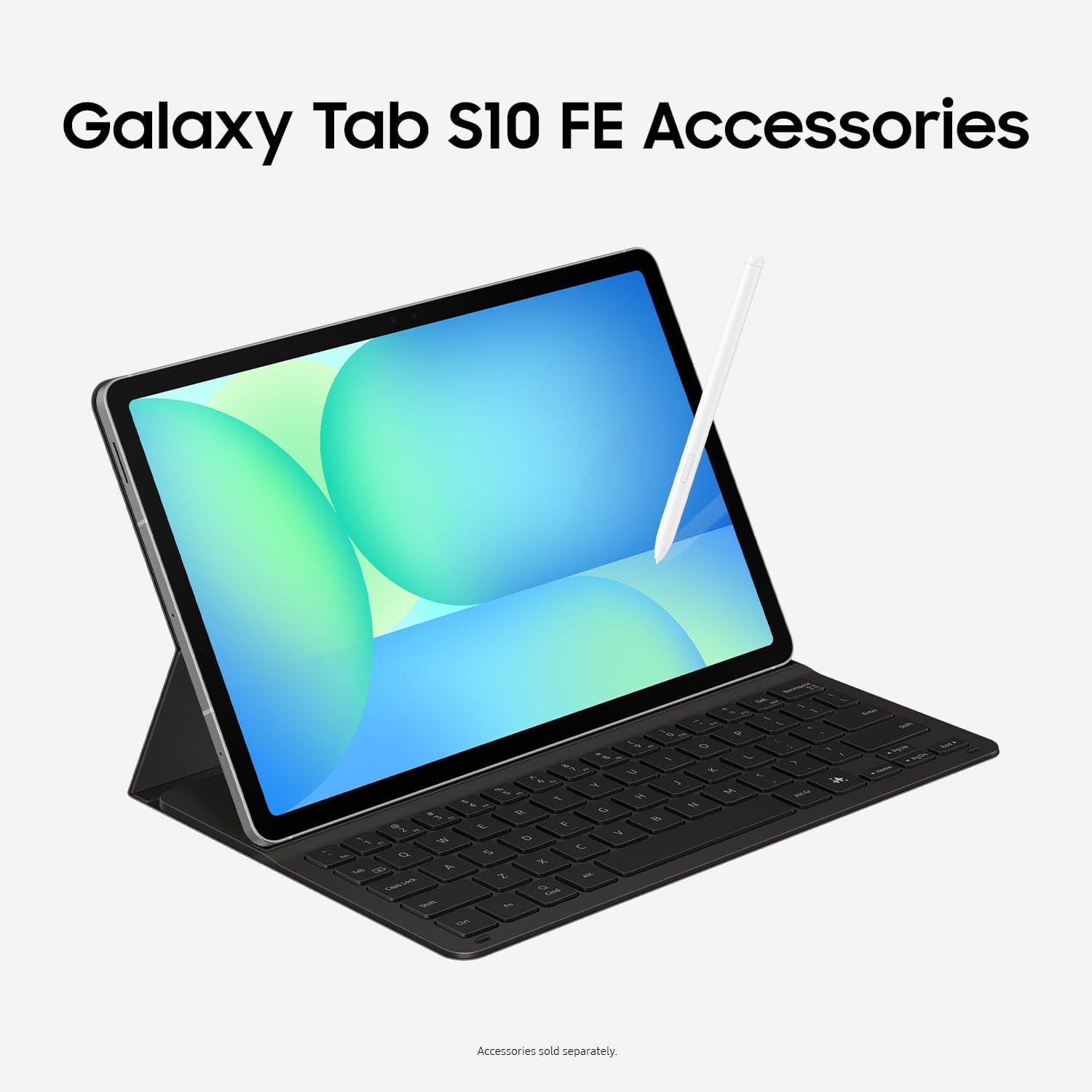
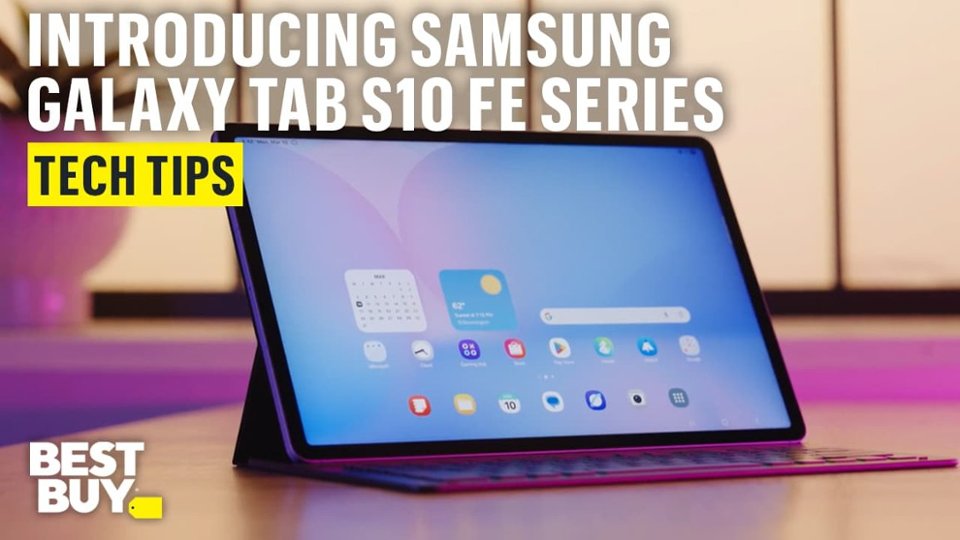
A:AnswerHello Emanuel, thank you for taking the time to ask us your question about the Samsung Galaxy Tab S10 FE. The Galaxy Tab S10 FE offers an on-screen keyboard; however, a physical keyboard can be purchased separately if you prefer. If you have any other questions, please feel free to reach out to Support. Thank you for being a valued Samsung customer. - Debra
A:AnswerHey Will, thank you for finding the time out of your day to ask us your question about the Samsung Galaxy Tab S10 FE. The Galaxy Tab S10 FE supports up to 2TB with the addition of a microSD card. If you have any other questions, feel free to reach out to Support. Thank you for choosing Samsung! - Debra