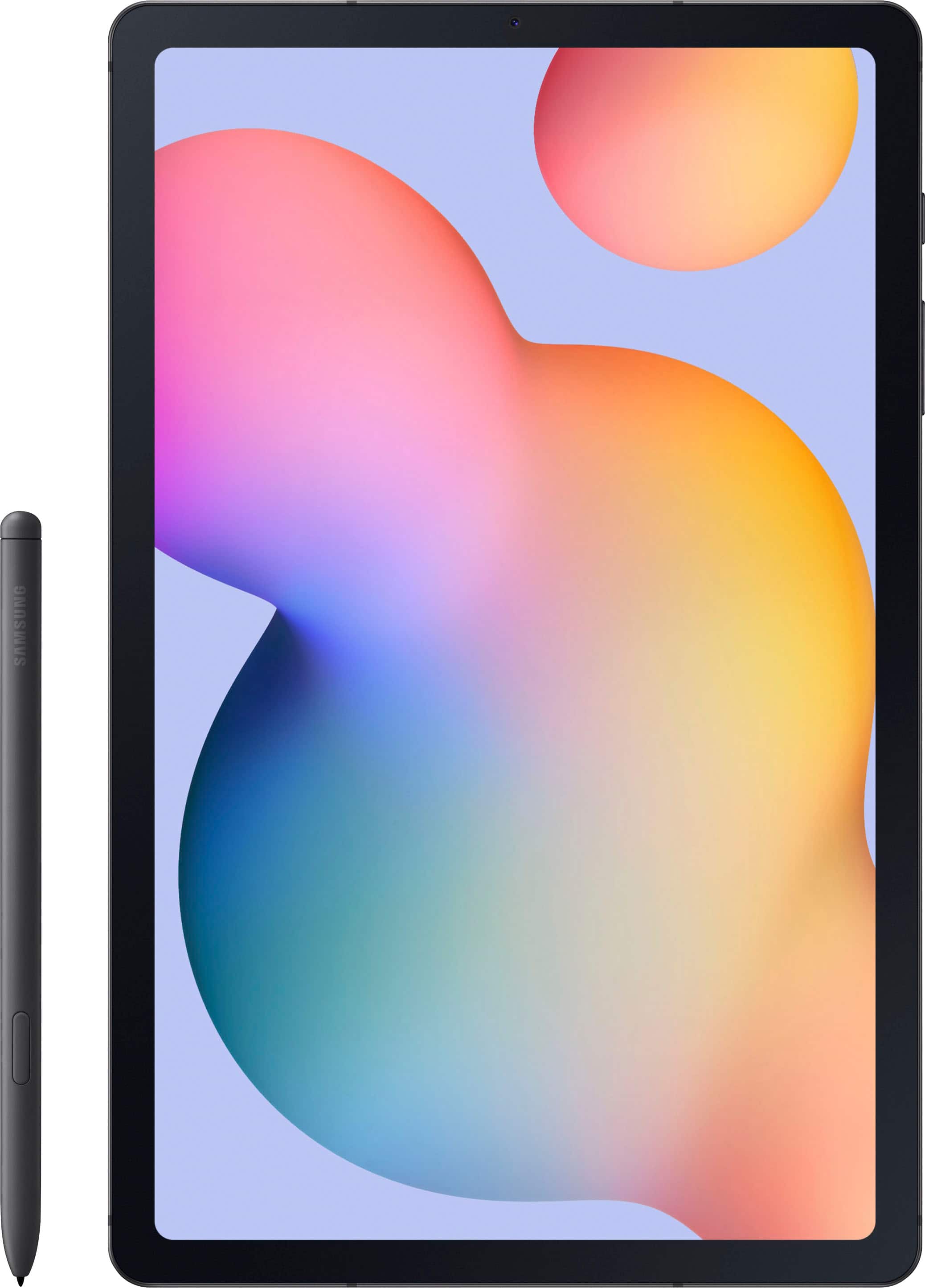
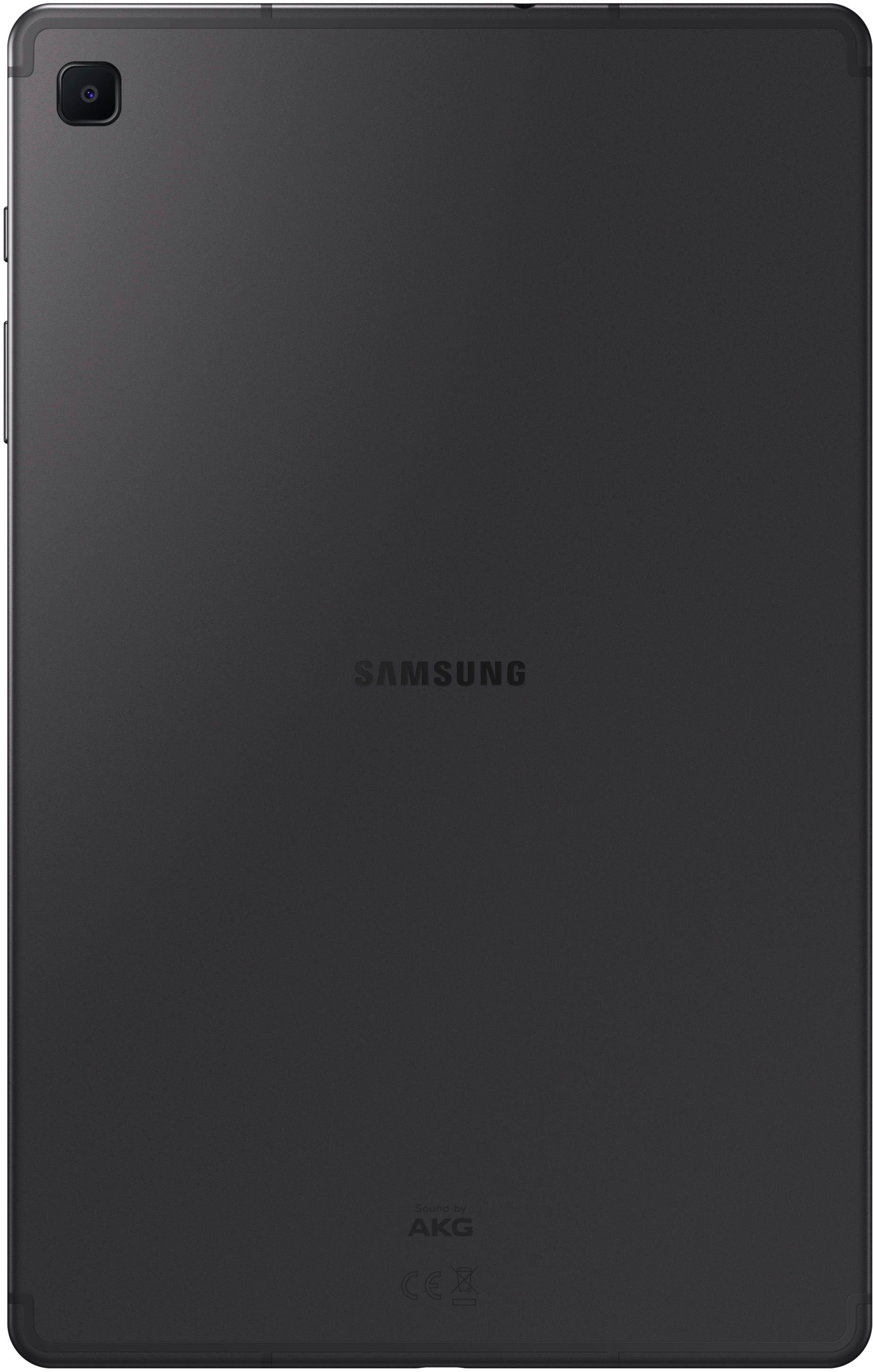
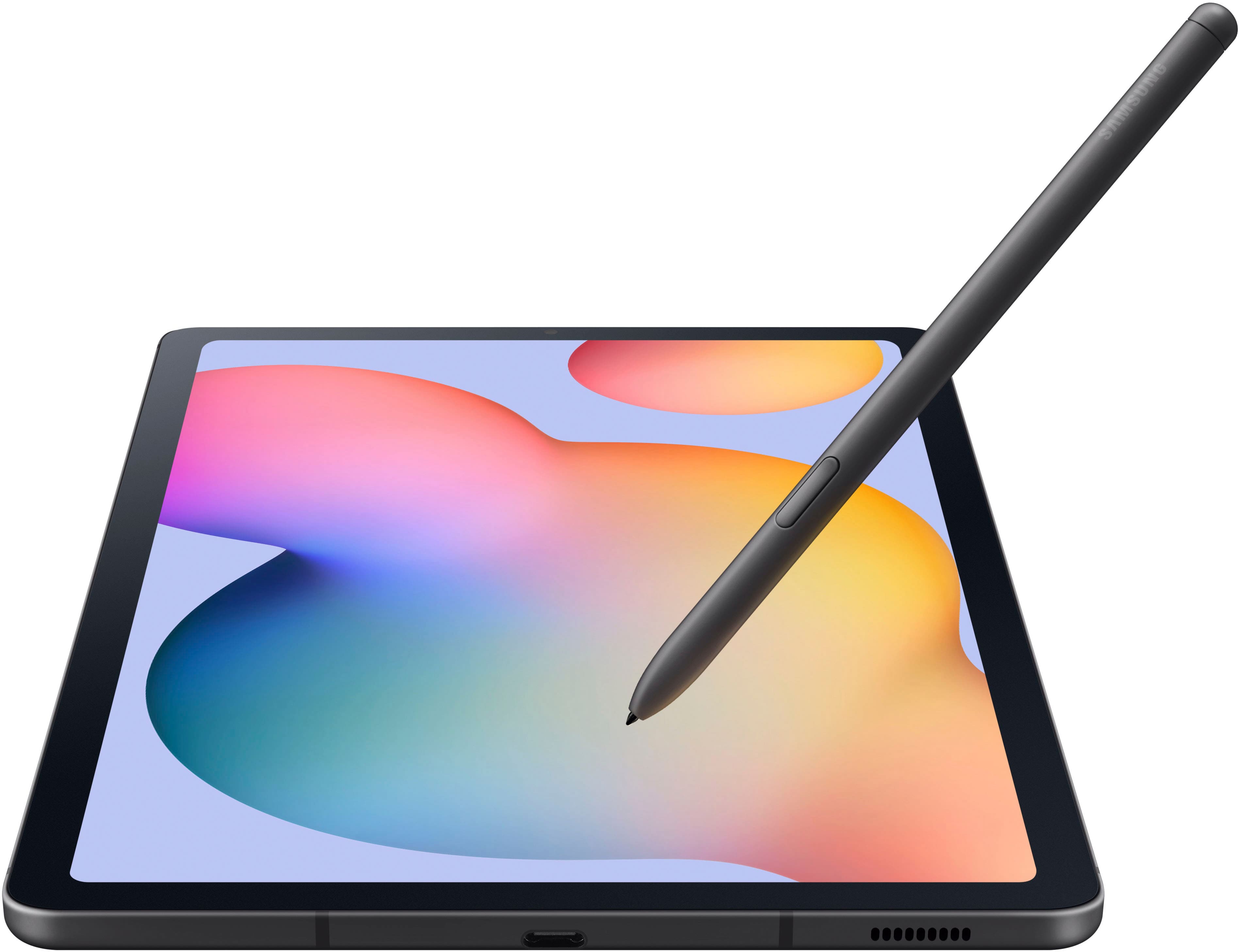
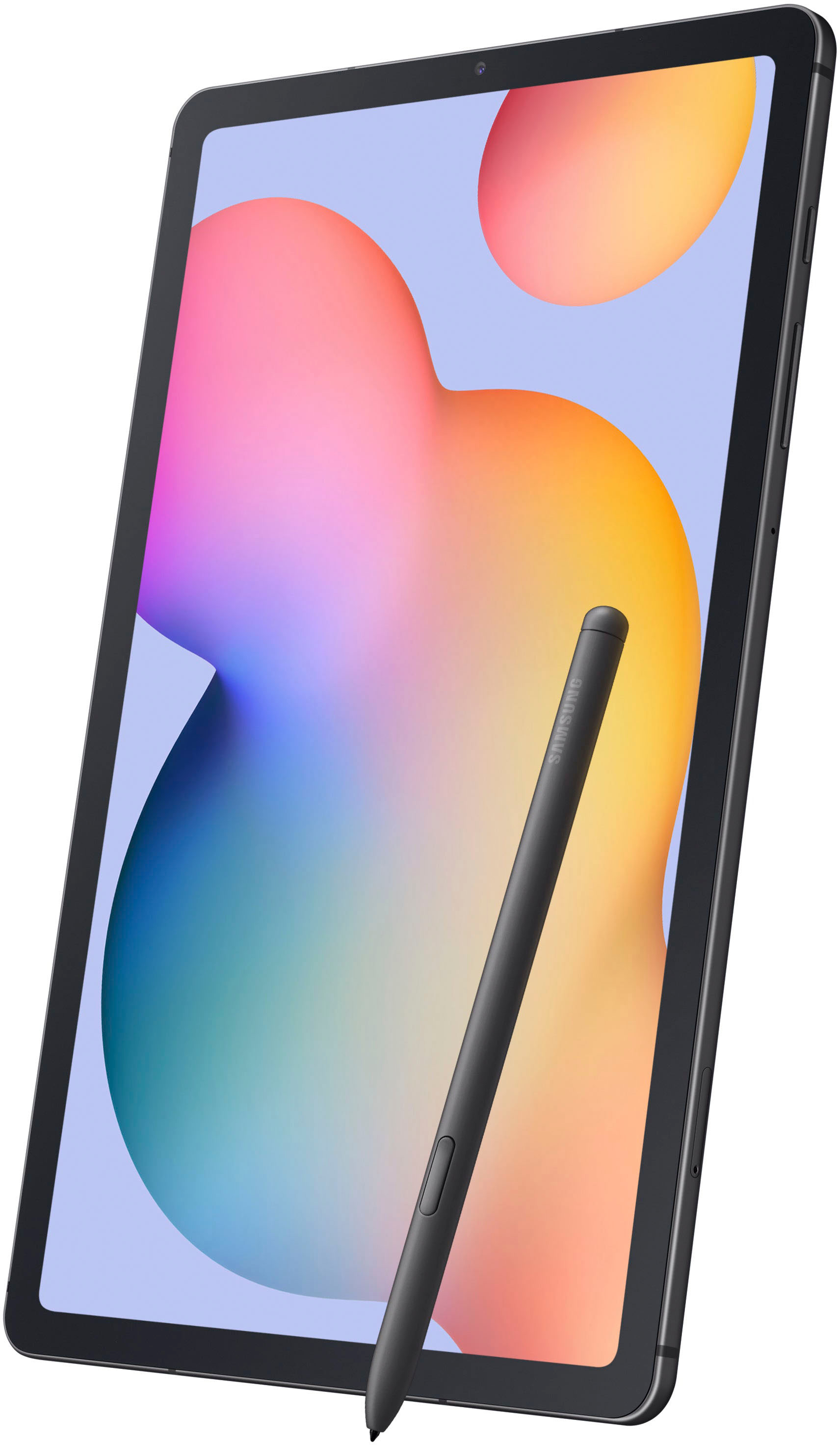
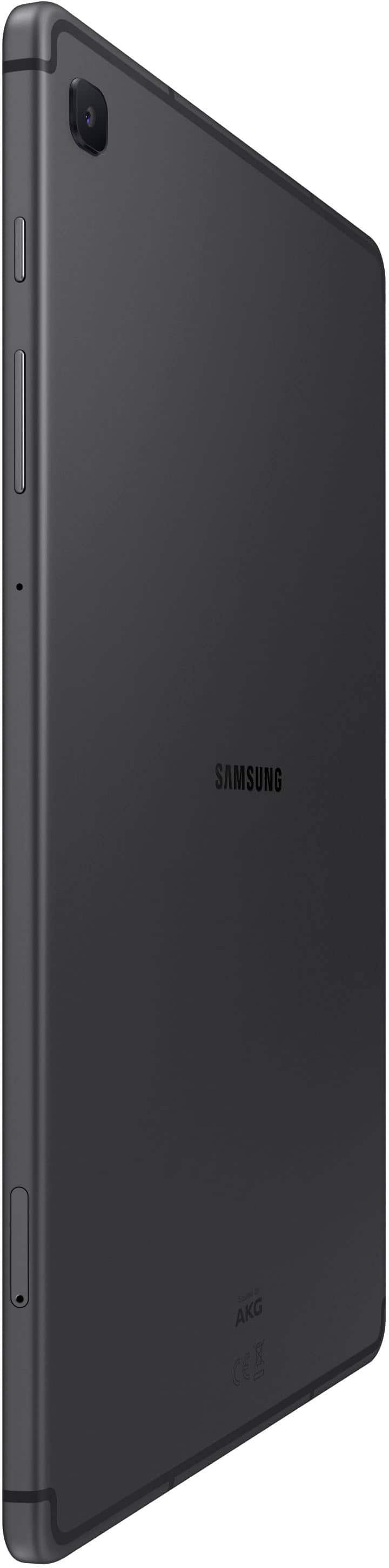
A:AnswerHi there, we appreciate your question about the Samsung Galaxy Tab S6 Lite. The RAM is a standardized on this device and could not be upgraded or changed. If you are looking for a specific RAM amount, we have the specs of our tablets available online to help you choose the best device for your needs. Thank you for being a Samsung customer. -Elizabeth
A:AnswerThanks for reaching out to ask your question! We welcome the opportunity to assist you. We see that you reached out regarding the Galaxy Tab S6 Lite. With the S6 Lite, you can experience a desktop view by using DEX mode. When using a tablet, choose your preferred mode: New DeX or Classic DeX. With New DeX mode, the tablet’s UI remains intact, ensuring a continuation of your tablet experience. Opt for Classic DeX mode to transform your tablet’s interface into a familiar desktop environment. If you have any further questions, don't hesitate to reach out to us at Support. -Kelvin
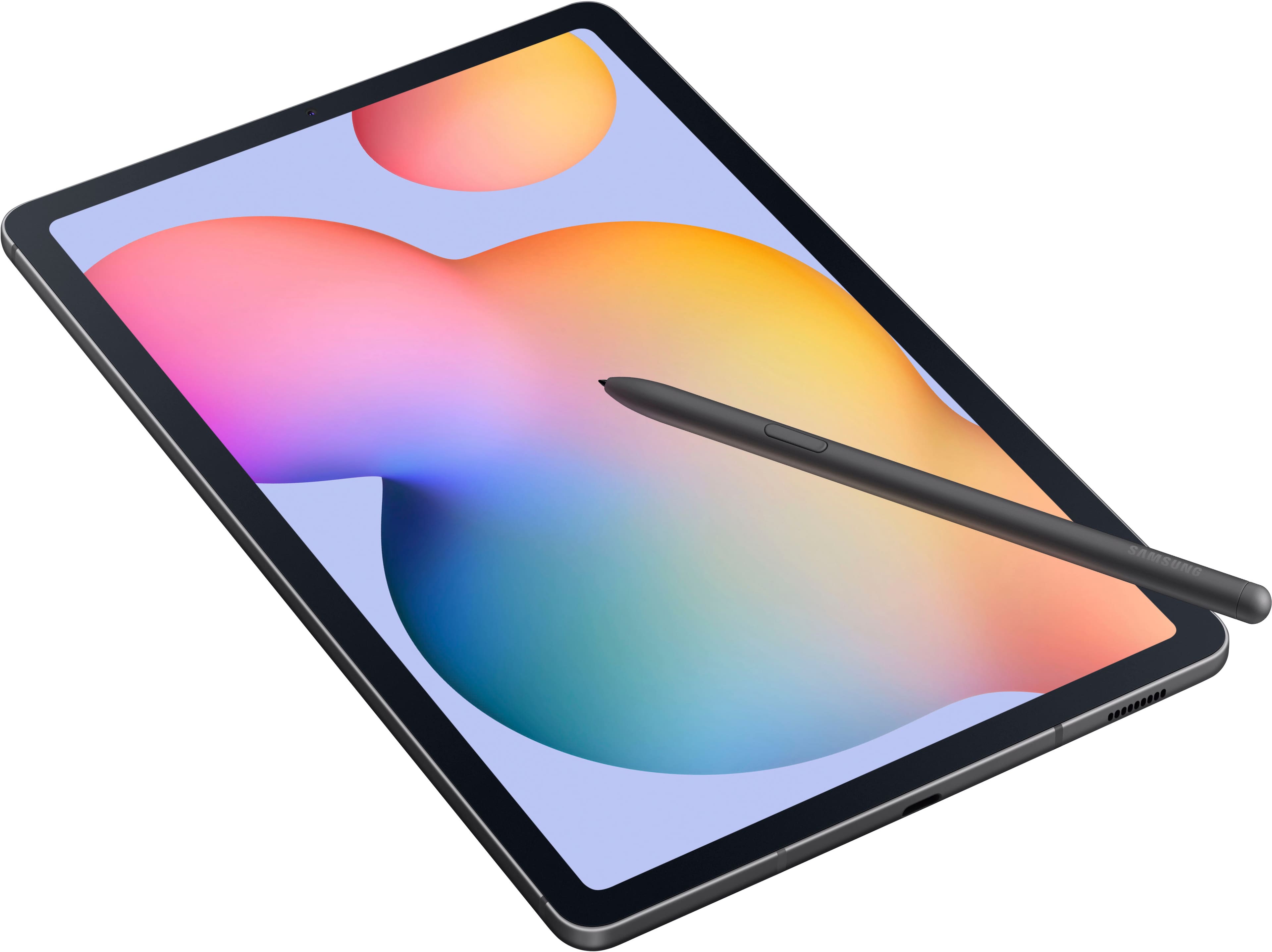
A:AnswerHi there Lzmeyers, thank you for your questions about the Samsung Galaxy Tab S6 Lite. This device does come with the S Pen that would allow you to write on the tablet. You can also download the Google suite of apps from the Google Play Store. Please, reach out to us again if you have additional questions. Thank you for being a Samsung customer. -Elizabeth
A:AnswerHi Jonathan, thank you for your question about the Samsung Galaxy Tab S6 Lite. You can do a reset of your device if you forget the passcode. You can also always reach out to the Samsung Support Team with any experience you have with your device that is out of the ordinary or causes frustration. Thank you for being a Samsung customer. -Elizabeth
A:AnswerNot new but recent. It currently supports Android 13. Is kinda just made for basic things since it doesn't have a strong cpu and only has 4GB of RAM.
A:AnswerHi there DH2914, we appreciate you reaching out to us with your question about the Samsung Galaxy Tab S6 Lite. This device is designed to come with Android 12 operating system, but will be able to be updated to recent Android releases through updates when doing the initial setup. Thank you for being a Samsung customer. -Elizabeth
A:AnswerHi there GlobalMom, thank you for reaching out to us with your question about the Samsung Galaxy Tab S6 Lite. This device is compatible with the S Pen and you can search the Google Play Store for any apps you would like to use on your device for any of your daily needs. Thank you for being a Samsung customer. -Elizabeth
A:AnswerYou can try this:
https://www.amazon.com/MyGica-Watching-Anywhere-Freeview-Receiver/dp/B09MLT465N
I have not tried it, and there appear to be various android versions with audio issues, but you need a tuner in order to be able to watch TV over the air and this is the only one I could find.
A:AnswerPerforms great! No issues with reading, watching videos etc. I use it in the car sometimes when needing to study for a test or other while my partner is driving and it is full daylight. All good screen is bright and clear. Takes amazing pics in btwn.
A:AnswerHello Donttwistonme, thank you for finding the available time out of your lively day to ask us your question about the Smasung Galaxy Tab S6 Lite. If you mainly use your tablet in landscape mode, you could lock in that mode if you choose. Take a look at the article titled, "Turn your Galaxy phone's or tablet's screen rotation on or off" for more details on that topic if you would like more information. Otherwise, when enabled, your device's screen will not rotate based on how you are holding it, however apps that are designed for a specific mode will rotate the screen as necessary. Let us know if you have any other questions for us by contacting Samsung Support. Thank you for being a treasured Samsung customer. - Debra