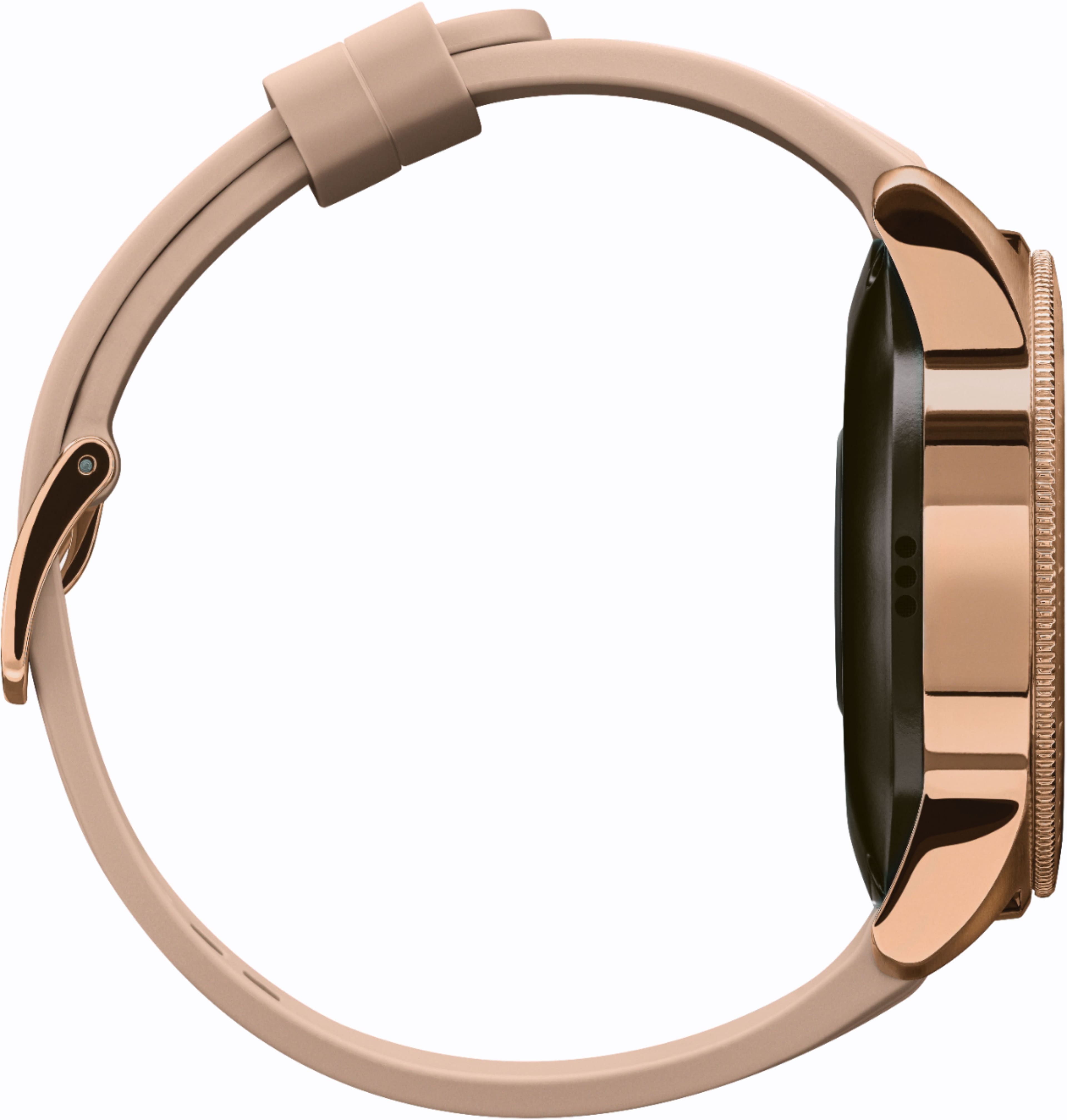
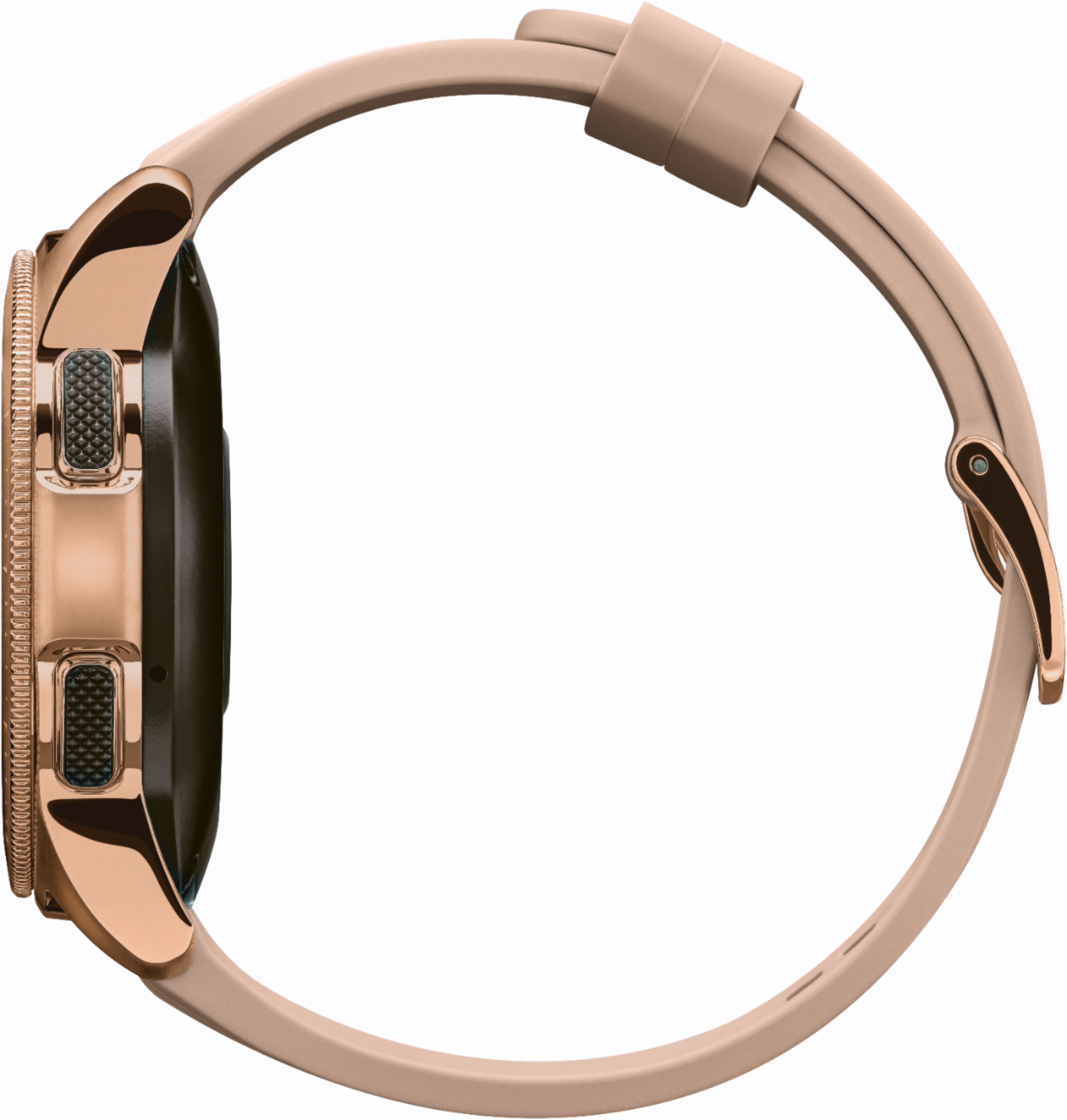
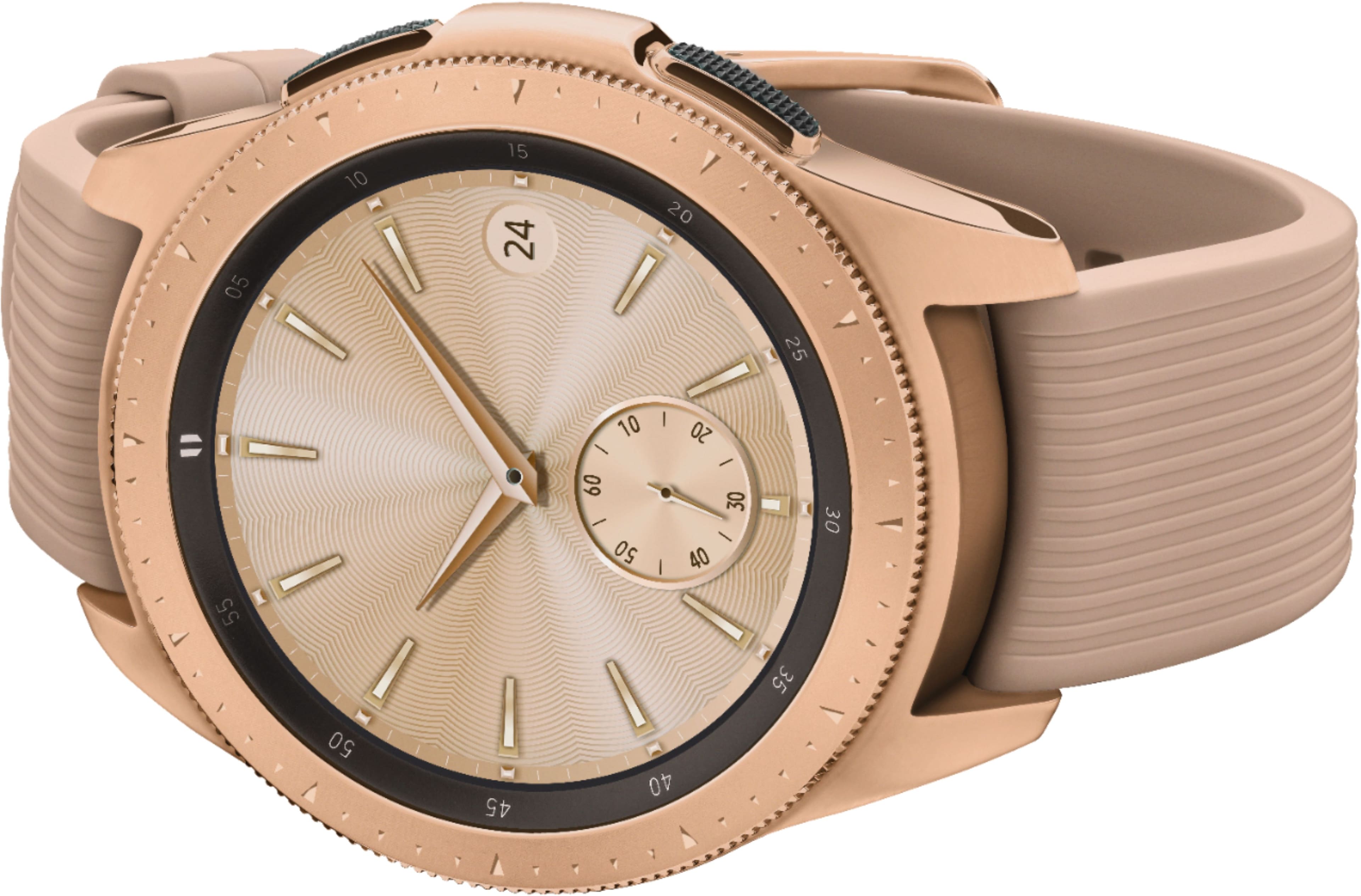
A:AnswerThere are 2 options when buying this watch. One is bluetooth connect only, the more expensive option is LTE that you would have to add to your cell plan. LTE version doesn't have to be connected to your phone.
A:AnswerAs long as the phone has Bluetooth capabilites and you can download the "Galaxy Wearable" application on your phone I don't see why it wouldn't work.
A:AnswerHey Sandy! Here at Samsung, we understand that every customer is unique, so we make sure to include both a large and small band with our smartwatches. To make sure that this watch will work well for you, you can check out the exact band measurements using this link (https://bit.ly/2CP9SY9). ^Lo
A:AnswerThat's a great question! You may use the account of your choice. If you have any further questions about the email feature of this watch, please refer to page 44 of your user manual. Thank you for being the best part of Samsung! ^Lo
A:AnswerThat's a great question, MToo! This watch does monitor sleep patterns. Any questions about how to set this feature up can be found on page 49 of the user manual. ^Lo
A:AnswerThe proper category for the Galaxy Watch is Water Resistant. When tested, the Galaxy Watch passed military specification (MIL-STD-810G) which includes depths of up to 50 meters in water. Here is a link to the exact specifications and care for the Galaxy Watch. It should serve you well. https://www.samsung.com/us/support/answer/ANS00078031/ ^Thomas
A:Answerit has way too many features to list, but some of the simplest features are it is a fitness tracker, heart rate monitor, watch, music player, etc..., but the some of the real cool features are it can display pictures, change watch faces, allow you to read and send text messages answer and make phone calls via your cell phone when connected by Bluetooth. This watch does a lot...best thing to do is go on YouTube and see the videos on its capabilities!
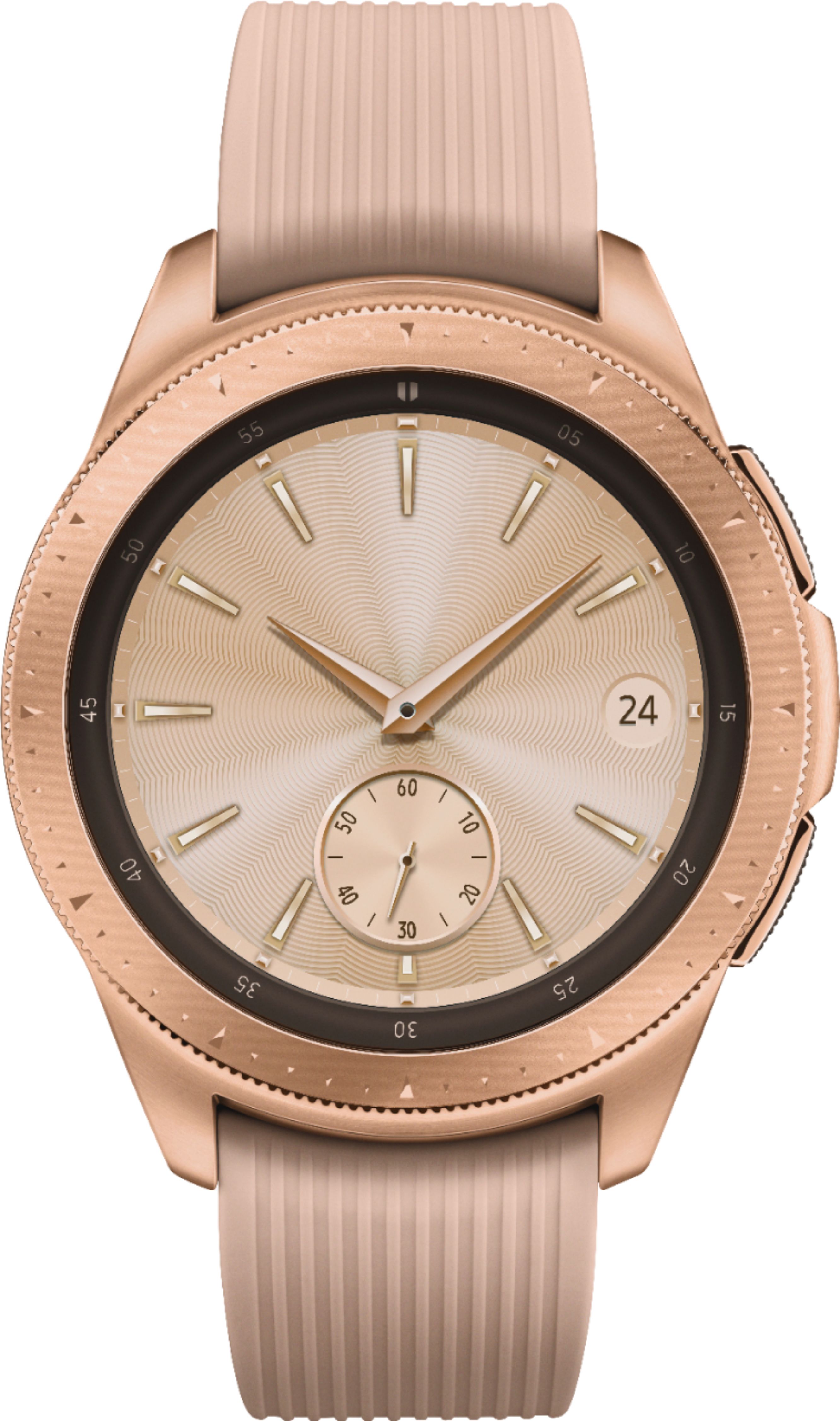
A:AnswerHey 3slippers! please refer to page 84 in the user's manual of your Galaxy watch (https://bit.ly/2RqMBng) which explains how to change the style settings of the watch faces. ^Ash