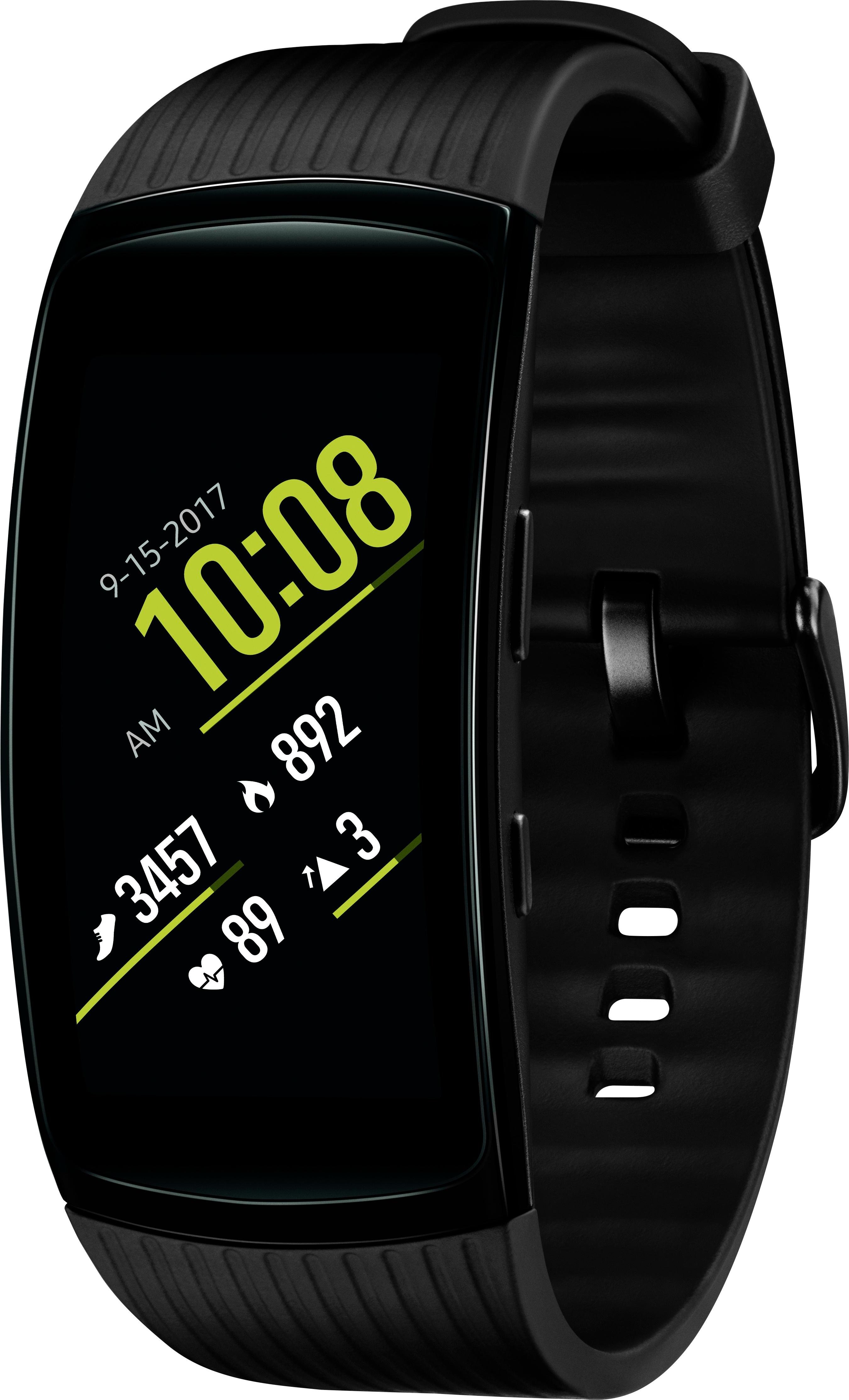
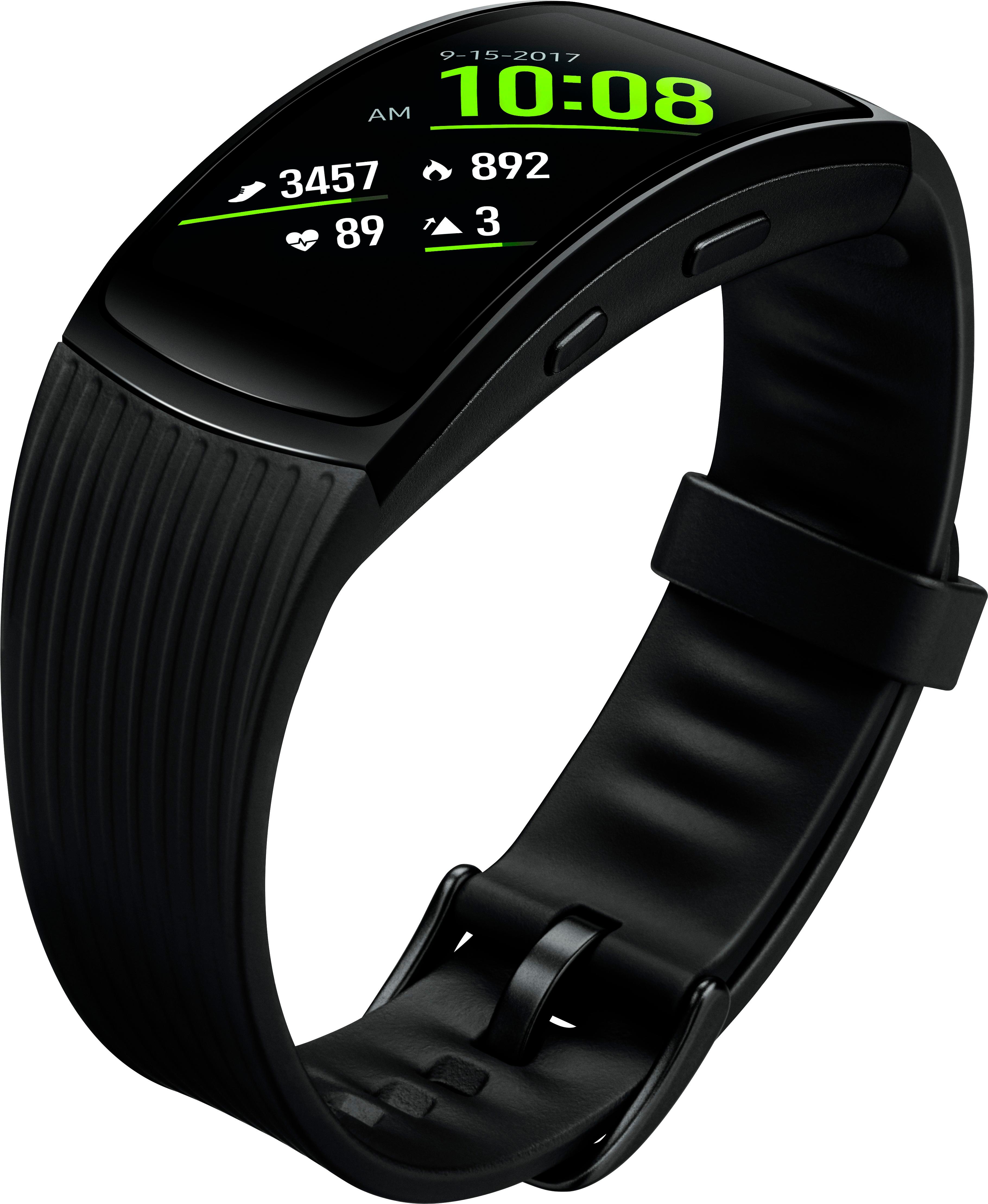
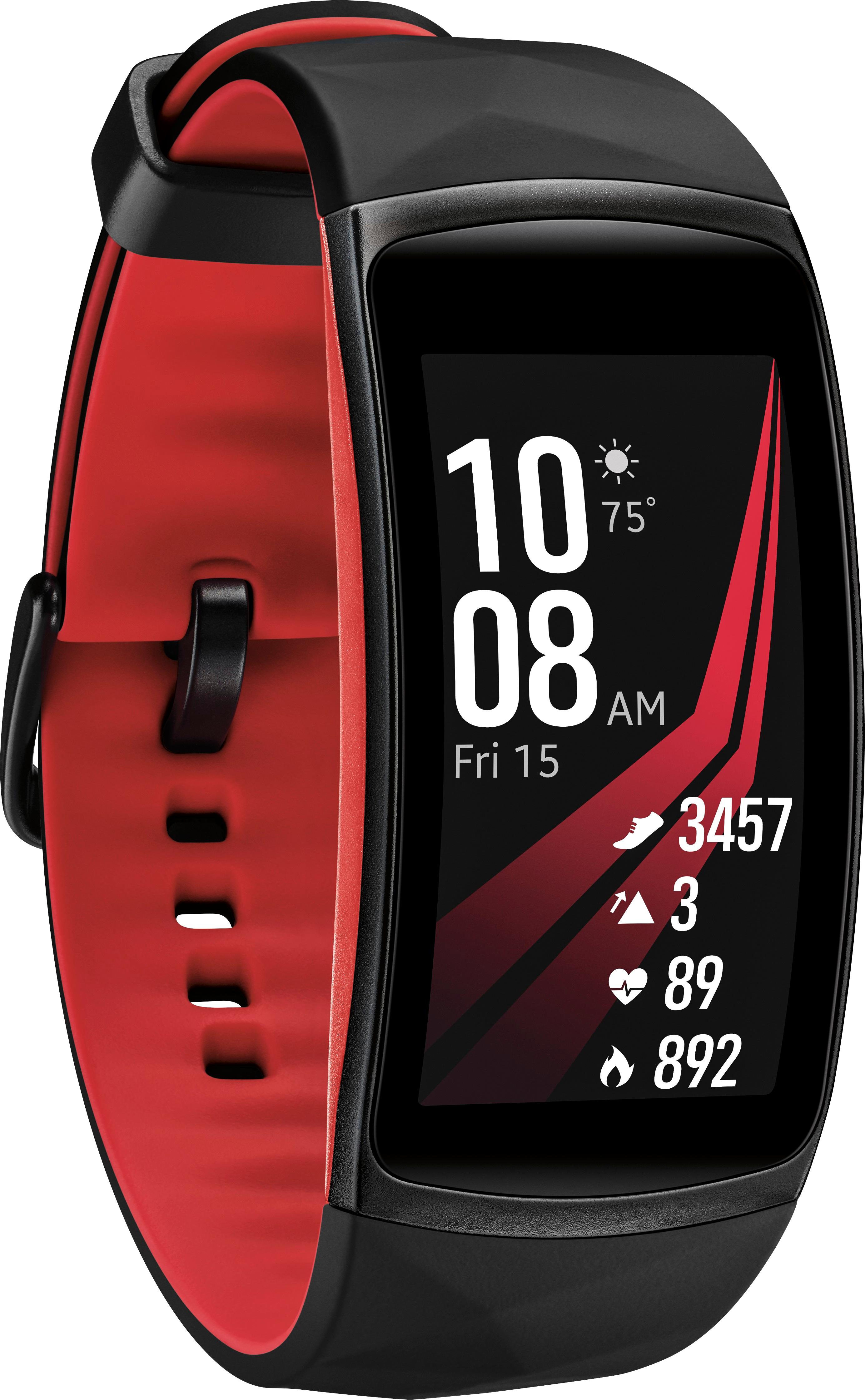
A:AnswerYes it comes on when you tilt your wrist. If you use your finger and swipe down, from the watch/time display (not settings or any other setting screen), there are 4 "circle" menu options. The top right circle will have a blue line in it if you've got your watch in no-disturb mode (I use for sleeping with it on, the watch face won't come on at all). To get out of this mode, simply tap on the circle with the blue line in it so the blue line goes away. If you tap on this with the blue line off, you'll get a confirmation dialog that you actually want to go into no-disturb mode, and you have to acknowledge that too to get into that mode.
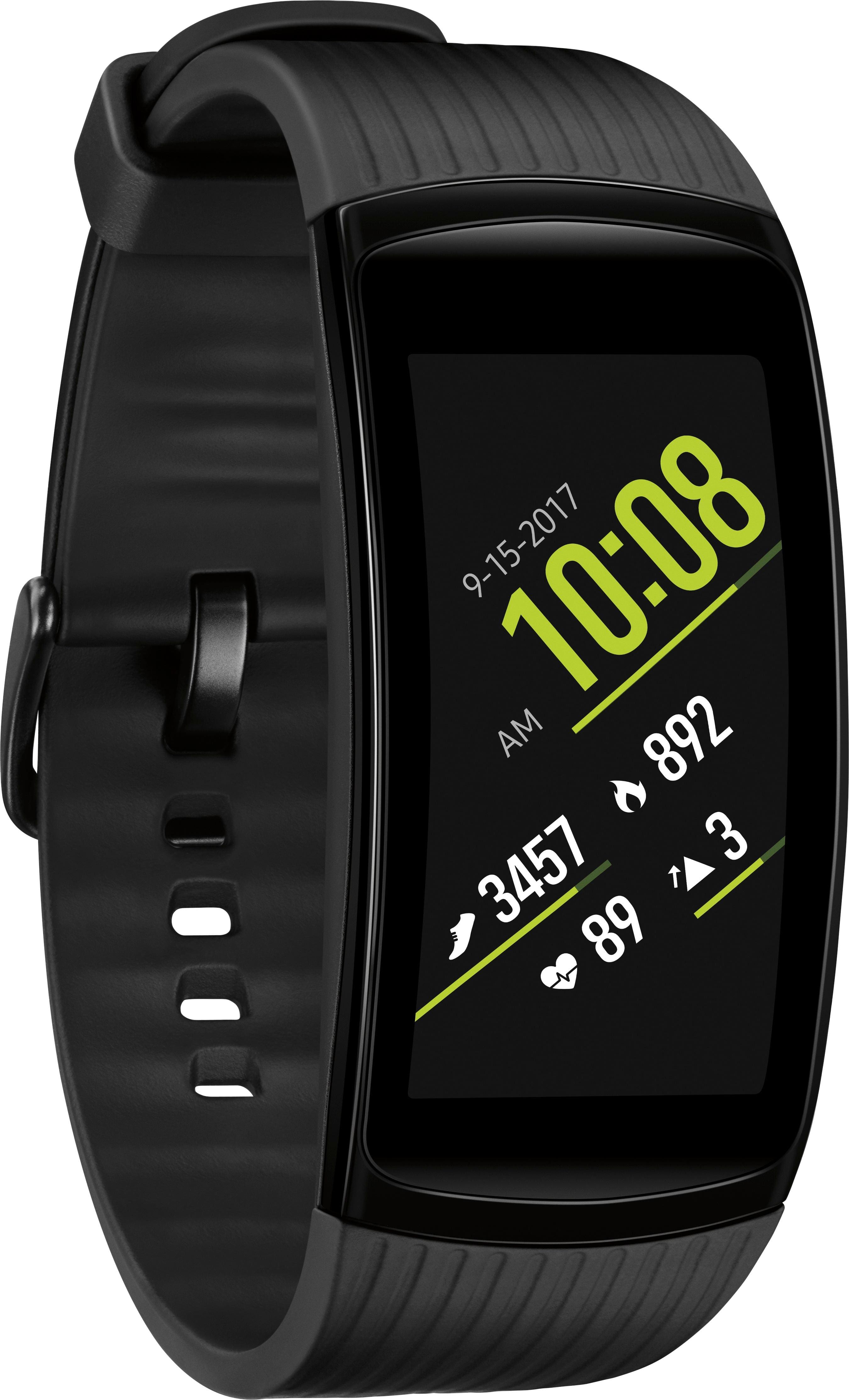
A:AnswerThis has happened to me too, but only when I have left it in the charger longer than it needs to be. I think it turns it onto the "off mode" for safety when that happens. The display comes on and is active when you initially pull it off the charger, but you have to hit the the lower button to fully turn the watch back on.
A:AnswerYes there is. It's appears not to be an audio timer but, one that starts vibrating when it hits 5 seconds left and continues until you cancel it.
A:AnswerI pretty much charge mine daily, which has taken me a bit to get used to. I had a Garmin before this, and never needed to charge it. Bonus is, it doesn't take long to charge.
Not sure about the wallpaper, but mostly everything backs up to your Samsung account. I'd check there.
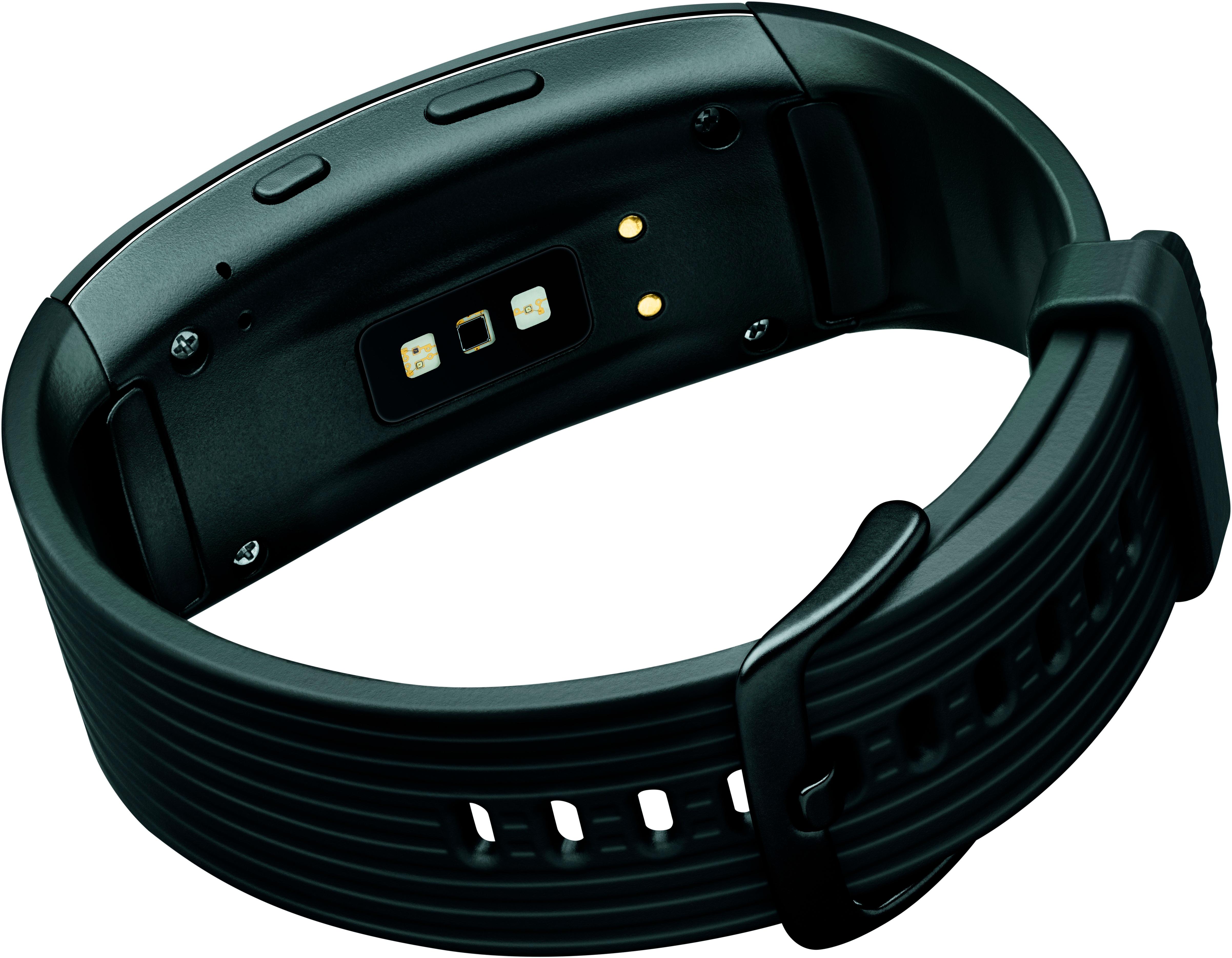
A:AnswerI wear my fitbit with the face down, under the wrist. I find it more comfortable for me. Wearing it face up on wrist there is a function that when turning your wrist to look at the screen the screen automatically lights up for you. You lose this function wearing it face down but that's all. I just tap the screen to light it up, not a big deal. Everything else works the same for me, even the heart rate monitoring .
A:AnswerUnfortunately it does not. I thought it did so I could listen to my music through it while working out but you have to sync it up with a bluetooth or bluetooth headphones