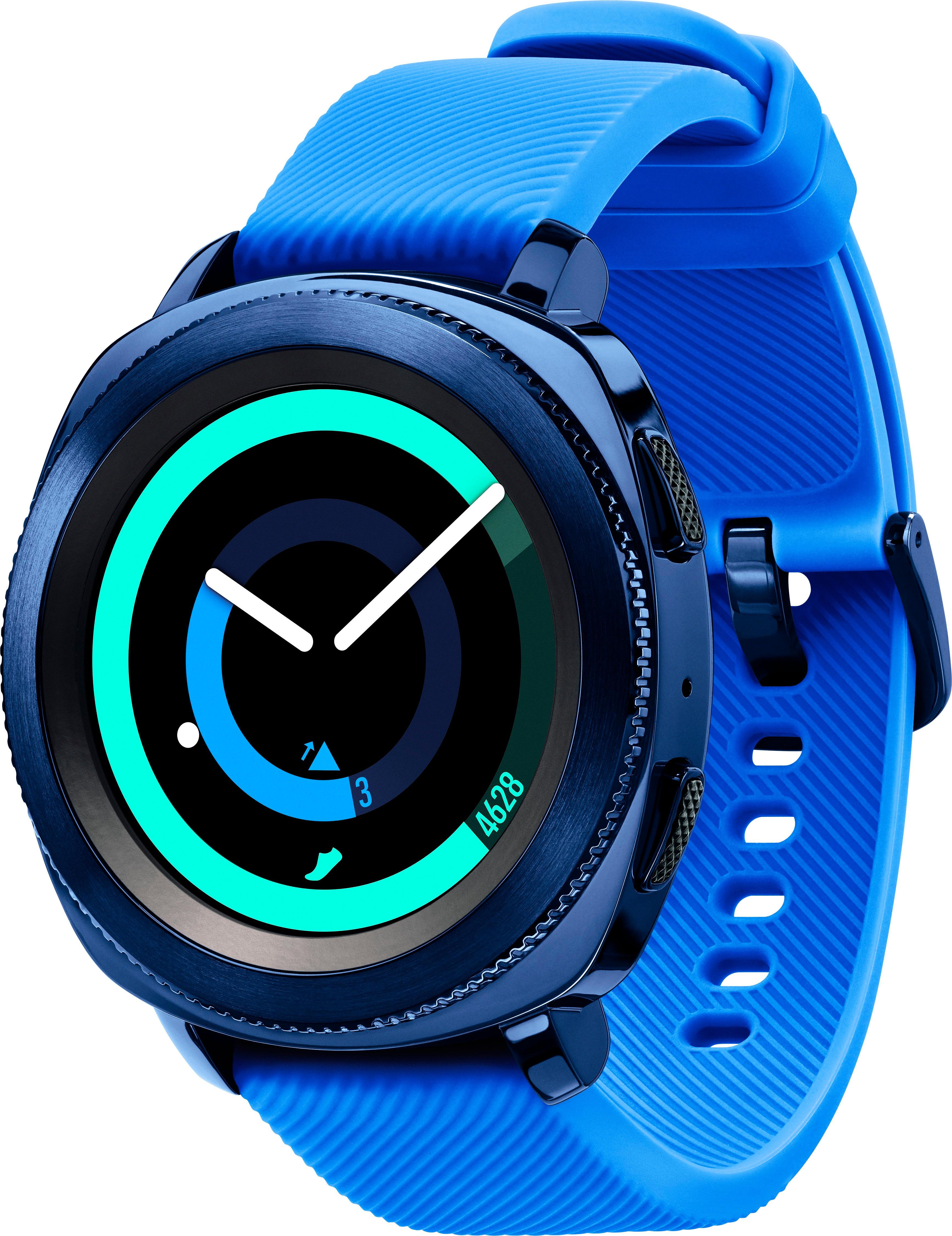
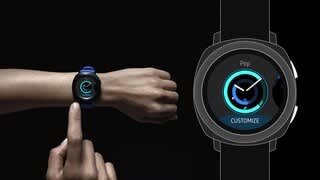
A:AnswerThe watch does not have a SIM or account of its own. It connects to your phone using bluetooth and also has wifi connectivity. When connected via bluetooth, I believe it uses that connection for all internet connectivity, but I'm not 100% certain on that.
When not connected to the phone, it has no call/sms/message functionality.
I believe it syncs the email accounts from your phone and checks them when using wifi-only as well, but that's an assumption on my part.
Because when I take it to the gym, I leave my phone in my apartment, and I've still gotten email notifications on the watch while there.
However, notifications specifically from the phone ( such as a google reminder, calendar event, etc ) did not appear on the watch until I got back to the apartment and a bluetooth connection was reestablished.
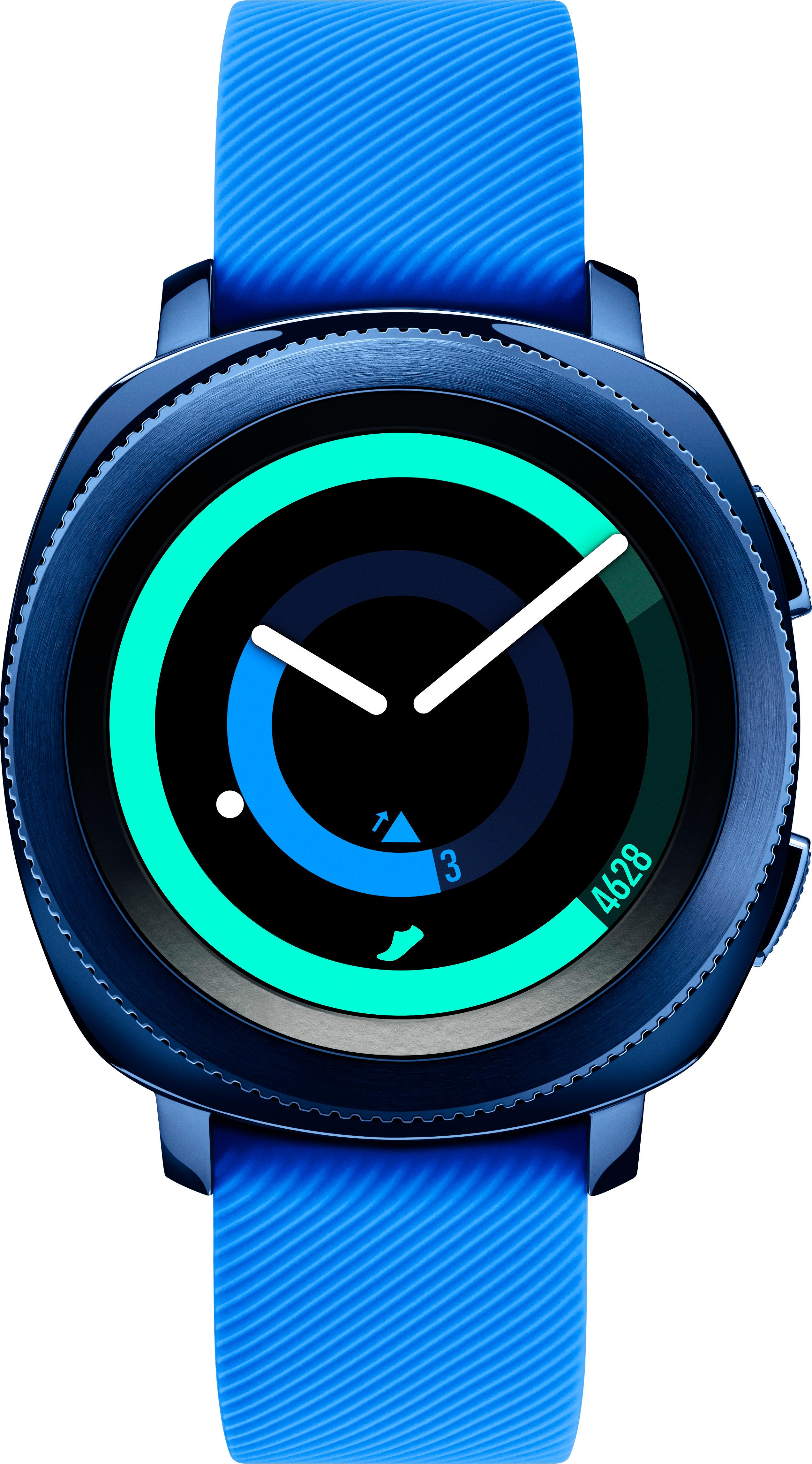
A:Answernot directly through the watch unless you download music to it and connect bluetooth headphones. the music player generally will play the music through your phone and the watch acts as a remote control to play/pause and skip tracks and such.
A:AnswerThe Samsung Gear Sport must either be paired to an activated cell phone or bluetooth. It can not be used on it's own as a phone. It has a built in microphone with S voice assistant, but no built in speaker. You can initiate a phone call on the watch by either selecting someone from your contacts on your Gear Sport or by telling S voice to 'Call so-and-so' but, then you must switch over to your already paired cell phone to continue the communication via phone call. You can however, reply to texts or text directly from your watch.
A:AnswerYes, you can answer call from the watch. You cannot speak on calls from this watch. It does not come in a rose gold version but the bands can be changed.
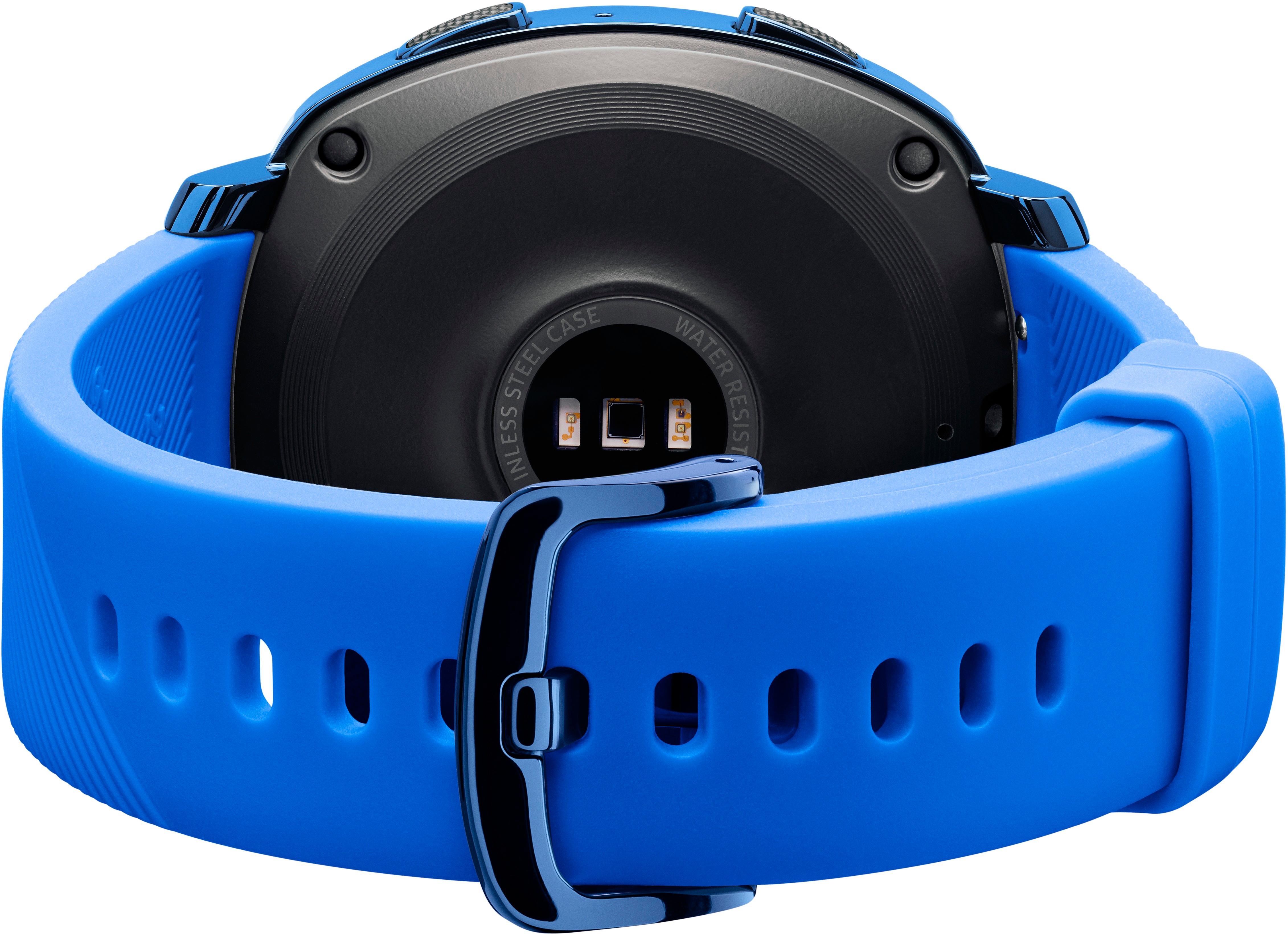
A:AnswerThe Gear Sport comes with a charging dock. Not really wireless charging, but the watch locks onto the charging dock very easily and charging is pretty fast once dock is plugged into wall outlet.