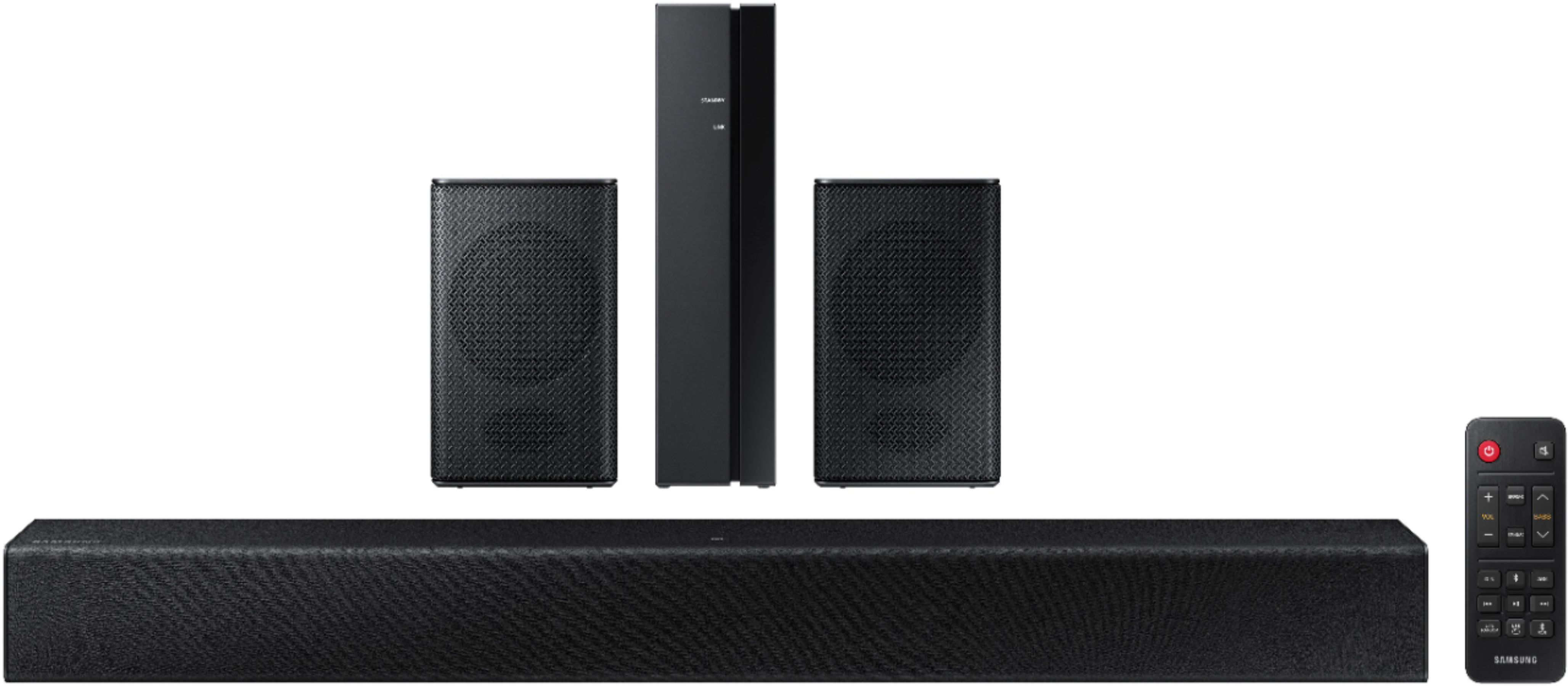
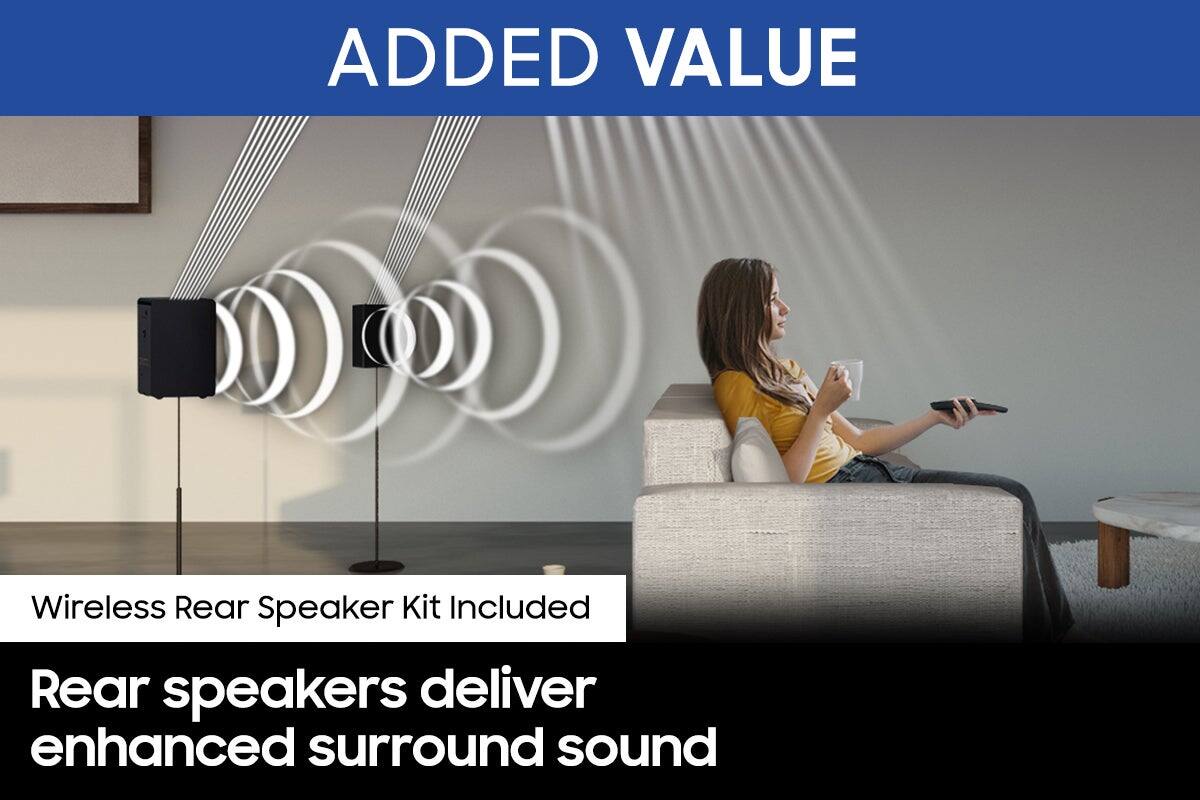
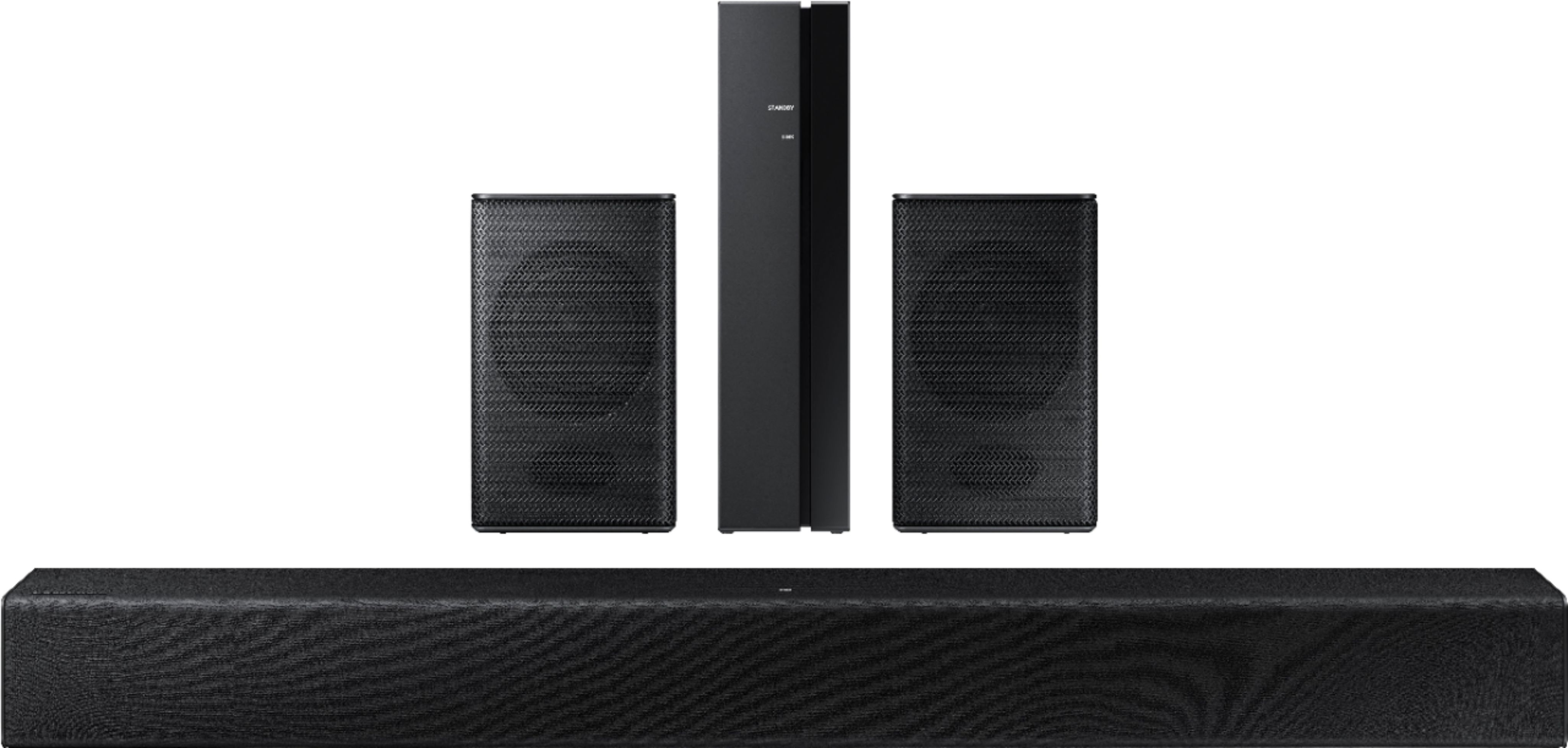
A:AnswerHi Rg! The rear speakers included with the HW-A40R are only designed to connect to the HW-A40R and will not pair with a different model soundbar. Samsung wireless speakers are only designed to connect to compatible Samsung soundbars.
^Tim
A:AnswerHi Hobo! To improve your experience and help avoid issues with the dialog drowned out, try using Dynamic Range Control (DRC). DRC lets you apply dynamic range control to Dolby Digital tracks. With DRC turned on, loud sounds will be reduced.
1) Turn off your Soundbar.
2) While the Soundbar is off, press and hold the Sound Mode button on the remote control for 6 seconds until you see “DRC ON” shown on the display.
3) To turn off DRC, repeat steps 1 and 2 above.
^Tim
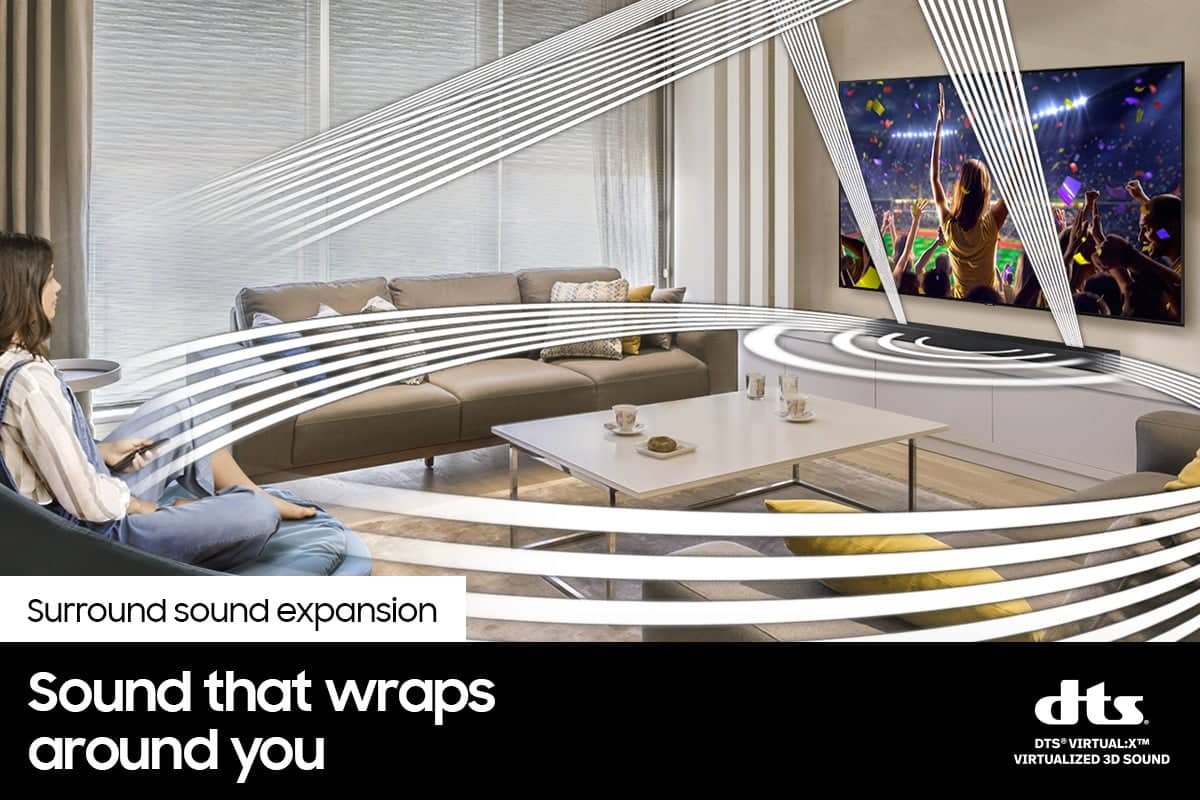
A:AnswerHi Benji! Changing the sound mode on the soundbar will change how the rear speakers operate. With the sound mode set to Surround, and a surround sound source playing from the TV, the rear speakers will play sound designed for the rear surround channels giving you a true surround sound experience. ^Tim
A:AnswerHi Shorty! The HW-A40R features digital optical, HDMI, and Bluetooth wireless audio connections. Check the back of your TV, or consult the user manual if needed to determine if your TV supports one of these three audio connections. ^Tim
A:AnswerHi Colleen!
So that we can better assist you with replacement parts for your new soundbar, please contact Samsung Support at: 1-800-SAMSUNG (ask for Soundbars), available 8AM -12AM EST. 7 days a week. Or text “SUPPORT” to 800-726-7864, LiveChat on Samsung.com, or Email: https://www.samsung.com/us/support/#contact_us_for_support
We look forward to hearing from you.
^Tim
A:AnswerNo they are not. I also don’t think the bass works very well. There is no scale on the screen and I cannot hear much of a difference. However, It could be user error on my part .
A:AnswerIt comes with two side speakers that activate for surround sound when movies, etc are played, but they. Aren’t on all the time. I’m not aware of rear speaker capability.
A:AnswerHi Rob! Thank you for sharing your concerns with intermittent power on your HW-A40R.
So that we can better troubleshoot towards a solution, please reach out to Samsung Support at: 1-800-SAMSUNG (ask for Soundbars), 8AM -12AM EST (Mon-Fri), 9AM – 6PM EST (Sat), text HELP to 62913, LiveChat on Samsung.com, or Email: https://www.samsung.com/us/support/#contact_us_for_support
We look forward to hearing from you.
^Tim
A:AnswerHi Pikka! The sound played through the rear speakers is determined by the signal coming in. If the signal is a stereo audio signal, only the front soundbar speakers will produce sound. If the signal is surround or 5.1, then the rear speakers will produce sound. You can choose to simulate the surround on a stereo signal by changing the sound mode. ^Tim

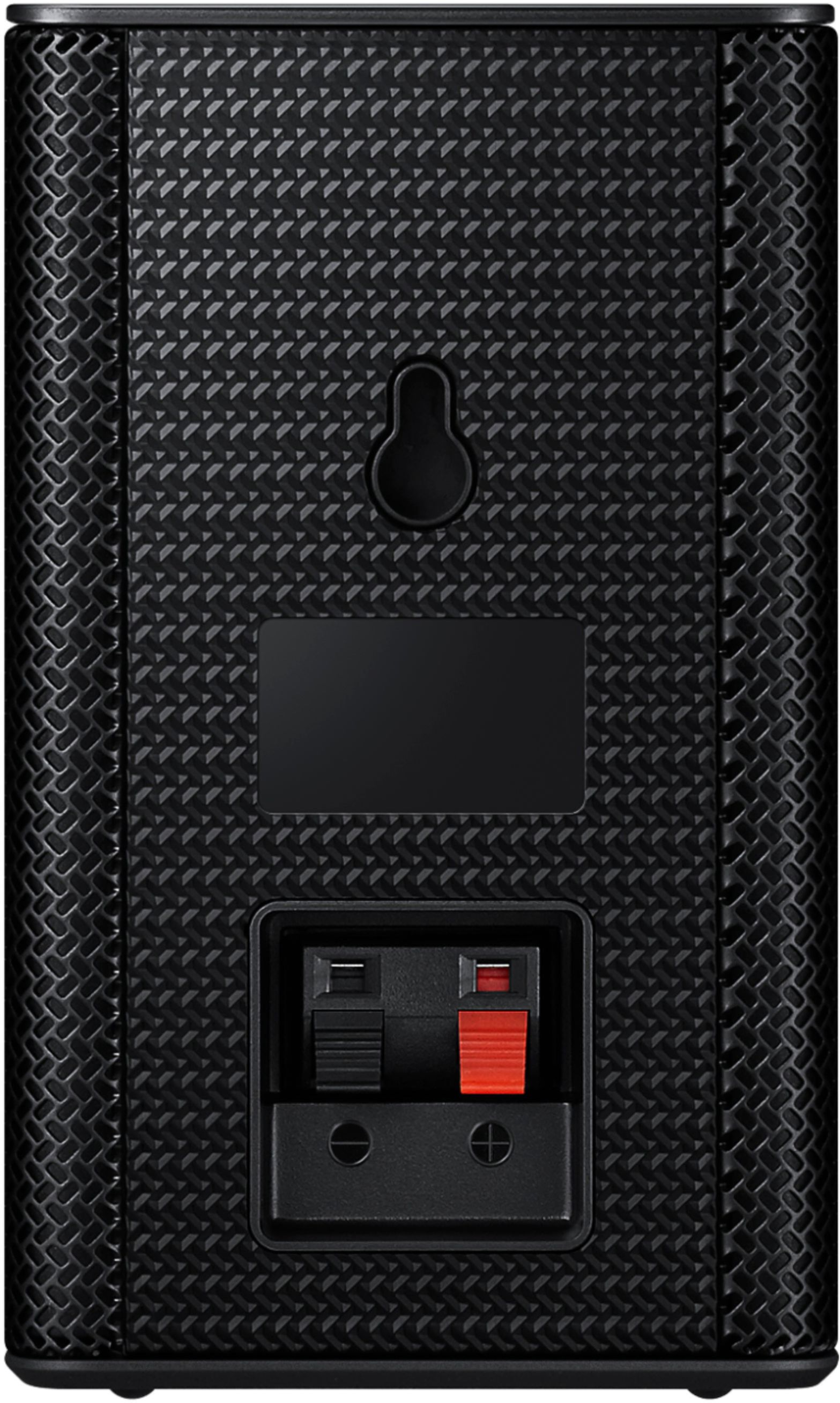
A:AnswerHi TUPAPI! The HW-A40R Soundbar is Bluetooth enabled, and can wirelessly connect to your TV and any other devices that are also Bluetooth enabled. The A40R subwoofer will need to be connected to a power source, but will pair wirelessly with the soundbar. The rear speaker wireless module requires a power cord to function and speaker cables to connect to the rear speakers. Once they are connected to the speaker cables, the rear speakers will pair wirelessly with the soundbar as well. ^Gina
A:AnswerHi there,
The HW-A40R can only connect to a TV using an optical cable or Bluetooth connection. Smart Things requires a WIFI connection to pair with our devices.
^Andrew