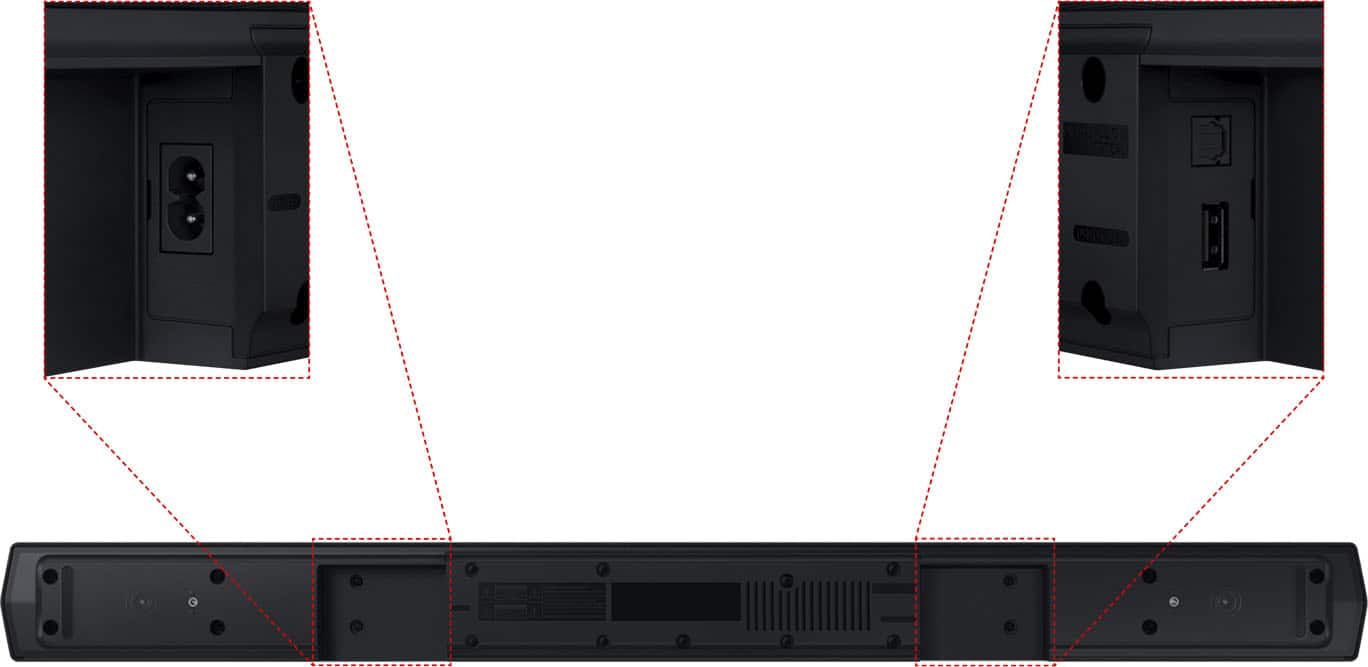
A:Answer Hi there! I am sorry to hear that you are experiencing issues with the sound occasionally dropping from your soundbar. You may first want to check the cable connection of the soundbar to the TV or external device to ensure it is secure, and properly connected to the correct port.
In addition to checking the connections of the soundbar, please make sure your soundbar is using the latest firmware version. Updating the firmware on your soundbar gives you all the benefits of the latest improvements. You can update your firmware by using a USB device.
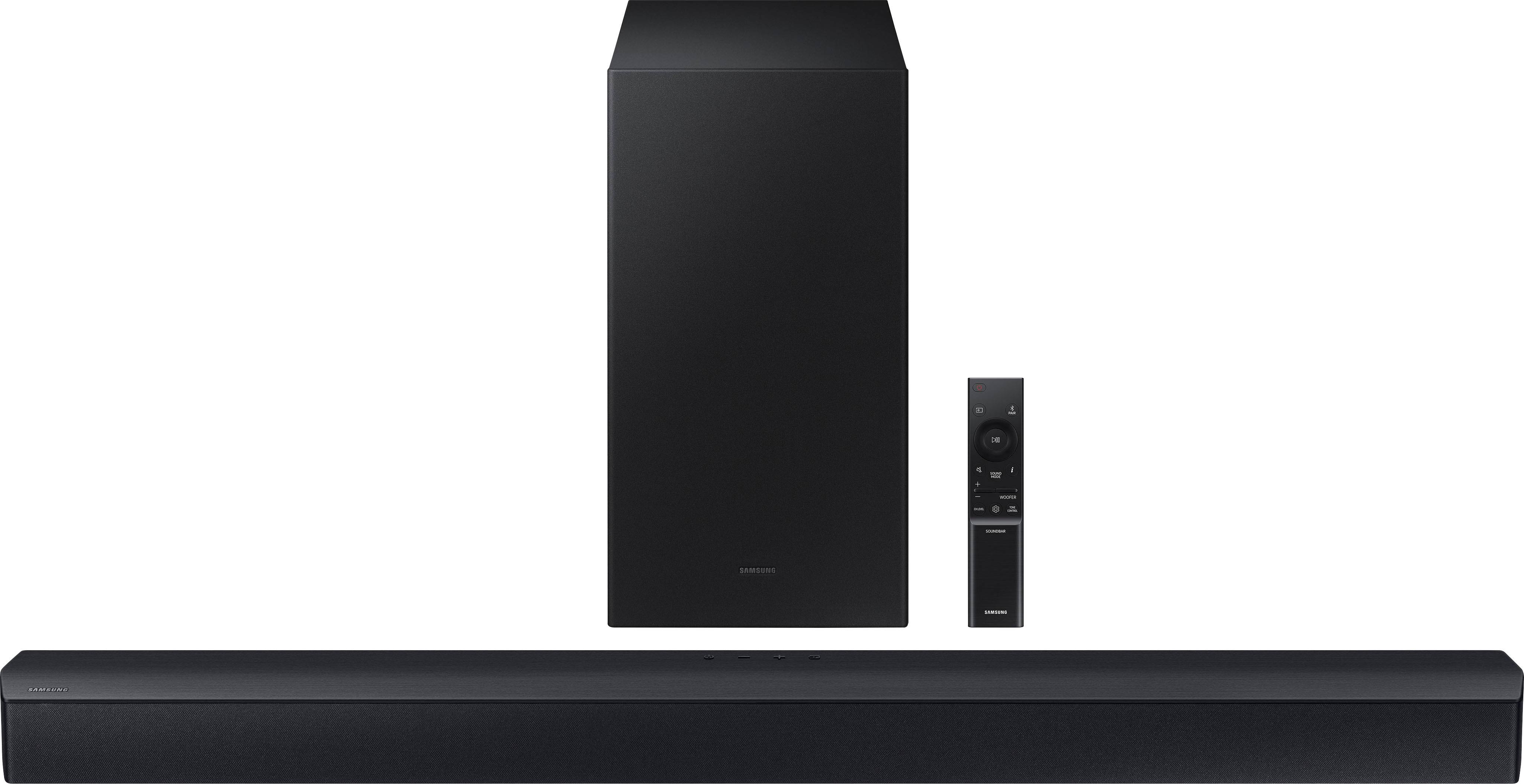
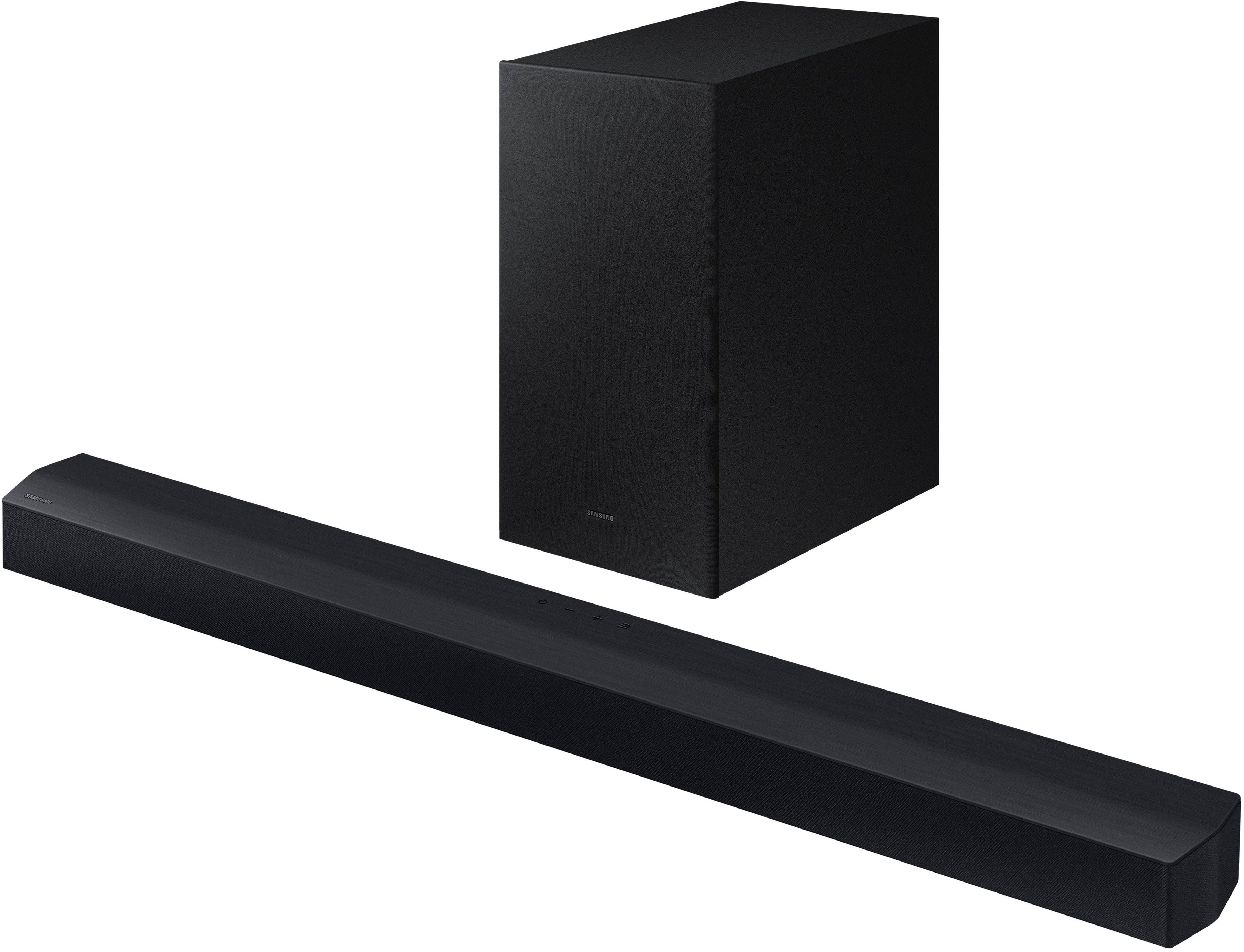
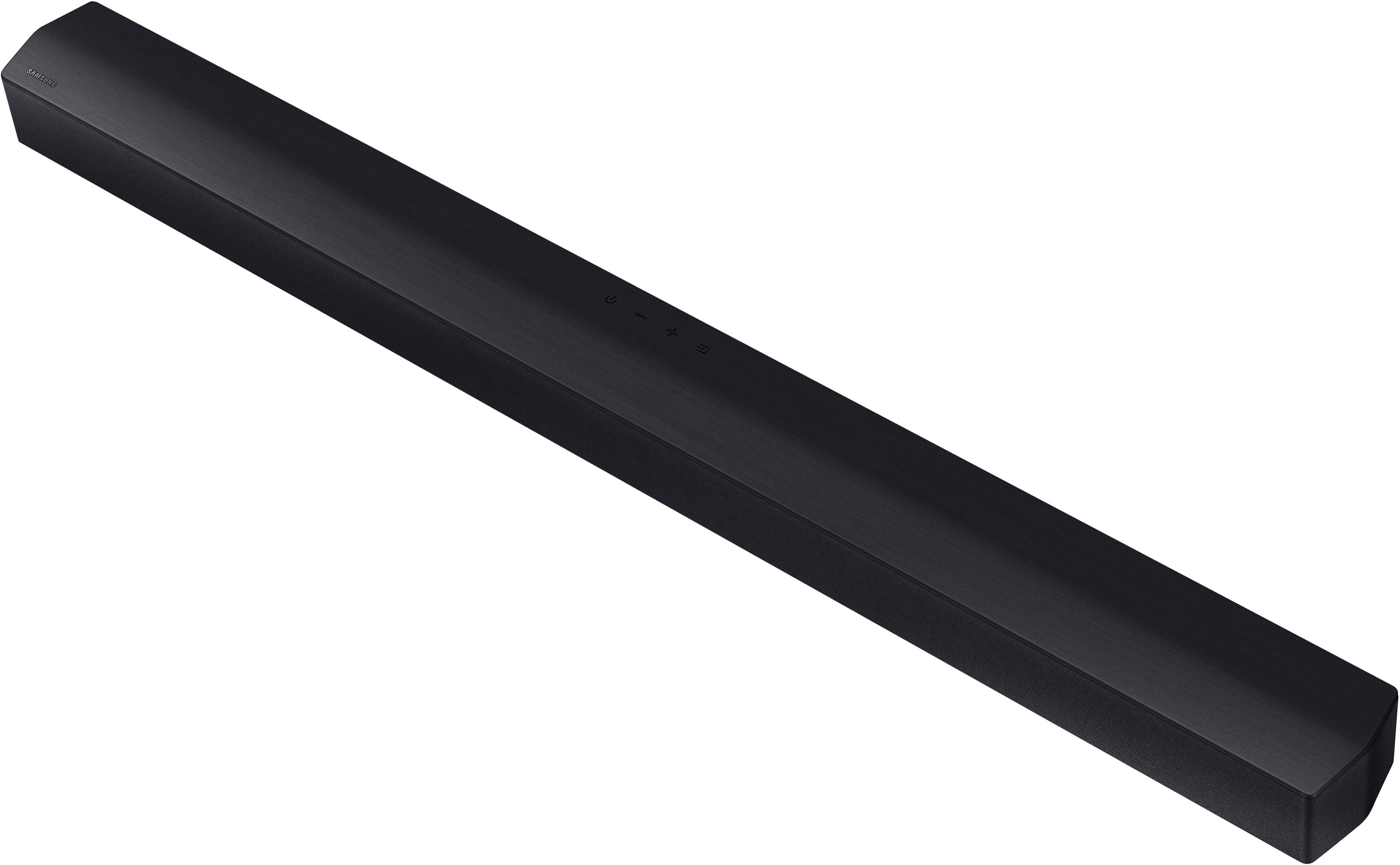
You may also want to initialize your soundbar by pressing the - and + (volume) buttons on the top of the soundbar at the same time for at least 5 seconds. “INIT OK” appears on the display and then the Soundbar is reset. Please know, this will reset all settings on the soundbar back to default; any sound adjustments will need to be performed again.
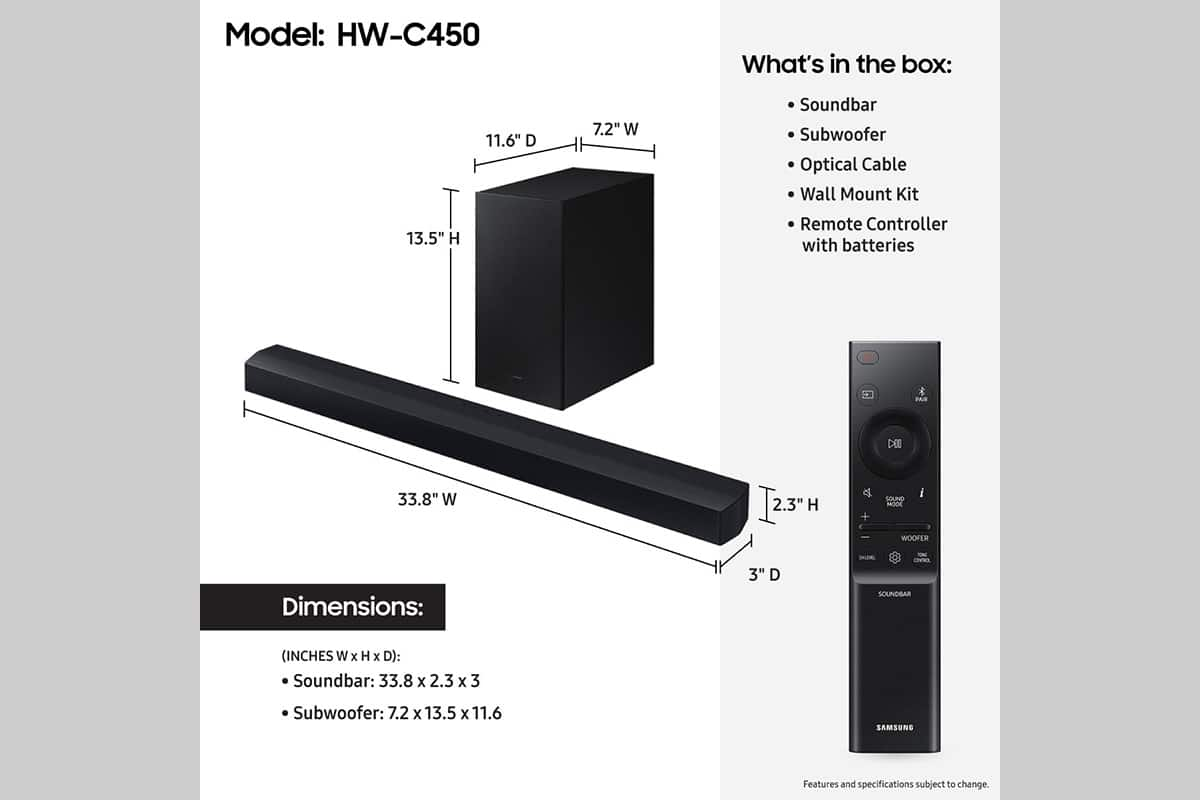
Should you continue to experience audio dropouts, and are connected wirelessly, please use the included cable to connect the soundbar to the TV. Using a wired connection instead of wireless often eliminates the issue entirely and improves the user experience.
I hope these tips help resolve your issues.
If you need more help, Samsung is here for you. Please call us at 1-800-SAMSUNG, 8AM - 12AM EST (Ask for Soundbars), 7 days a week. Our Live Chat agents are also available by clicking on the ‘Support’ link on our website.
~ Samsung Solutions