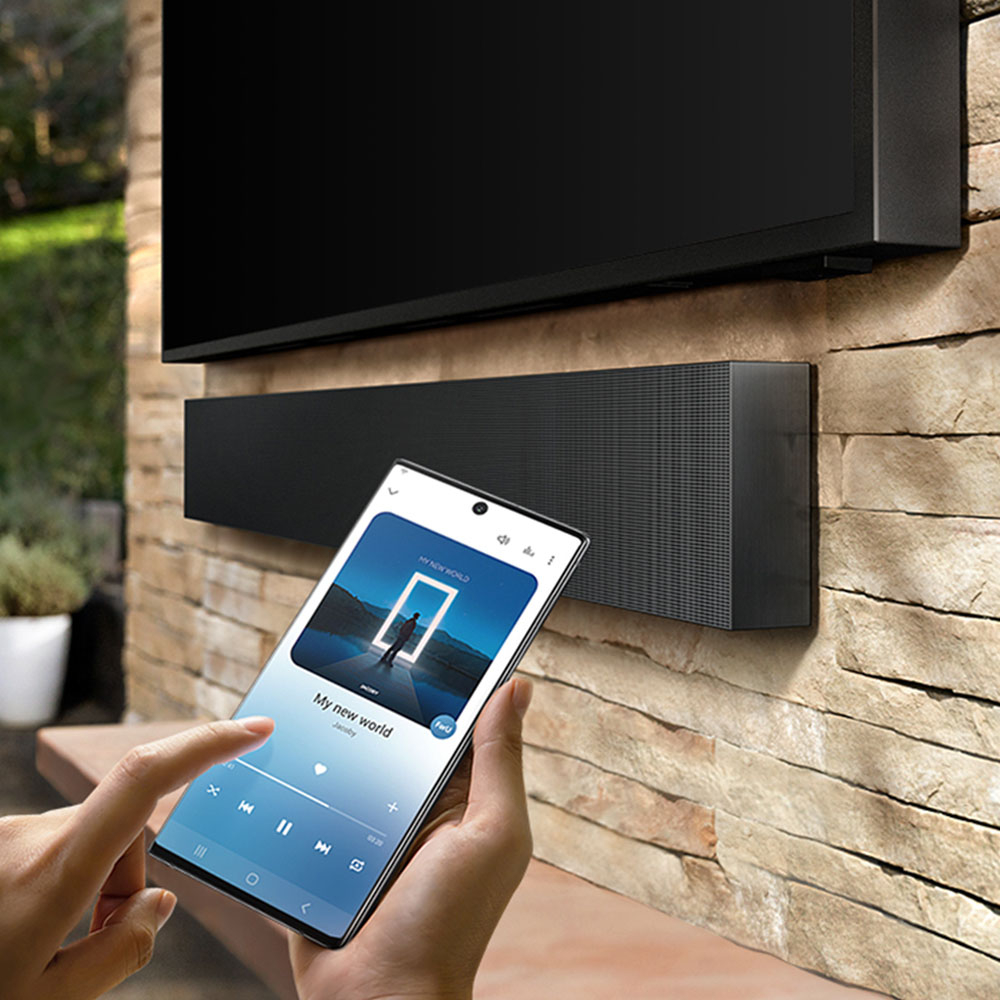
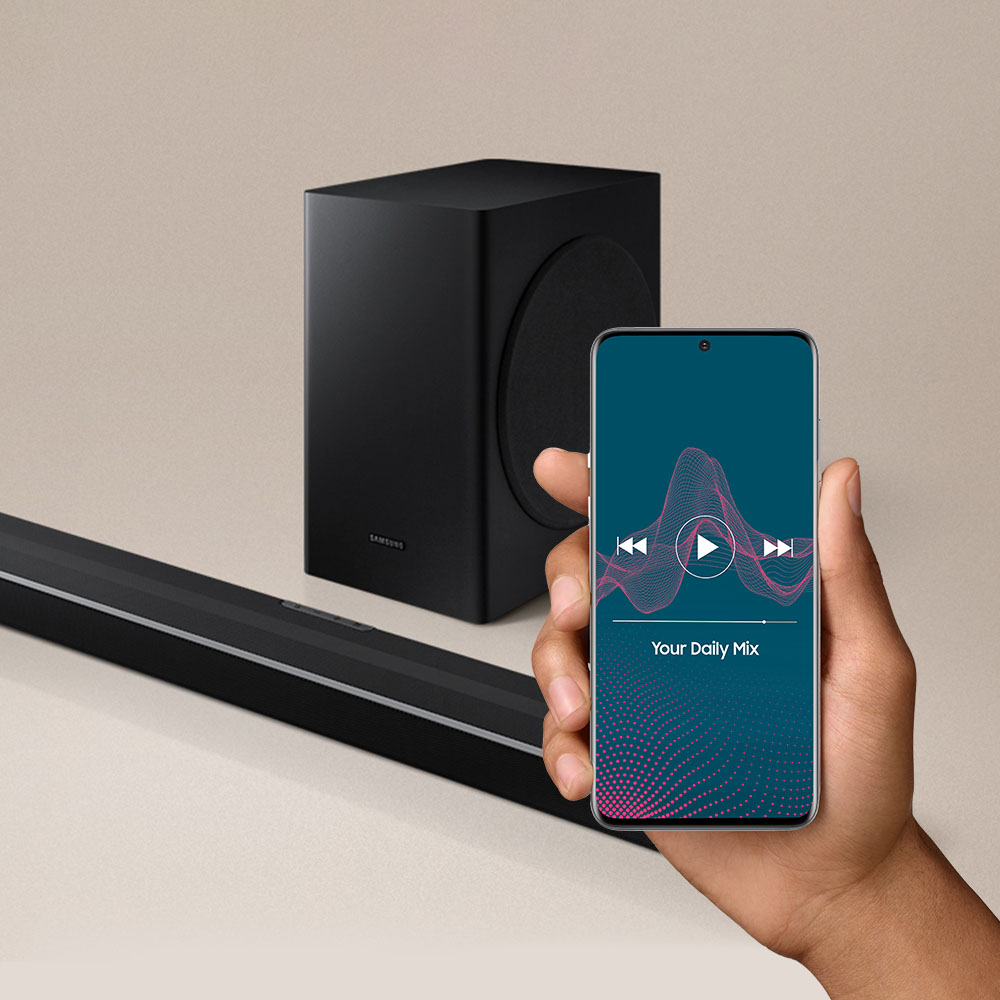
A:AnswerHi HappySamsungOwner! The HW-Q65T supports HDMI, Optical, and Bluetooth connections giving you compatibility with a wide range of models including the 50NU6900. We recommend using HDMI ARC for the best quality and user experience. ^Tim
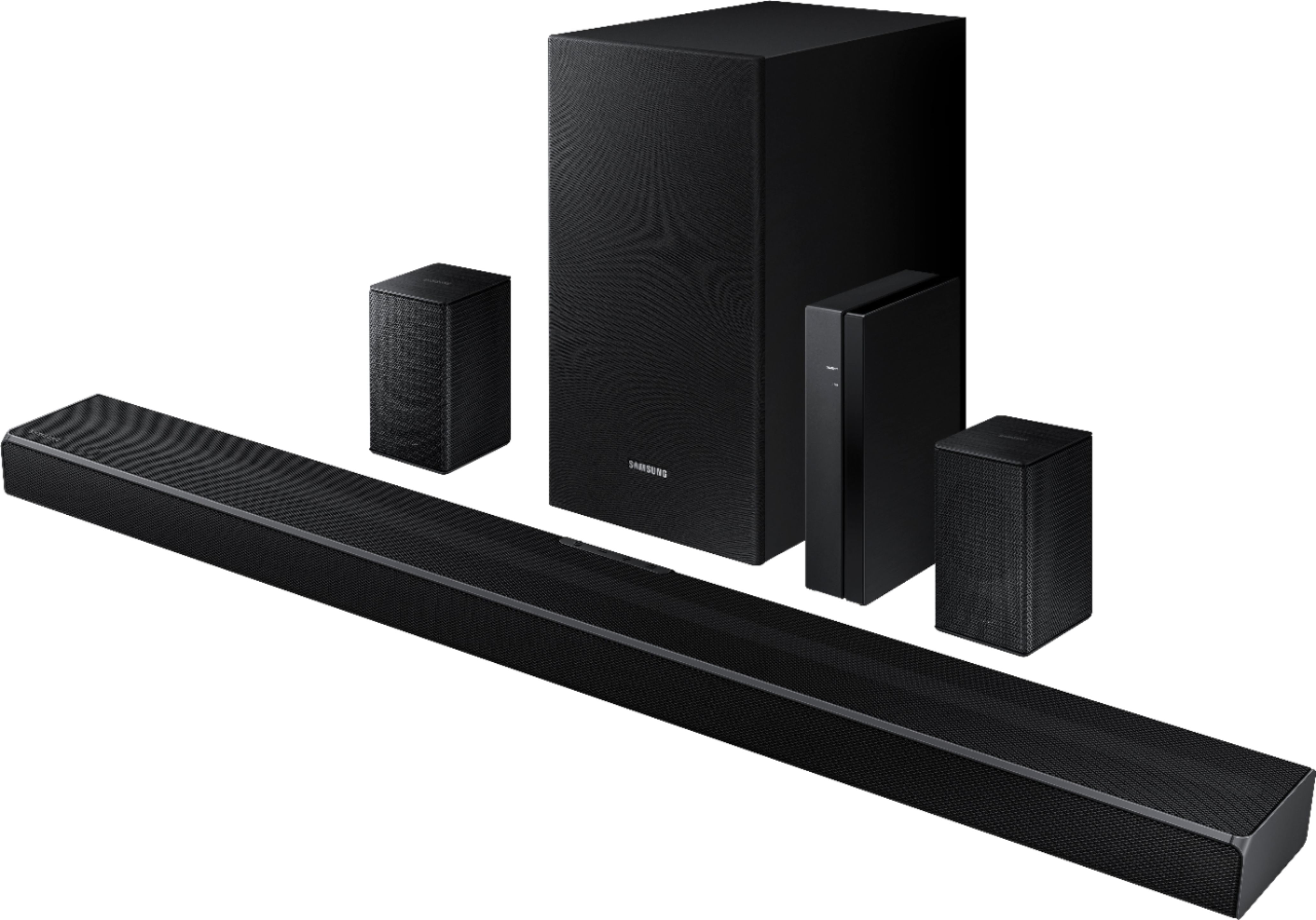
A:AnswerHi DDD3 - The dimensions of each rear speaker are (W x H x D) 3.0" x 5.0" x 3.0"; each speaker weighs approximately 1.1lbs. Most universal speaker mounts will work with the rear speakers, including the Rocketfish Tilting Wall Mounts. Should you need assistance with installing the speakers on the wall mounts, we recommend contacting Best Buy directly or visiting https://www.bestbuy.com/site/services/tv-home-theater-services/pcmcat138100050024.c?id=pcmcat138100050024. ^Gina
A:AnswerHi Remy! When connecting the HW-Q65T Soundbar via HDMI, we recommend you use a coreless high-speed HDMI cable capable of 4K/30Hz if possible. If you use a cored HDMI cable, use one whose diameter is less than 0.55 inches (14 mm). ^Gina
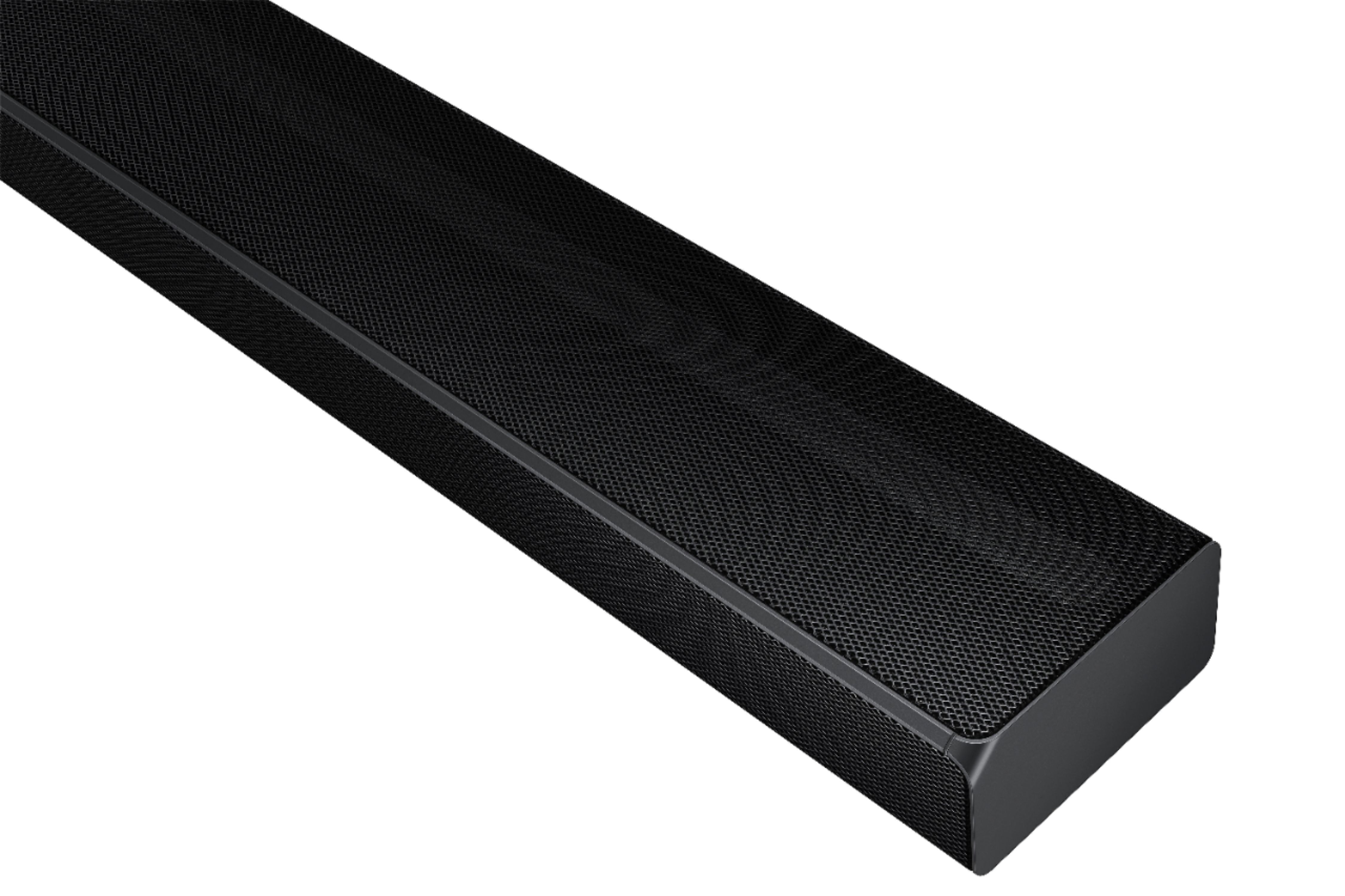
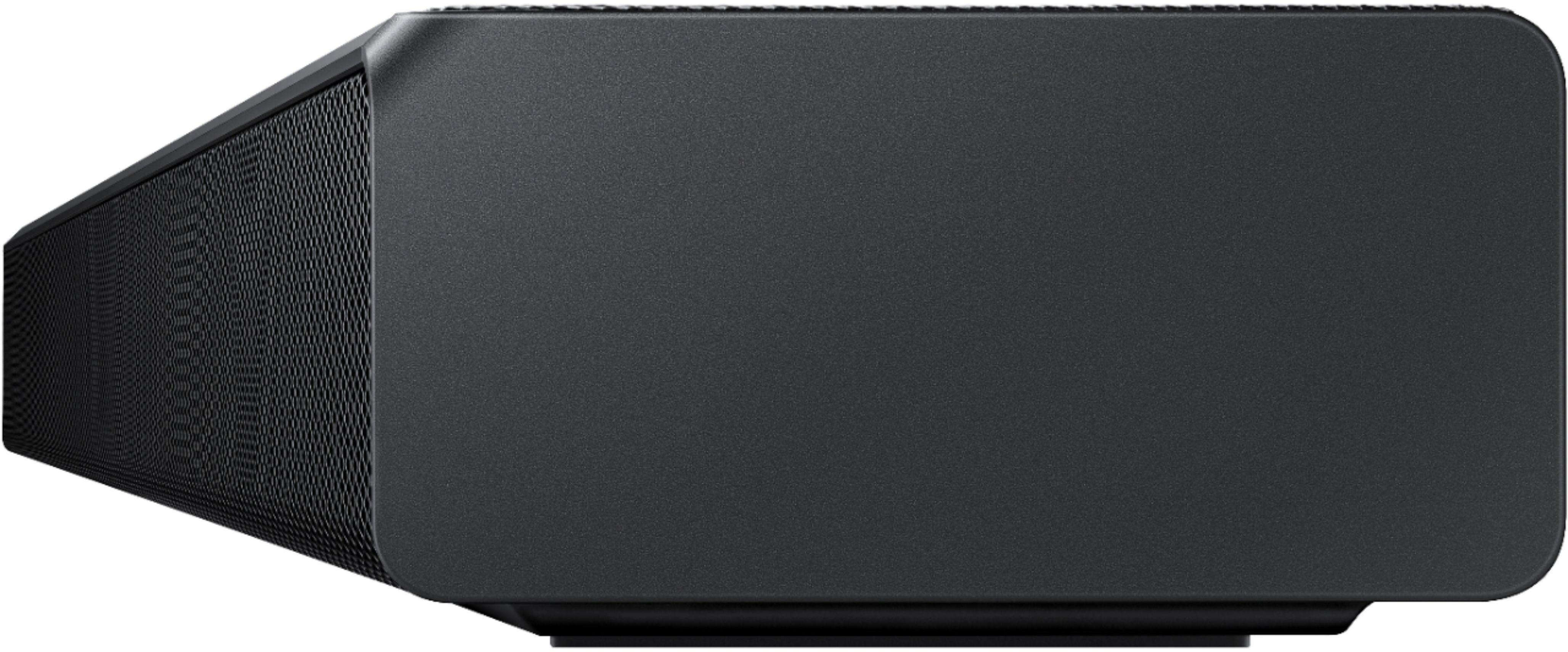
A:AnswerHi AntiLiberal - While I am unsure of which Samsung Soundbar model you previously purchased 2 years ago, the HW-Q65T is a 480W, 7.1 channel soundbar featuring Dolby Digital 5.1 and DTS Virtual:X technologies. You can try manually optimizing your audio experience by pressing the SOUND CONTROL button (looks like a gear) to access the setting items such as TREBLE, BASS, or AUDIO SYNC. The selected item can be adjusted using the Up/Down buttons.
– To control the volume of the treble or bass sound, select TREBLE or BASS in Sound Settings, and then adjust the volume between -6 to +6 by using the Up/Down buttons.
– Press and hold the SOUND CONTROL button for about 5 seconds to adjust the sound for each frequency band. 150Hz, 300Hz, 600Hz, 1.2kHz, 2.5kHz, 5kHz, and 10kHz are selectable using the Left/Right buttons and each can be adjusted to a setting between -6 to +6 using the Up/Down buttons. (Make sure the Sound mode is set to “STANDARD”.)
– If the video on the TV and audio from the Soundbar are not synchronized, select SYNC in Sound Control, and then set the audio delay between 0~300 milliseconds by using the Up/Down buttons.
– SYNC is only supported for some functions.
– If Surround Speakers are connected, select REAR LEVEL and then use the Up/Down buttons to adjust the volume within a -6 to +6 range.
If you need further assistance, please contact Samsung Customer Support at 1-800-SAMSUNG. We look forward to hearing from you. ^Gina
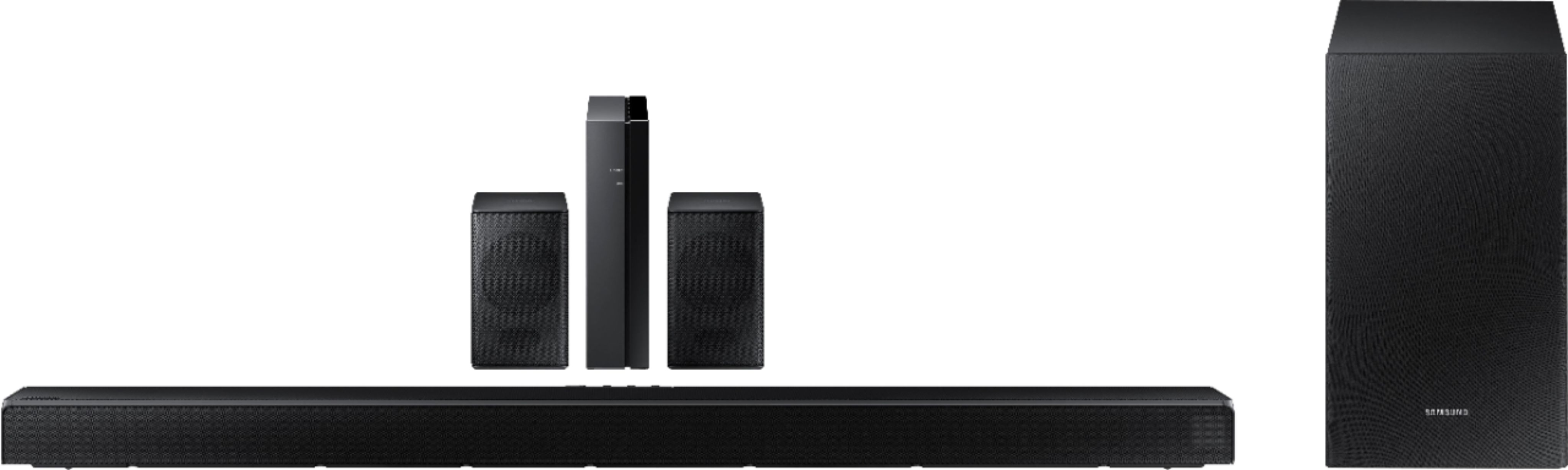
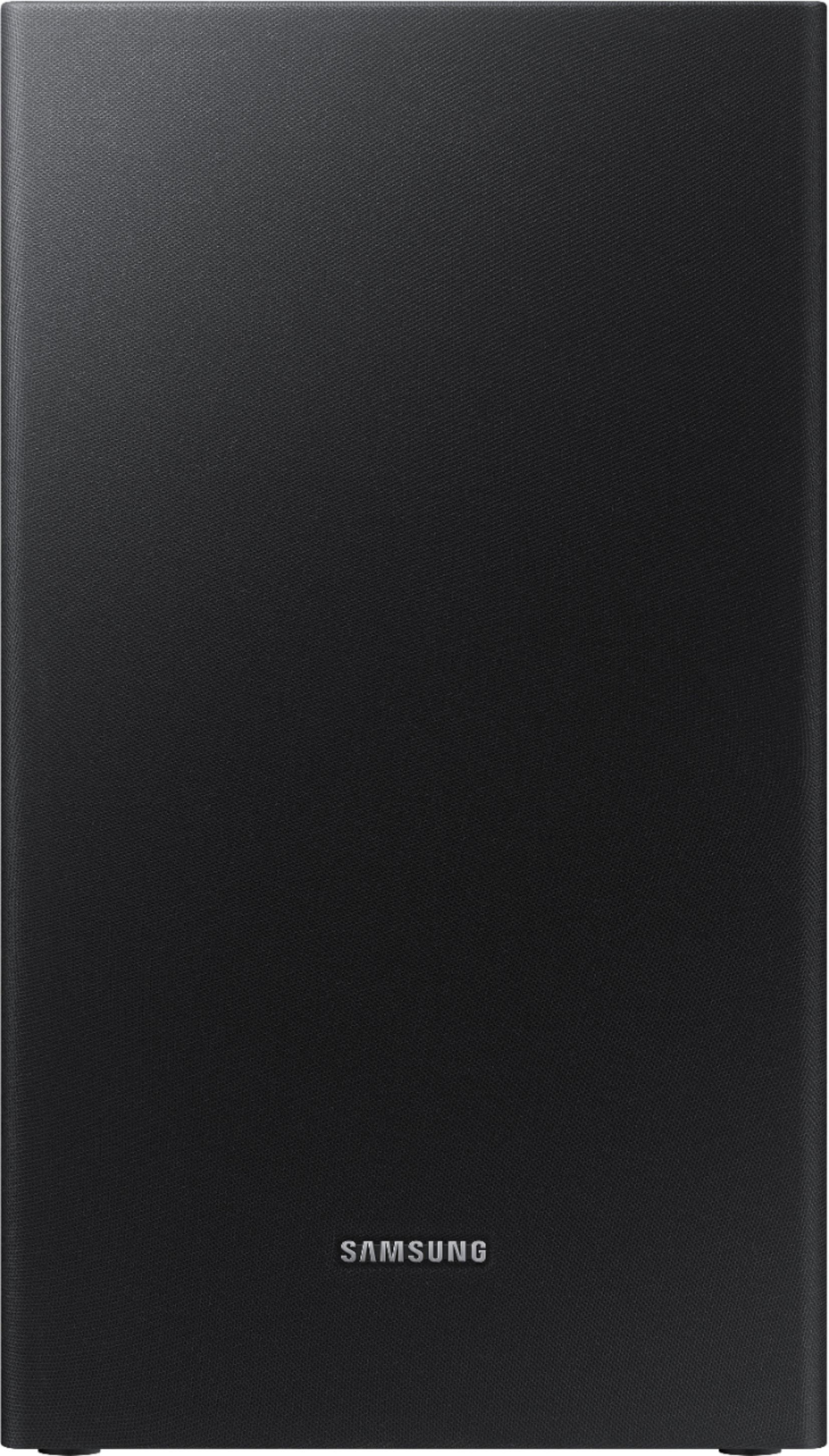
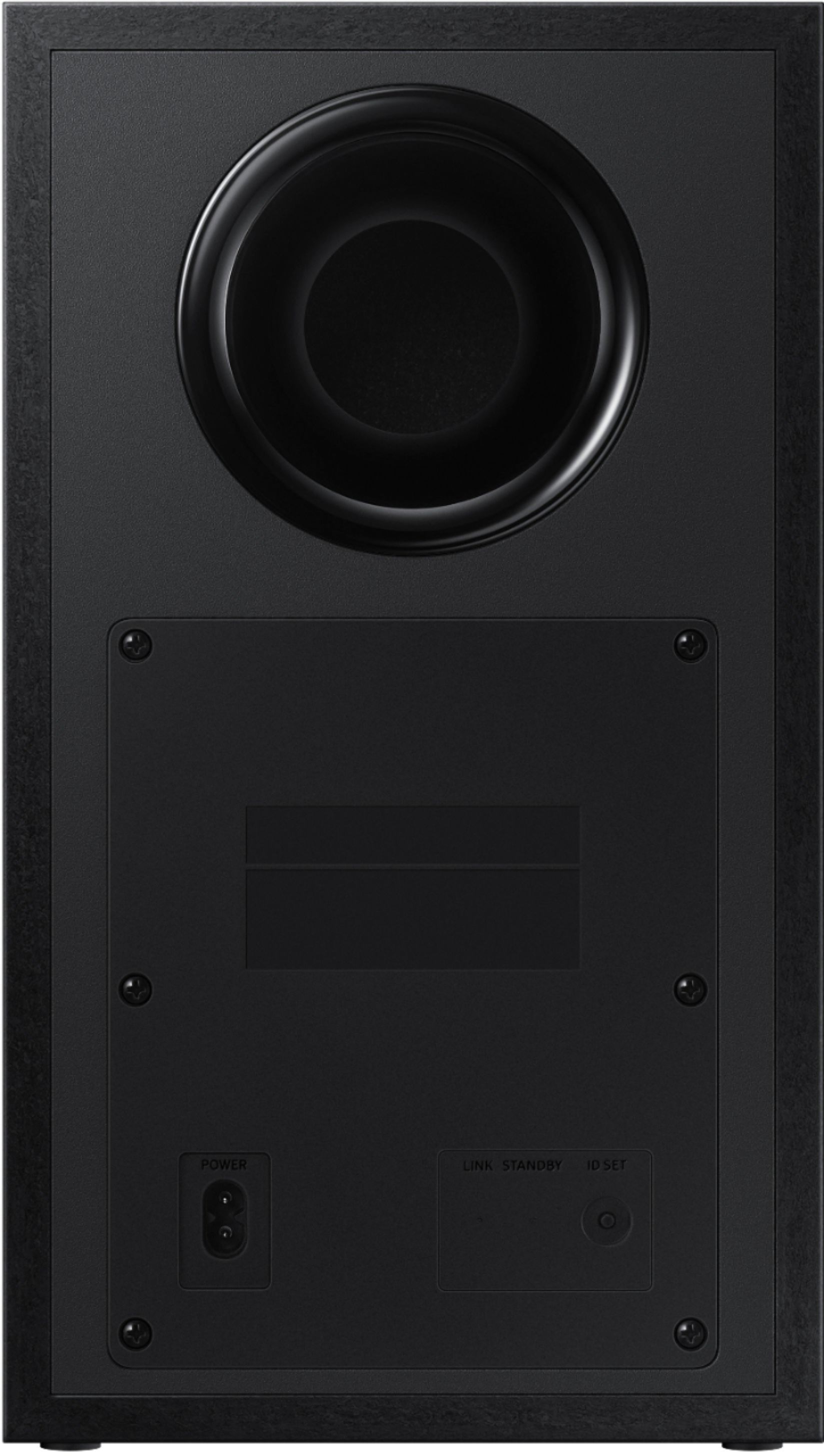
A:AnswerHi Moises! In order to pair the subwoofer and soundbar, you will need the original remote included with the soundbar. For assistance with replacement parts, please contact us at: 1-800-SAMSUNG, available 8AM - 12AM EST, 7 days a week, or Chat with us on Samsung.com: https://www.samsung.com/us/support/contact/

^Tim
A:AnswerHi steve! The HW-Q65T does not feature built in AM/FM capabilities, and does not support RCA/3.5mm. This soundbar can connect to devices using Bluetooth wireless audio technology, HDMI/ARC, or digital optical audio.
^Tim
A:AnswerHi BKJam! The HW-Q65T does not feature compatibility with Alexa voice control. This feature is available starting with our Q Series soundbar model Q700A or above. Check out the HW-Q700A at the following link from Best Buy: https://www.bestbuy.com/site/samsung-3-1-2-channel-soundbar-with-wireless-subwoofer-dolby-atmos-dtsx-and-voice-assistant-black/6454216.p?skuId=6454216
^Tim
A:AnswerHi! The HW-Q65T is a Samsung soundbar system designed to connect to a TV. This model features an HDMI Input and Output supporting 4K resolution allowing you to connect an external 4K HDMI device direct to the soundbar. The audio will play through the soundbar and the video will pass through to the TV connected via the HDMI Output.
^Tim
A:AnswerHi Sam! So that we can better troubleshoot towards a solution, please reach out to Samsung Support at: 1-800-SAMSUNG, available 8AM - 12AM EST, 7 days a week, or Chat with us on Samsung.com: https://www.samsung.com/us/support/contact/ ^Tim
A:AnswerI have them set up in the basement TV which is used generally for watching sports on the weekend.
The speakers work fine with streaming and watching live sporting events.
A:AnswerHi RuRu! The HW-Q65T Soundbar includes a wireless rear speaker kit providing an immersive 7.1ch surround sound experience. This model is only compatible with the included set of wireless speakers and will not connect to an additional pair.
^Tim