A:AnswerHi there! Please give us the opportunity to assist you by contacting Samsung Customer Support. Call us at at 1-800-SAMSUNG (Ask for Soundbars), 8 AM – 12 AM EST, 7 days a week. Our Live Chat agents are also available by clicking on the ‘Support’ link on our website.
~ Samsung Solutions
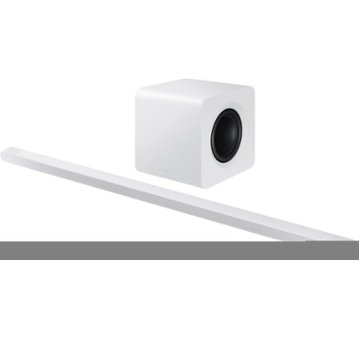
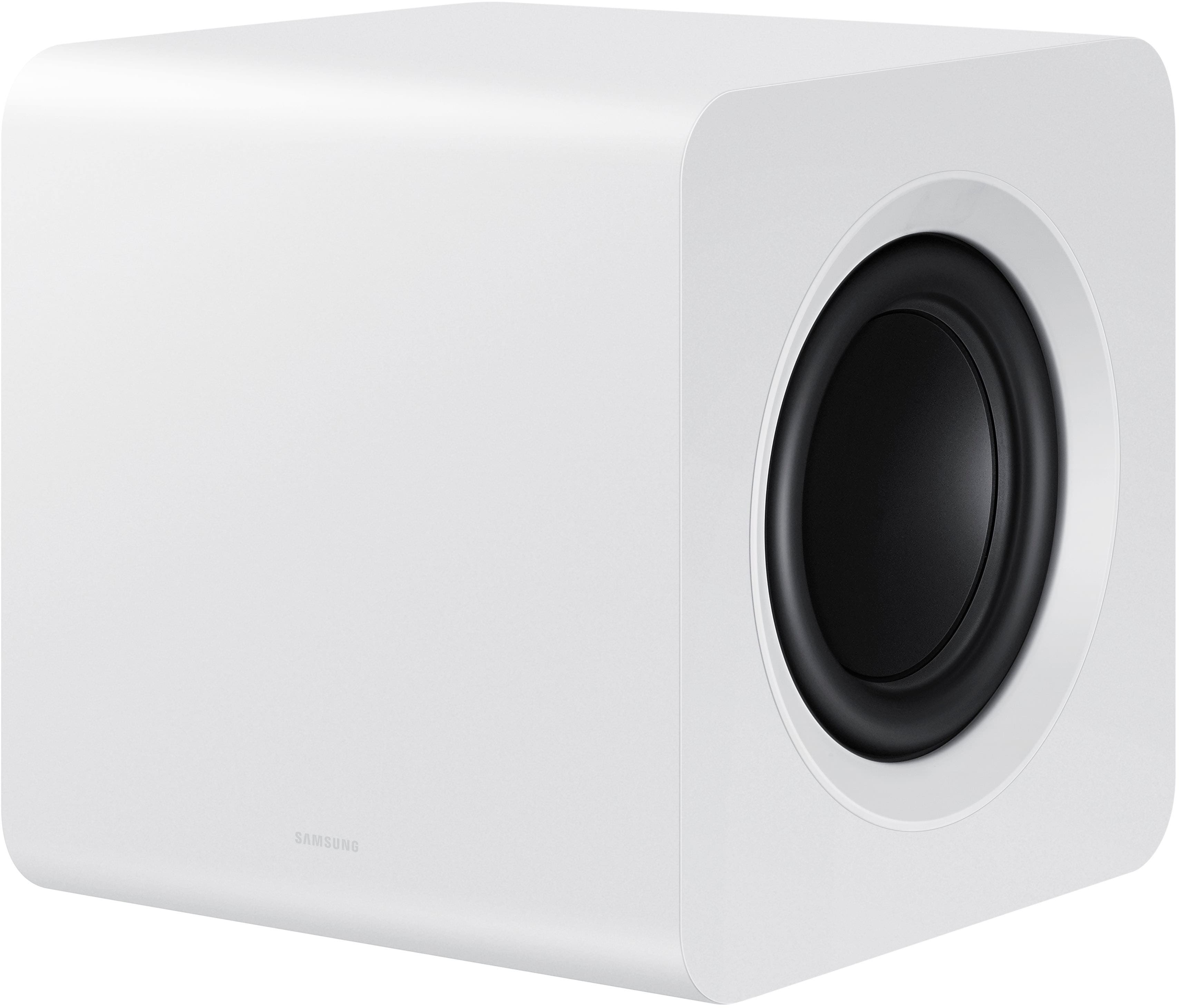
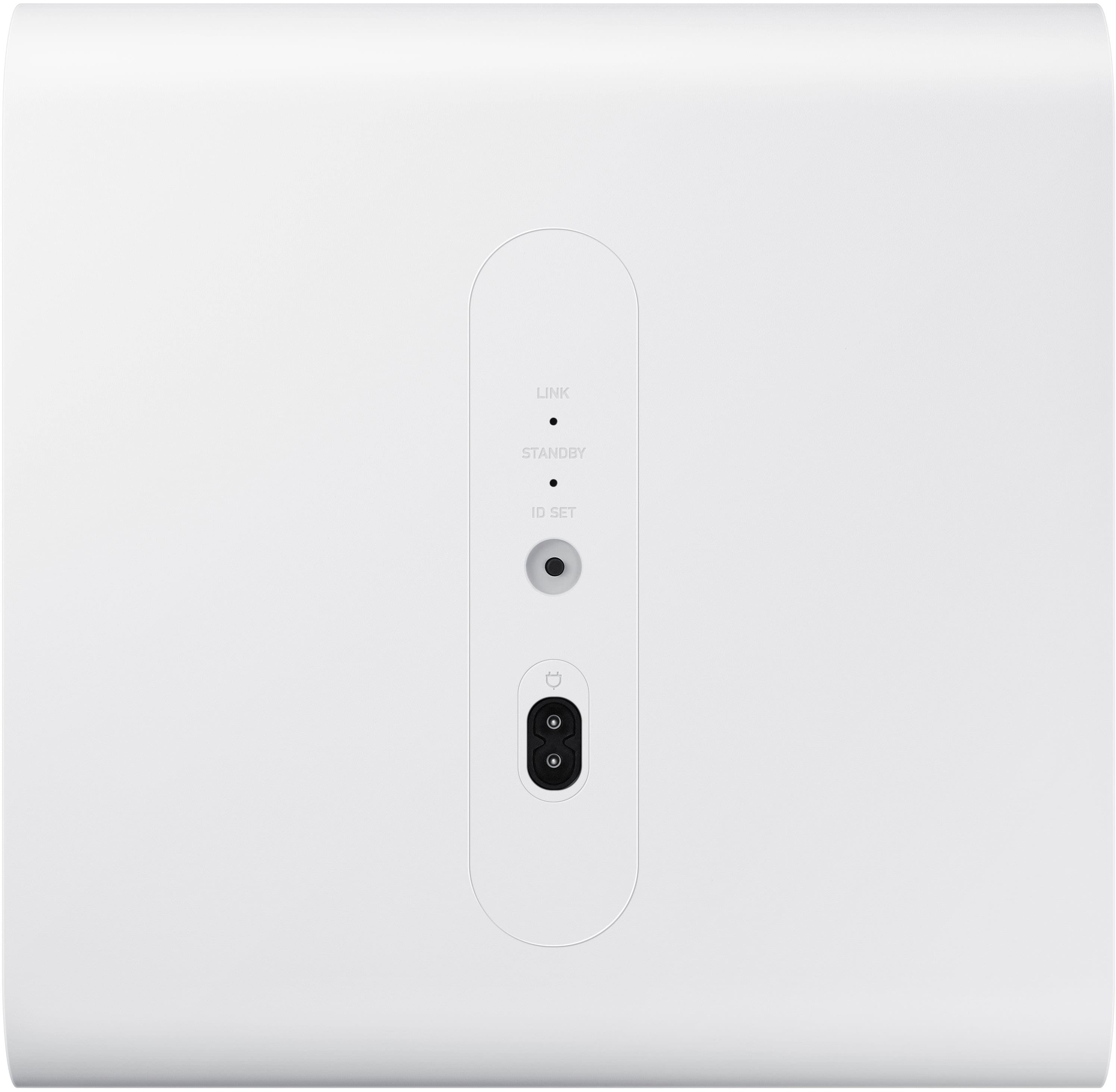
A:AnswerHi SW123! Each Samsung Soundbar is designed to be exclusively compatible with the subwoofer included. The HW-S800S Soundbar will only work with the subwoofer included. ~ Samsung Solutions
A:AnswerHi Yamma! Samsung is committed to providing the best possible product experience, quality, and value. We back this Samsung Soundbar with a 1-year limited manufacturer's warranty, including authorized repair for manufacturer defects, if purchased brand-new directly from an authorized seller. ~ Samsung Solutions
A:AnswerHello ML. Try connecting the S801D Soundbar to your TV via HDMI eArc or wirelessly with Bluetooth or Wi-Fi. If you need more help, Samsung is here for you. Please call us at 1-800-SAMSUNG, 8AM - 12AM EST (Ask for Soundbars), 7 days a week. Our Live Chat agents are also available by clicking on the ‘Support’ link on our website.
~ Samsung Solutions
A:AnswerHi there! Yes, the HW-S800D features three ways to connect to an external device: HDMI (ARC), Wi-Fi, and Bluetooth wireless audio technology. If your TV is compatible with one of these three audio connections, you should have no issue connecting the soundbar to your TV. ~Samsung Solutions
A:AnswerHello JanJan, The Samsung HW-S801D soundbar has Alexa built-in, but it sounds like it may not be fully set up to respond to voice commands as you expect.
Here’s what to check and do:
Ensure Alexa is Enabled on the Soundbar:
On your soundbar, make sure Alexa is actually enabled. This might require connecting the soundbar to your Wi-Fi network and linking it with the Alexa app on your smartphone.
If you haven't set this up yet, follow the soundbar’s user manual to enable Alexa in the soundbar settings. Usually, you'll need to go to the soundbar’s setup in the Samsung SmartThings app.
Check Alexa Voice Activation:
Since the soundbar has Alexa built-in, it should respond to "Alexa" commands directly, but if it's not, double-check that the microphone is not muted (usually indicated by a small light on the soundbar).
Ensure the soundbar is set up as a smart device in the Alexa app.
You might need to explicitly enable the soundbar as a device to control in your Alexa app by going into the app and selecting the soundbar as a controllable device.
Use the TV's Alexa (if needed): If you continue to have trouble with the soundbar's Alexa, consider using the built-in Alexa on the Samsung Frame TV. It also has Alexa functionality and might respond more reliably to voice commands. To do this, just make sure your TV is connected to Alexa through the SmartThings app or directly through Alexa.
If you need more help, Samsung is here for you. Please call us at 1-800-SAMSUNG, 8AM - 12AM EST (Ask for Soundbars), 7 days a week. Our Live Chat agents are also available by clicking on the ‘Support’ link on our website.
~ Samsung Solutions
A:AnswerHello Dusty, Hi! The HW-S800D features three ways to connect to an external device: HDMI (ARC), digital optical audio, and Bluetooth wireless audio technology. If your TV is compatible with one of these three audio connections, you should have no issue connecting the soundbar to your TV. You will have to have the Soundbar plugged into to a power outlet. ~Samsung Solutions
A:AnswerHello SW123, Yes the HW-S800D Soundbar supports wireless Dolby Atmos as well as HDMI eARC. As long as you have a Q-Symphony compatible TV you will be able to enjoy this feature. The provided HDMI cable is Micro HDMI which you connect to the Soundbar and HDMI to connect to your TV or compatible device. ~ Samsung Solutions.
A:AnswerHello Mounting, Yes you can use a Universal mount like the following sold at Best Buy: https://www.bestbuy.com/site/rocketfish-universal-soundbar-mounting-system-black/6354301.p?skuId=6354301
~ Samsung Solutions
A:AnswerHi bobby, The HW-S800D features three ways to connect to an external device: HDMI (ARC), Wi-Fi, and Bluetooth wireless audio technology. If your PC is compatible with one of these three audio connections, you should have no issue connecting the soundbar to your PC ~Samsung Solutions
A:AnswerHi there Jake, I would recommend placing it with the front speakers facing the direction where you typically sit to watch TV to give you a more theatrical audio experience. However, you are not limited to where you can place it. ~ Samsung Solutions