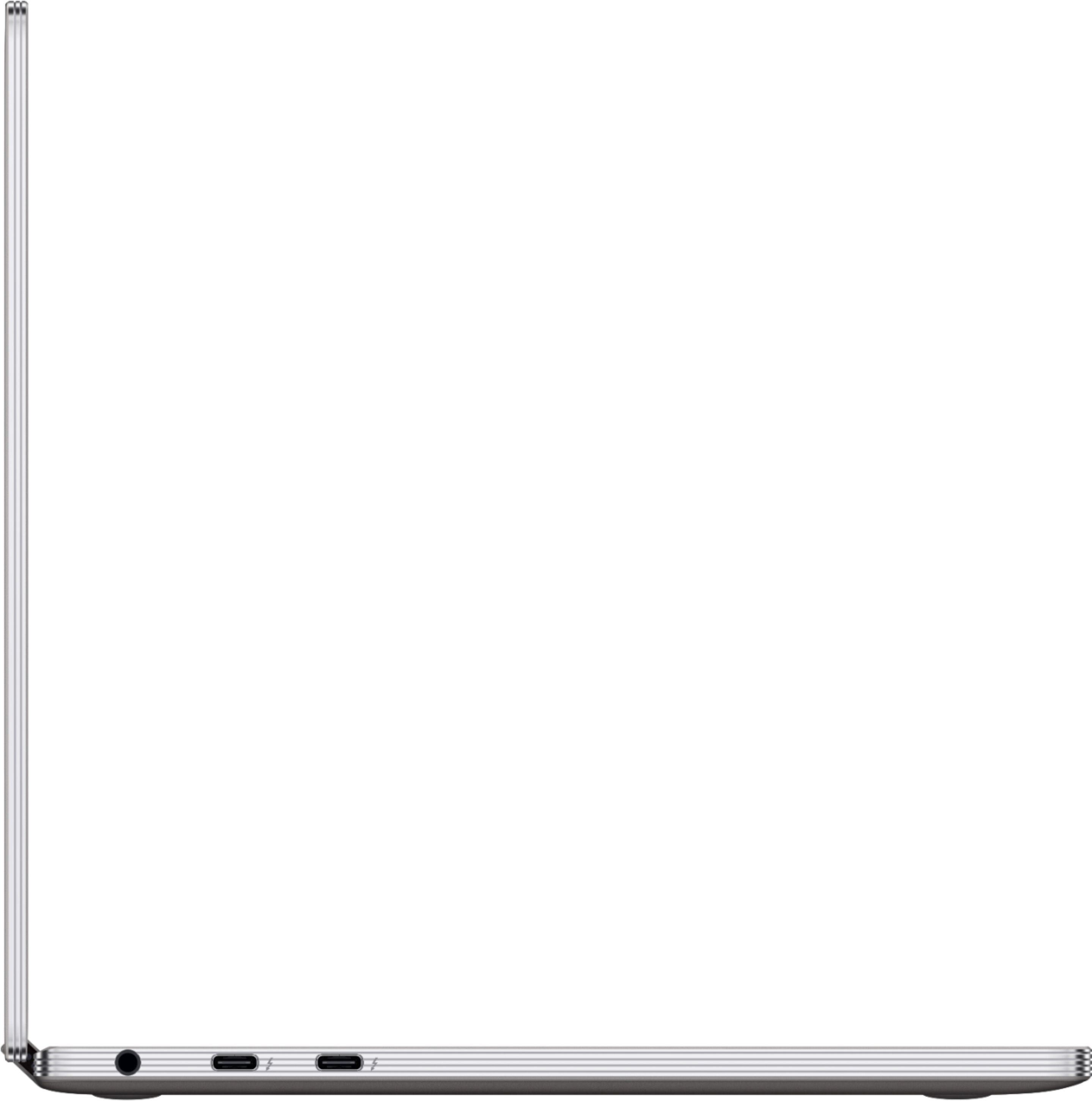
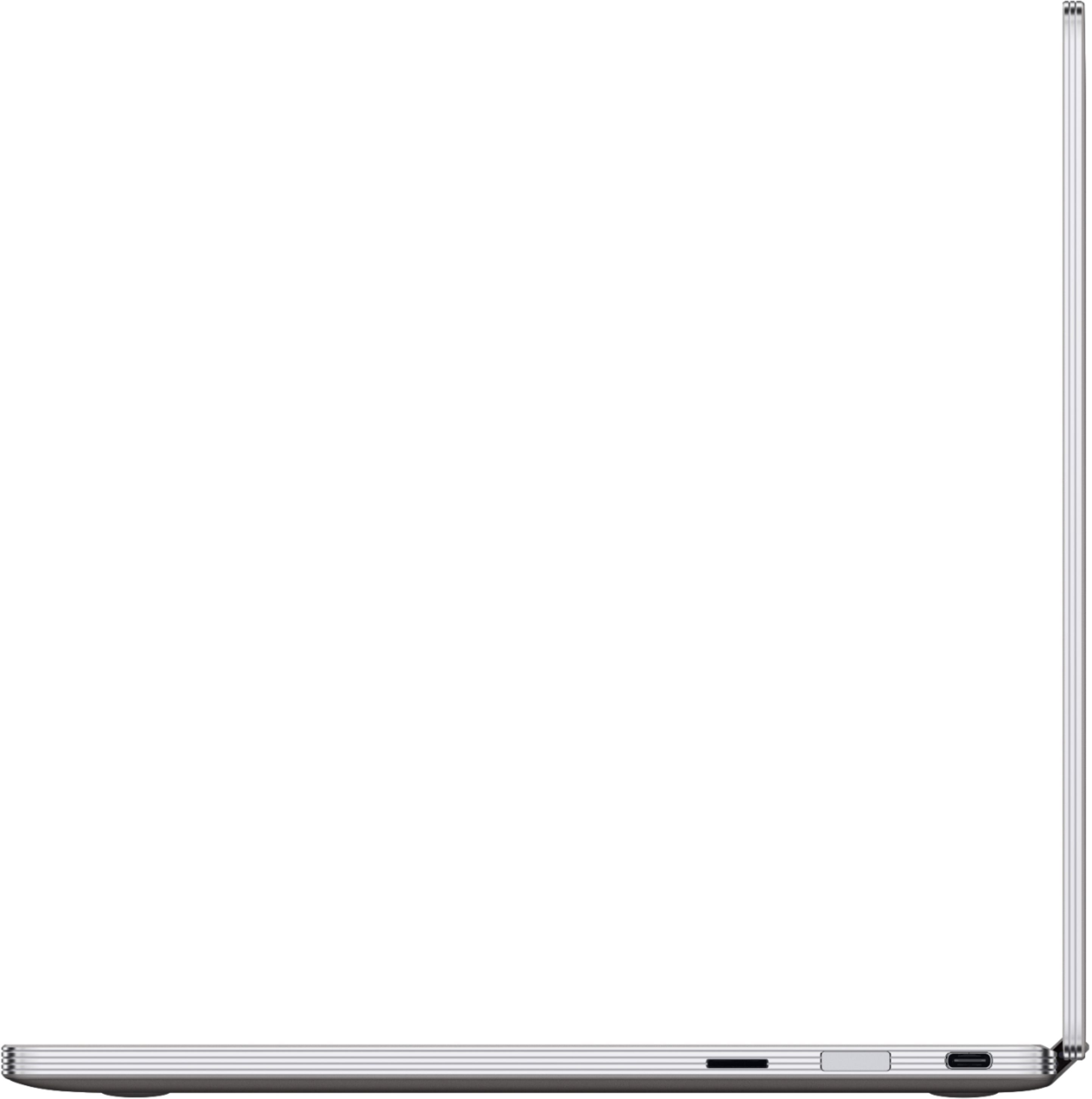
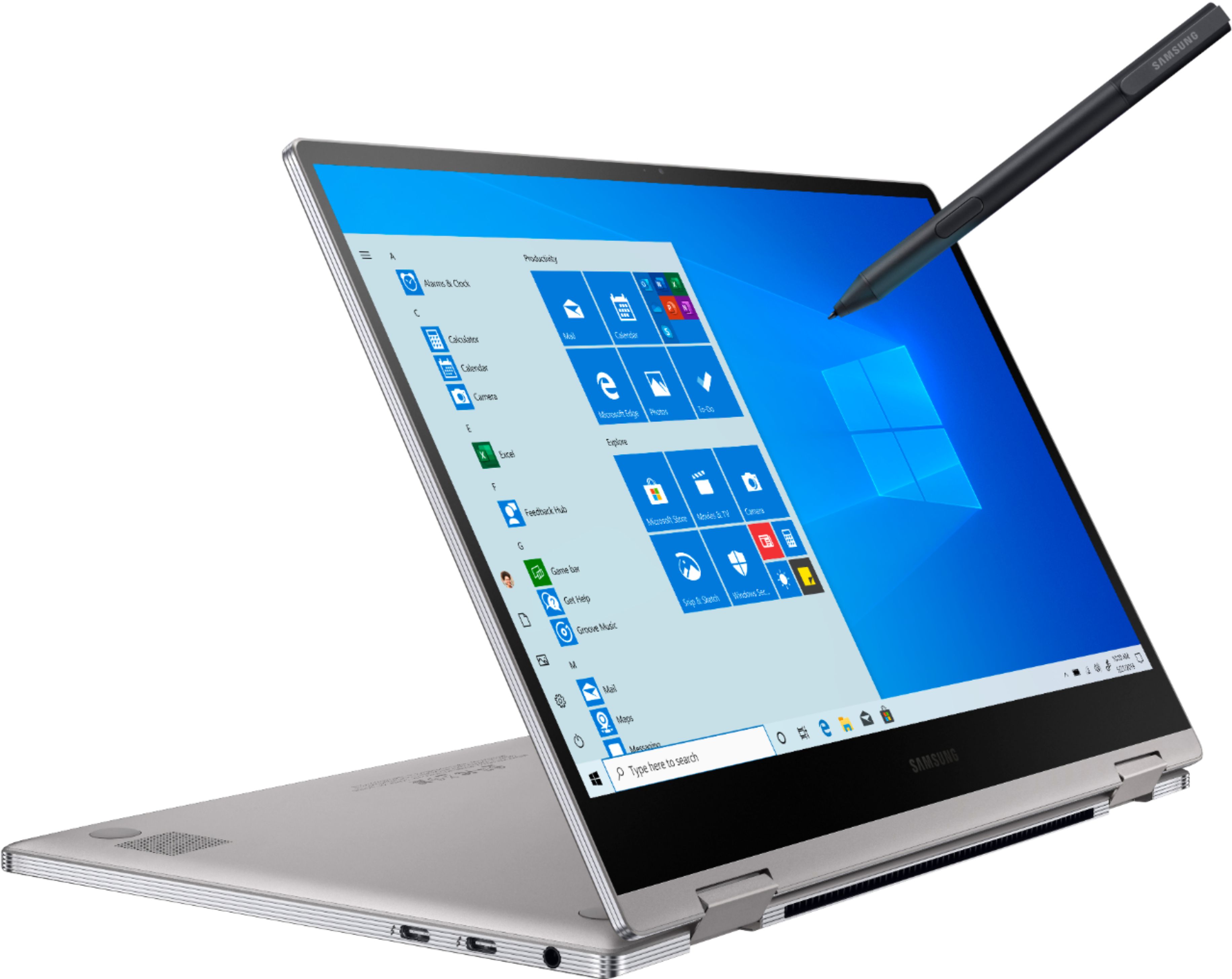
A:AnswerIt's a data m.2,I upgraded mine last year with the Samsung 860 EVO SSD 1TB - M.2 SATA it was a nice investment and samsung has the cloning software to help move everything over for you.
A:AnswerThis laptop does not have SIM card slot. Your best option is to buy a hot spot device. You can get them from you cell phone carrier. A hot spot device would connect to your laptop via WiFi. You can also connect it through the laptops USB connection. You would need a USB-C to USB-A adaptor. Connecting via USB is a little messy but it's cheaper. Connecting via hot spot is easier but would require you to buy the hot spot device which and cost a couple hundred dollars. I attached a picture of the two options. Good luck.
A:AnswerTalk to your IT Department. You may need some kind of certificate or password to get online. I don't believe it's an issue with the laptop but with the wifi itsels since you're able to connect to wifi everywhere else.
A:AnswerI have a matte screen protector on mine, they’re also referred to as “paper like” it’s has a slight texture to it which is great with using a stylus on the screen since it feels more like writing on actual paper and not so slippery. But the best part is it cuts the glare completely considering it’s a glossy screen without one and everything reflects off of it and it eliminates the need to constantly clean smudges and finger prints from my screen. I ordered mine on Amazon, they came as a 2 pack.
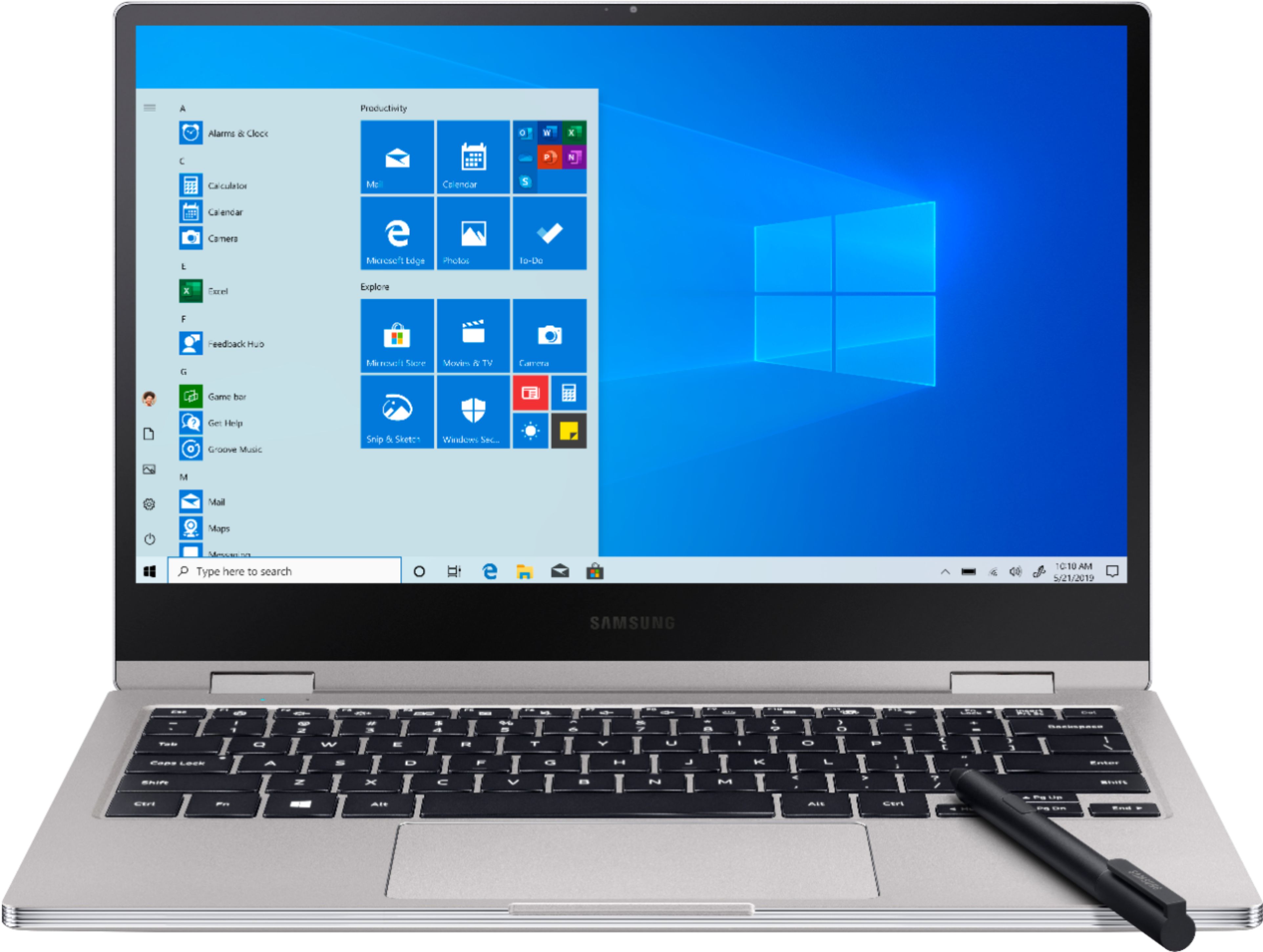
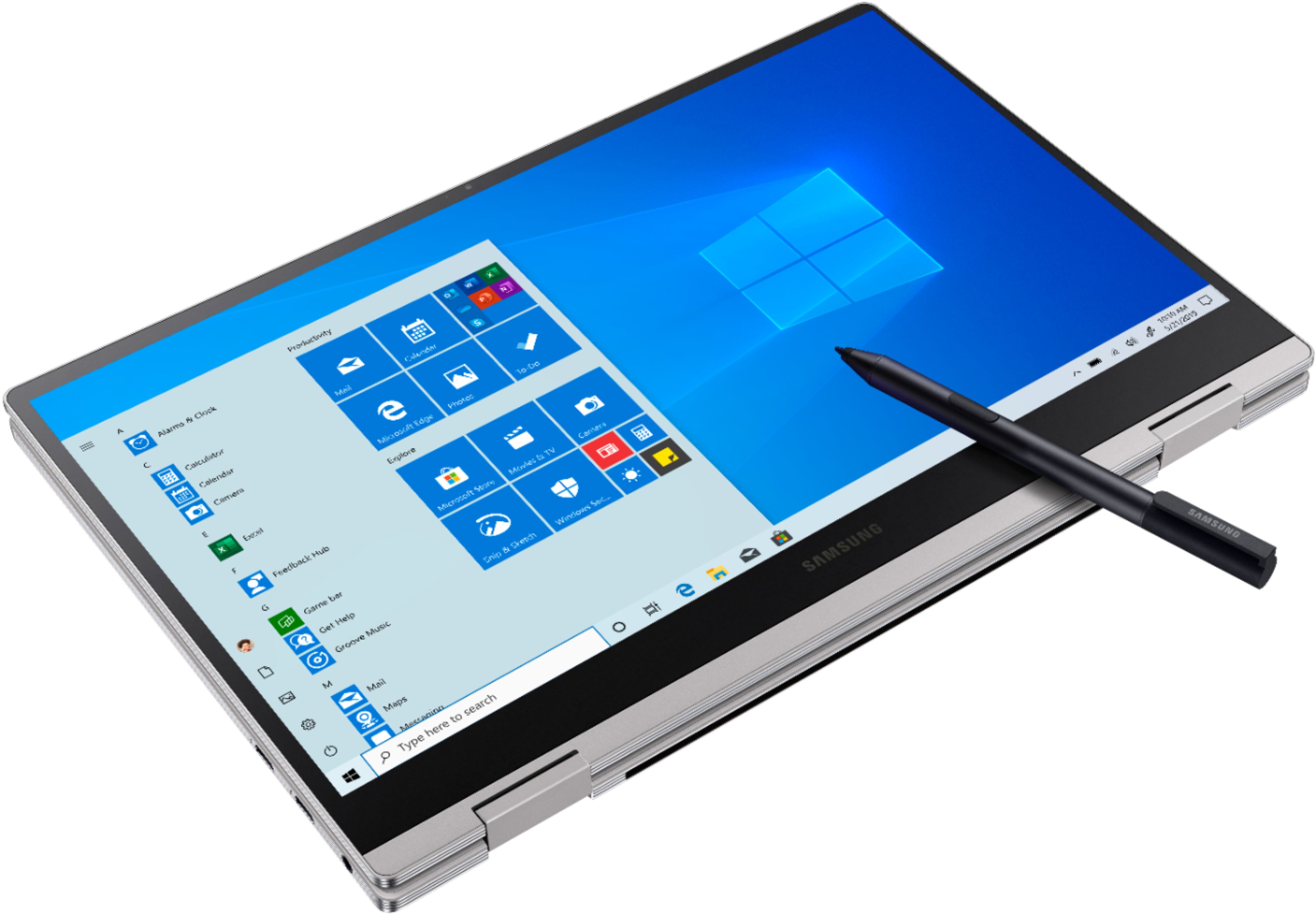
A:AnswerFrom my understanding, the S-Pen is built into the Samsung Notebook Pen where as the Active pen is not built into the Samsung Notebook 9 Pro and functions just like an actual pen. I own the Notebook 9 Pro with the Active pen but haven't yet used it.