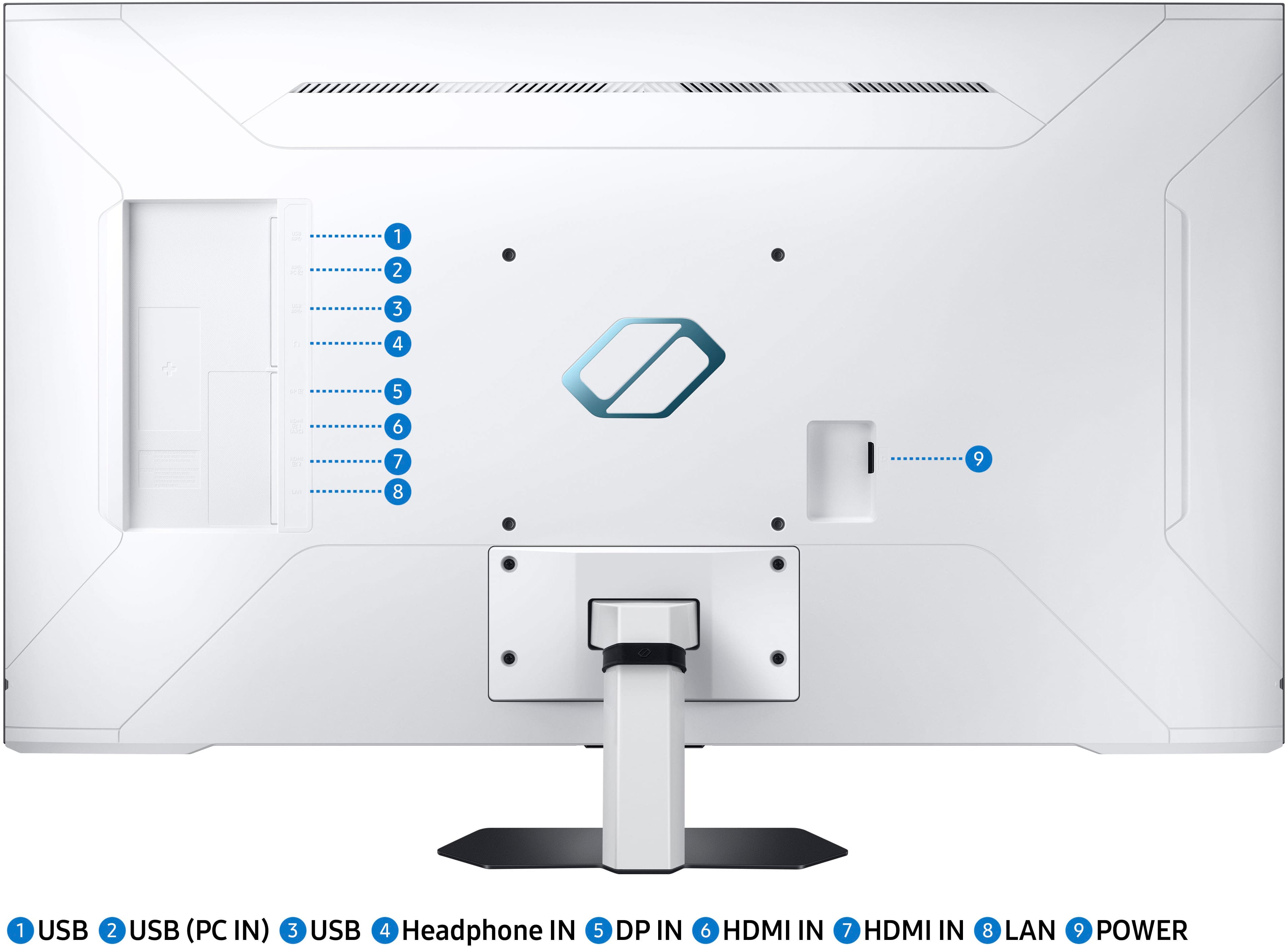
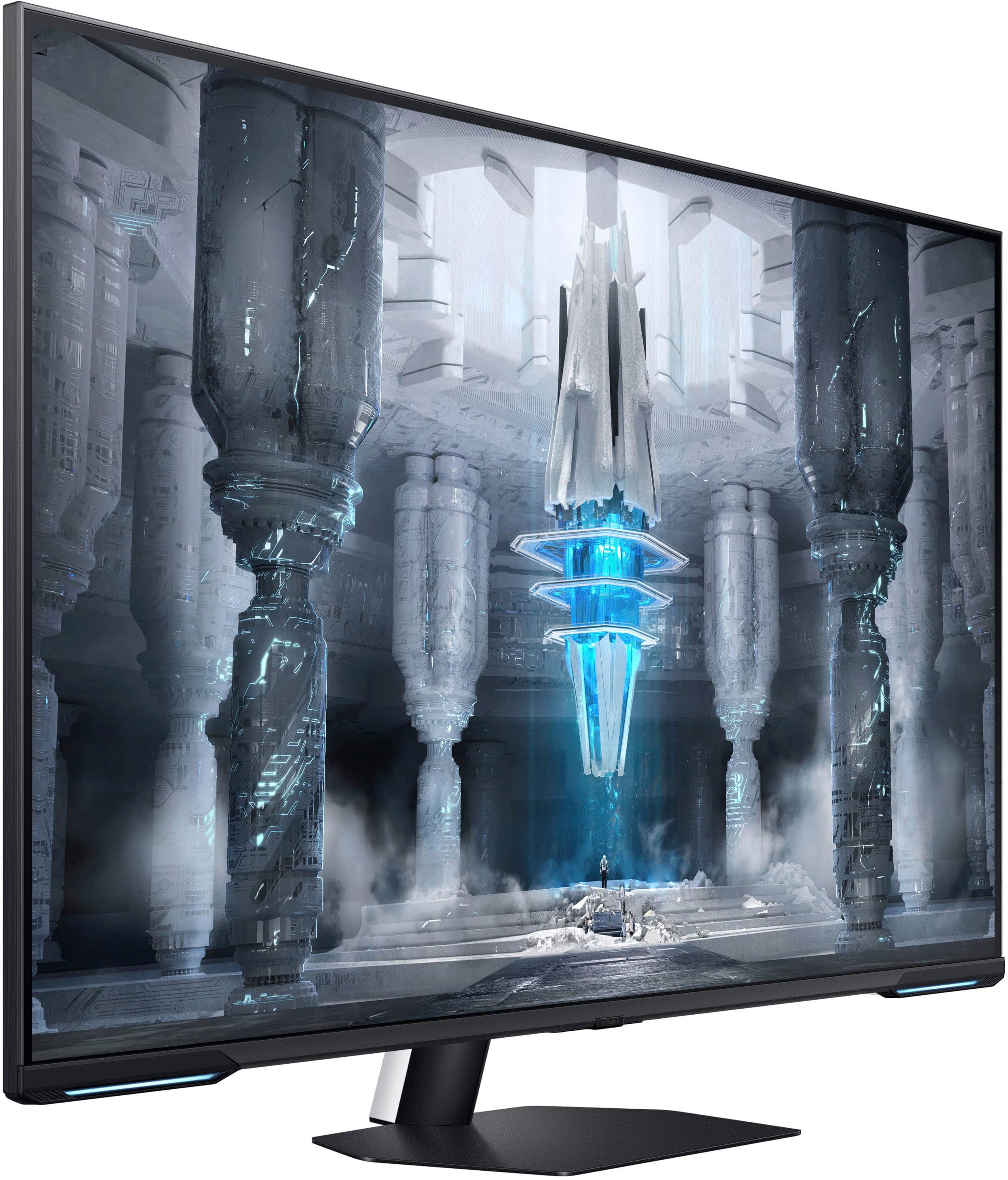
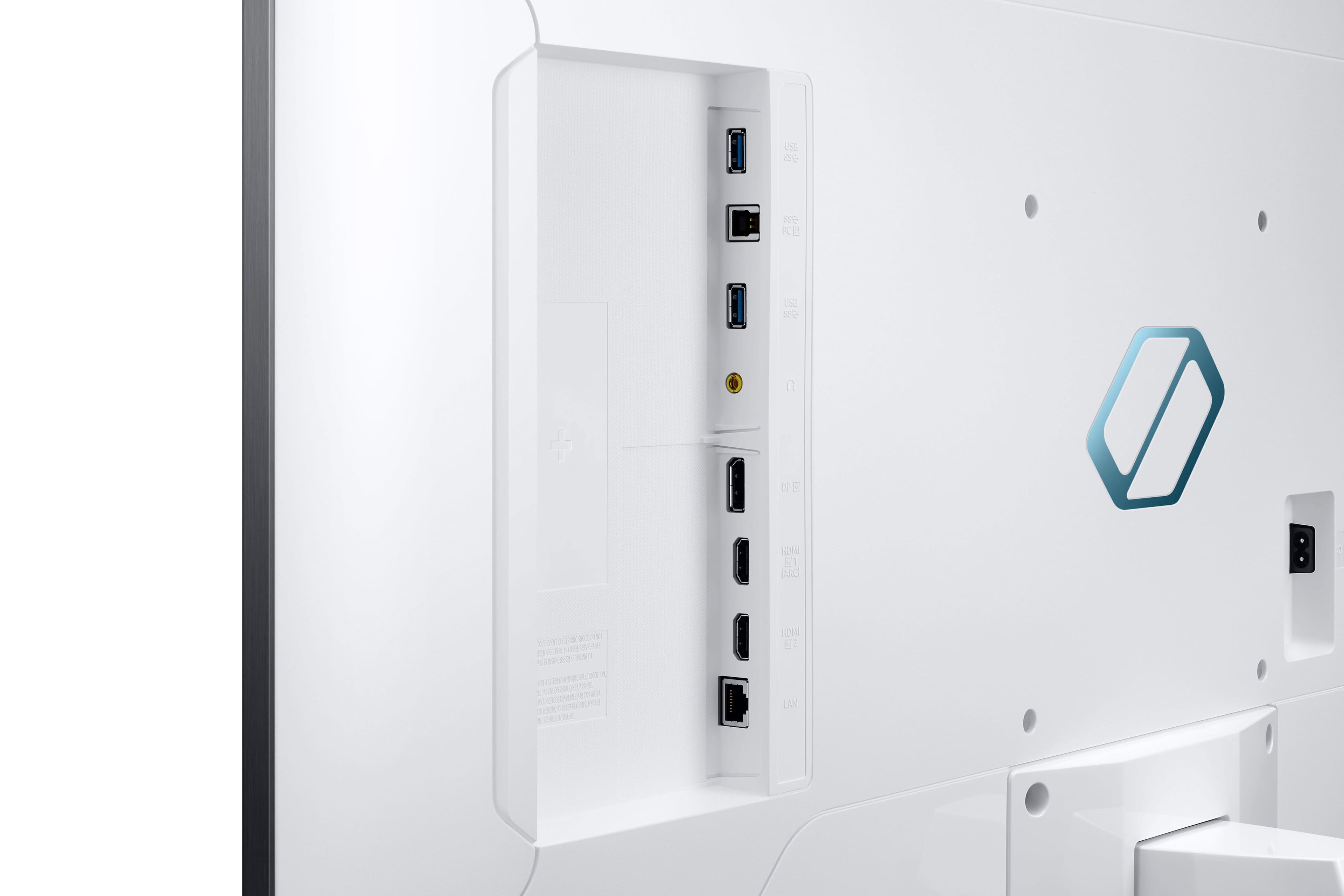
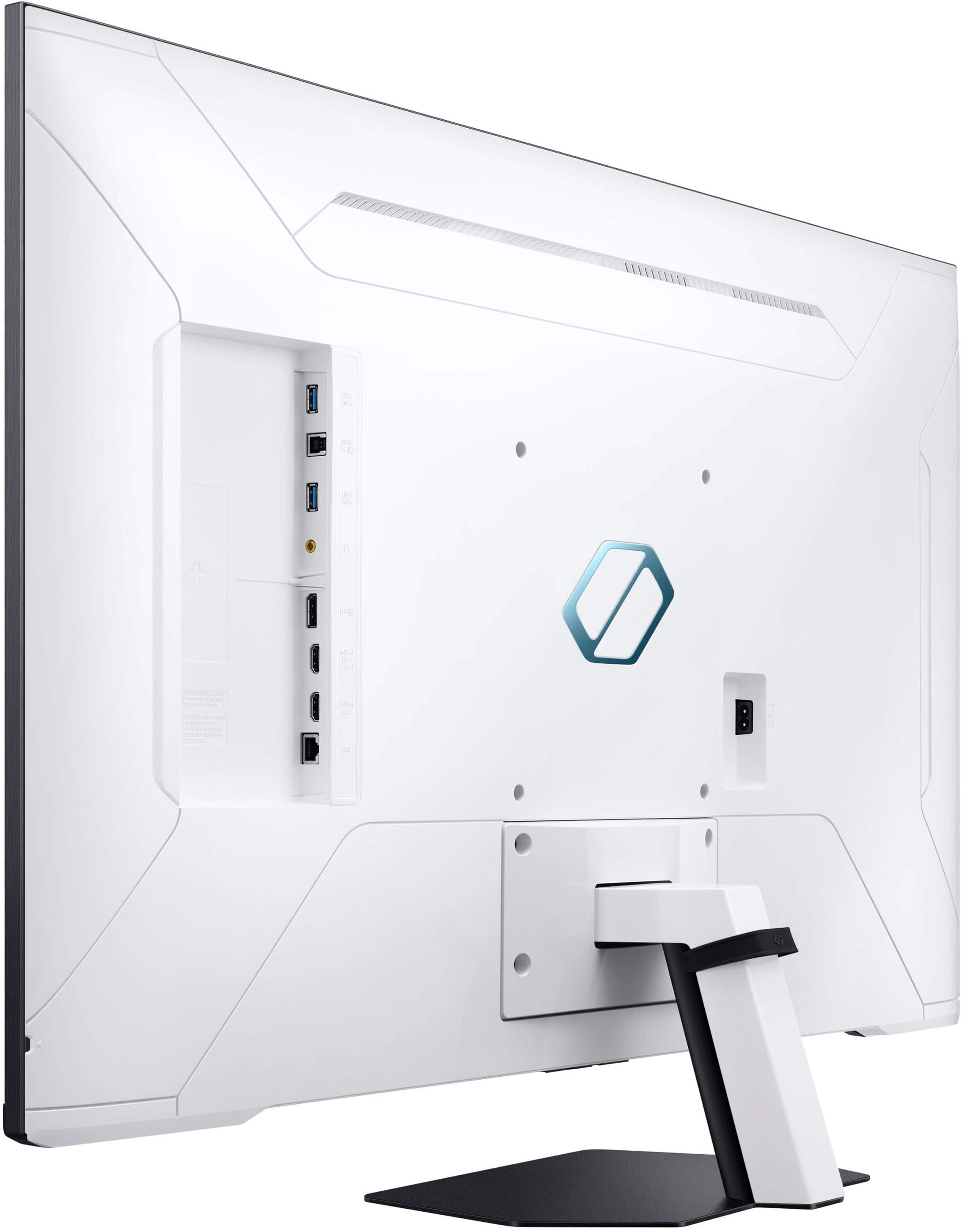
A:AnswerDoes your security camera system have an HDMI output? If yes, then this monitor will work. Will it be sufficient? That's not a question we can answer since you haven't given any details. What does that system recommend or require?
A:AnswerWindows display setting and in game settings are typically the issue. If you do a lot of upscaling, especially for streamimg, it can get hung up. Try resetting your CMOS.
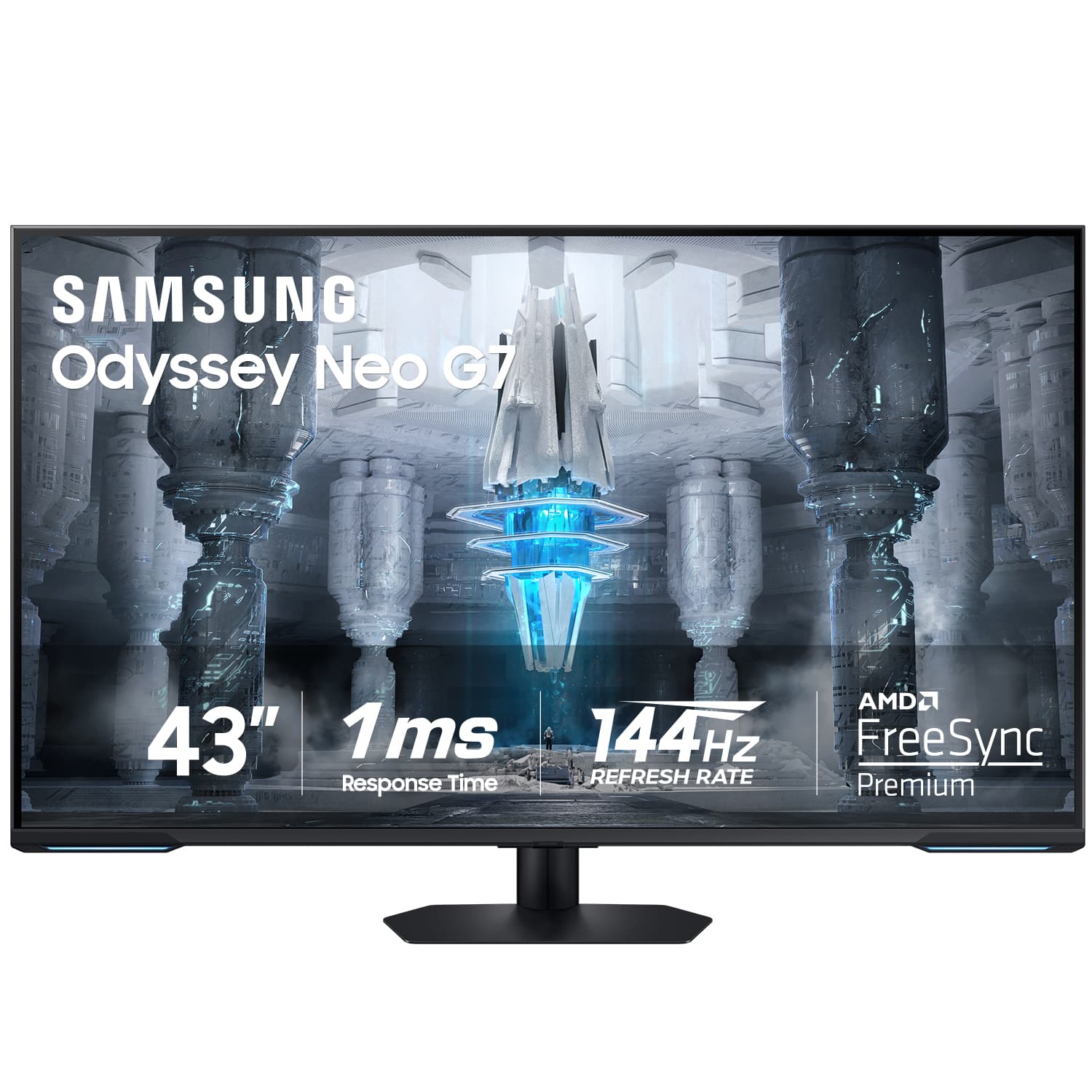
A:AnswerYou can use it as a tv with whatever (game console, blueray player, roku etc). You don't need a pc if that's what you're asking I don't use one.

A:AnswerYes, but make sure to connect it using a cable as connecting over wifi greatly reduces the display resolution. Can get 4k with cable but only HD over wifi.... unless someone else knows of some way to work around this.
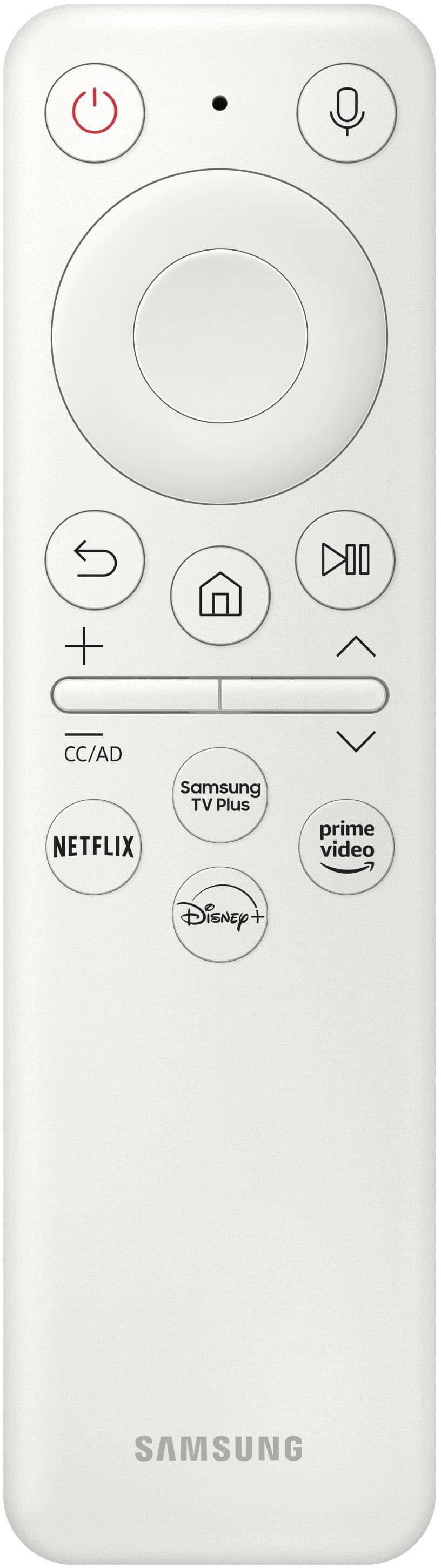
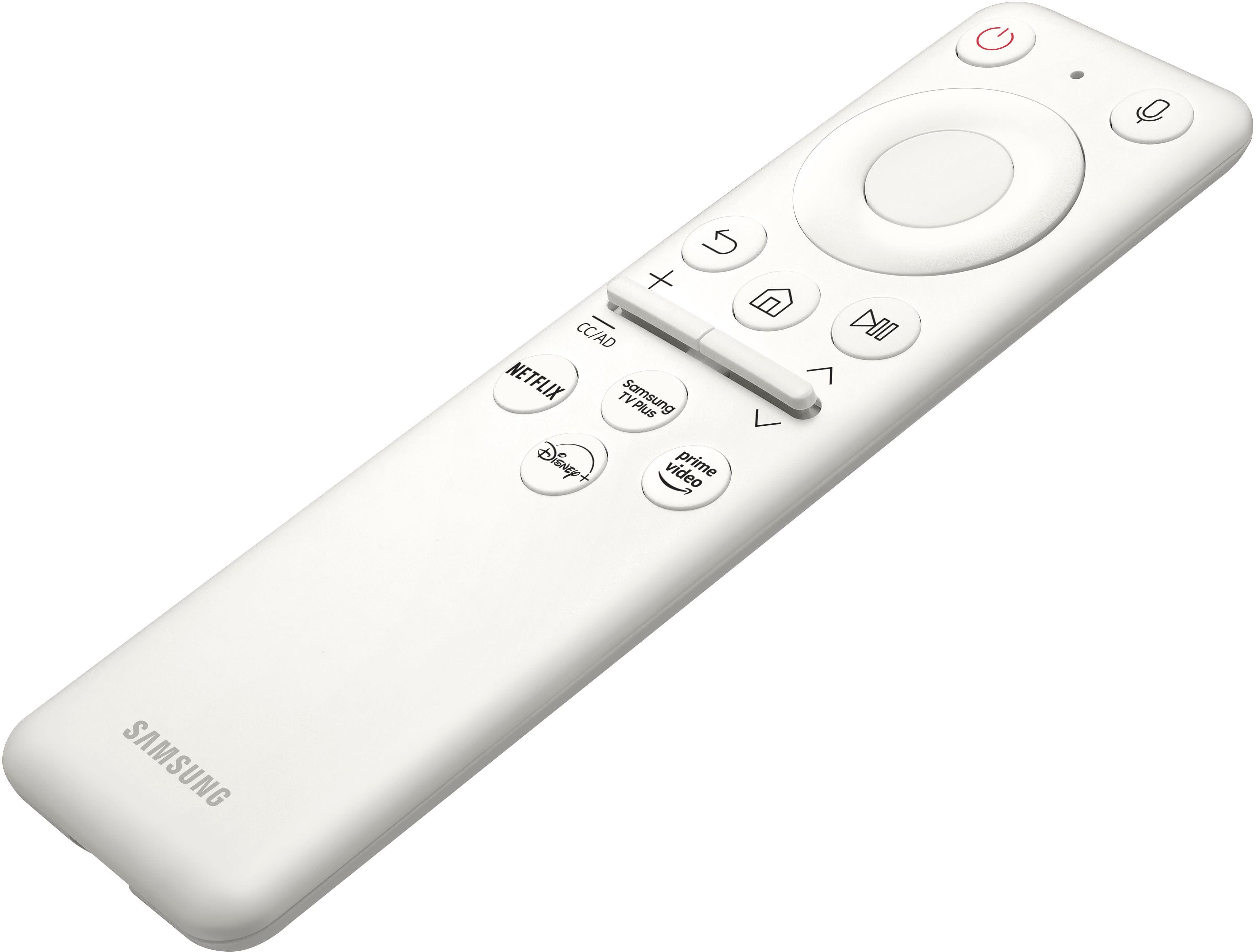
A:AnswerYou do it in the initial setup. You can also use the monitor menu settings. Hit the home key, go down to settings and all the way to the right it will say "Bluetooth Speakers. Just make sure your speakers are in pairimg mode prior to hittimg search devices on the monitor.