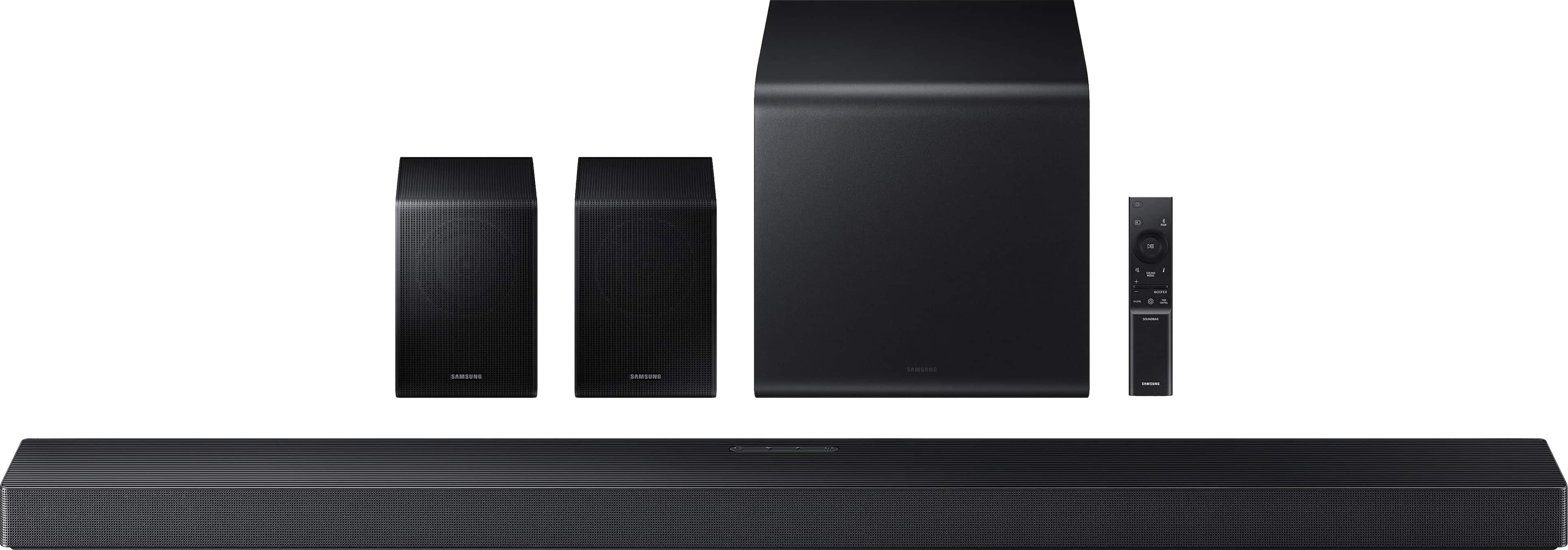

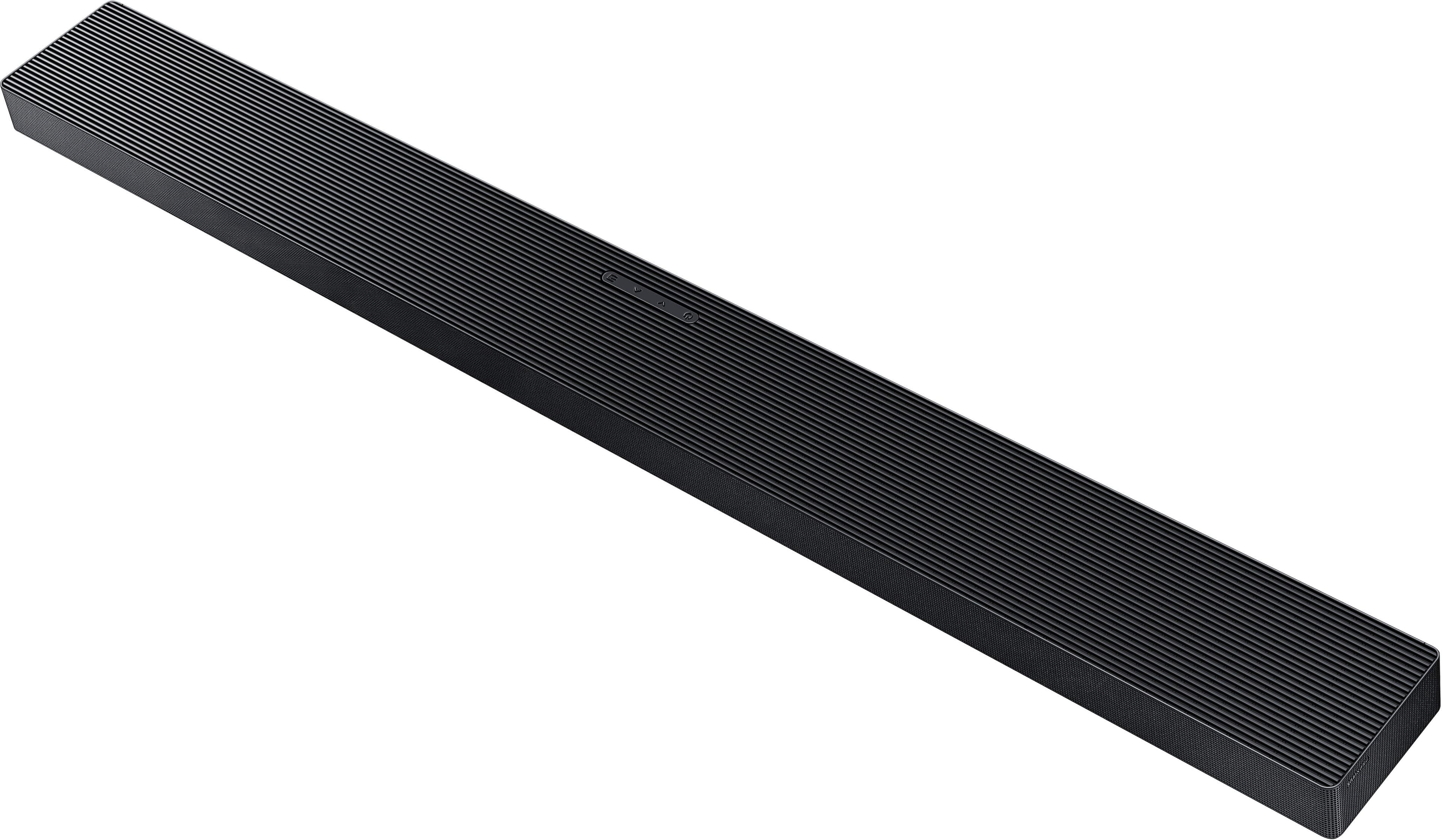
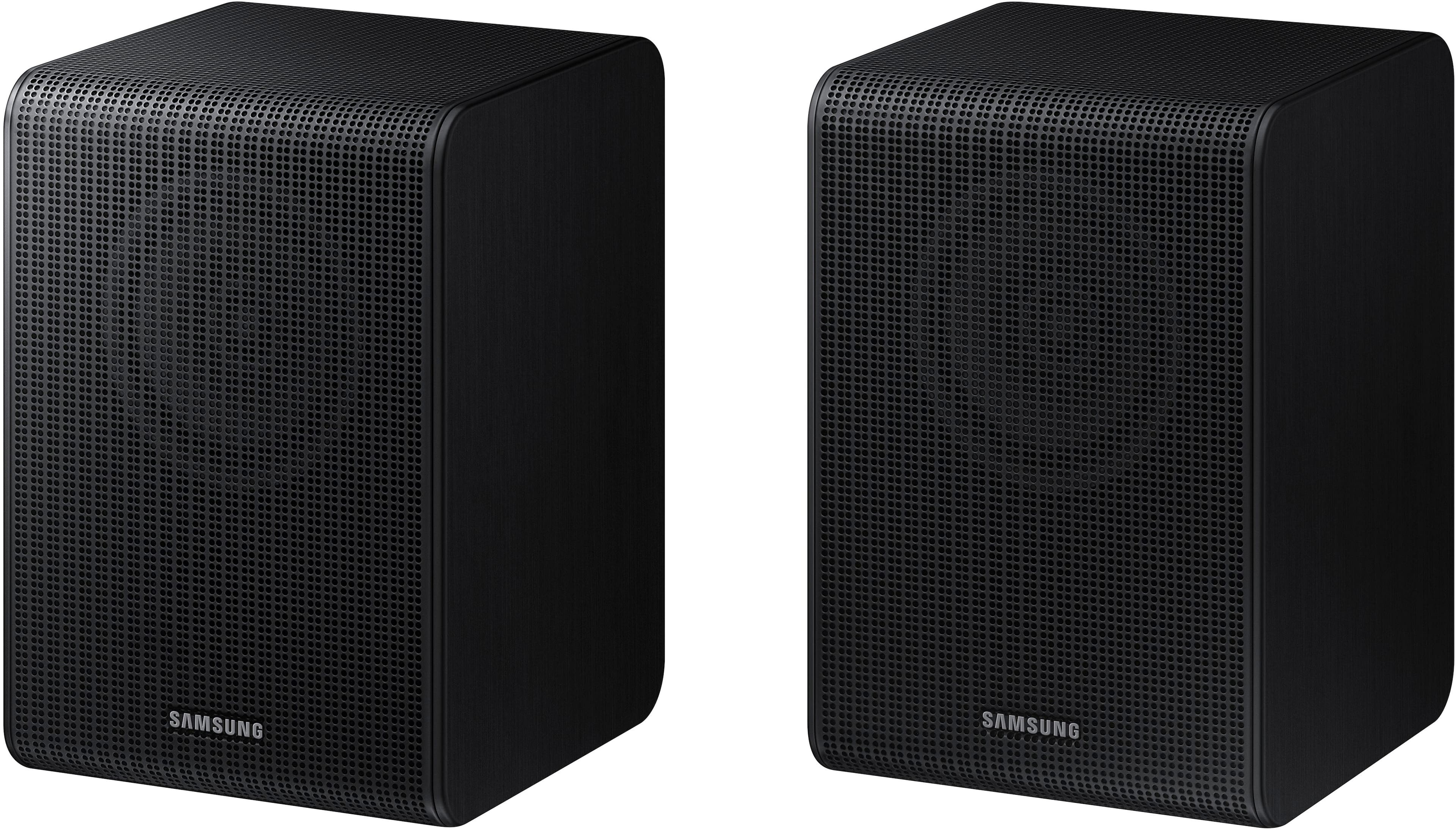
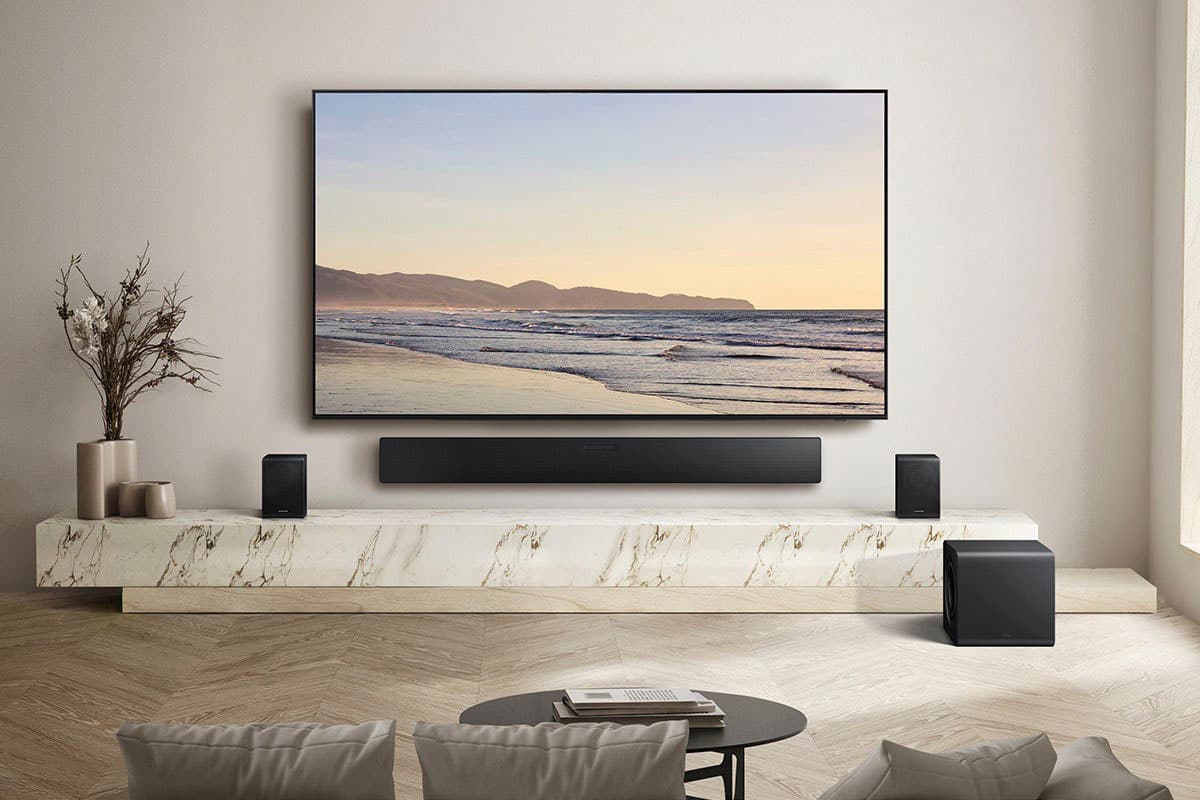
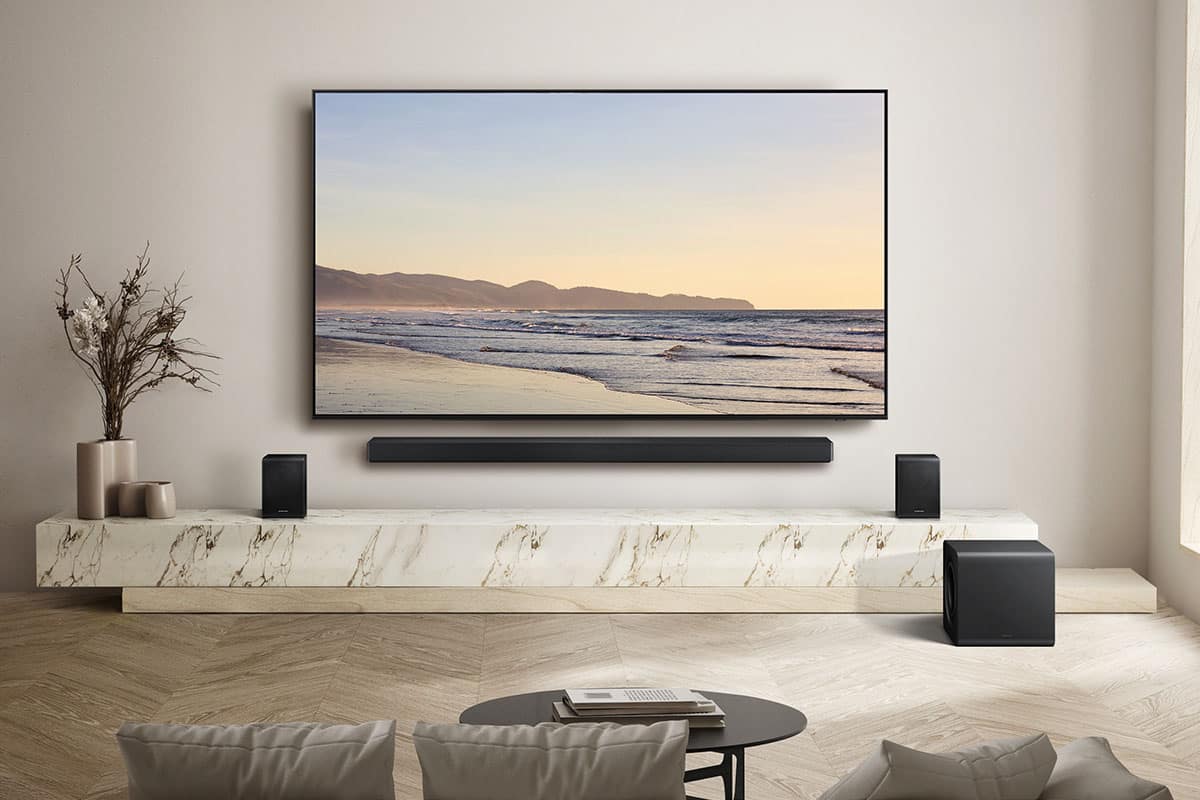

A:AnswerHi sdjh! The SWA-9500S Wireless Rear Speakers do not need speaker wire; they only need to be plugged into a power outlet. The SWA-9500S is compatible with Samsung Q Series Soundbar HW-Q900F, HW-Q800F, HW-QS700F, HW-Q800D, HW-QS730D, HW-Q900C, HW-Q800C, HW-Q700C, HW-Q800B, HW-Q700B, HW-Q900A, HW-Q800A, HW-Q700A models, and S-Series models HW-S800D/S801D, HW-S800B/S801B. Additionally, the included rear speakers for the HW-Q990F and HW-Q930F will only require plugging them into a power outlet.
~ Samsung Solutions
A:AnswerHi FJ! The microphone on the Samsung HW-Q750F Soundbar is used for smart features rather than for speaking into like a traditional mic. It helps enable voice assistant control so you can adjust volume, change inputs, or control playback hands-free. It also plays a key role in room calibration features like SpaceFit Sound, where the soundbar analyzes how audio reflects in your room and automatically adjusts settings to improve clarity, balance, and overall performance.
~ Samsung Solutions
A:AnswerHi there Teampalmer! No, the HW-QS750F Soundbar is not compatible with other brands' speakers. If you would like to use a different set, this soundbar will work with the Samsung SWA-9500S Wireless Rear Speaker Kit. Please know, however, you can only have 1 set paired to your soundbar. ~ Samsung Solutions
A:AnswerHi DBRNX, There is one speaker wire that connects both of the speakers together, one power cord to one speaker. The “wireless” convenience is in connecting your soundbar and any other speakers at the front of the room to the rear speakers – this can now be done without the previous wireless transmitter, eliminating any clutter of long wires running the length of your room. ~Samsung Solutions
A:AnswerHi Addd! Some customers have difficulty hiding and running speaker wires from the front of the room, where the soundbar is located, to the back of the room where the rear speakers are placed. The included Rear Speaker Kit helps eliminate that hassle.
Only one wire is required to connect the two rear speakers to each other, and the power cable plugs into the left rear speaker. The “wireless” convenience comes from the connection between the soundbar and the rear speakers, eliminating the need for long wires running the length of the room.
~ Samsung Solutions
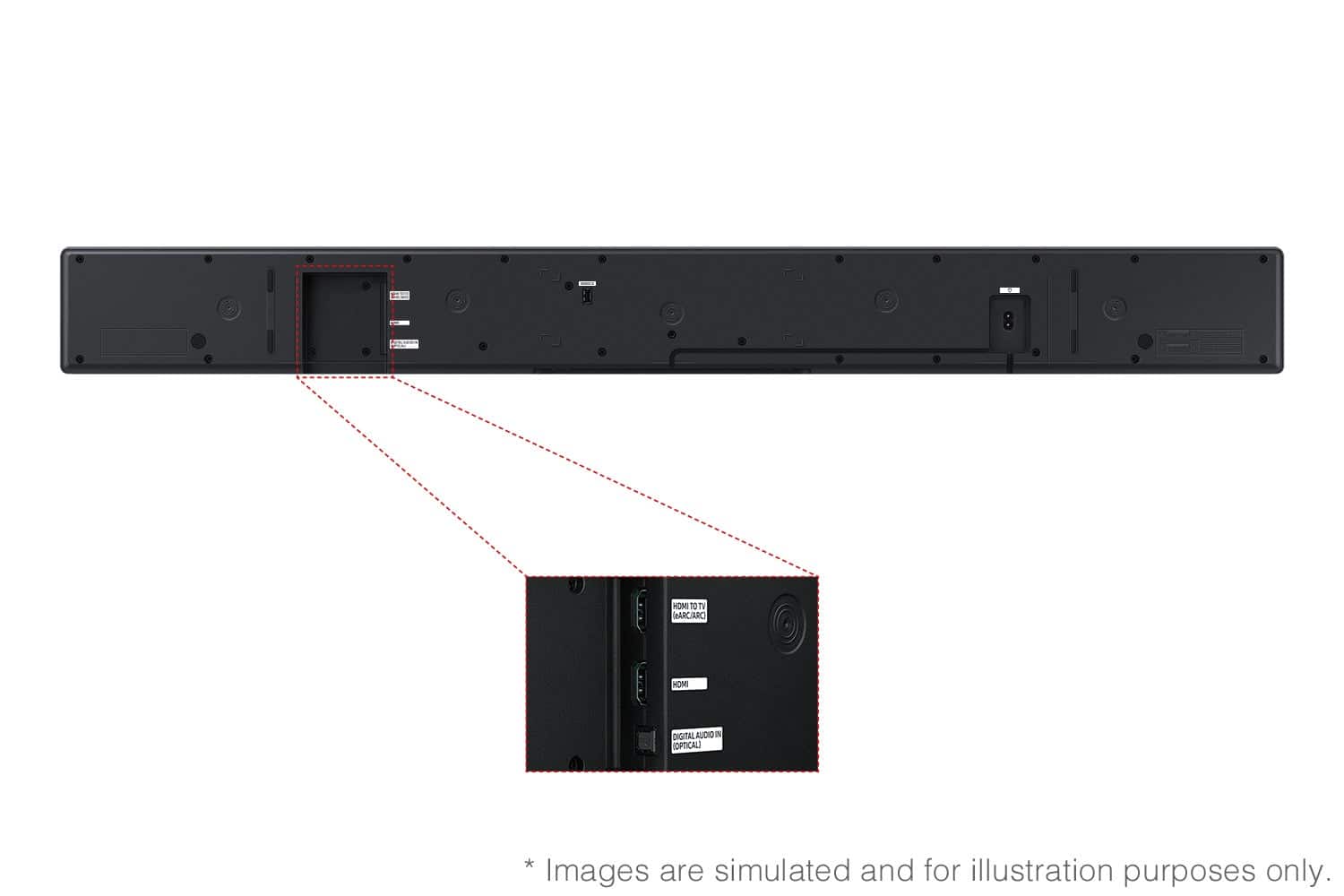
A:AnswerHello Johno! Yes, the HW-QS750F features four ways to connect to an external device: Wi-Fi, HDMI (eARC), digital optical audio, and Bluetooth wireless audio technology. If your TV is compatible with one of these four audio connections, you should have no issue connecting the soundbar to your TV. ~Samsung Solutions
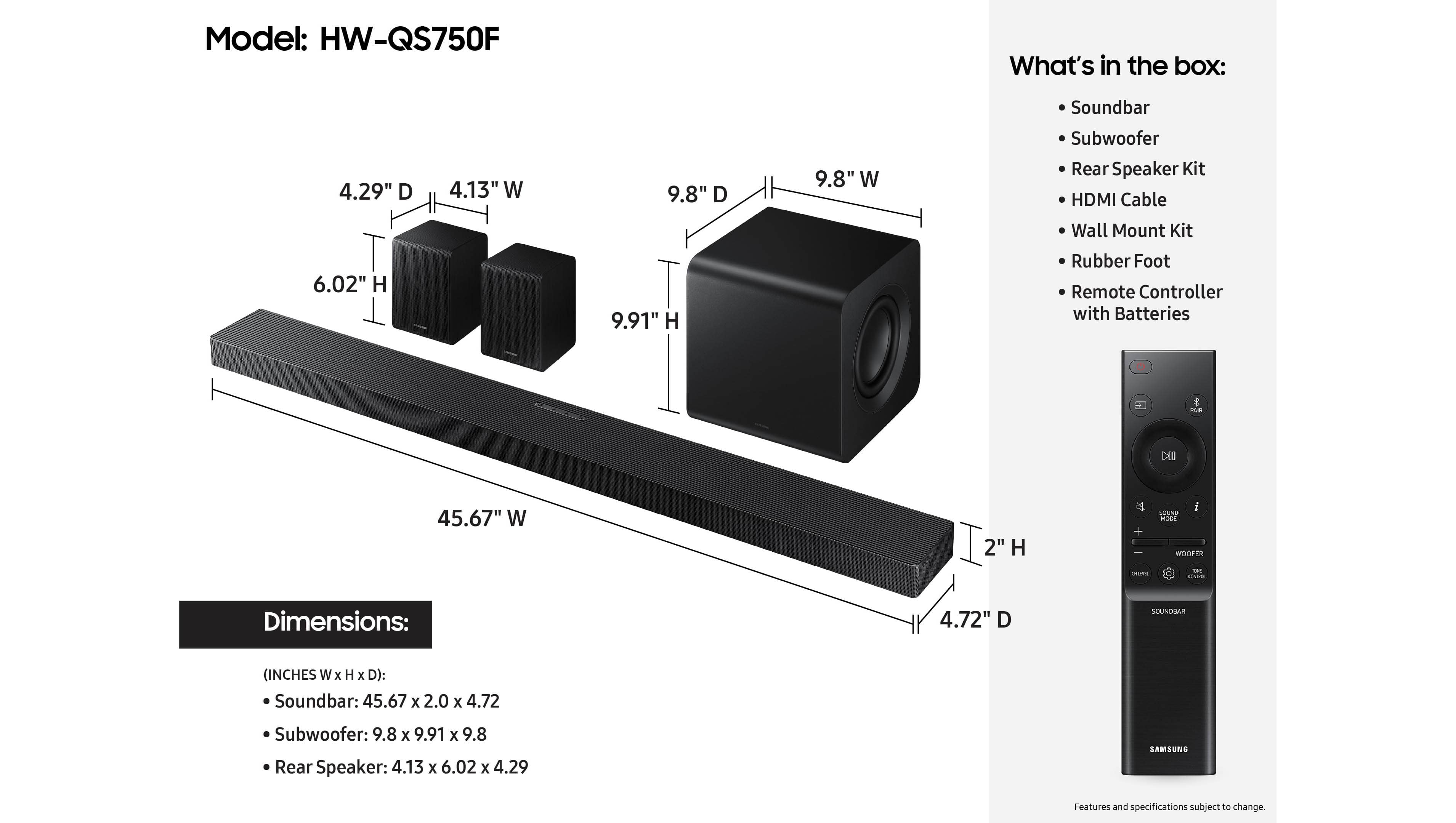
A:AnswerHello! The subwoofer included with the Samsung HW-QS750F measures 9.8" x 9.9" x 9.8" (W x H x D). So it’s a fairly compact, cube-style subwoofer that fits easily beside a TV stand or in a corner. ~ Samsung Solutions
A:AnswerYou connect rear speakers separately on the back wall and plug the cord into the power outlet. This connects for power to both speakers. Once you connect both speakers and plug the power cord into the outlet, you then connect via blue tooth and this will connect your subwoofer and rear speakers together.
This will absolutely work and the experience is awesome. As a bonus, please purchase a CORD HIDE KIT from Amazon to make the living room more attractive, i have and it is beautiful.
















