

Appliances Presidents’ Day SaleEnds 2/25. Limited quantities. No rainchecks.Shop now

Main Content

Questions & Answers

Your price for this item is $1,096.99
The comparable value price is $1,499.99
Page Showing 1-20 of 36 questions
  • QuestionHow does the soundbar enhance dialogue clarity?

    • Answer The Active Voice Amplifier (AVA) Pro analyzes background noise in your room and the content you're watching, automatically enhancing voices for clearer dialogue.
    This question and answer was generated by AI based on customer and product data.

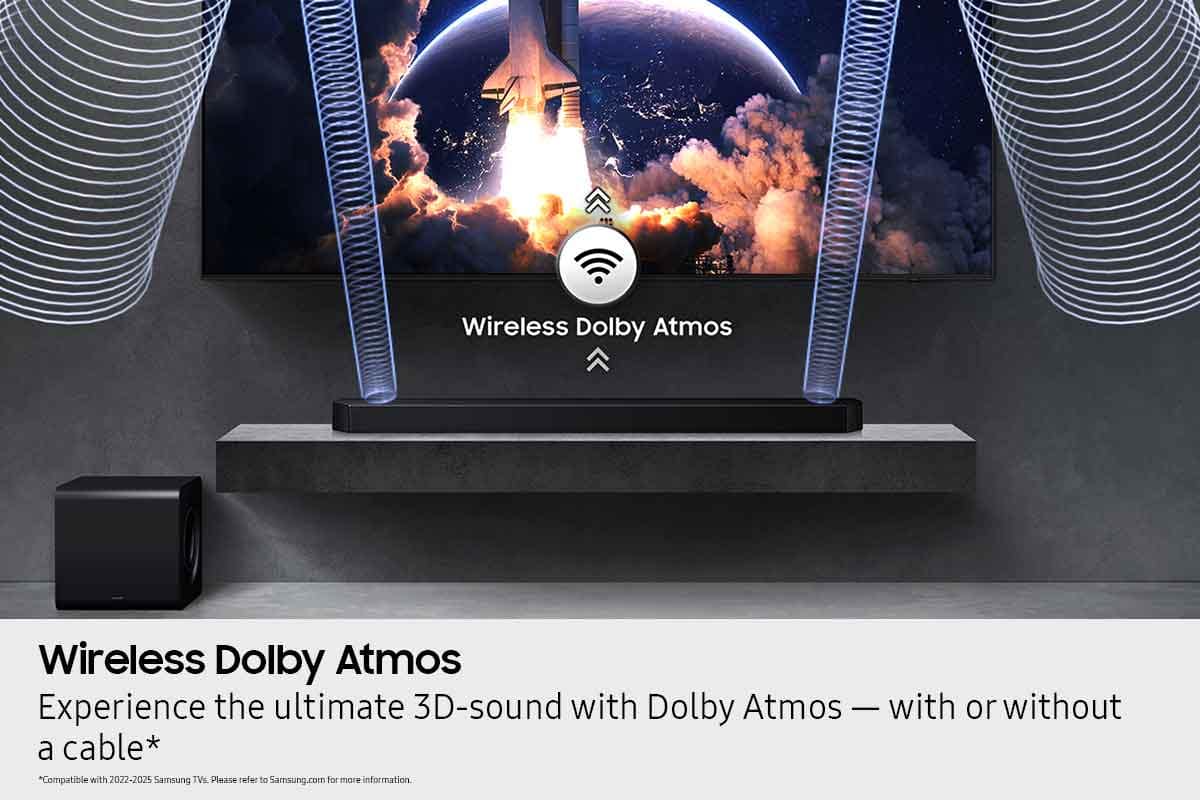
  • QuestionCan I connect this soundbar to my TV wirelessly?

    • Answer Yes, you can connect this soundbar to your Samsung TV wirelessly using either Wi-Fi or Bluetooth.
    This question and answer was generated by AI based on customer and product data.

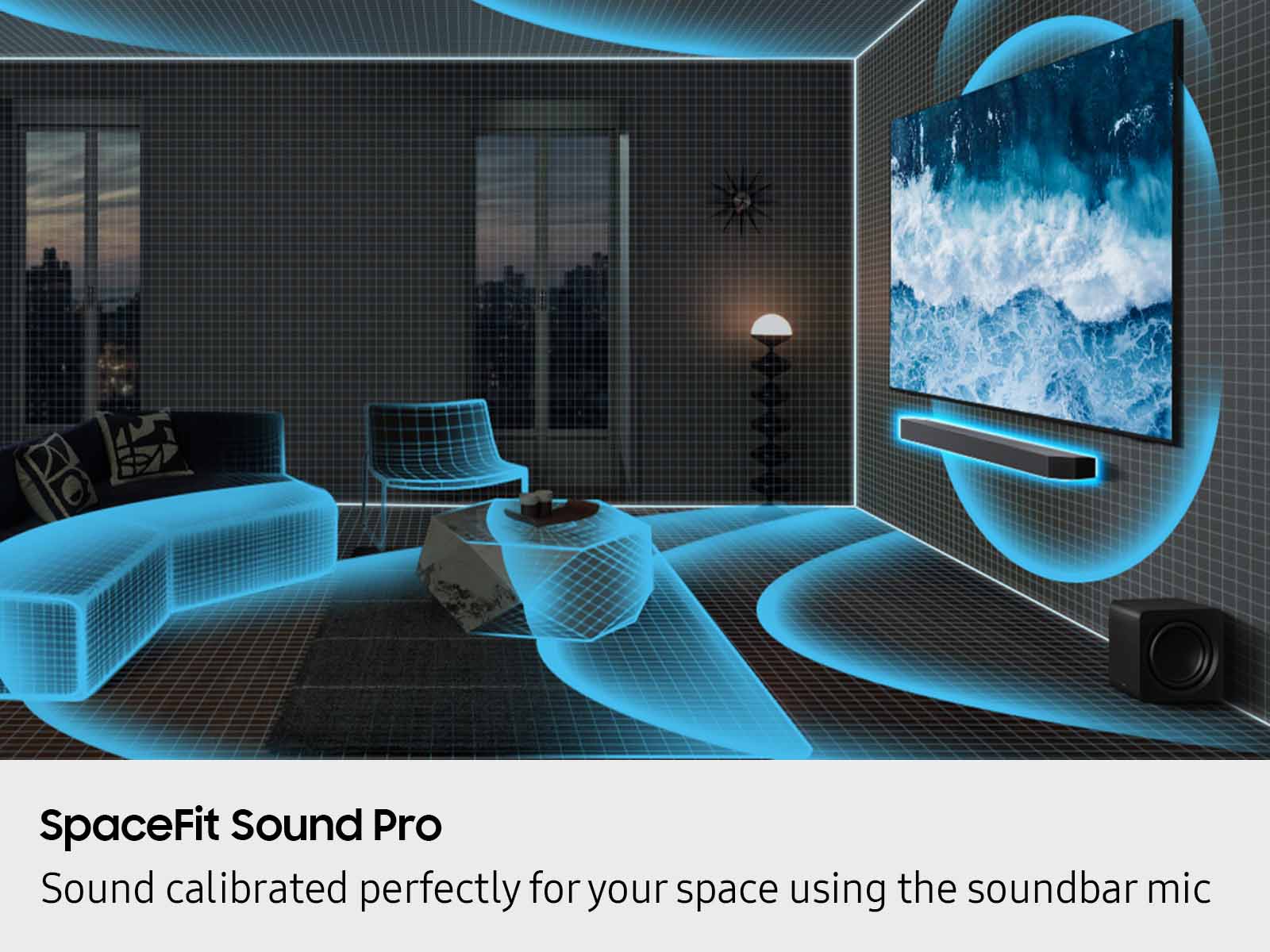
  • QuestionHow does SpaceFit Sound Pro Plus optimize audio?

    • Answer SpaceFit Sound Pro Plus uses built-in sensors to analyze your room's layout and automatically calibrates the sound for optimal clarity and immersion, regardless of the soundbar and speaker placement.
    This question and answer was generated by AI based on customer and product data.

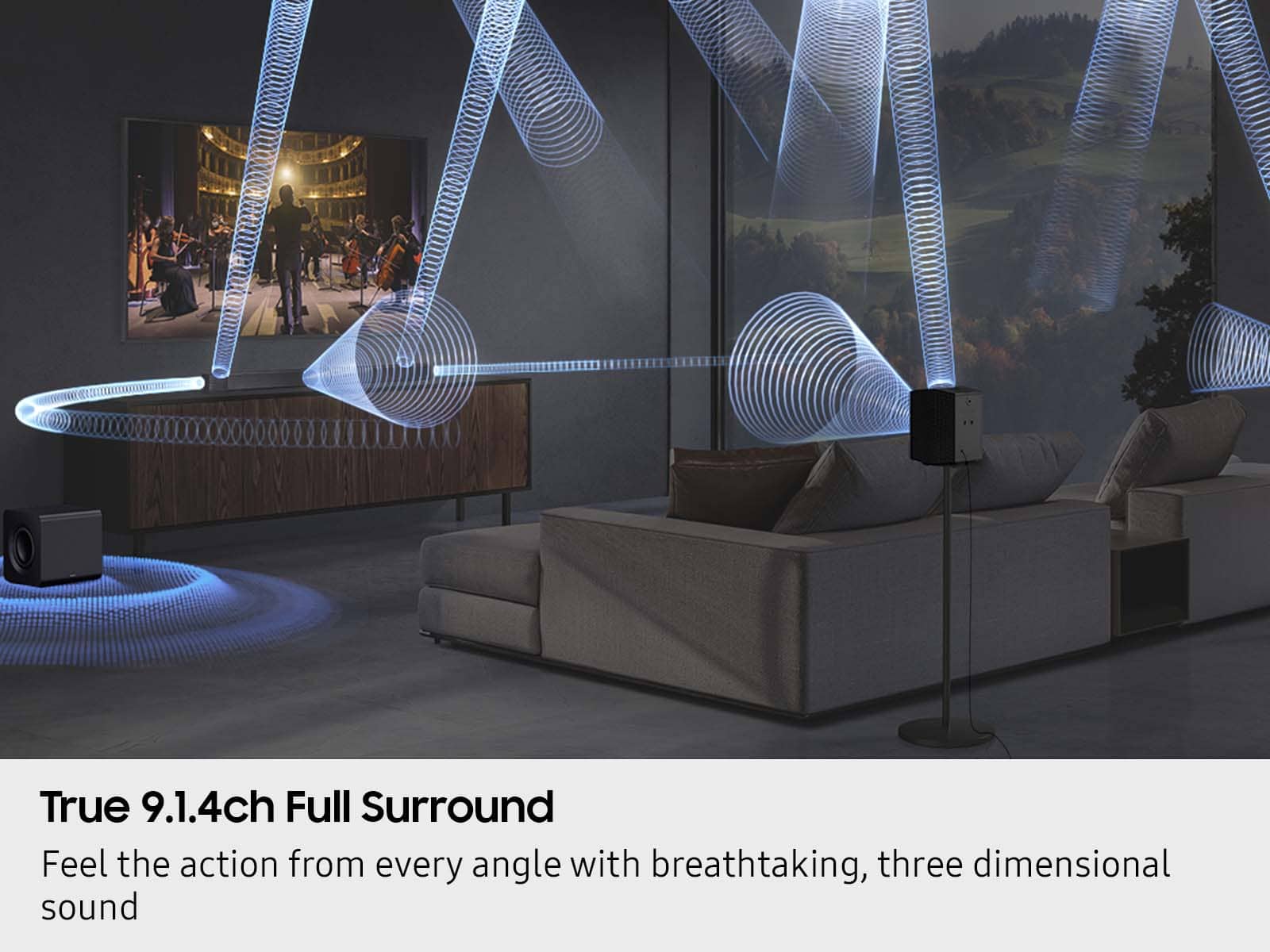
  • QuestionWhat is the total number of channels this soundbar system offers?

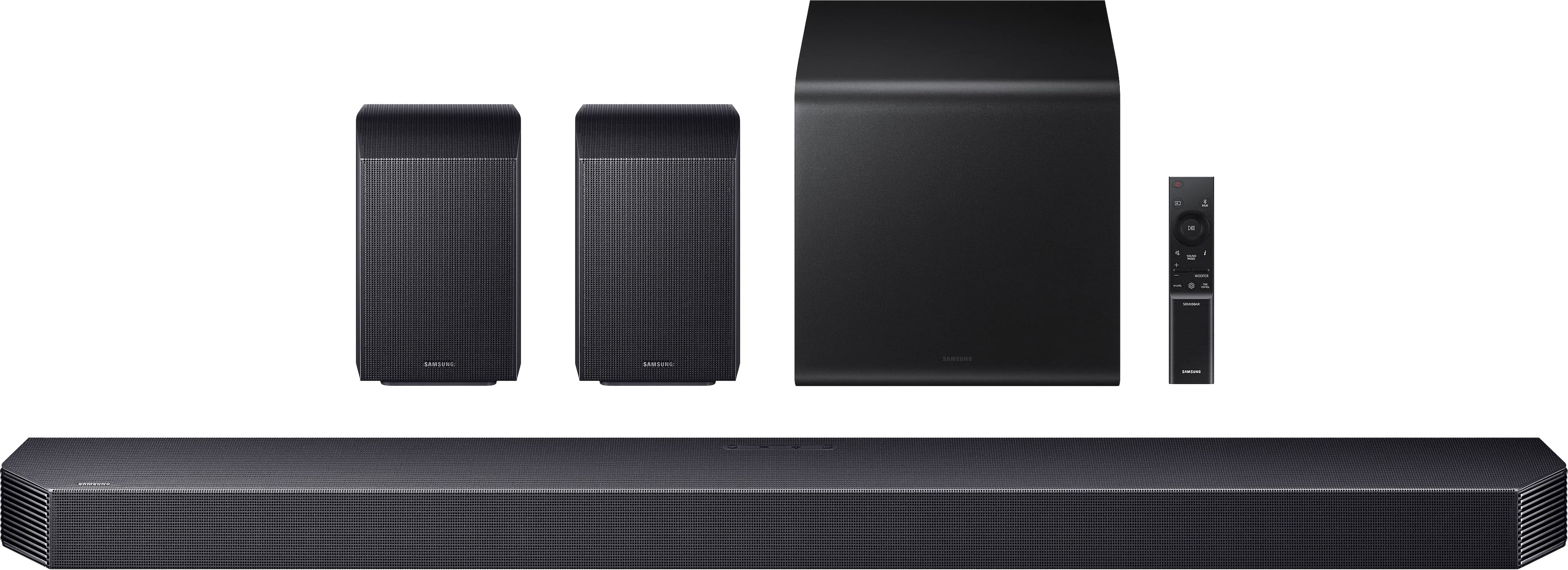
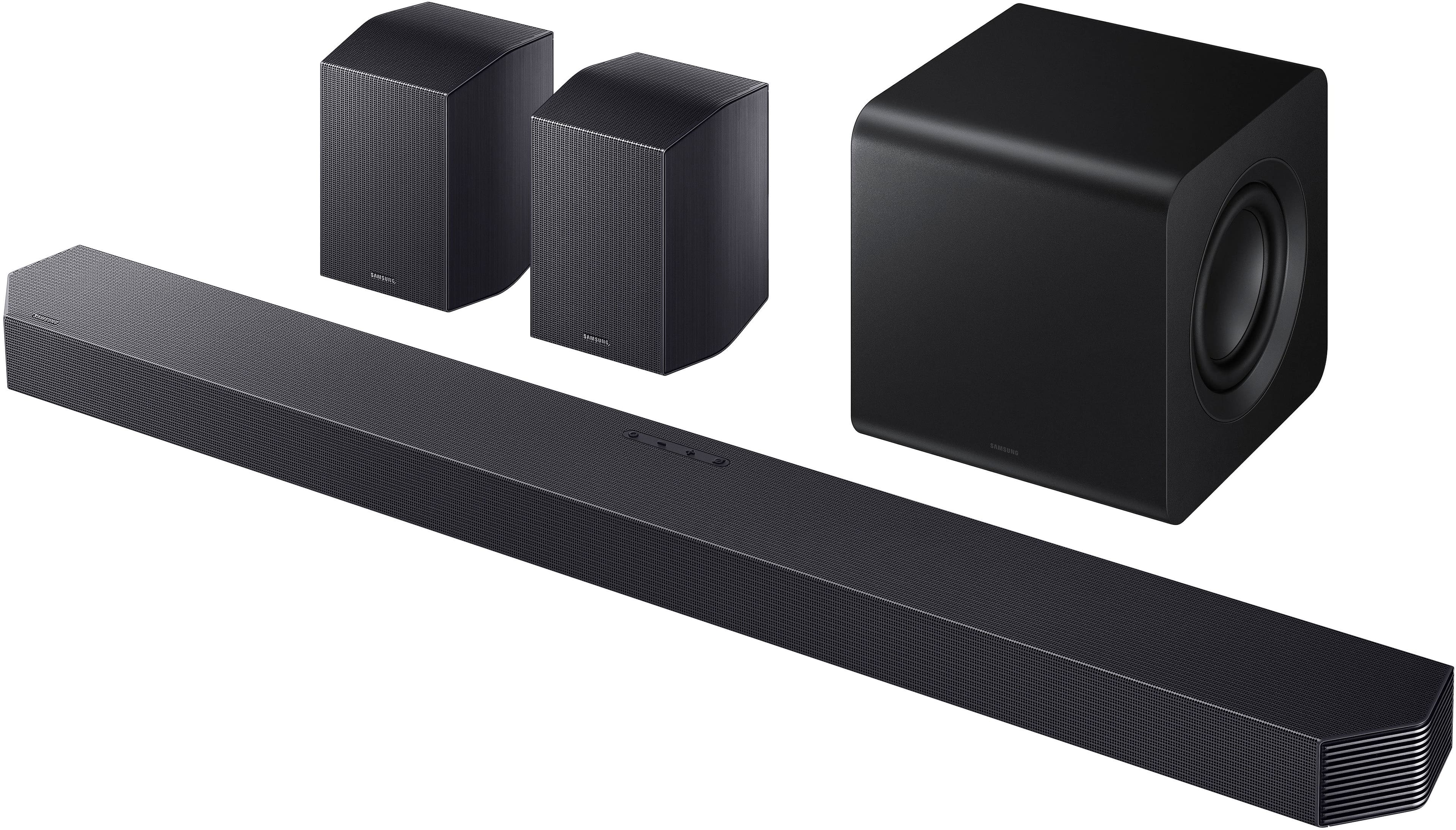
    • Answer This soundbar system offers a true 9.1.4 channel surround sound experience.
    This question and answer was generated by AI based on customer and product data.
  • QuestionWhat does the Adaptive Sound feature do?

    • Answer Adaptive Sound analyzes the audio of the content you're watching and automatically adjusts the sound settings to provide clear voices and detailed sounds for an optimal listening experience.
    This question and answer was generated by AI based on customer and product data.

  • QuestionDoes this soundbar include a subwoofer?

    • Answer Yes, this soundbar comes with a compact subwoofer that delivers powerful bass.
    This question and answer was generated by AI based on customer and product data.

  • QuestionWhich voice assistants are compatible with this soundbar?

    • Answer This soundbar has built-in Alexa and also supports other smart services like Googlecast and Airplay 2.
    This question and answer was generated by AI based on customer and product data.
  • QuestionIs it better to connect to my Samsung - 85” Class QN90D Series Neo QLED 4K Mini LED Smart Tizen TV (2024) to the Q930F 9.1.4 soundbar with an HDMI cable or wirelessly?

    Asked by doctrbob.

    • Answer Hi doctrbob! Both options are great ways to connect the HW-Q930F to your 85QN90D TV. You may not always get full format support over Wi-Fi, depending on content and network stability. ~ Samsung Solutions

      Answered by Samsung

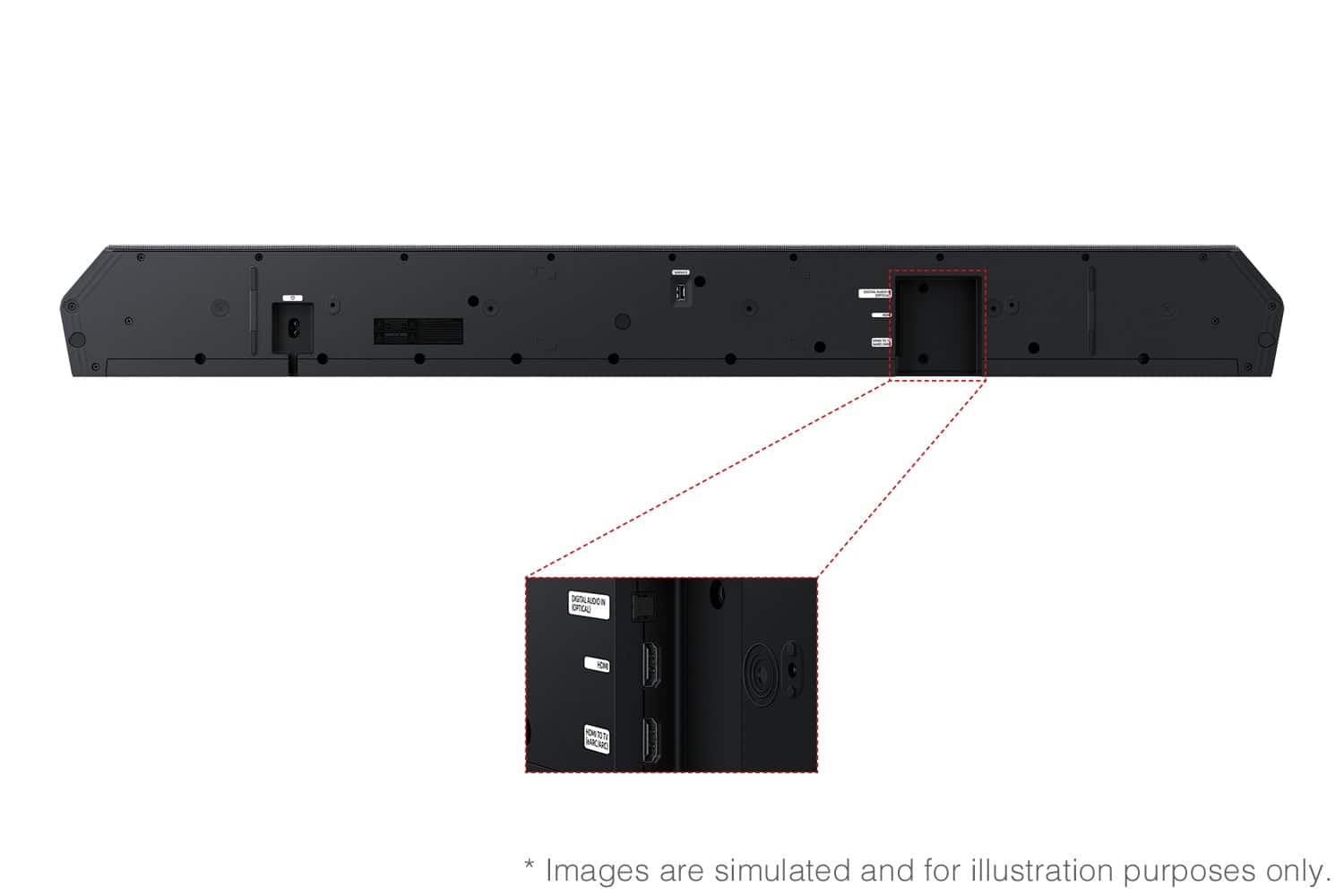
  • QuestionIs the 8K HDMI cable included with the soundbar ARC/eARC capable?

    Asked by doctrbob.

    • Answer Hi there doctorbob! Yes, the cable included with the HW-Q930F Soundbar is ARC/eARC compatible. ~ Samsung Solutions

      Answered by Samsung

  • QuestionIs there wall bracket supports for this item?

    Asked by Bobby.

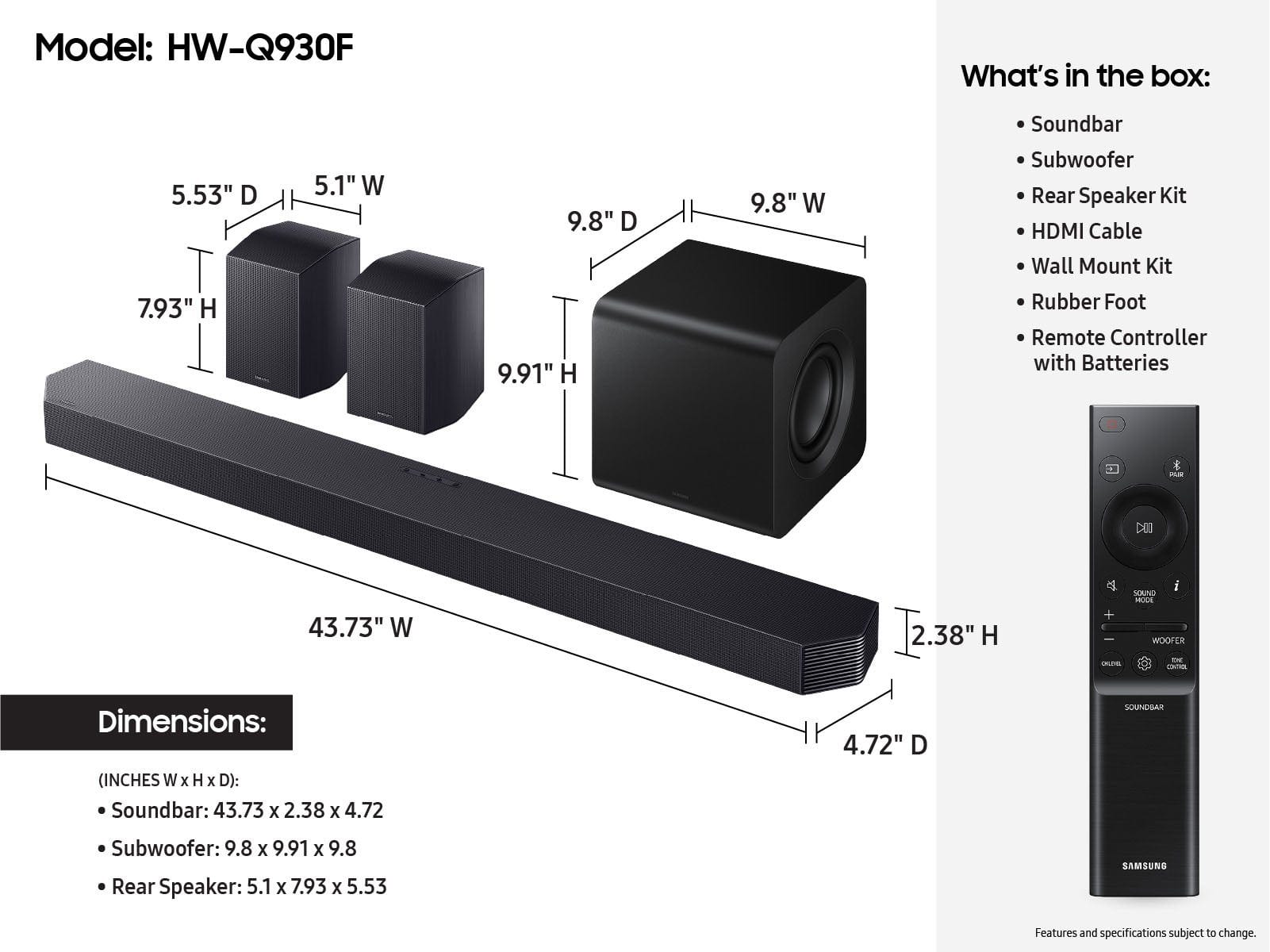
    • Answer Hi Bobby! Yes, the HW-Q930F Soundbar does include wall mounting brackets for the soundbar. ~ Samsung Solutions

      Answered by Samsung

  • QuestionSound bar is great, but the surround sound rear speakers you have to put your ear up next to them to hear anything then as far as I know, there’s no way to turn the volume up.

    Asked by DavidS.

    • Answer Hi Dave! You can adjust the volume of the rear speakers by using the remote included with the connected soundbar. Press the CH LEVEL button on the soundbar remote, then select REAR LEVEL and use the Up/Down buttons to adjust the volume within a -6 to +6 range. The HW-Q930F also has the Sound Grouping feature, which allows you to utilize the rear speakers along with the soundbar to give you stereo sound. However, with it active, you will lose the ambient surround used for movies. ~ Samsung Solutions

      Answered by Samsung

  • QuestionAre the rear speakers wireless?

    Asked by Dmon.

    • Answer yes as far as the communication with the soundbar is concerned, but they are NOT battery powered. They need a separate source of input 110VAC to power them.

      Answered by BobD

  • QuestionAre the ports HDMI 2.0 or HDMI 2.1?

    Asked by Joseph.

    • Answer Hello SandMan, The HW-Q930F Soundbar ports are both HDMI 2.0. ~ Samsung Solutions

      Answered by Samsung

  • QuestionHELP!! How can I make the volume louder and bass deeper? This replaced a JBL system and I I threw away that was louder and had better bass than this.I'm seriously dissapointed in this system.

    Asked by CL151.

    • Answer Hi CL151! You can manually optimize your audio using the remote. Press the SOUND CONTROL (gear icon) button to adjust features like Auto EQ, SpaceFit Sound, AVA, Voice Enhance, Night Mode, Sync, Surround, and Virtual. Use the Up/Down buttons to change settings. For equalizer control, press and hold SOUND CONTROL for about 5 seconds to fine-tune frequencies from 150Hz to 10kHz (-6 to +6). To quickly change sound profiles, press SOUND MODE and select Standard, Surround, Game, or Adaptive Sound. You can also adjust individual speaker levels with the CH LEVEL button and control bass using the WOOFER or TONE CONTROL buttons. For even easier control, download the SmartThings app to adjust all settings directly from your phone. ~ Samsung Solutions

      Answered by Samsung

  • QuestionHow do I turn the SW level up. When I use the SW remote which is set at 0, after adjusting higher to 3 or 4, it goes right back to 0

    Asked by Rick.

    • Answer Hello Rick! There are multiple ways to control the bass levels for the HW-Q930F Soundbar. 1) Using the WOOFER button on the provided Soundbar remote. Use the woofer button by pushing forward or pulling backward on the button itself to adjust the bass levels between -12 or -6/+6. If you want to reset the bass to 0 then push the button in. 2) When you press the TONE CONTROL button, you can adjust the treble or bass levels between -6/+6. Alternatively, you can adjust all of these same settings and more within the SmartThings app. Download the app for your iOS or Android device and then connect your Soundbar to Wi-Fi. From here, you will be able to adjust all of the same settings as the provided remote, but with the added benefit of being able to see the changes on your smart device. ~ Samsung Solutions

      Answered by Samsung

  • QuestionWhere is the 1/4 20 mounting hole located on the rear speakers. On the back or on the bottom?

    Asked by Gonzo.

    • Answer Hi there, Garygon! The HW-Q930F’s rear speakers feature built-in mounting holes on the back, making them easy to wall mount for flexible placement and a clean setup. ~ Samsung Solutions

      Answered by Samsung

  • Questioncan i listen to music even if the tv is off?

    Asked by Dlan.

    • Answer Hi Dlan, Yes, you can listen to music on the HW-Q930F soundbar even when the TV is off. The soundbar works independently and can play audio directly through Bluetooth, Wi-Fi streaming (AirPlay/Chromecast/Spotify Connect), or other direct inputs without needing the TV powered on. Simply turn on the soundbar and connect your phone or streaming device to start playing music. ~ Samsung Solutions

      Answered by Samsung

  • QuestionHaving an issue with hooking this up to an LG C3 TV through HDMI EARC HDMI. Tv keeps jumpimg back to TV speakers everytime it's turned off. Any suggestions?

    Asked by Anonymous.

    • Answer Hello there! If available, we recommend using the HDMI connection to your TV. Connecting your soundbar to a TV through HDMI will provide the best audio and user experience, often eliminating any connection or delay issues you may be experiencing. There are 2 ways to connect your soundbar with HDMI: you can connect a device to your soundbar (like a Blu-ray player) and then connect the soundbar to the TV, or you can use HDMI ARC. The first method will give you the best possible sound from external devices you regularly use. ARC is the way to go if you want great sound from streaming apps on your TV and a soundbar. ~ Samsung Solutions

      Answered by Samsung

  • QuestionWhat kind of mounting bracket would work best for the rear speakers?

    Asked by Ascalz.

    • Answer Hello Ascalz! The rear speakers included with the HW-Q930F use a standard 1/4-20 threaded insert, so the best option is a universal wall-mount speaker bracket that supports this thread size. For the best results, choose a mount that: Uses a 1/4-20 screw (camera-style thread) Allows tilt and swivel so you can aim the speakers toward the listening area Is rated to support small satellite speakers Universal adjustable speaker wall mounts work well, and Samsung does not include dedicated brackets, so third-party mounts are recommended. Make sure the speakers are mounted securely (stud or proper anchors) and not enclosed to maintain optimal surround performance. ~ Samsung Solutions

      Answered by Samsung

  • QuestionCan I add an additional pair of rear speakers, like the SWA-9500S?

    Asked by Speakers.

    • Answer Hi there! The HW-Q930F Soundbar is exclusively compatible with its included rear speakers and subwoofer; only 1 set of rear speakers can be used at the same time. ~Samsung Solutions

      Answered by Samsung







