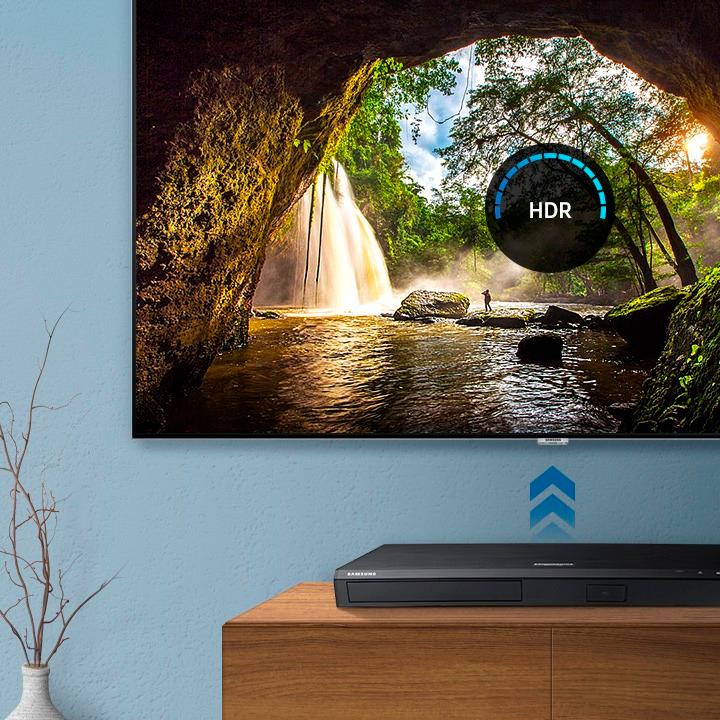
A:AnswerI always test the "provided batteries" to ensure they are good & check the polarity when I install the batteries.
When I installed my 4K, it was behind a glass cabinet door. Part of the wood frame door was blocking the signal from the remote to the 4K. I put some wood pieces just high enough not to be seen from the glass but high enough that the remote could operate the 4K.
Good luck...
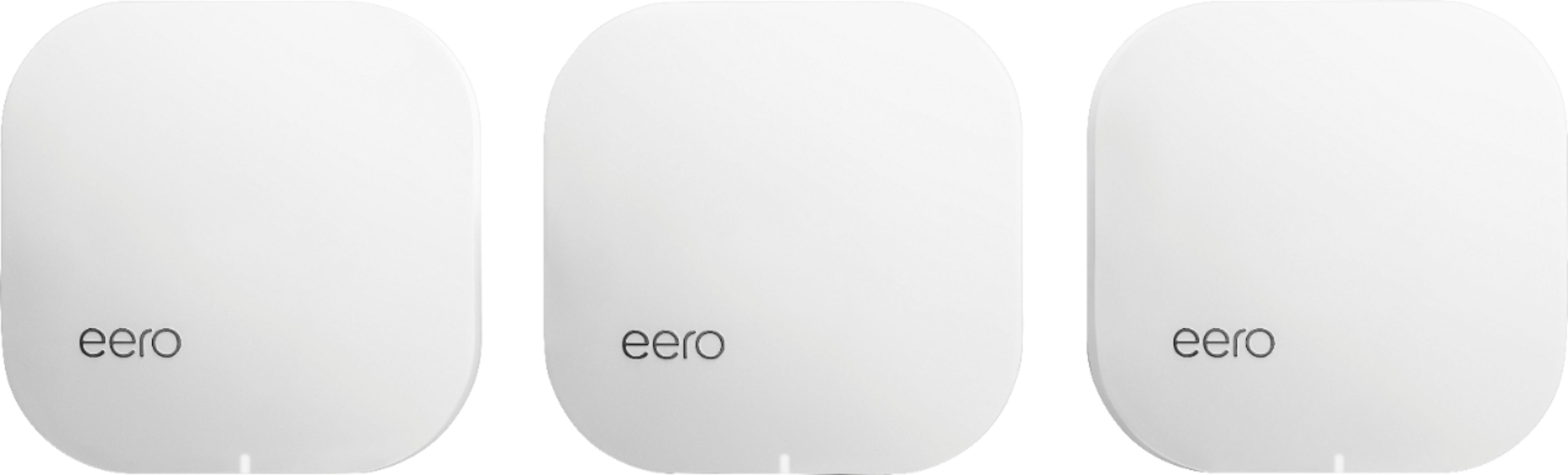
A:AnswerIt is like any other smart device with respect to wife, can transmit and receive but does not have the ability to act as a hub as far as I am aware. I just upgraded my wifi network to MESH WiFi with the eero devices and am very pleased.
A:AnswerTry using the optical audio out. Then instead of hooking it to the CD or dvd hook it to the optical audio in on the receiver. This may be for the satellite or TV connection.
A:AnswerYes, as long as both units are on the same subnet of your network ( i.e. 192.168.1.x - the first three numbers of the IP must match). Most home networks should not have an issue.
A:AnswerI have mine connected to a soundbar and it played Dolby Atmose Format automatically If your TV has this format or sound bar it will play it without having to change formats
A:AnswerIt shouldn't matter if the tv is older or newer. The only difference should be the picture quality (won't be 4K). When I buy something, I always use it a lot right away, so that I can return it if it doesn't work as I expect. So buy it when you will have a lot of time to try it out.
A:AnswerWithout knowing more I would check your HD cable ends for damage or dirt and reconnect them. If not fixed purchase new 4K HDMI cables. Had my cables go bad from a lightning storm with no visible damage to outside of cable.
Good luck!
A:AnswerIt depends on your player and soundbar. If both support Bluetooth, it will work. I have had Bluetooth version 4.2 and 5 devices at greater distances than 15'. BUt you'd really need to check the specs on both your devices to ensure the Bluetooth is strong enough to do this.
A:AnswerYou do not need any type of Internet connection to play discs. You would use an Internet connection to update the firmware/software built into the player. SOmething this is required to play some newer discs, typically when some new copy protection scheme is used.
A network connection is also required to stream services like Netflix or YouTube if your model supports Internet streaming, or to play movie files stored on a local PC if supported.
A:AnswerDVD's and Blue-ray discs are typically locked into geographical regions. A player will play discs from one region. Sometimes there are Region free disks available. I buy Region Free 3D discs from the UK as 3D discs are hard to find in the US and expensive when you do.
The region locking used in DVD and Blue-rays has gone away with 4K. 4K discs are no longer region locked.
Stick with 4K discs or look for Region Free discs for the the greatest freedom in players.
A:AnswerYou will just need to download the newer version of Hulu from the App store. Hulu restructured it's service and many devices deleted the older version. I had to download it to my other Samsung TV and LG TV