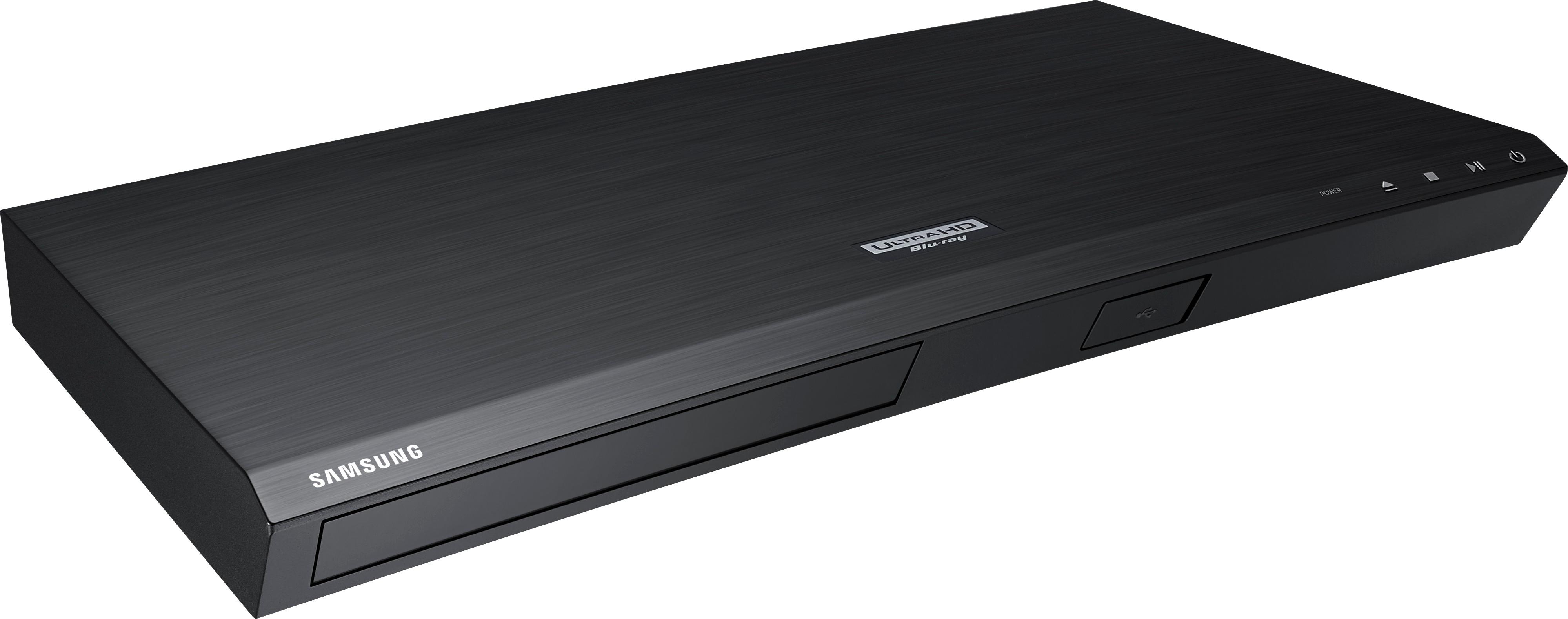
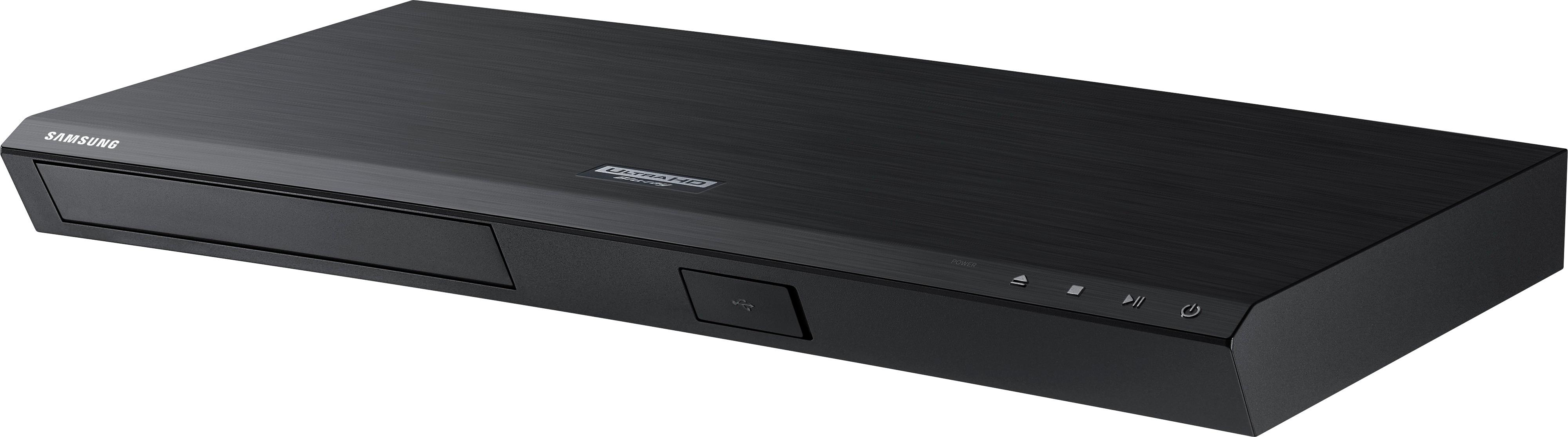
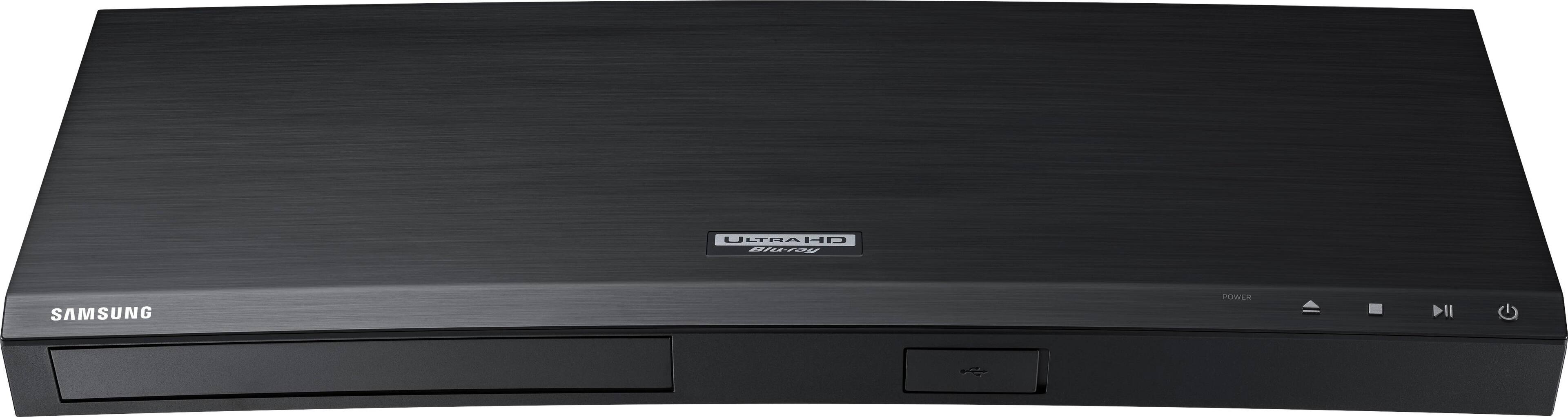
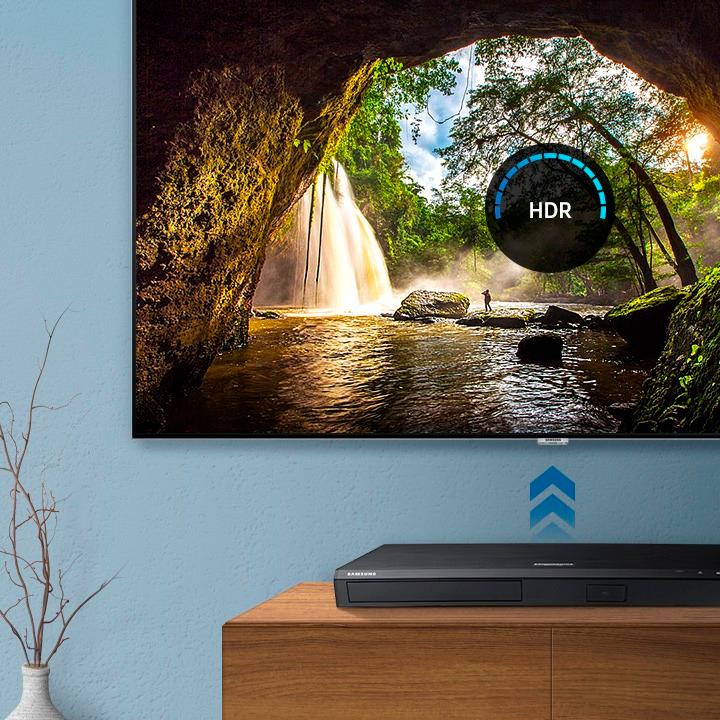
A:AnswerThe only way to see content from this player is via an HDMI cable either directly to the TV or through a receiver. If by streaming you mean mirroring that is doable according to the specs but you're not going to stream something as big as a DVD and I assume you mean that generically. Blu-ray discs are much larger stream wise and 4K is 4X the size of that and there's copy protection that might get in the way too.
A:AnswerUnless the information is embedded in the CD, it needs to obtain it from another source. For example, Grace notes. However, I do not believe this player has GraceNotes as a feature. Therefore, you'll be looking at Unknown Tracks, etc.
A:AnswerBased on my extensive research, no. It's the same banner that appears on most newer Samsung 4K displays. Wish there was an option to remove because it is quite annoying, but unfortunately there is not one at this time.
A:AnswerI have not found this to be an option. Progressive FWD and REV speeds are there, but haven't seen an option for slow motion variable speed controls.
A:AnswerHi neilsy, we understand your concerns with the Blu-ray Player. Please fill out the form below and one of our social media specialists would be happy to assist you. http://smsn.us/SamsungSupportUSA and we will respond accordingly. ^Britt
A:AnswerHello DogFood, I have attached a link below to the remote on our parts website.
https://www.samsungparts.com/dcwsearch/models/parts/?pc=1&mc=0&model=UBD-M8500%2FZA&modelcode=UBD-M8500%2FZA&version=AA01&parttype=All&spq=remote
^Britt
A:AnswerThe ability to repeat an entire movie is determined by the DVD's publisher. To watch a movie in repeat mode select Tools, then cursor down to the Repeat Mode selection and press the 'Enter' key. If repeat play is available, cursor down to select Title, and press the Enter key again. You can also change subtitles and other modes.
Note: Turn Repeat Mode On after the actual movie starts to play. If you try it too soon the screen and menu will go blank very quickly.
A:AnswerBy any chance did you configure the settings properly to be able to have the Samsung DVD player to the Maranz & TV? If not, check the proper set up on any of your devices set up. You can download it from their website (probably) or, check YouTube to see how a similar set up is like.
A:AnswerYes you do in order to watch movies in 4k and HDR-10 without a 4k T.V you are missing out on some great viewing. The 4k player will up scale your blu Ray's movies. You will not be able to watch the movies the way you should. If you decide to buy a 4k t.v just make sure the 4k t.v has HDR so you can enjoy your movies the way they was intended to be watch a d set back and have your mind blown away.
A:AnswerI have a Samsung 7100 series 4K TV and the same player as you. It does play most all the disks I have in full screen.
BUT... ( this might just be the Gotcha) if the movie is very old, it may still play in the old 4:3 ratio. My belief is that this might be controlled by the disk rather than the player..
Best of luck!
A:AnswerI have used both these features and all seems to work great. However, they should also work with your current player. Have you upgraded its firmware lately? Samsung constantly has updates rolled out to fix common bugs like the ones you are describing. One nice thing about the UBD-M8500 is that it will automatically download the latest firmware via WiFi whenever there is one available. If you don't have internet capabilities, Samsung can send you a USB firmware update for free to fix those issues.