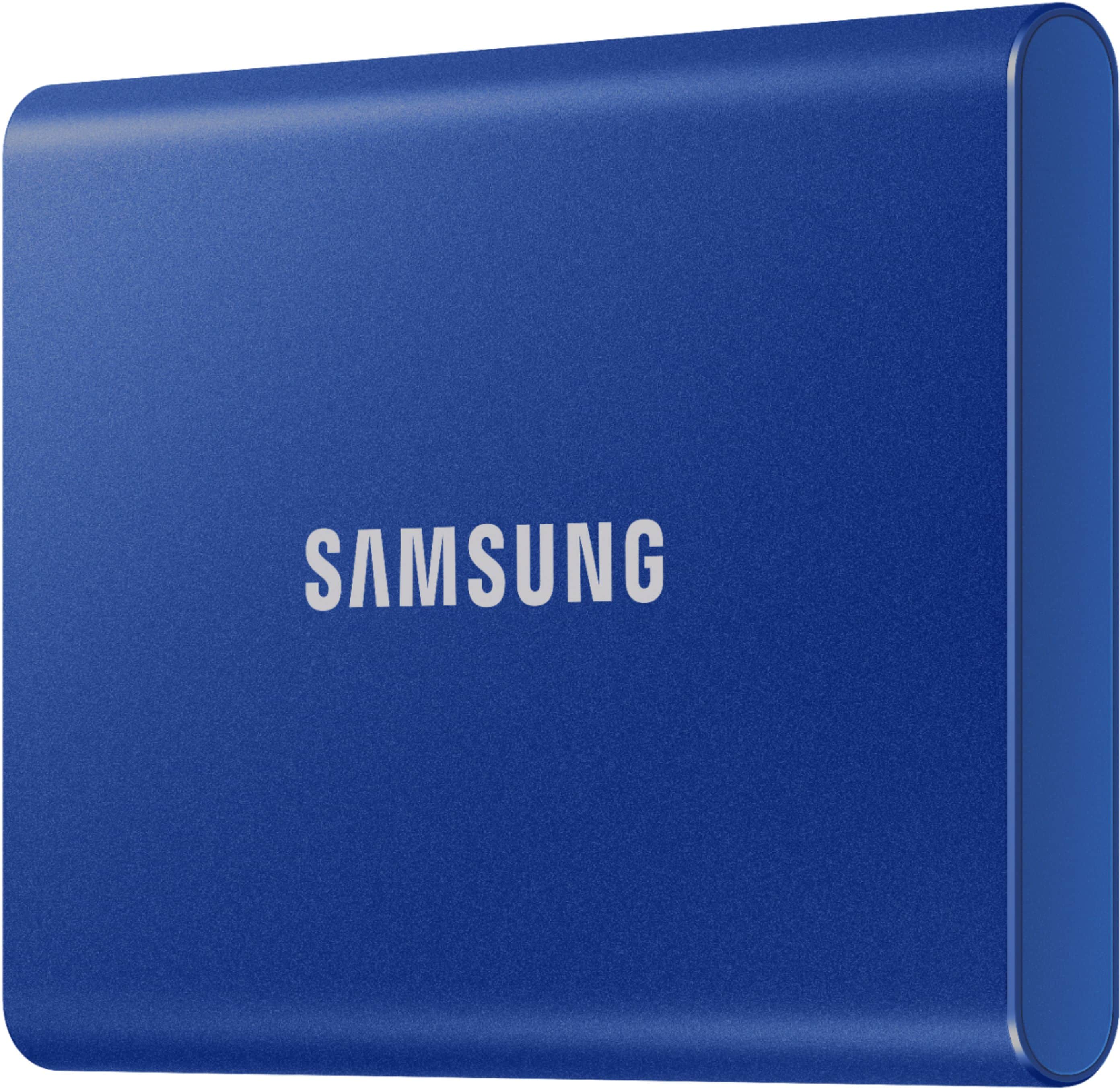
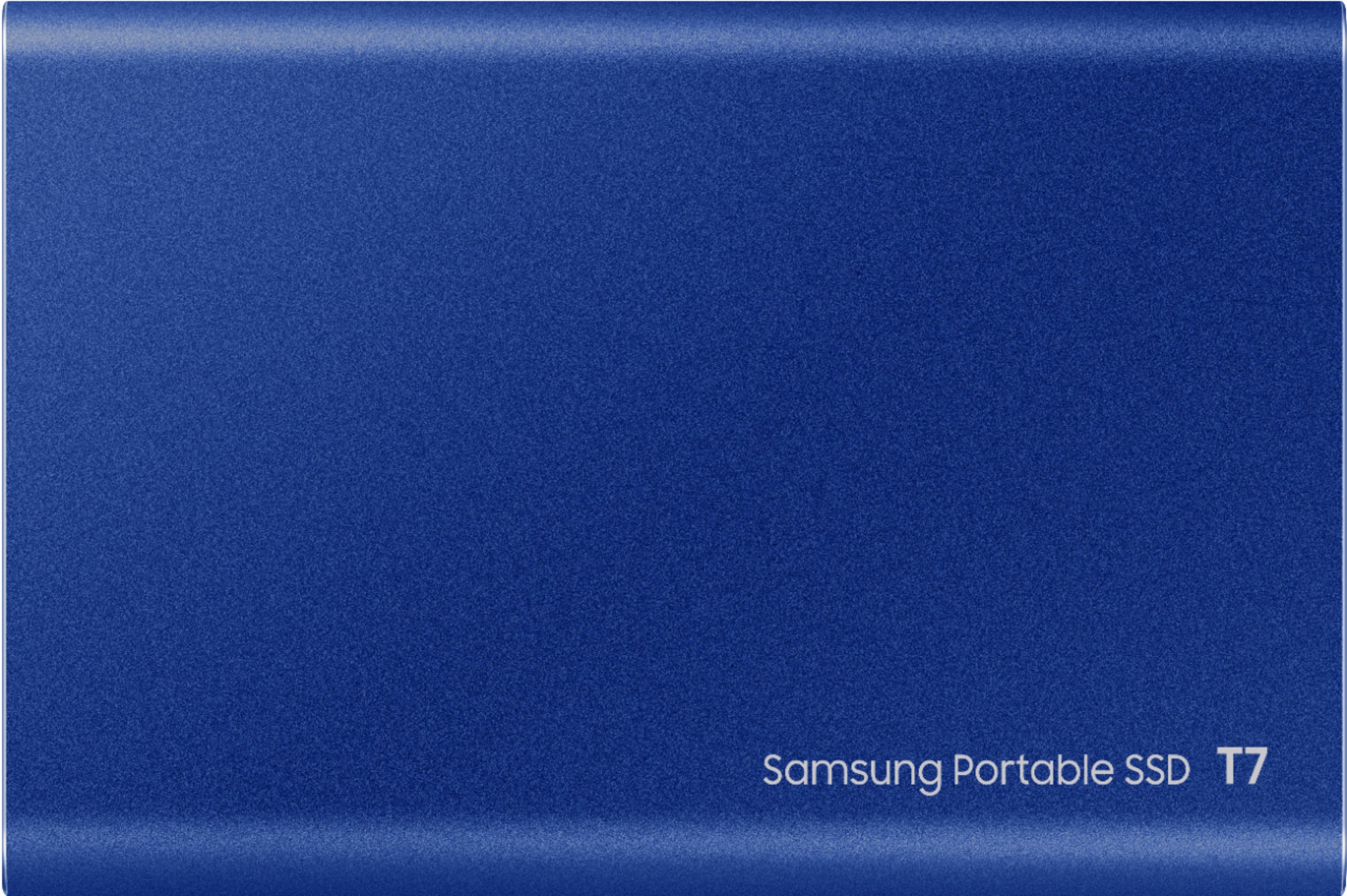
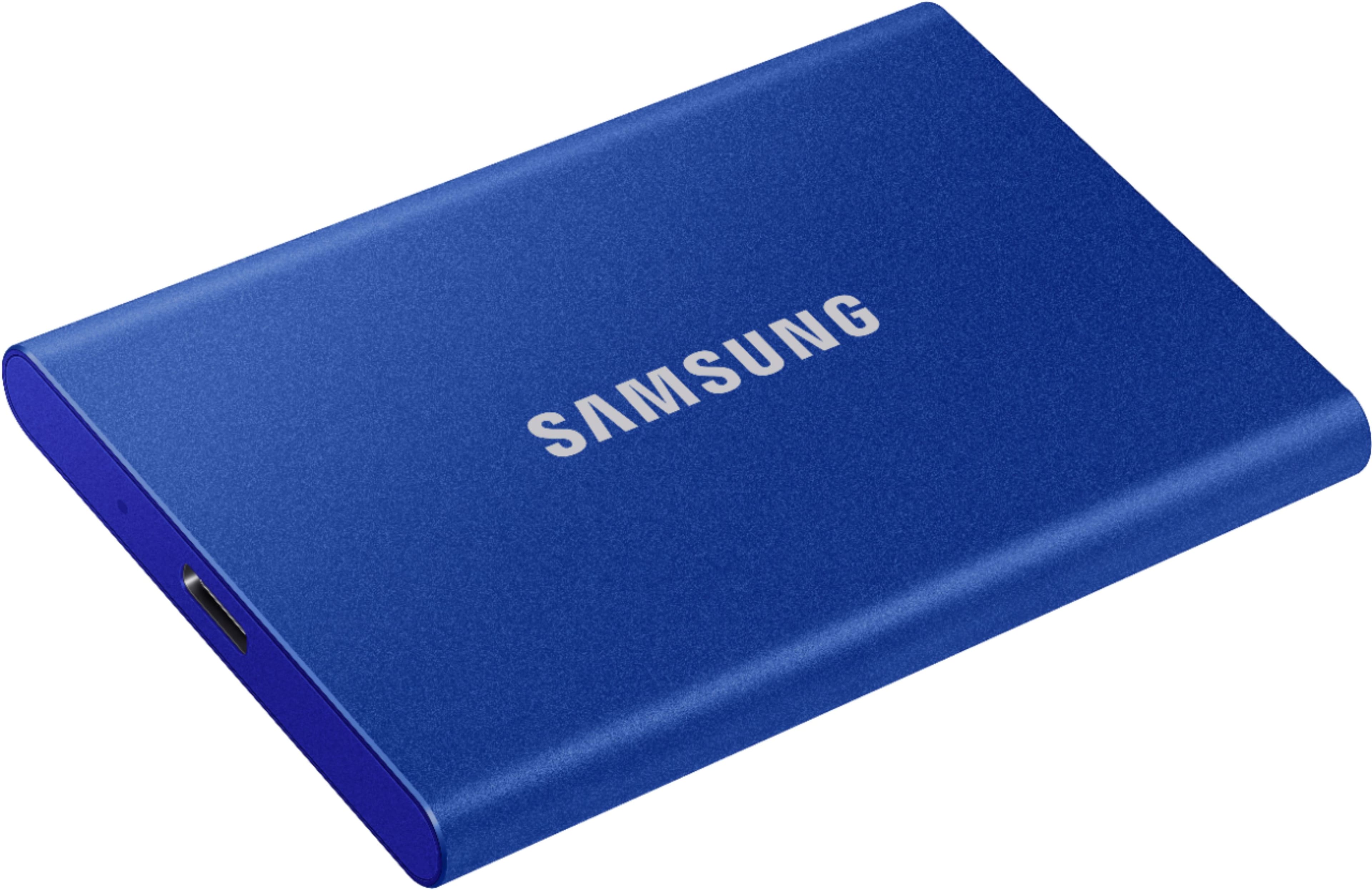
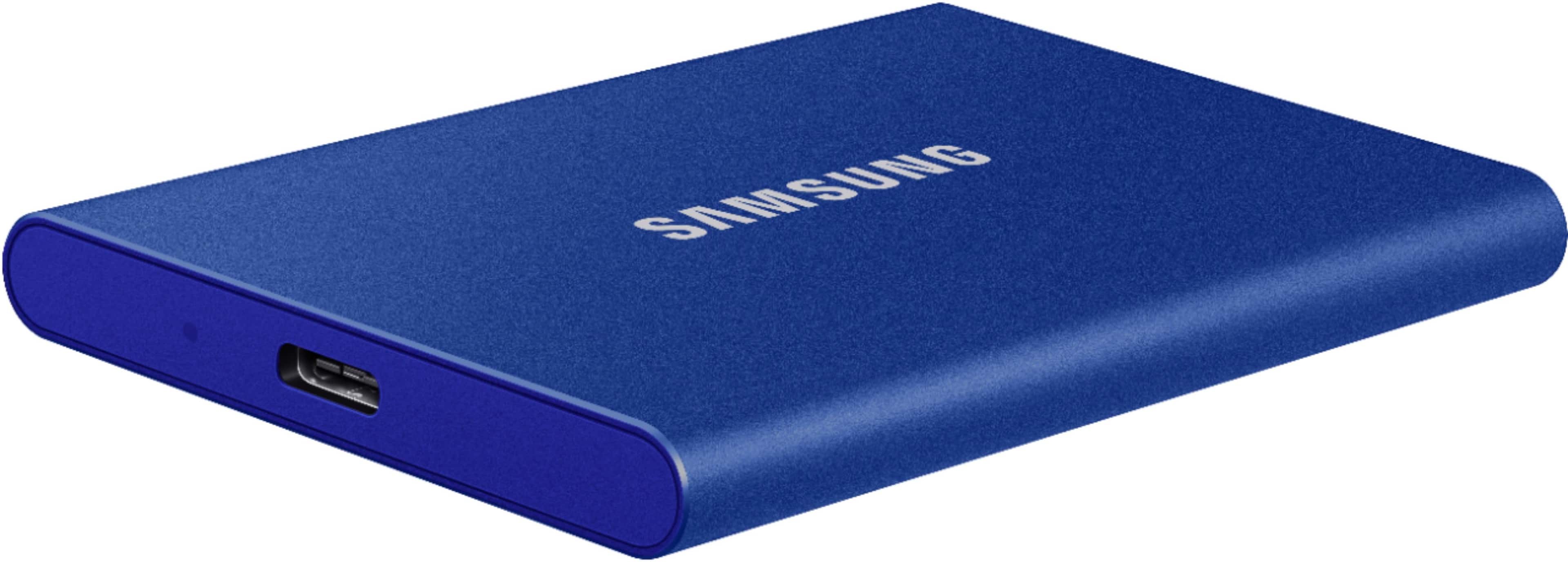
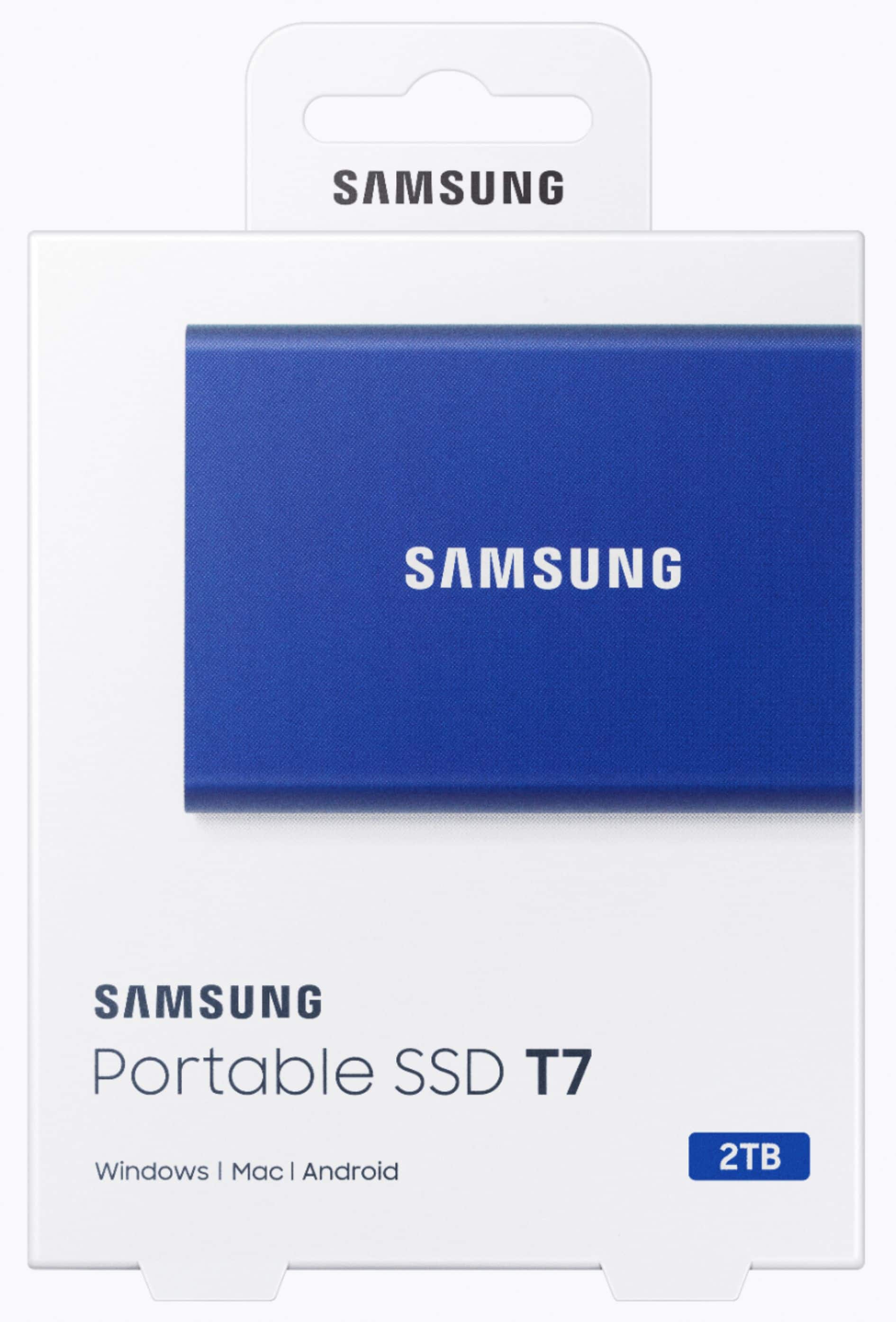
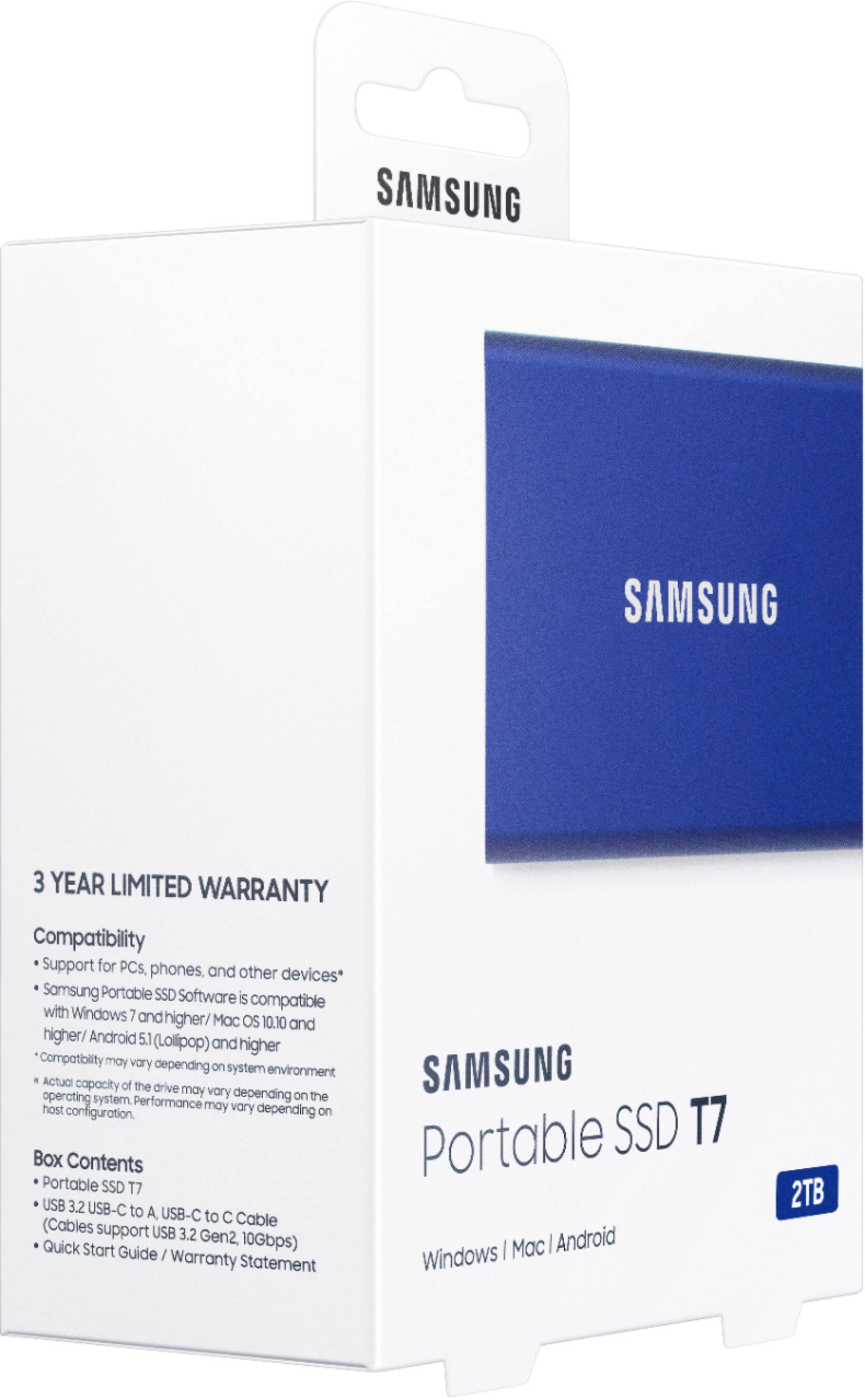
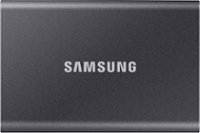
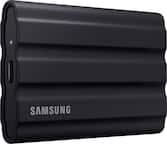
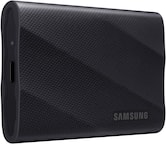
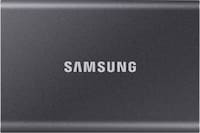
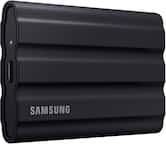
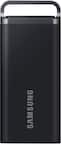
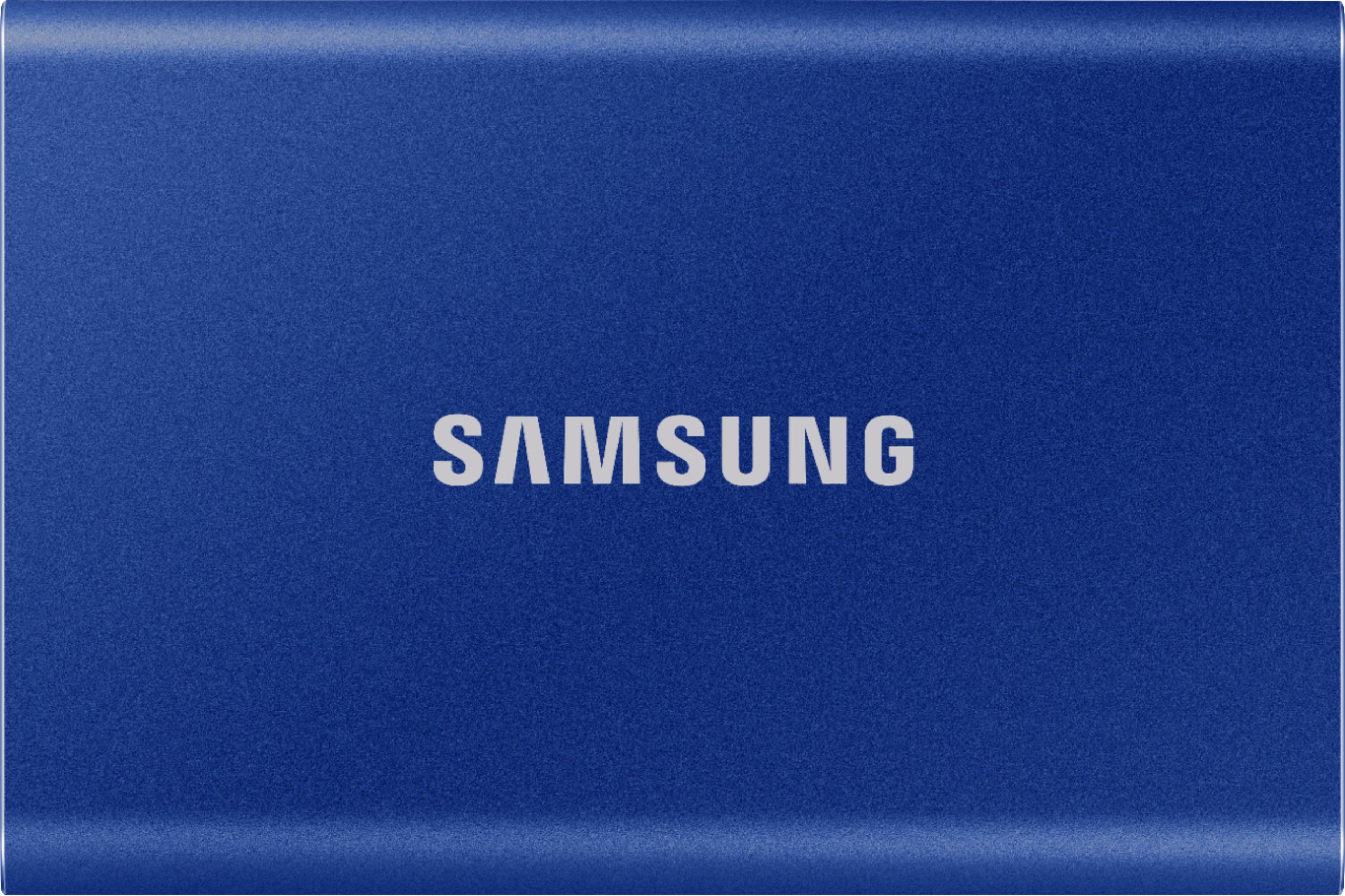
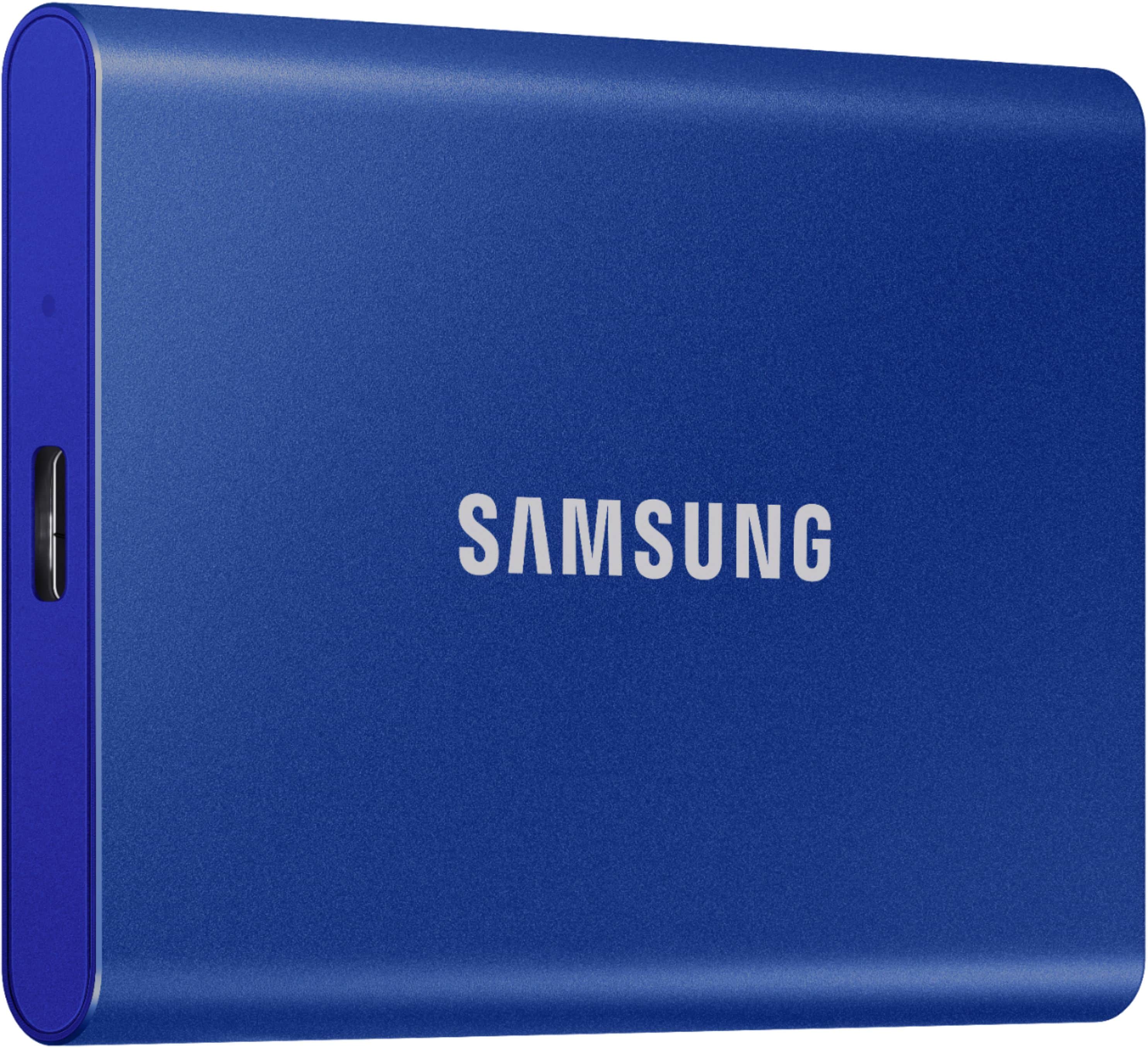
A:AnswerThis light, pocket-sized Portable SSD T7 delivers fast speeds with easy and reliable data storage for transferring large files. Whether you're storing critical business documents, games, or movies, the Portable SSD T7 gives you speed and durability in a palm-sized package.
- Samsung Memory
A:AnswerZach:
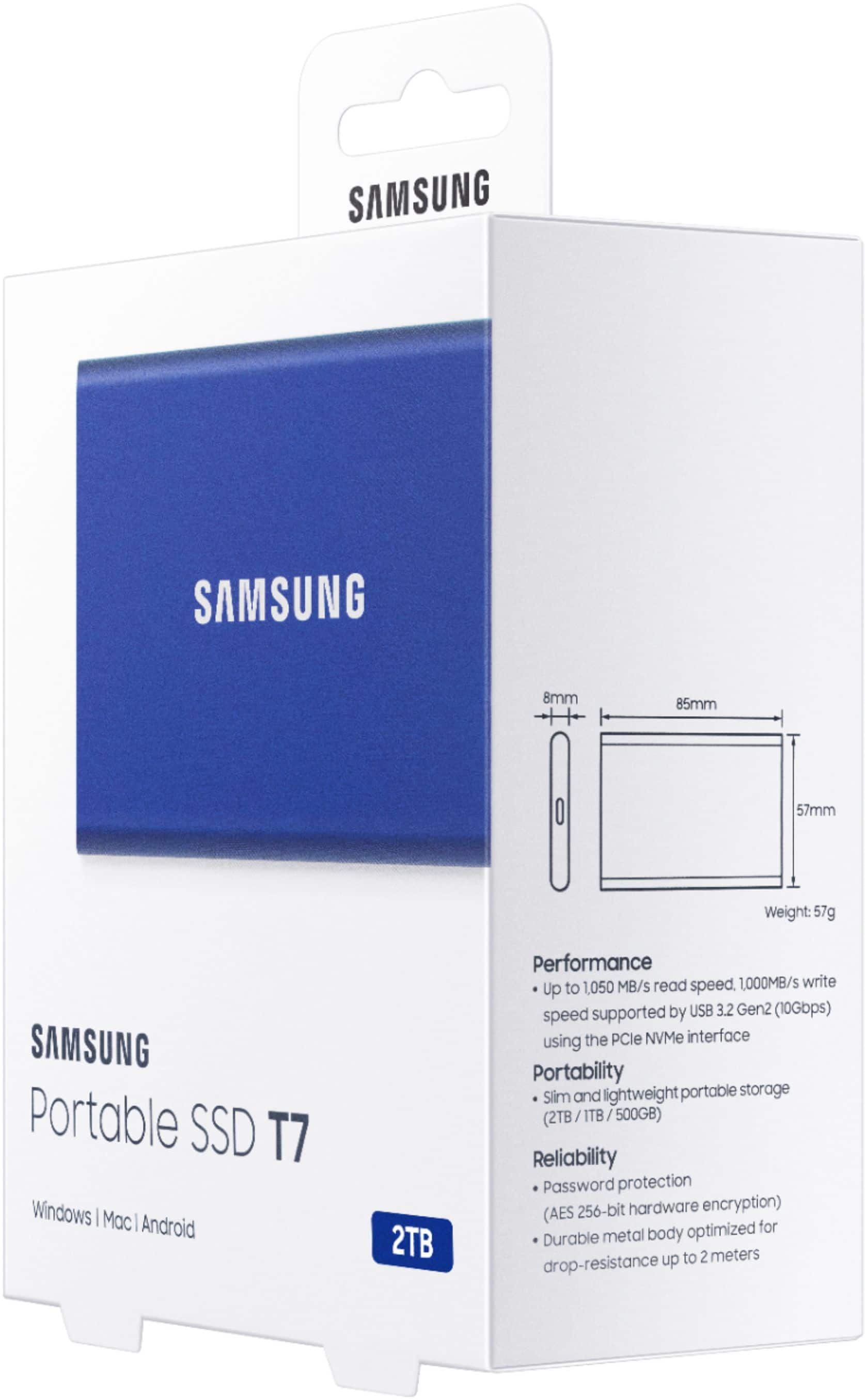
The Samsung T7 SSD offers hardware-based encryption to help protect your data, using the AES 256-bit encryption standard, which is one of the most secure encryption methods available.
- Samsung Memory
A:AnswerI use it with my iPad Pro, so I’d assume so. If you want to use a password on it then download Samsung Magician app and you can use it just fine. You just need the cable.
A:AnswerYes, just plug it in, click on your storage settings in steam, click add storage device and then click the device once its plugged in after downloading samsung magician. That can be downloaded with an easy google search.
A:AnswerC2:
This SSD allows you to transfer massive files within seconds with the incredible speed of USB 3.2 Gen 2 on the T7. The embedded PCIe NVMe technology delivers blazing fast sequential read/write speeds of up to 1,050/1,000 MB/s. Whether you're storing critical business documents, games, or movies, the Portable SSD T7 gives you speed and durability in a palm-sized package.
- Samsung Memory
A:AnswerI can’t answer this question with any authority. As a minimum I think you would need some additional hardware in the way of an adapter and possibly a special cable. I say that because the Samsung drive requires power and I don’t think an iPad can supply to an external device.
A:AnswerHello Macabee,
I believe it should be compatible. I am planning to use my Samsung T4 to backup a rather antique white MacBook that is running Sierra 10.12.6, and it's supposed to be compatible. I had to get an adapter cable, as well, since my MacBook is USB 2.0 compatible. You could confirm this with Best Buy's Geek Squad to be sure.
Best, Cynthia
A:AnswerThe life is better than regular hard disks. I had 5 tb western digital and it failed couldn’t recover any data. SSD drives are more stable and you can back up from your phones, laptop and tablets. Failure rate is low compare to regular external hard disks
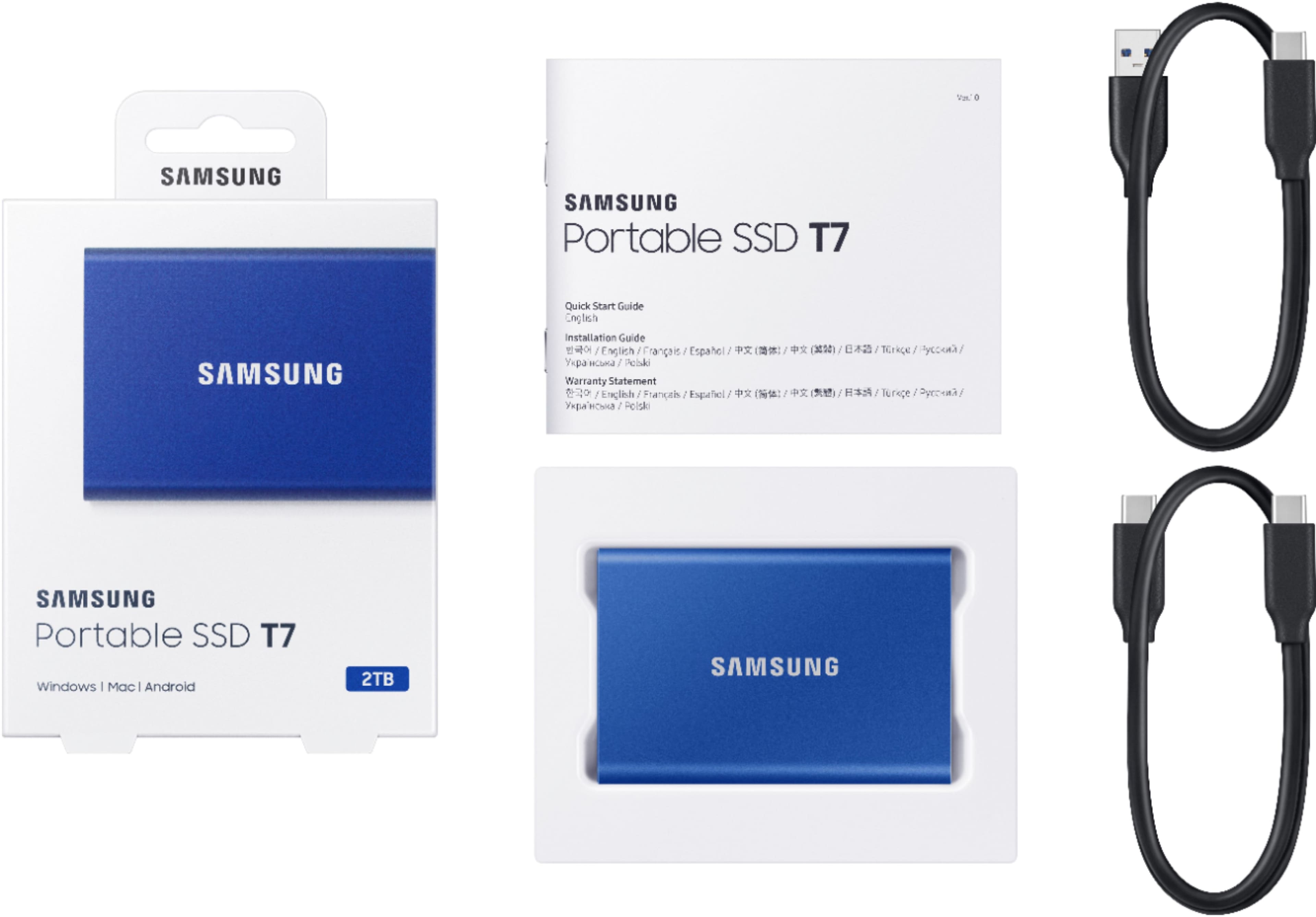
A:AnswerIt comes with 2 cables USB A to C which should work with your old iMac and a USB C-C which should work with new MAC. I do believe you could just do it with a cable from 1 iMac to the other. Google it
A:AnswerYou are leaving a question for a T7 SSD. From your description, I believe your question was intended for a TV.
Should you have any questions or concerns regarding our memory products, please contact Samsung Customer Support.
Call: 1-800-SAMSUNG (ask for Memory) Available 9AM – 12AM EST (Mon-Fri)
- Samsung Memory
A:AnswerYes.
I use it with my samsung s24 ultra daily for work.
I am a youtuber and I use my phone for filming and editing.
You can connect to your phone with the cable it comes with. A message will pop up asking for permission to "allow file transfer " or "allow data read". Give it all permissions.
This hard drive works at lightening speed and I can record a 1 hour video on my phone and then transfer it directly to the hard drive in 30 seconds....freeing up more space on my phone to continue filming!
I loved it so much I bought a 2nd one.
A:AnswerYes, it just has to be formatted for macOS. When you plug the drive in and open Time Machine settings, you can assign the drive to Time Machine and Time Machine will format the drive for you.
A:AnswerThe cable included has the original USB connector, so you would need to buy a cable with USB-C connector for your Surface Pro 9. Best Buy has plenty of cables in stock.