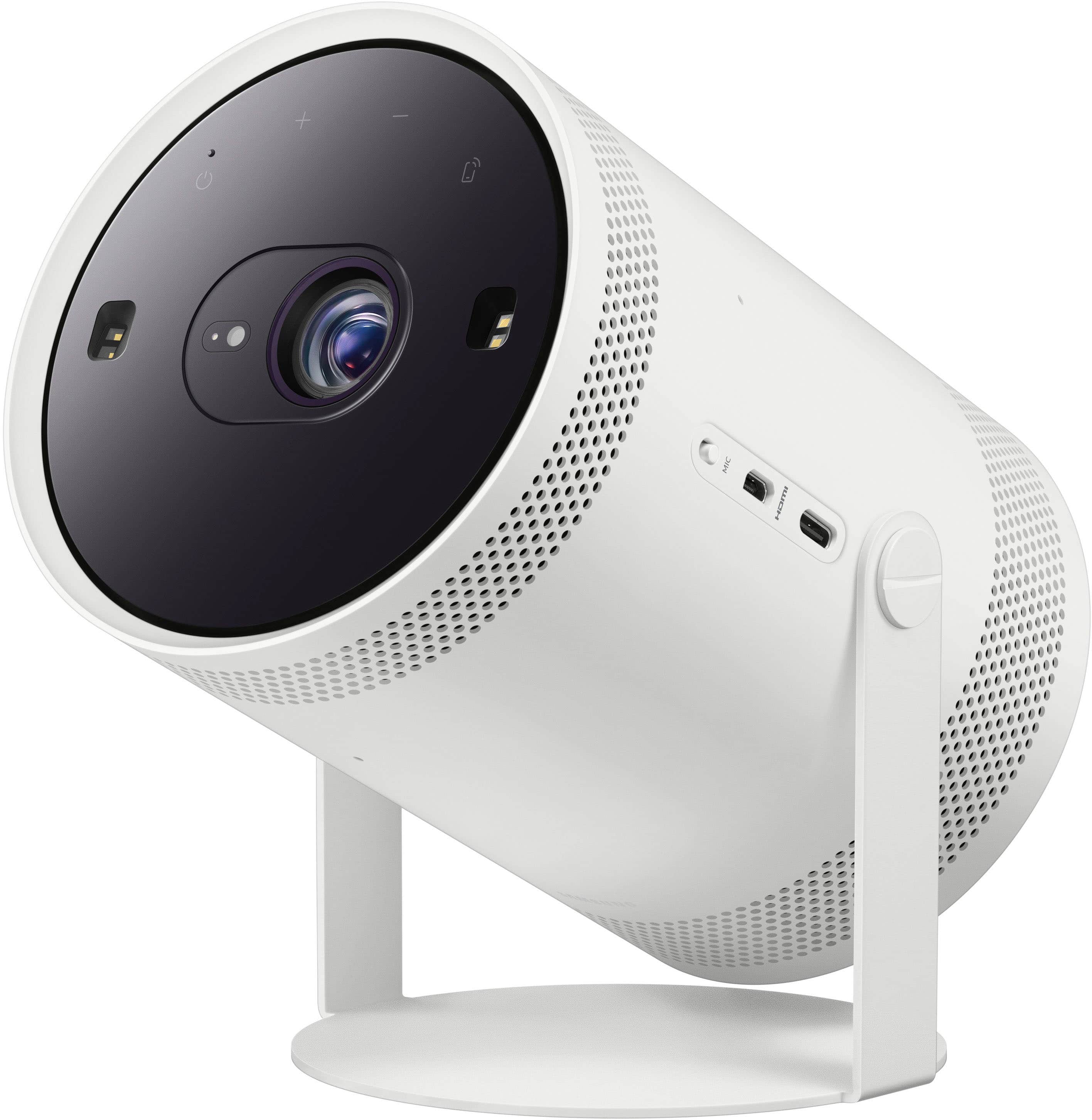
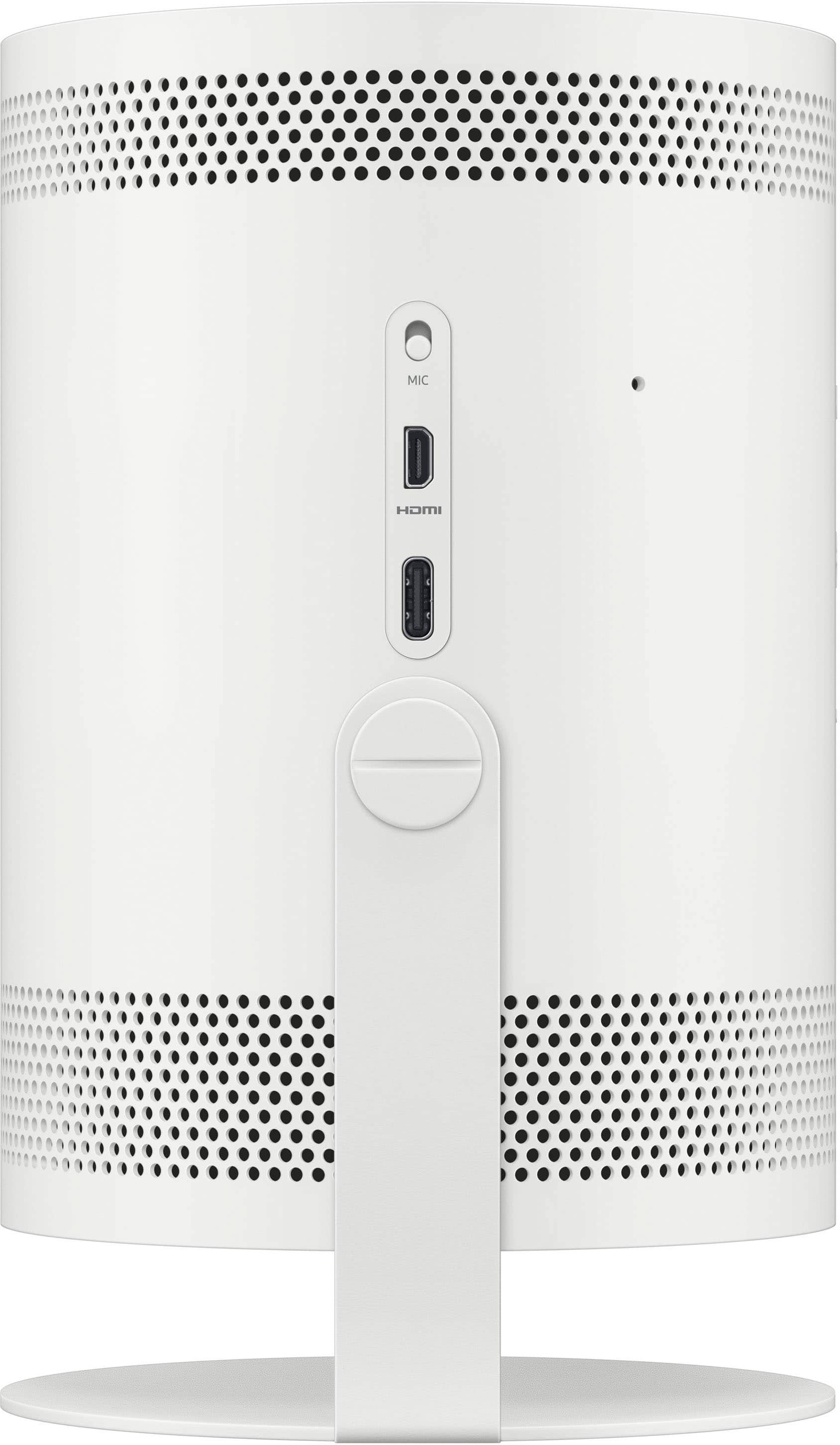
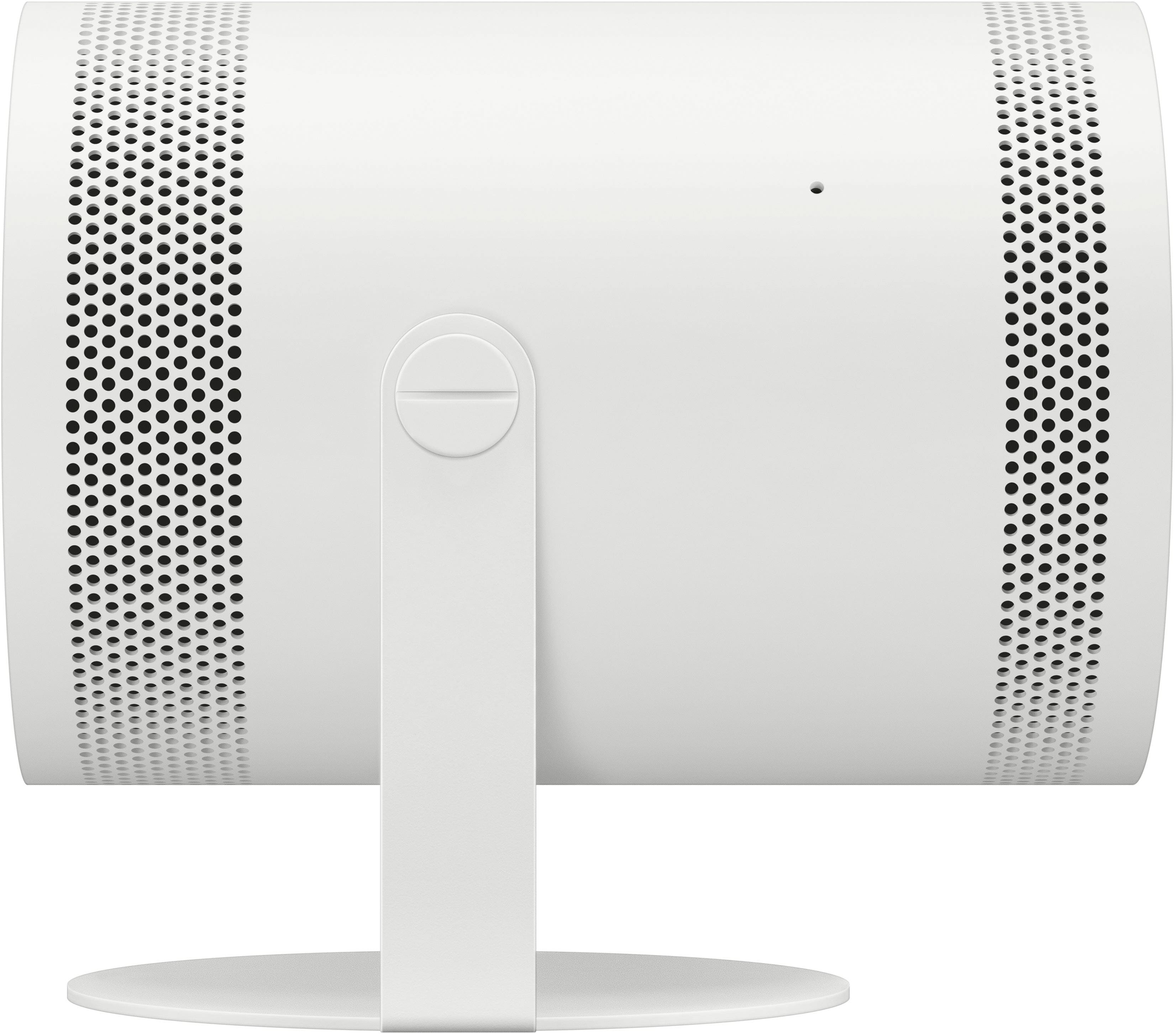
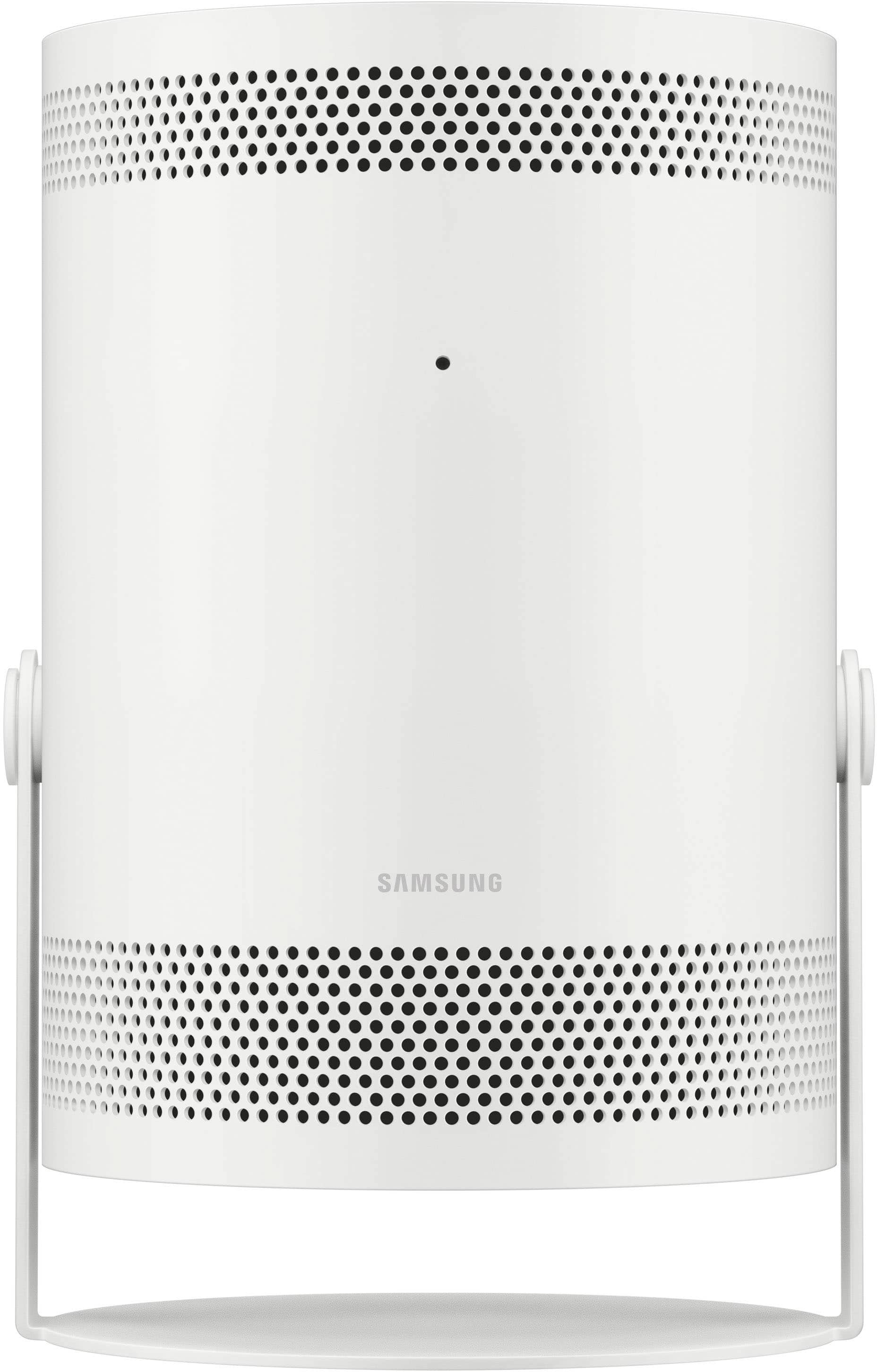
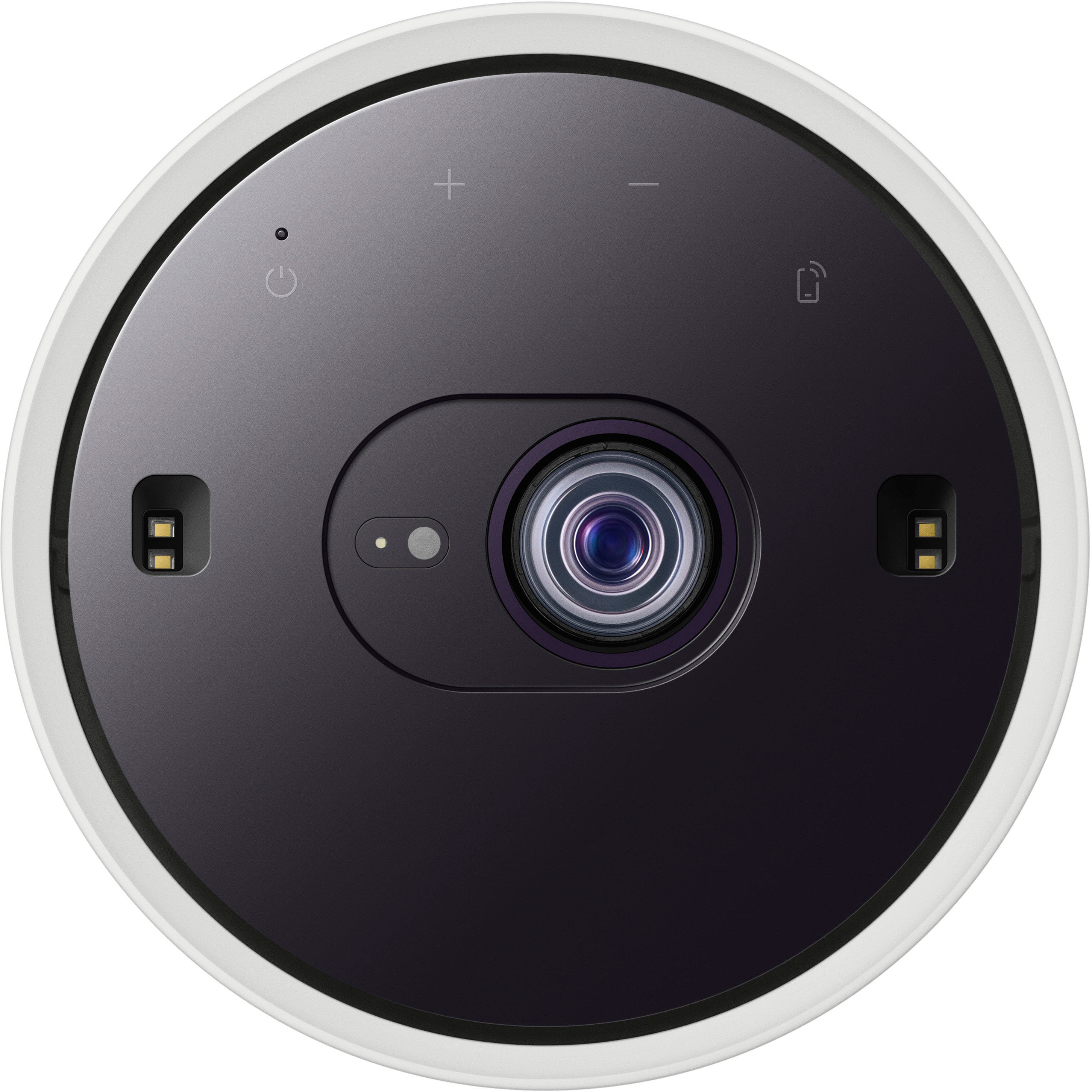
A:Answer It sounds like there's an issue with the middle of the screen, even though the rest of the picture and sound are fine. Since the projector's self-diagnosis shows everything is okay and you've cleaned the lens, here are a few things to try:
First, try restarting the projector. Sometimes a quick restart can fix small problems. Next, check the focus settings. The middle of the image might look blurry if the focus needs to be adjusted. You can also try resetting the projector to its factory settings in case a setting is causing the issue. Finally, make sure the surface you're projecting on is smooth and flat, as wrinkles or bumps can affect the image.
If the problem continues, it might be best to reach out to Samsung support for more help.