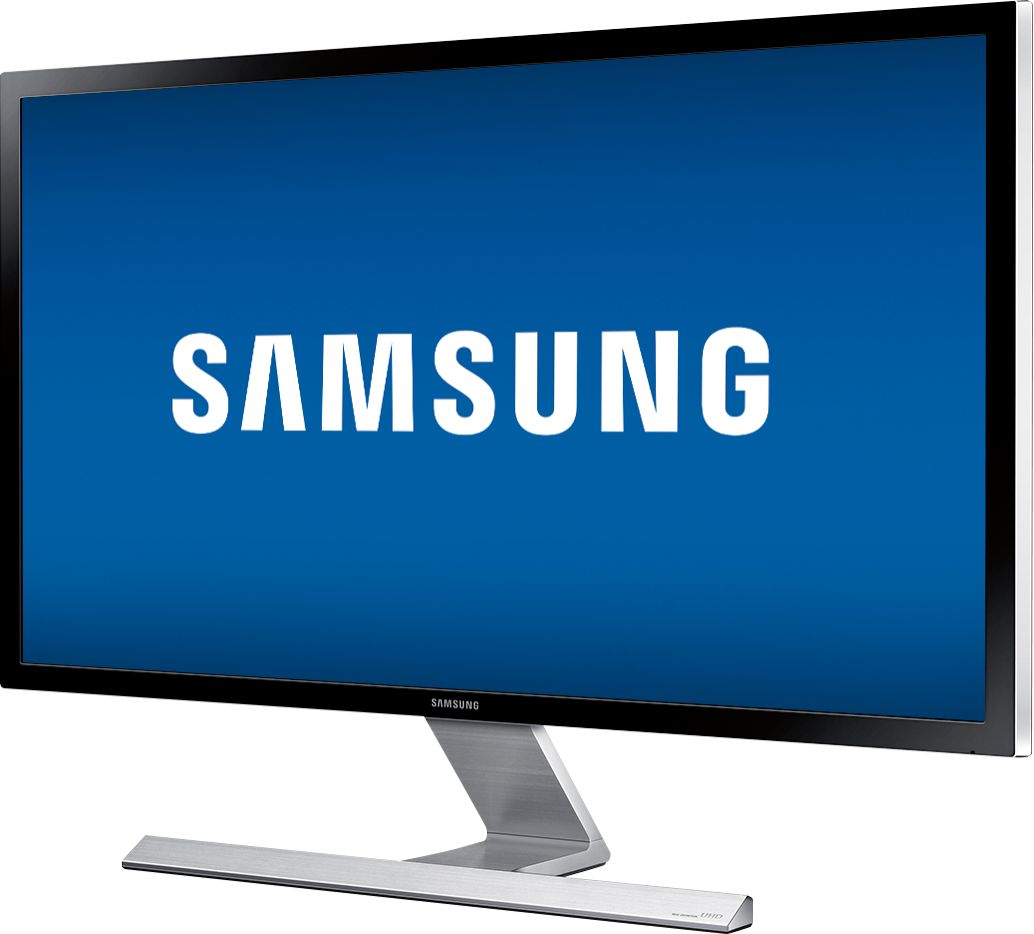
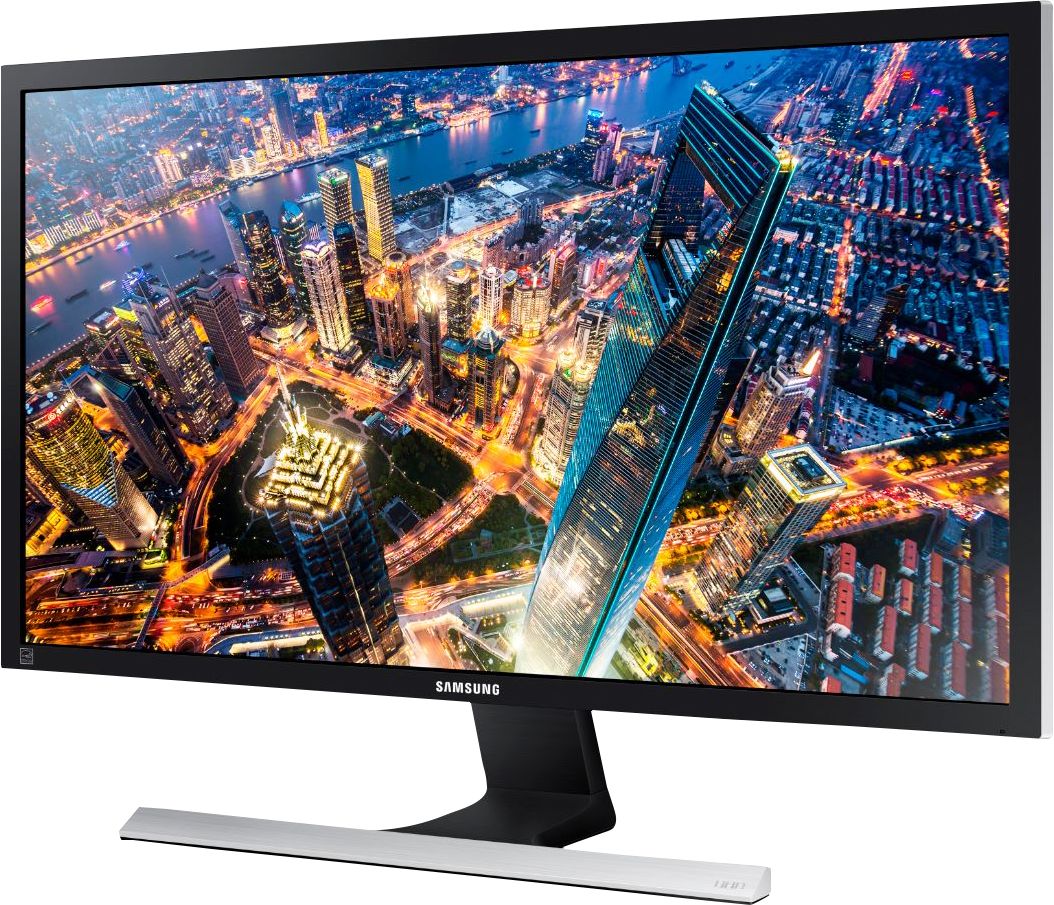
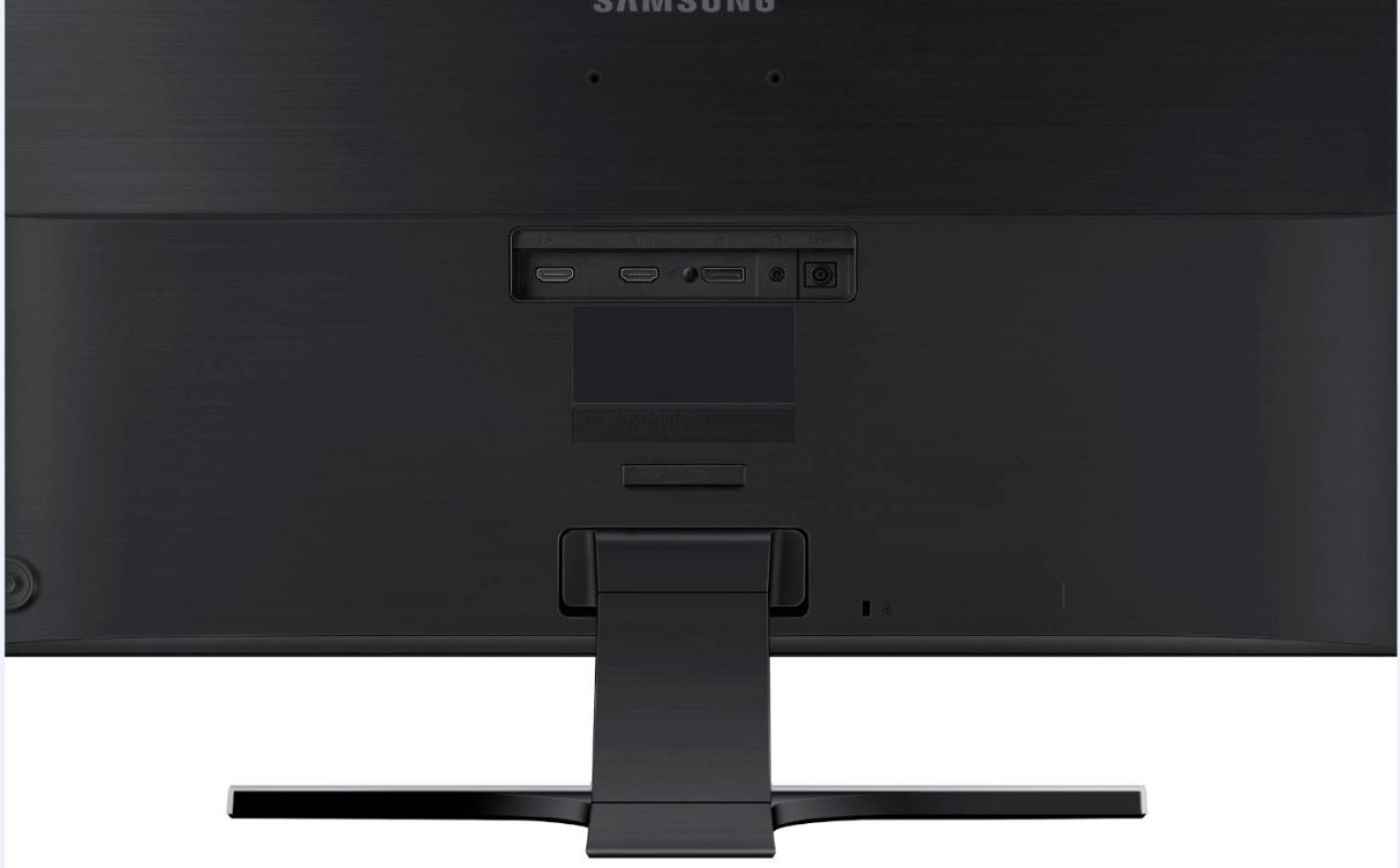
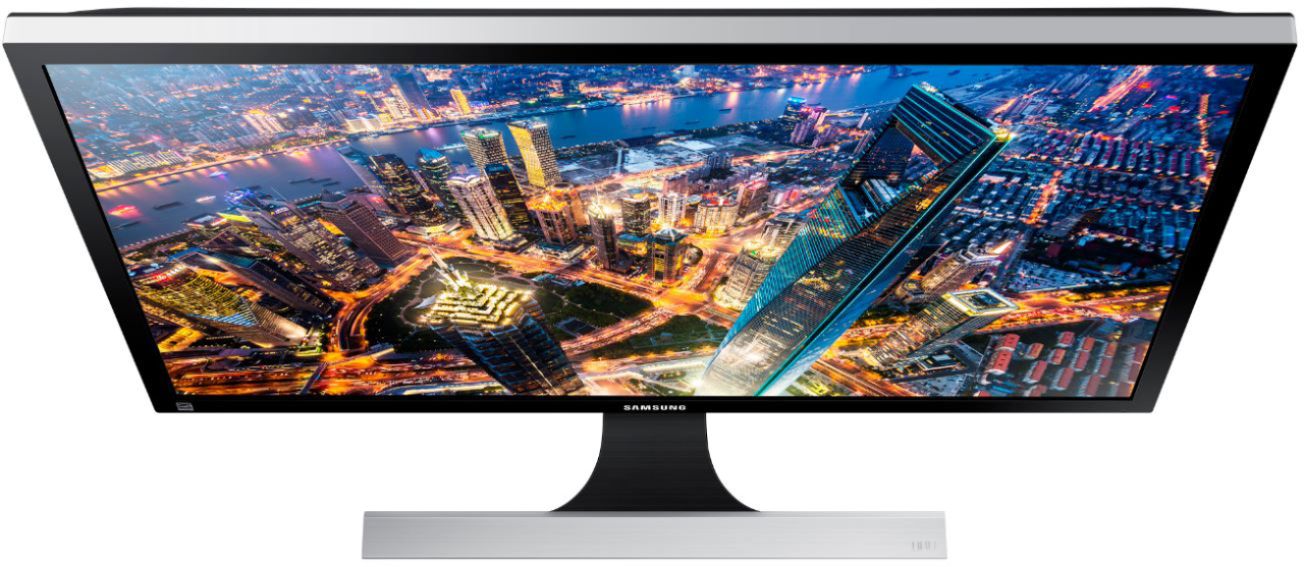
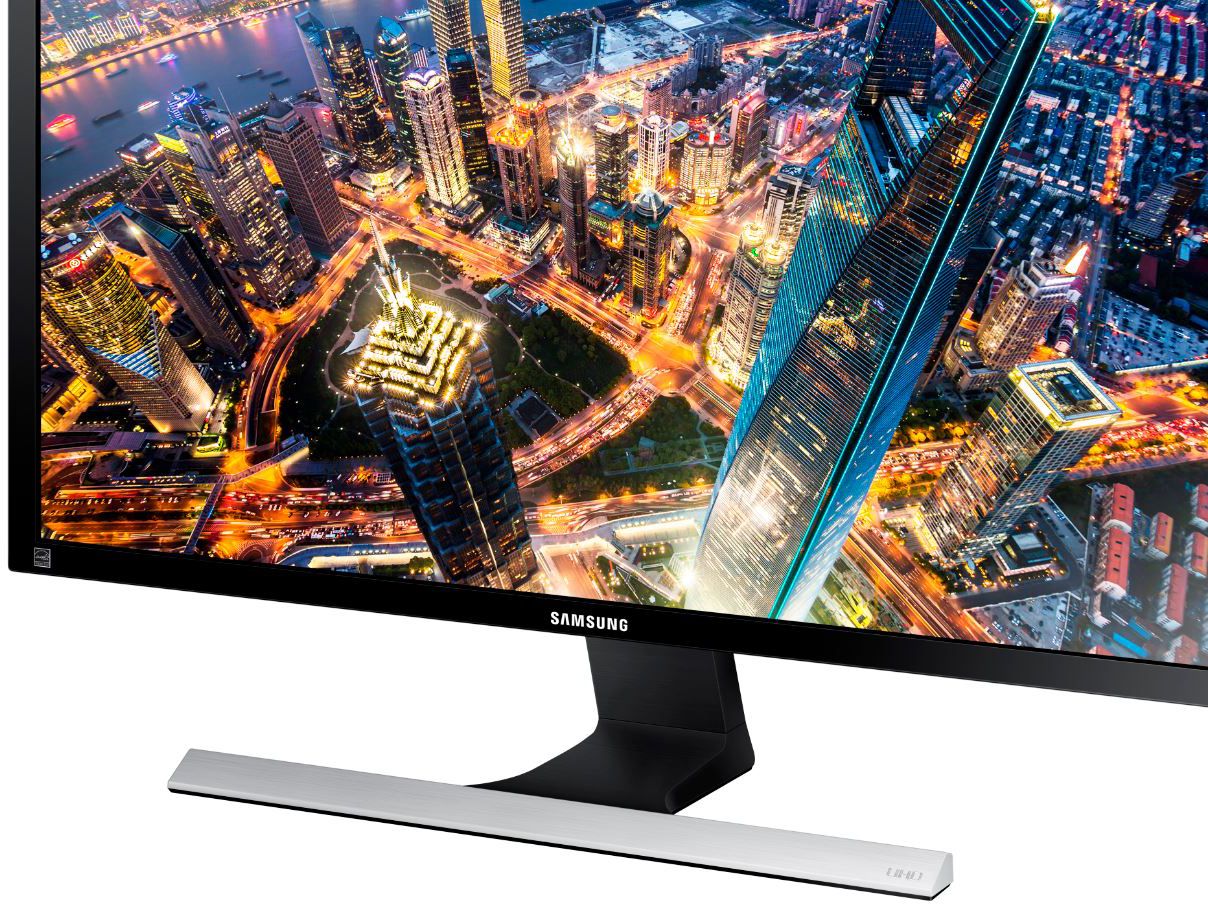
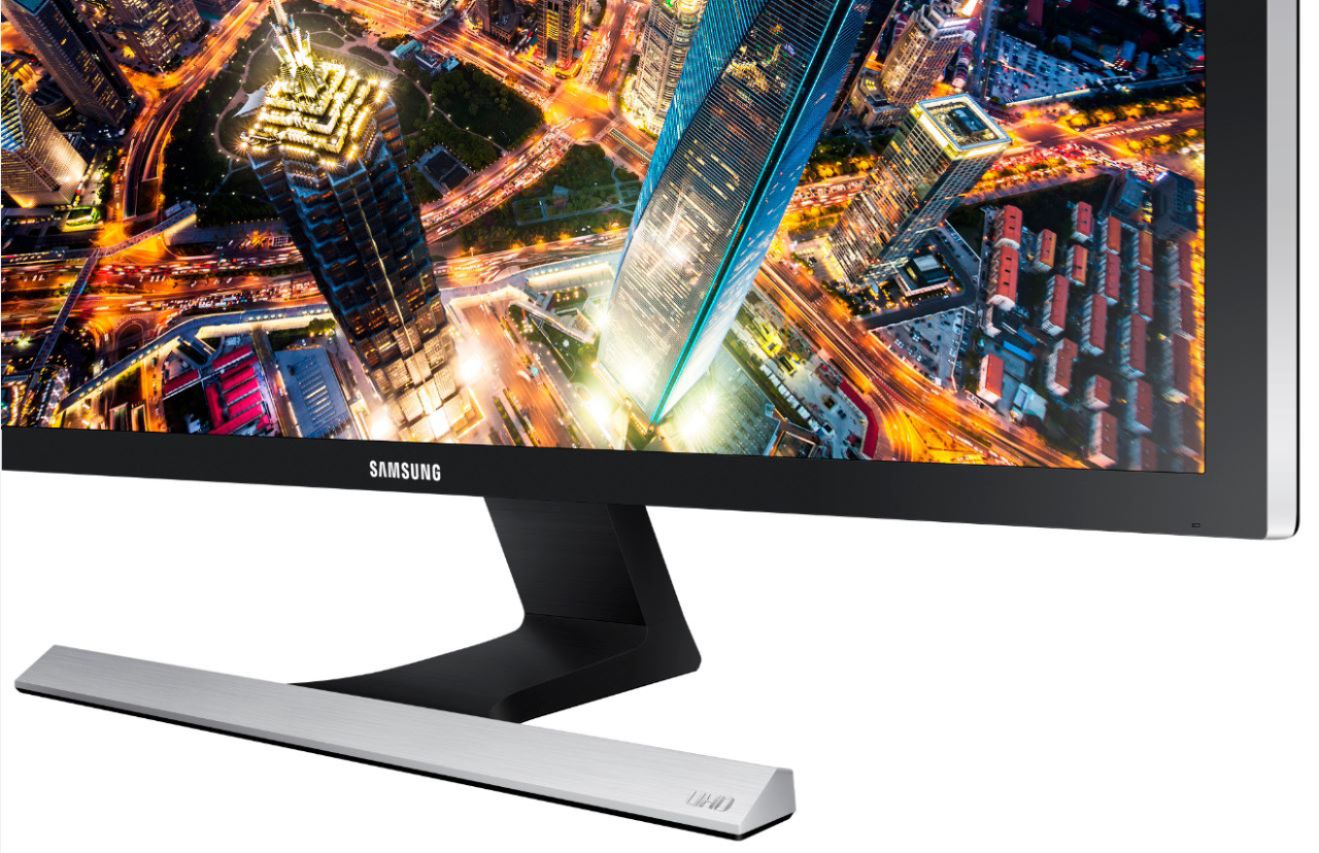
A:AnswerYes, this monitor has a VESA mount. But it is higher up on the monitor than typical mounts. It would not be centered if you tried to rotate the monitor. Also, make sure you have enough clearance for the wires jutting out the back.
A:AnswerI had a nvidia gpu and it worked better than the monitor than I have now....tbh. I returned it because I was told it's not compatible... turns out this monitor looked better and was cheaper than the one I have now ... with less refresh rate too :/
A:AnswerThe Display Port cable I measures was 63 inches long.
To record gameplay from your console, your PC will need a capture card, which is totally separate from your graphics card. There are also stand-alone solutions that you can use without a PC at all, depending on your intended use case.
A:AnswerMy understanding is that Samsung made some design changes/improvements to the base of the monitor. The panel is identical between the U28D590D and the UD590.
A:AnswerI've used Datacolor's Spyder 5 Elite to calibrate my monitor. I just reran the Gamut analysis with it and it shows 97% of sRGB coverage and 78% of the Adobe RGB coverage. It graphs NTSC coverage but doesn't provide the percentage. It looks to be about the same as the Adobe RGB coverage. I have attached a screen shot. If you can see it, the NTSC is the orange line. It seems to have a touch more shift towards red than my old monitor. That might be due to using the Warm 1 setting instead of Warm 2 when calibrating for my PC. I used Warm 1 as it looks best on my XBox One S and other non calibrated devices.