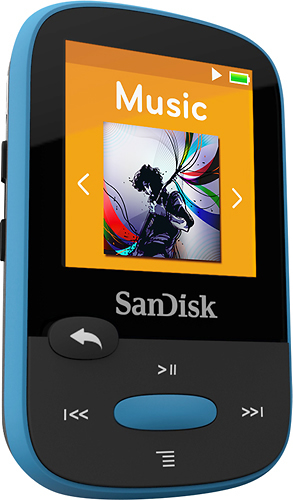
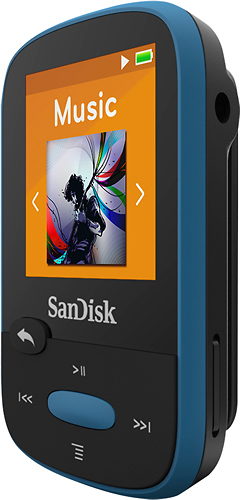
A:AnswerI wasn't able to set up playlists the traditional way, but I was able to separate my music using folders then selecting the folder on the device when I wanted to use it for my "playlists." You can arrange your music in the folder from your PC anyway you want! So far I have about 10 folders / playlists!
A:AnswerYes. Connect the Clip to the Dell via a USB cable, select the music that you want to transfer, Right Click, then select SEND TO. You can also get a MICRO SD card, up to 32GB, and SEND the music onto that, then insert it into the slot on the side. It will update the music on the SD Card every time the card is removed and replaced.
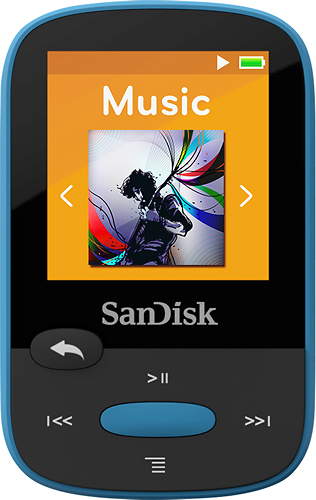
A:AnswerYou can get a USB charger that plugs into your computer, or a standard phone charger for your car that fits the same style of plug. I use my phone charger in my car and it works great.
A:AnswerJeannie,
Just hold in the back button on the front of the MP3 player. Its the smaller of the two buttons on the front. To unlock it, just use the same technique. Hope this helps
A:AnswerThere is an microSD/microSDHC card included with the player, however it does not support SDXC. It does support AA, AAC, FLAC 16 bit, MP3, OGG VORBIS, WAV and WMA (except DRM's)