No content
Questions & Answers
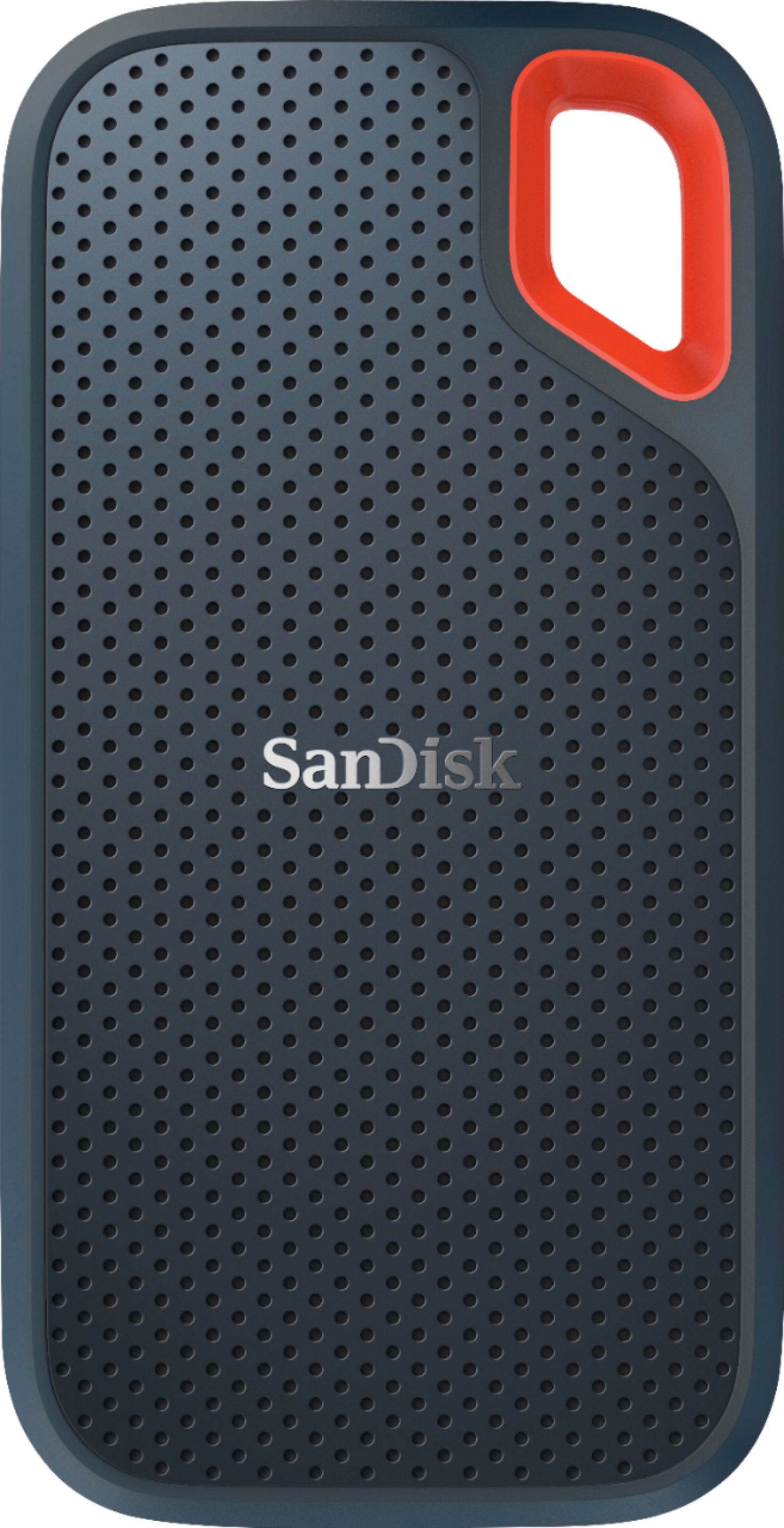
- Model:
- SDSSDE60-1T00-G25
- |
- SKU:
- 6185366
Highly rated by customers for: Portability, Speed, Overall Performance
Page Showing 21-33 of 33 questions
Q: QuestionWould this type of SSD work for a Microsoft Xbox one or does it have to be strictly usb 3.0 and not 3.1?
Asked by ScottStoots.
- A:Answer This drive would definitely work for the XBox as well
Answered by BIGGMANNSF415
Q: Questionhow to transfer pictures from Iphone X to this portable SSD?
Asked by iphoneXuser.
- A:Answer The way I did it was to connect both to my PC and designate the ScanDisk as the drive. Very simple process
Answered by TyHuff
Q: QuestionDoes it compatible with PS4 consoles ?
Asked by Titi.
- A:Answer Works with Playstation and XBox
Answered by BIGGMANNSF415
Q: QuestionWill this work with an Xbox 360?
Asked by Sarah.
- A:Answer Yes. I just verified the compatibility with my own 360. No issues.
Answered by TonerBro88
Q: QuestionHow many Movies and pictures will this hold? I know it comes in an exFAT format, should I keep it like this or change it to NTSF for the pictures and Videos and a few document files.
Asked by Ja.
- A:Answer exFat allows you to be able to use it on both Mac and PC and it allows you to have files larger than 4 GB...as for how many items of each, well that's debatable since there is no set size limit for pictures or movies or music (i.e. it depends on the size of the files).
Answered by Luis
Q: QuestionI want to use it to back up my ipad how do I connect it and how do i load pictures and notes from my iPad Air onto this device?
Asked by Ja.
- A:Answer Upgrade your iPad to IOS 13 and then you can connect it directly and it will pop up automatically in you ipad
Answered by Singh
Q: QuestionCan I use this with the Moto G7?
Asked by Alaskapirate.
- A:Answer Hmm, it depends in the phone software. It works well with iPad
Answered by Singh
Q: QuestionI see this can be used on Reg computer and a MAc book. But can work on both at same time or committed to one or other type of computer? Thxs
Asked by Torch.
- A:Answer Depends what format you use. If you try to do TimeMachine or use it for Photos in the Mac, then macOS will format the disk as HFS+. Windows won’t natively need able to read it in this format. If you use Windows and try to use it for File History, then Windows 10 is going to want it in NTFS. If you format in NTFS, then macOS cannot read the drive natively. There are tools that let macOS read NTFS and Windows read HFS+ but both are reverse engineered hacks since neither company licenses their file systems. If you use the FAT32 or ExFAT formats, you can seamlessly share across macOS and Windows.
Answered by Nivek
Q: QuestionWill the drive work with both my MacBook and my wife's iPad?
Asked by Sailorglen.
- A:Answer Yes it will work on all your apple devices
Answered by Singh
Q: QuestionWill this work with shield pro tv ?
Asked by Jon1481.
- A:Answer It should work with your tv just like a jump drive. Works well with my Mac book pro and plugs directly in my Samsung note.
Answered by Vibigkat
Q: QuestionWill this ssd download directly from a samsung galaxy phone (9)?
Asked by Noah.
- A:Answer Hi Noah, please be informed that we have not tested using our SSD Drives with mobile phones. However, you can contact Samsung Customer Support to check if you can connect an SSD Drive directly to your Samsung Galaxy S9 Mobile Phone.
Answered by SanDisk Team
Q: QuestionCan a Sandisk Extreme Pro Portable SSD be used for full Mac Air backups using Time Machine?
Asked by Denis.
- A:Answer I use it to back up my MacBook pro, so I am sure it will be the same for the Air. Just change the format from ExFAT to Mac.
Answered by Bubba
Page 2, Showing 21-33 of 33 questions