Questions & Answers
- Model:
- SDSSDE61-1T00-G25M
- |
- SKU:
- 6577442
Q: QuestionCan I use this to back up pictures on a Samsung Galaxy S6 ?
Asked by Geno.
- A:Answer Hi, please be informed that we have not tested using our external SSD Drives by connecting them to mobile phones with OTG Adapters. In order to know how to do the same if possible, it would be best to contact Samsung Customer Support.
Answered by SanDisk Team
Q: QuestionDoes this external drive have MagSafe Technology?
Asked by DanLegend.
- A:Answer Hi there, No, the standard Extreme Portable SSD (model: SDSSDE61) does not feature MagSafe technology. It relies on a wired USB-C connection to interface with your devices. If you're looking for a MagSafe-compatible model, you may consider the SanDisk Creator Phone SSD (model SDSSDE62C). You can check out the product details here: https://www.sandisk.com/products/ssd/external-ssd/sandisk-creator-portable-phone-ssd?sku=SDSSDE62C-1T00-G25. If you have further questions, please reach out to us at: https://support-en.sandisk.com/app/askweb
Answered by SanDisk Team
Q: QuestionWill this format to my iMac for photo storage
Asked by Anonymous.
- A:Answer Hi there, Thanks for your question. You can reformat the drive to APFS if you plan to use it only with your iMac or other macOS devices. If you plan to use it with both Windows and Mac, we recommend reformatting it as exFAT (https://support-en.sandisk.com/app/answers/detailweb/a_id/20821). Please note that, reformatting is a data-destructive process, kindly ensure to backup your data before reformatting. If you have any further questions, please contact us at: https://support-en.sandisk.com/app/askweb
Answered by SanDisk Team
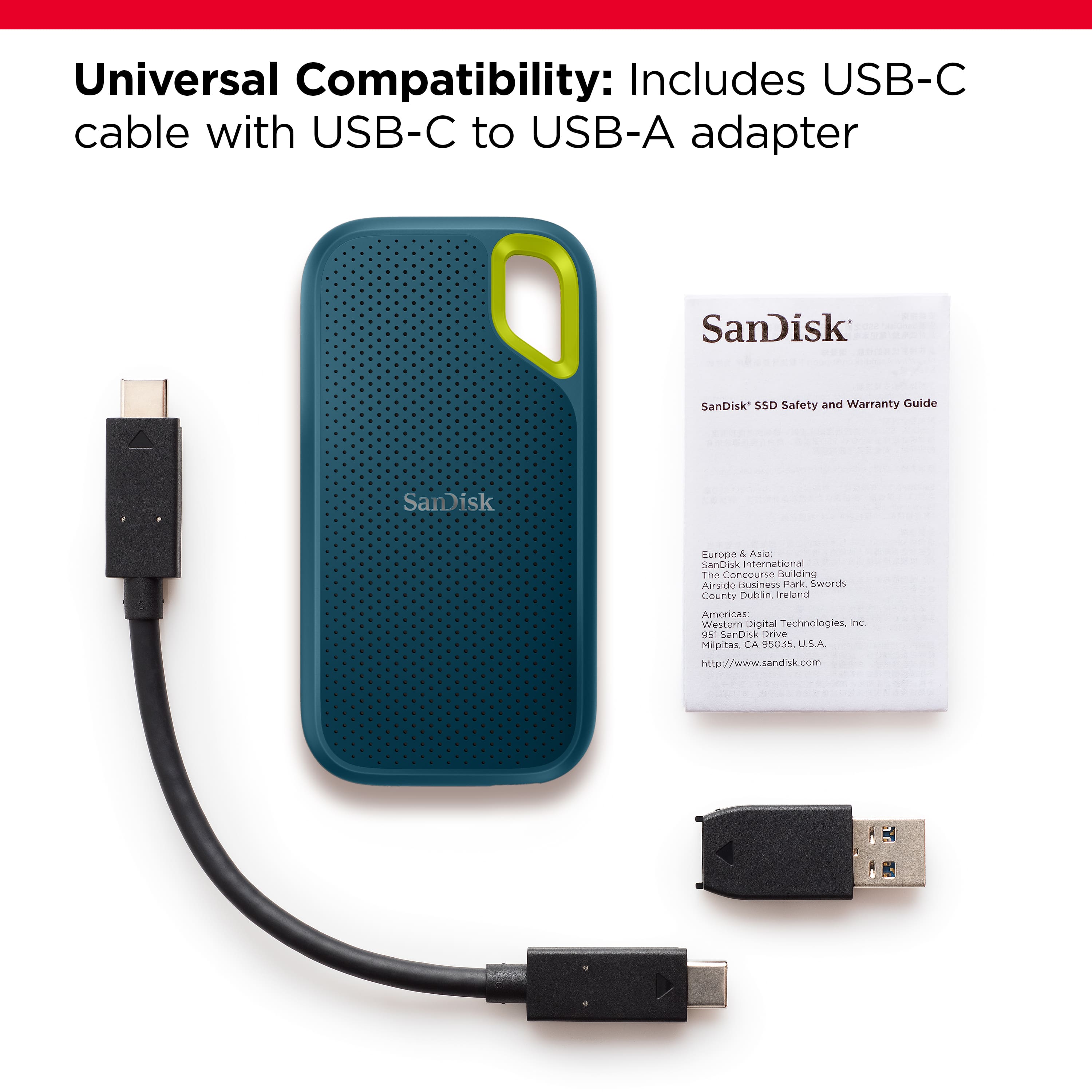
Q: QuestionIs an appropriate cable included?
Asked by RokDoc.
- A:Answer I purchased a longer USB-C cable.
Answered by Educ8YourMind
Q: QuestionCan it be formatted for Tesla Security?
Asked by Anonymous.
- A:Answer Hi, thank you for reaching out to us. Please note that the SanDisk Extreme Portable SSD comes formatted in exFAT, which is a widely compatible file system supported across many devices and operating systems. However, for exact compatibility and formatting requirements with Tesla Security, we recommend checking Tesla’s official support documentation, vehicle requirements, or connecting with their support team.
Answered by SanDisk Team
Q: QuestionWill this work with the new iPhone 17 pro max. I want to save my photos and videos. Thanks
Asked by Anonymous.
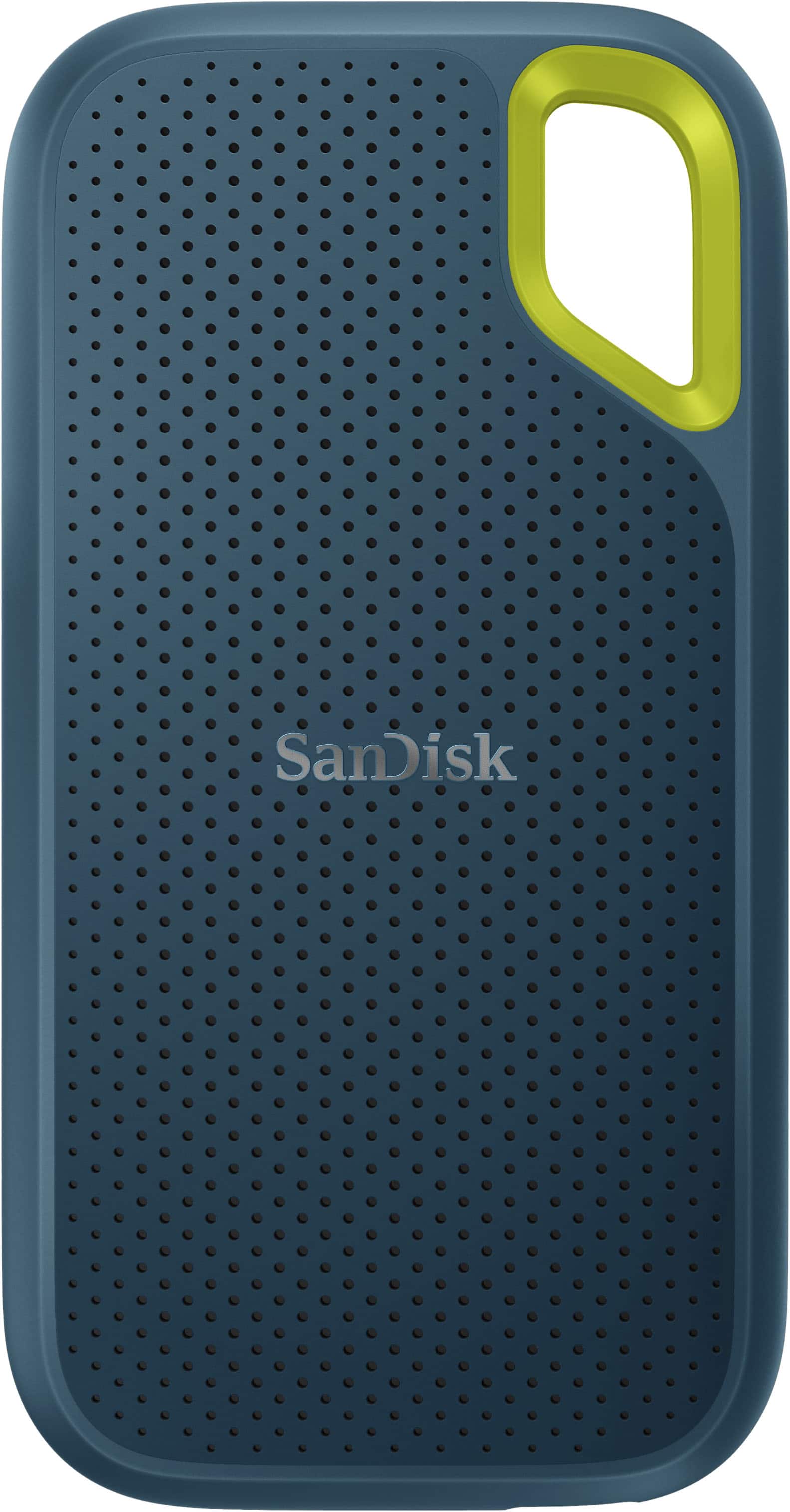
- A:Answer Hi, thank you for reaching out to us. Please note that the SanDisk Extreme Portable 1TB External USB-C NVMe SSD will work with the iPhone 17 Pro Max for saving and accessing your photos and videos, as long as you connect it using the iPhone’s USB-C port. The drive is compatible with USB Type-C devices (phones, laptops, and tablets), iOS 13+, Android 11+, macOS v.11+, and Windows 10+. Simply plug the SSD into your iPhone and use the Files app to access it.
Answered by SanDisk Team
Q: QuestionCan this used to back up multiple computers and phones? Me: Dell PC & Samsung S25. Wife: iPhone & iPad. Can multiple devices and file formats be saved on this one device? 1TB should suffice. Think we'd need some way to partition files for recovery.
Asked by MarcFromDavidson.
- A:Answer I can't respond regarding the multiple item backup. I use the SanDisk - Extreme Portable 1TB as an external data drive because my computer has a rather small storage drive. It is accessed daily but not extremely heavy use, ie no games.
Answered by Wdav62
Q: QuestionCan I download music to it using windows media
Asked by Anonymous.
- A:Answer Hello, thank you for contacting us. Please know that the SanDisk Extreme Portable External USB-C NVMe SSD is plug 'n' play. You can use this drive to store any type of data, as well as it can be accessed using Windows media.
Answered by SanDisk Team
Q: QuestionCan I buy an adapter to back up pictures from an iPhone 13? I can't seem to figure it out.
Asked by AKADVENTURE.
- A:Answer Hi, please note that the SanDisk Extreme Portable 1TB External USB-C NVMe SSD is compatible with USB Type-C devices (phones, laptops and tablets) running iOS 13+, Android 11+, macOS v.11+ and Windows 10+. We don't recommend using an adapter, instead you can check out our dual technology flash drives that comes with a Lightning port at (https://shop.sandisk.com/products/usb-flash-drives/sandisk-ixpand-go-usb-3-0?null=&sku=SDIX60N-064G-GN6NN)
Answered by SanDisk Team
Q: QuestionCan i connect this to my iphone 12 pro max using an apple usb-c to lightning cable to download 20,000 pictures?
Asked by Anonymous.
- A:Answer Hi, thank you for contacting us. Please note that the SanDisk Extreme Portable External USB-C NVMe SSD is compatible with iOS 13+ Type C devices. We never recommend using converters. Also, you may contact the host device manufacturer support for more information.
Answered by SanDisk Team
Q: QuestionCan you transfer memory card photos to this instead of having 100s of them?
Asked by Spidey.
- A:Answer Hello Erica, Please be informed that you could connect the drive and the memory card at the same time to the computer then transfer photo via copy and paste or drag and drop.
Answered by SanDisk Team
Q: QuestionCan we connect this device directly to iPhone to transfer photos and videos?
Asked by Anonymous.
- A:Answer Yes, the SanDisk Extreme Portable V2 1TB SSD can be directly connected to your iPhone if it has a Type-C connector on it. For any further assistance please submit a support ticket at https://support-en.wd.com/app/askweb.
Answered by SanDisk Team
Q: QuestionI purchased this Jan-2024 and went to use today and found my IPad pro doesn't recognize it when using "USB C"
Asked by PAWOODCHUCK.
- A:Answer Thank you for reaching out to us. We would be happy to assist you however, it would be best to get in touch with our support team so that we can investigate the issue and provide you an appropriate resolution. You may submit a support ticket at https://support-en.wd.com/app/askweb.
Answered by SanDisk Team
Q: Questioncan i back my iphone up directly to this device
Asked by dingle.
- A:Answer Thank you for reaching out to us. Please allow us to inform you that the SanDisk Extreme Portable V2 1TB SSD is only compatible with the USB Type-C devices. If your iPhone has the USB Type-C connector then the drive would work with your iPhone. For any further assistance please submit a support ticket at https://support-en.wd.com/app/askweb.
Answered by SanDisk Team
Q: QuestionIf this says it's 1tb, why are there choices for gb's?
Asked by Pollyanna.
- A:Answer Thank you for reaching out to us. Please know that there are different variants available for all drives, so it shows how much storage you get in the drive you are going to buy or you can buy a drive with the amount of storage you need.
Answered by SanDisk Team
Q: QuestionIt is compatible with iPad Pro air 4 generation.
Asked by Zenny.
- A:Answer Please allow us to inform you that the SanDisk Extreme Portable 1TB SSD is only tested on Windows and Mac computer. The drive may work with the iPad Pro Air 4 or may not work. For any further assistance please submit a support ticket at https://support-en.wd.com/app/askweb.
Answered by SanDisk Team
Q: QuestionDoes this work with Time Machine?
Asked by Dottie.
- A:Answer Yes, that's how I use it.

Answered by RebeccaB
Q: QuestionI need to offload my photos from my iPhone 7+. Will this work? Thank you.

Asked by Summrbrz.
- A:Answer Please allow us to inform you that the amount of current required to power this portable SSD device is approximately 1.1 amps. This SSD should work with most higher-end mobile phones that do provide sufficient power. However, we would suggest you check the same with your host device manufacturer.
Answered by SanDisk Team
Q: QuestionIs it compatible with Macbook Pro with Apple M1 chip running OS Ventura?
Asked by terps9.
- A:Answer Yes
Answered by Mac7
Q: QuestionCan I put Blu-Ray and 4k movies on this device or is there a better device for movies? Thanks!!!
Asked by Willyz.
- A:Answer Yes you can put movies on the device.
Answered by KevinB
Most-viewed items
- $234.99$234.99The price was $274.99
- $209.99$209.99The price was $263.99
- $359.99$359.99The price was $488.99
- $399.99$399.99The price was $549.99
- $249.99$249.99The price was $287.99
- $349.99$349.99The price was $459.99
- $649.99$649.99The price was $850.99
- $479.99$479.99The price was $574.99
- $799.99$799.99The price was $1,144.99
- $861.79$861.79The price was $1,494.99
- $879.00$879.00The price was $1,094.99