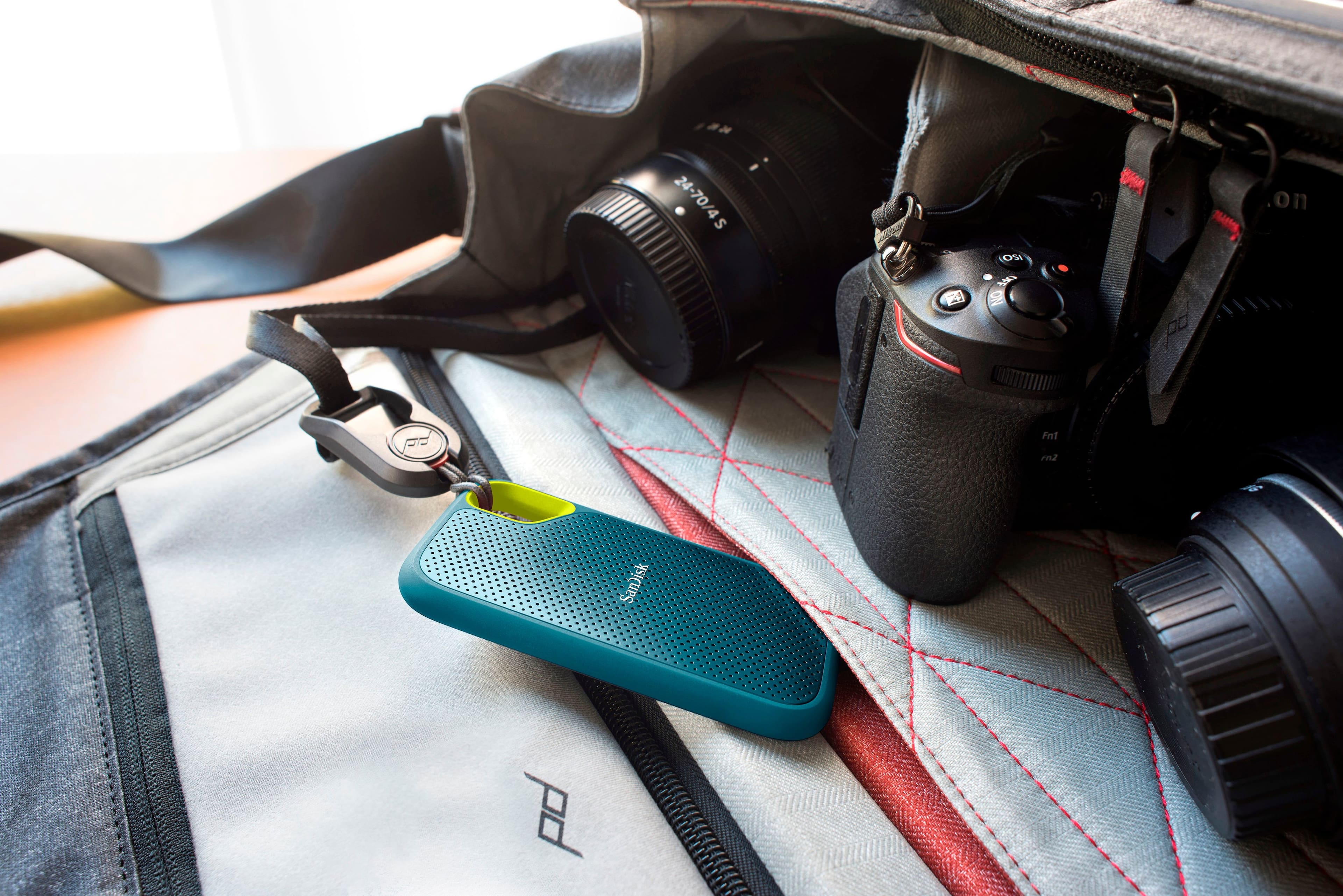
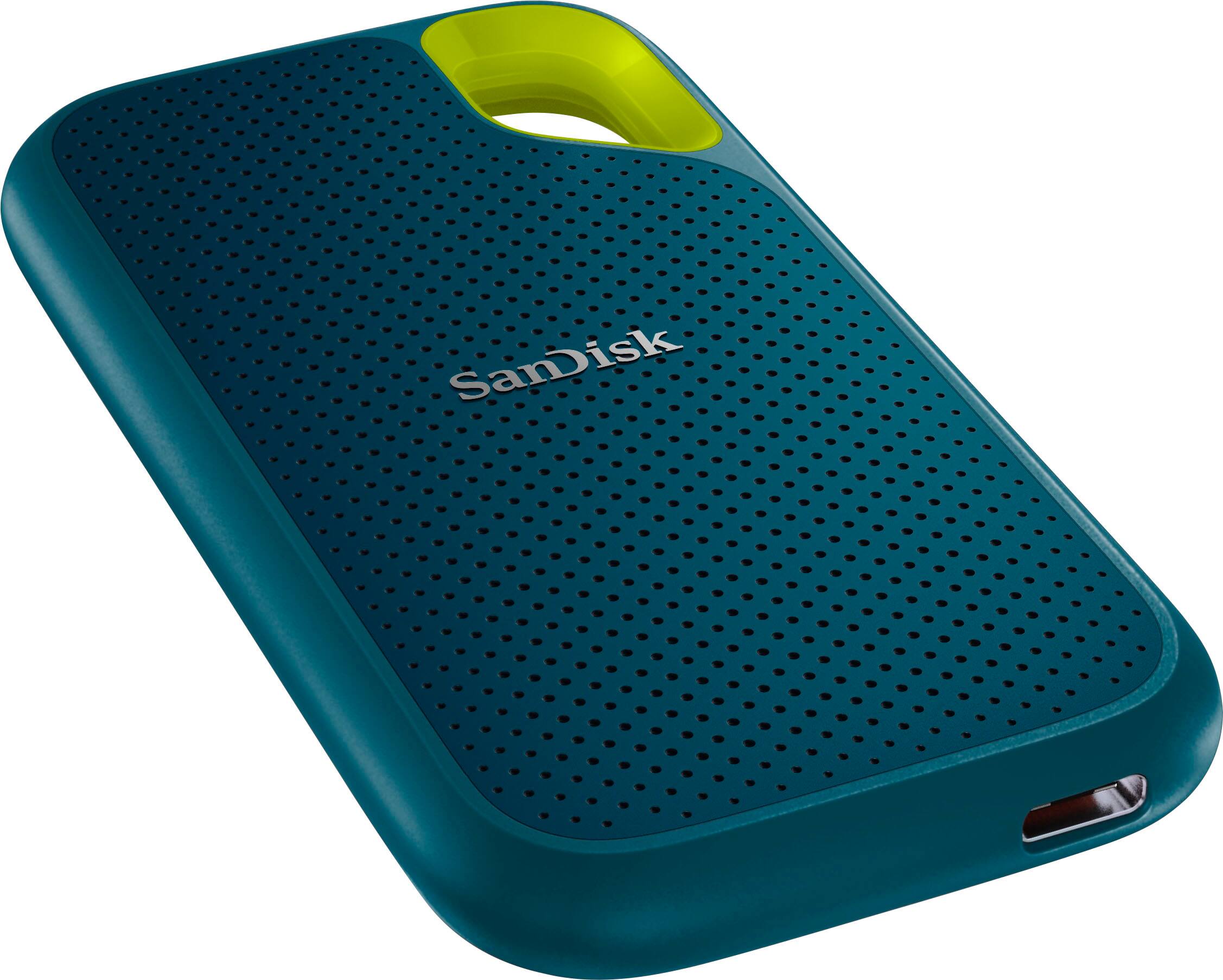
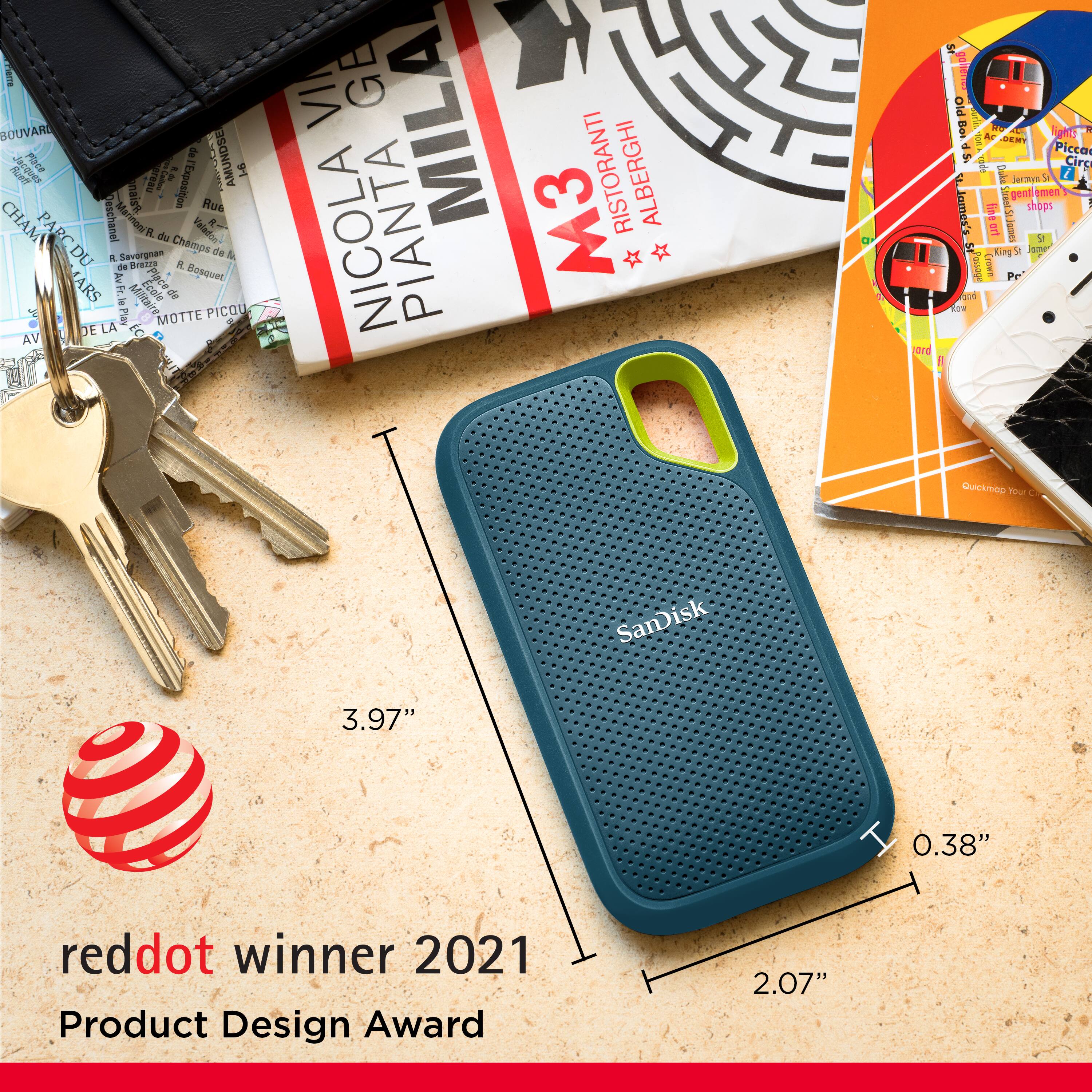
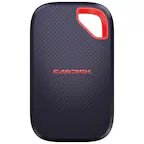
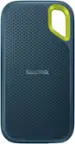
A:AnswerHi, the SanDisk Extreme Portable External USB-C NVMe SSD is built and designed for tough tasks like photo/video editing, backup, and large file transfers, providing great durability and performance. Although SanDisk does not publicly list the typical write endurance (TBW) for this external model, but based on NVMe drives of the same class and capacity, you can comfortably expect good write endurance. If you encounter any problems, you can always open a ticket at (https://support-en.sandisk.com/app/askweb)
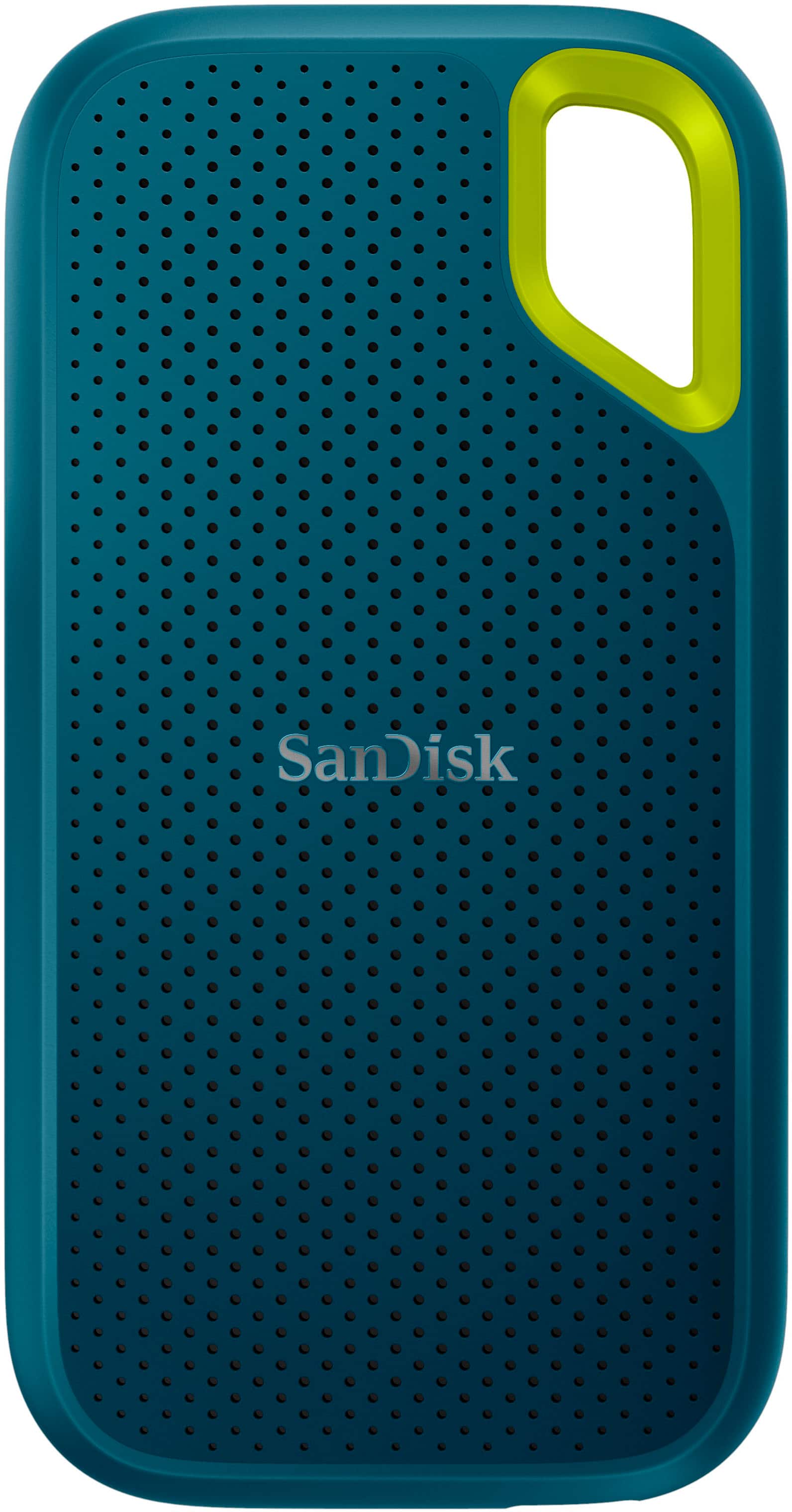
A:AnswerHi, Please know that the SanDisk Extreme Portable External USB-C NVMe SSD can be used with a PS5 for storing and playing PS4 games, as well as for backing up PS5 game data. However, PS5 games cannot be played directly from the drive due to system limitations—they need to be transferred back to the console’s internal storage. For expanding PS5 game storage, a compatible M.2 NVMe SSD installed in the PS5’s expansion slot is required. You may also check WD_BLACK SN850P NVMe™ Internal SSD for PS5® consoles.
A:AnswerHi Jonny, Please know that the SanDisk Extreme Portable 8TB External USB-C NVMe SSD works with the PS5 for storing PS5 and PS4 games as it is an external drive. However, PS5 games must be transferred to the internal SSD to play, while PS4 games can run directly from the external drive. But, we recommend you to checkout our WD Black game drives specifically designed for gaming purpose.
A:AnswerHi, please note that the issue has been resolved by releasing updated firmware for the drive. If you already have the drive, you can refer to the link (https://support-en.sandisk.com/app/answers/detailweb/a_id/50763). If you are going to buy a new drive, you can buy it without any hesitation.
A:AnswerHi, thank you reaching out to us. Please note that the SanDisk Extreme Portable USB-C NVMe SSD is an external drive for storing or backing up data. We recommend visiting the link (https://shop.sandisk.com/solutions/gaming/xbox-gaming-console-storage) for recommended drives such as the C50 Expansion Card and WD Black D30, which are specifically designed for Xbox Series X|S.
A:AnswerIt has built in back up features It comes with a software (WD Backup software) that allows you to do it
Double click in it and it will guide you step by step
A:AnswerThank you for reaching out to us. Please allow us to inform you that the SanDisk Extreme Portable V2 4TB SSD and the SanDisk Extreme Pro Portable V2 SSDs come with the updated firmware. For any further assistance please submit a support ticket at https://support-en.wd.com/app/askweb.
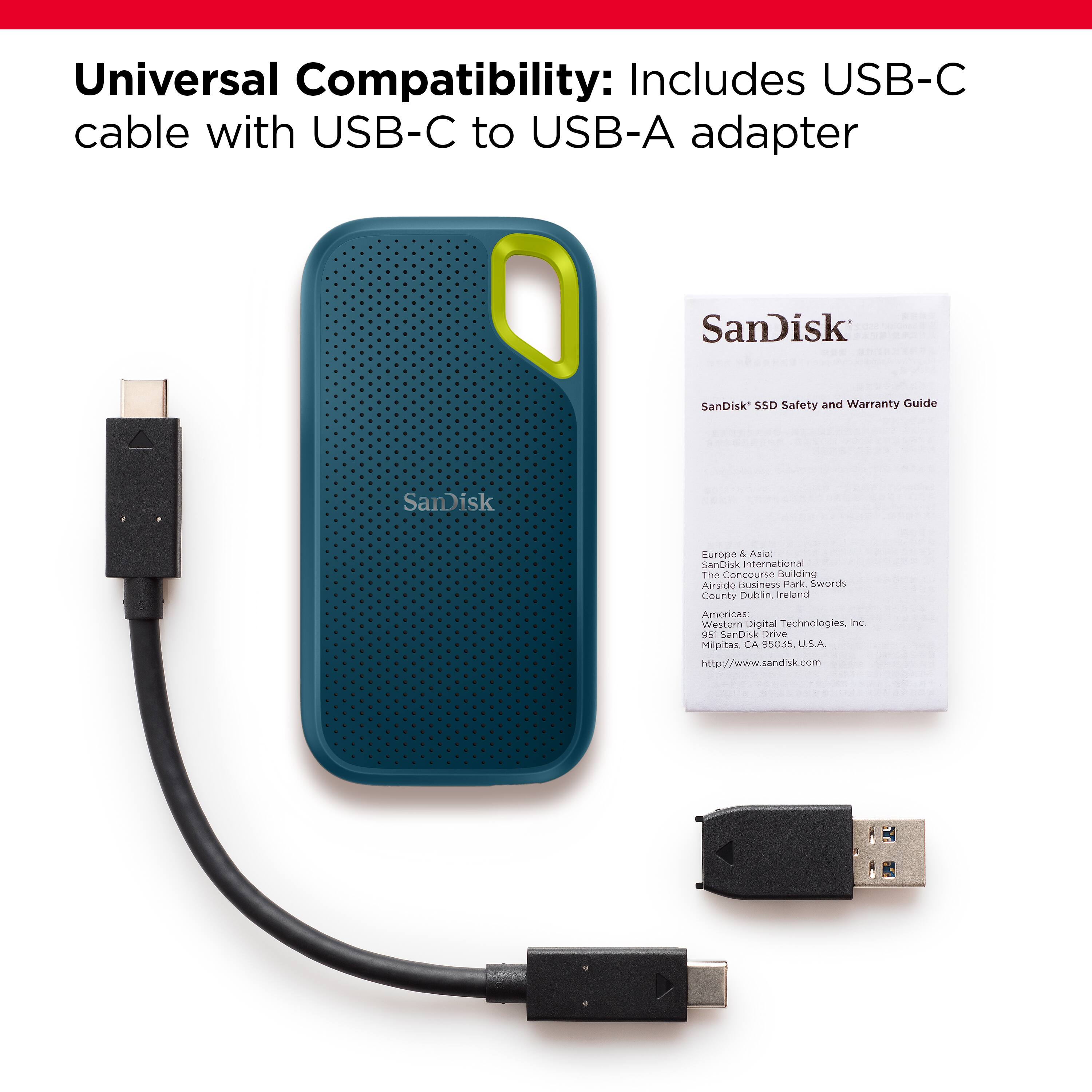
A:AnswerThe iPhone might need a dongle to go from lightning to USB-C, but as long as that's in place, an iPhone SHOULD be able to read it (cannot guarantee that though).
For the HP, it just needs a USB-C port. Even then I think the device comes with a USB-C to USB-A adapter, so that isn't a requirement completely. The ports you're used to will work. I would recommend finding a USB 3 port for it if that's what is needed however.
A:Answerin order foe the data files to be compatible with both a Mac and Windows system, you have to format this drive as EXFAT. Then it can go into a Windows machine and be readable.
A:AnswerAny computer usb-c port should do it. Basically if it can charge your phone you’re good. It doesn’t have to be a full PD port one would need to charge a laptop.