Questions & Answers
- Model:
- SDSSDE61-500G-G25
- |
- SKU:
- 6427552
Highly rated by customers for: Portability, Speed, Overall Performance
Page Showing 21-29 of 29 questions
Q: QuestionCan this be used as a "boot drive" (with OS on it) and if so would it speed up boot times?
Asked by Papi.
- A:Answer I dont think Windows allows itself to be installed over USB in the first place. You would have to do more research on if thats possible honestly. With macOS, as long as the drive is formatted to the APFS file system, it should work fine with Big Sur
Answered by Matthew
Q: QuestionWhat is the exact mountable byte size of the 500GB model (sector*sector size)? I couldn't find it on the datasheet.
Asked by KB.
- A:Answer The device comes formatted to exFAT, 1KB sector size I believe. You can reformat the drive to FAT 32 or NTFS. If you re-format the drive you can also change the sector size. I used the default sector size when re-formatting the drive to NTFS. I found the exFAT format caused the drive to be really slow when coping 1.19 G Byte of data.
Answered by GaryZ
Q: QuestionCan this be used in a car through the USB?
Asked by Fred.
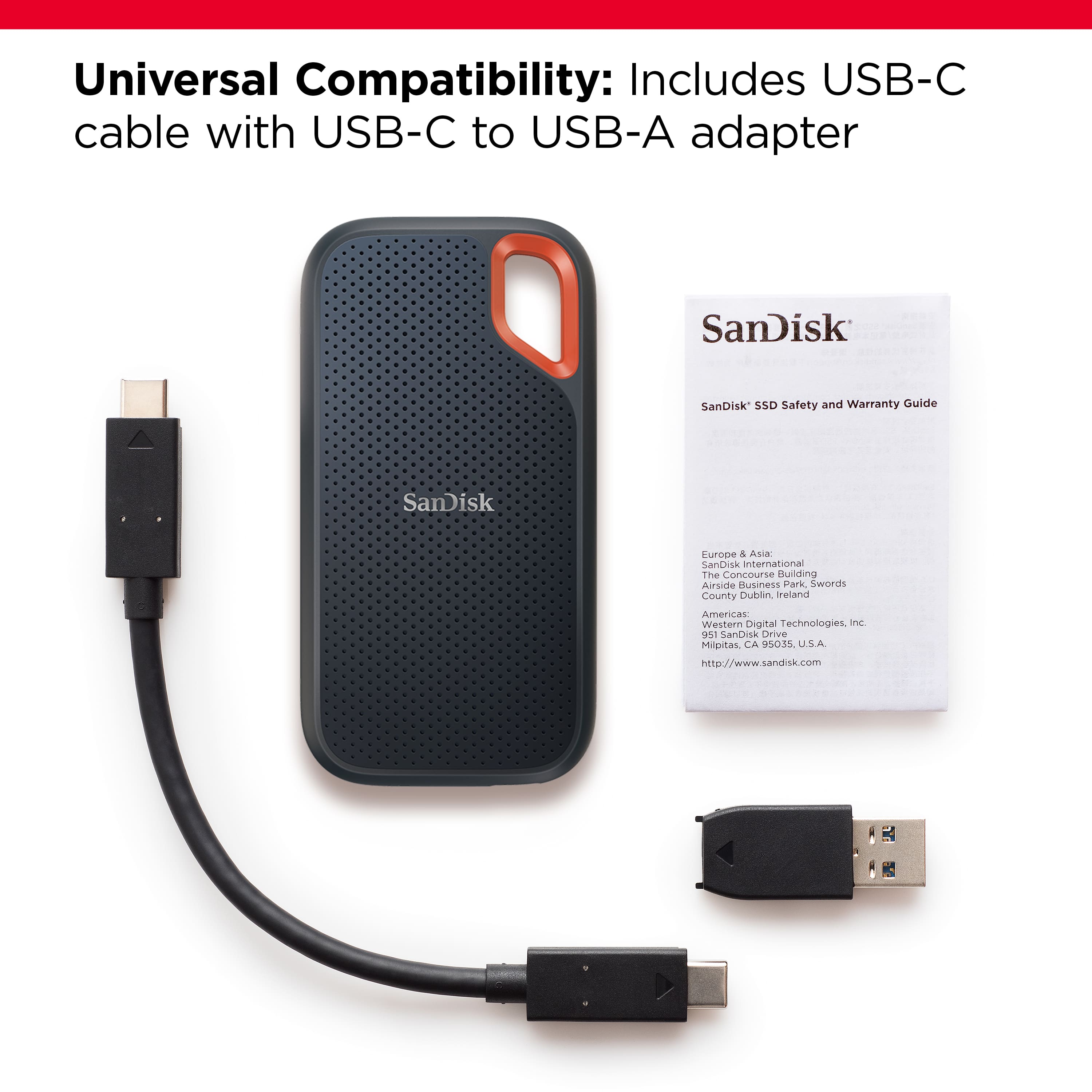
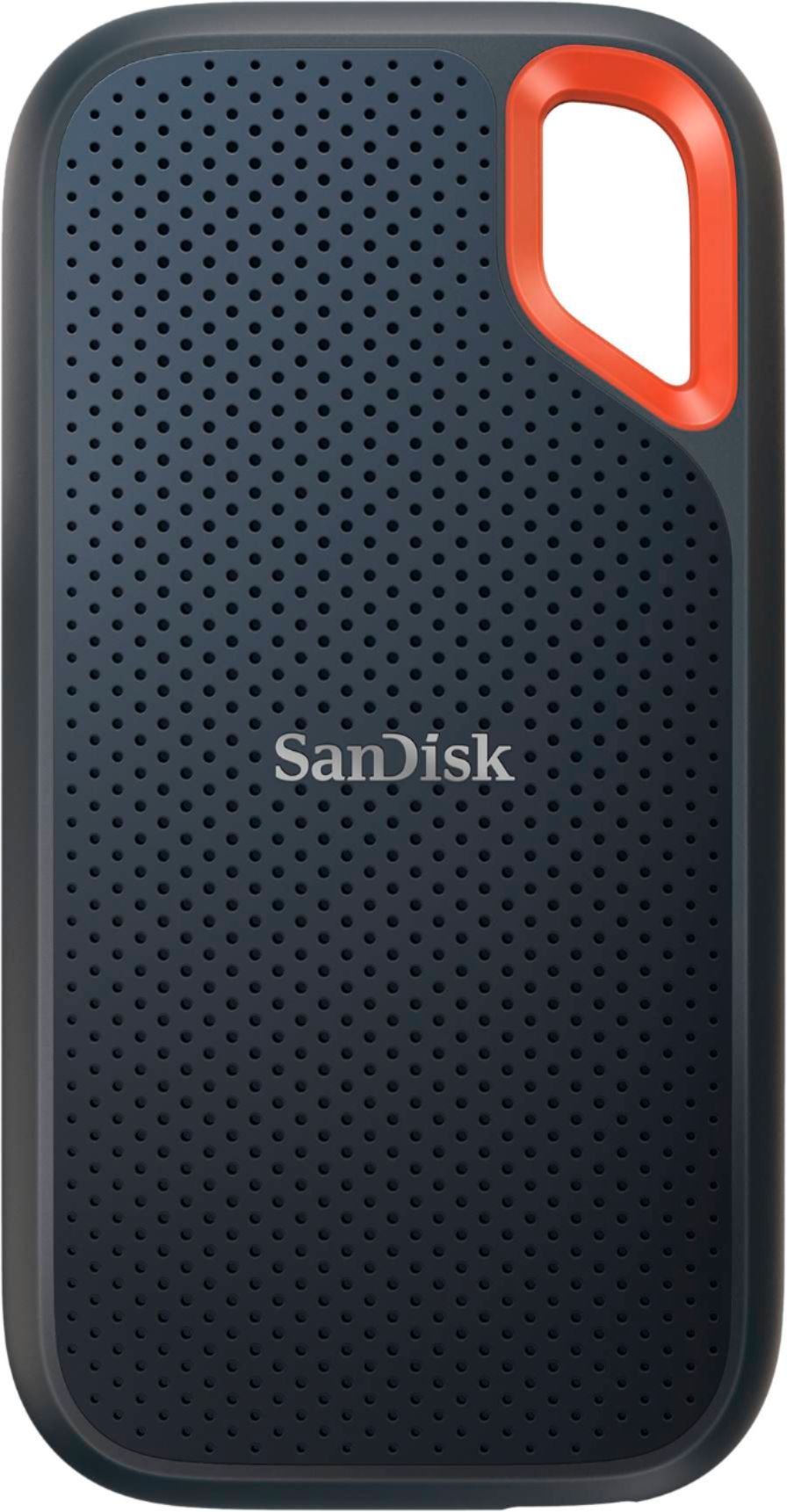
- A:Answer Hi, please be informed that all our storage devices including the SSD Drives are simple plug and play storage devices which you can connect to your Windows/ Mac computers using the USB Type-C/A ports. However, please note that we have not tested using them in a car stereo. In this case, we suggest you to contact the manufacturer of your car stereo in order to know more.
Answered by SanDisk Team
Q: QuestionIs this USB 3.1 and gen 1 or 2? I want to use as the system/documents drive to boot my 2017 iMac. I can only connect using the iMac Thunderbolt 3 port which is a USB-C. What is be max throughput? Is this enough to boot in reasonable time?
Asked by Techieperson.
- A:Answer It is a type C drive. I get 800-1k MBps speeds so it should be really fast for you to use as a bootable drive.


Answered by Matthew
Q: Questionwill this work with windows 7
Asked by slowtech.
- A:Answer I wouldnt see why not. Simply format it as NTFS. Its nothing special as far as the nature of an external drive.
Answered by Matthew
Q: QuestionWill this SSD work with Windows/PC?
Asked by DMoMD.
- A:Answer Yes, I use windows 10 32bit and its plug and play
Answered by zeravlaj
Q: QuestionWill this download pictures from my iphone 7
Asked by flash.
- A:Answer Yes. And Fast!
Answered by Bunker40
Q: QuestionIs it compatible with the PS5?
Asked by DBFargo.
- A:Answer Hi, please be informed that you can access data stored in the SanDisk Extreme Portable SSD Drives by connecting it to the USB Type-C port of your PS5, however, please contact Sony Customer Support in order to know if you can play games stored on an external drive connected via the USB Type-C port.
Answered by SanDisk Team
Q: QuestionDoes this work with an iPad Pro 12.9” 2020 model?
Asked by Maij.
- A:Answer Yes this drive can connect right into the type c port of the Ipad. It will appear in your Files app as an external device. I'm using the 2018 11' ipad pro, so it should have no problem with 2020 model.
Answered by Matthew
Page 2, Showing 21-29 of 29 questions
Best-selling Best Buy
- $299.00$299.00The price was $349.00
- $99.00$99.00The price was $129.00
- $13.99$13.99The price was $19.00
- $199.99$199.99The price was $299.99
- $24.99$24.99The price was $29.99
- $249.99$249.99The price was $379.99
- $14.99$14.99The price was $19.00
- $79.00$79.00The price was $99.99