A:AnswerYes, an SSD uses flash memory to store the data. However, flash comes in various varieties - CF, SD, TF cards, USB thumb drives, etc.
As to USB 3.0 vs 3.1 - that has nothing to do with the memory inside, but the interface used to connect the drive to your computer or device. USB 3.1 is twice as fast as USB 3.0 (5gbps vs 10gbps).
A:AnswerHi Franco, please be informed that the SanDisk Extreme Portable SSD has transfer speeds of upto 550MB/s and you will get these transfer speeds when connected via a USB 3.1 Gen 2 Port.
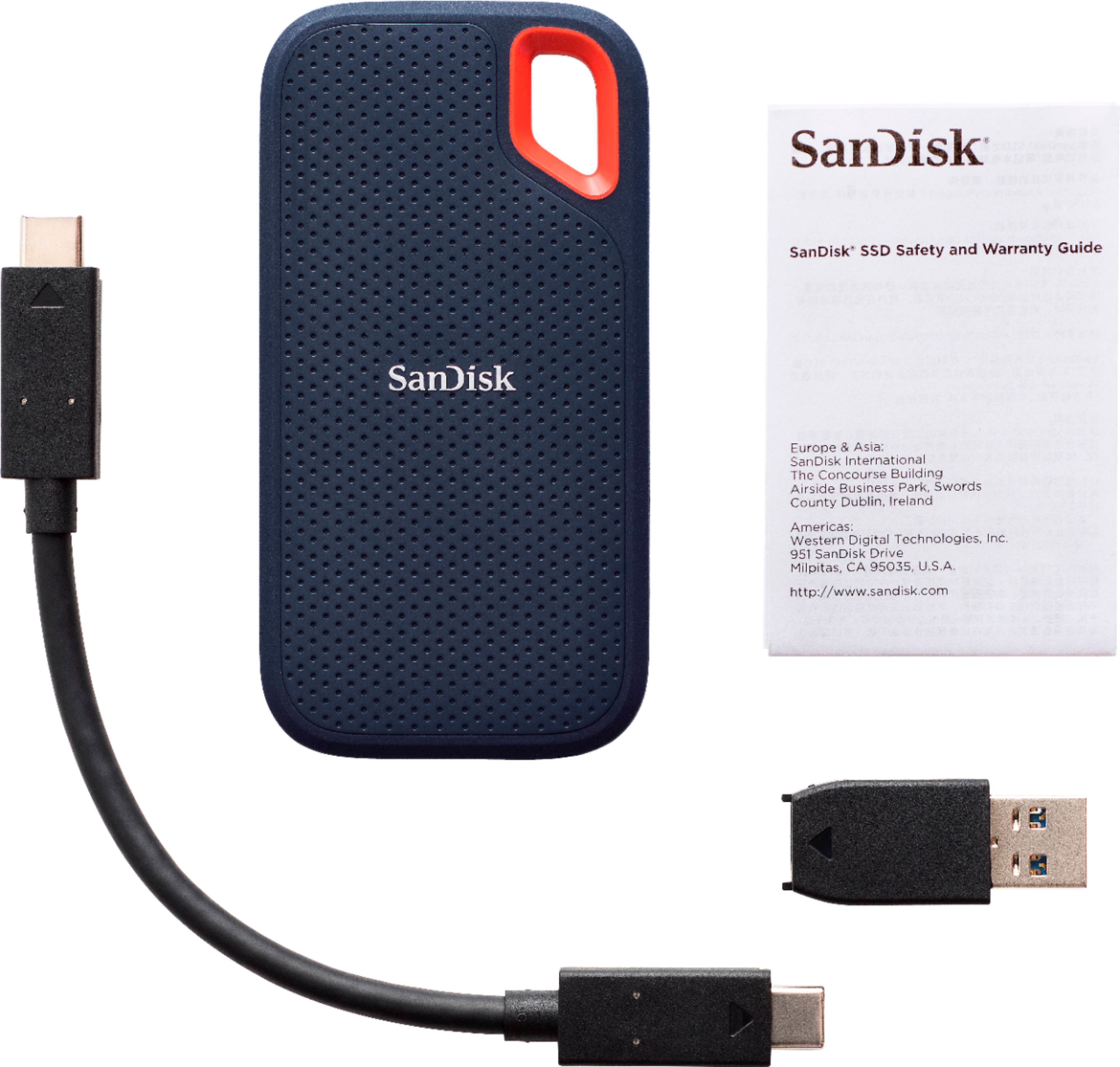
A:AnswerAs long as you're running iOS 13 or later, you should be able to transfer photos directly to the SSD via the Files app. You'll need a cable that has a Lightning connector on the iPhone end and a USB Type C connector on the other.
A:AnswerYes, with some caveats. You definitely need iOS 13 and Apple's Lightning-to-USB-3 adapter. (Don't cheap out and get the older USB adapter; you want the one that has two female ports.)
You first plug the adapter's male Lightning end into your iPhone's Lightning port, then plug a Lightning power cable into the female Lightning port on the adapter, then plug the SanDisk Extreme SSD into the female USB port on the adapter. If you follow these steps, then the drive will be powered and will appear in the iOS 13 Files app and share dialog.
Note that I tested this on an iPhone 11. I can't speak to whether it's compatible with all models supported by iOS 13 or not, or if other devices (like iPads) might work differently or provide enough power to forego the Lightning power cable requirement.