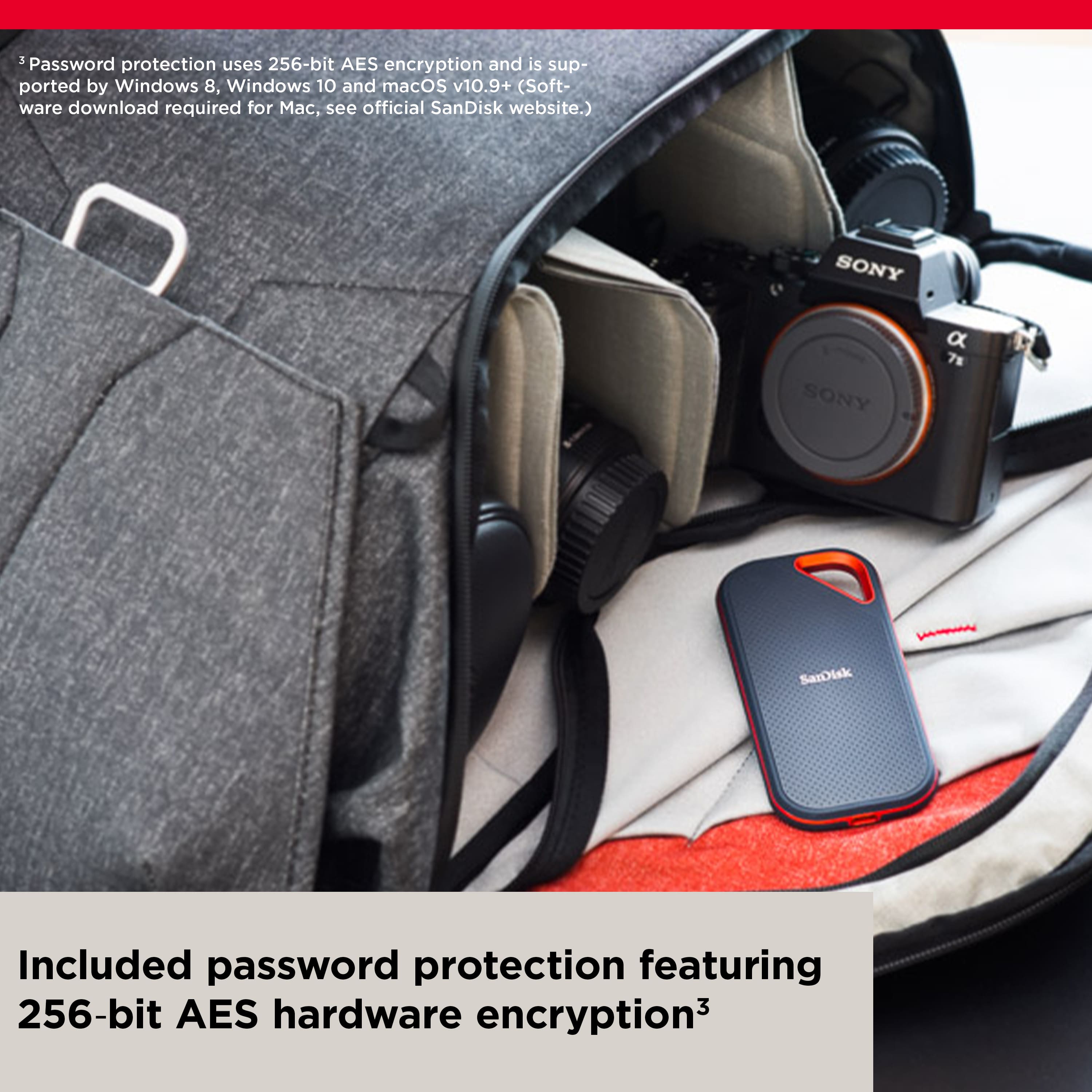
A:AnswerPlease allow us to inform you that this SSD come with SanDisk Security which is an optional hardware-based software for security solution and password-protection. To know more about this software, please refer to the provided link :
-- https://kb.sandisk.com/app/answersweb/detailweb/a_id/23374
A:AnswerHello, we apologize for the inconvenience this has caused you. This matter can be best addressed through our technical support team. Please visit our support site where you can find our customer technical support phone numbers, open a ticket, chat live or check the status of an open ticket https://www.sandisk.com/about/contact/customer-care.
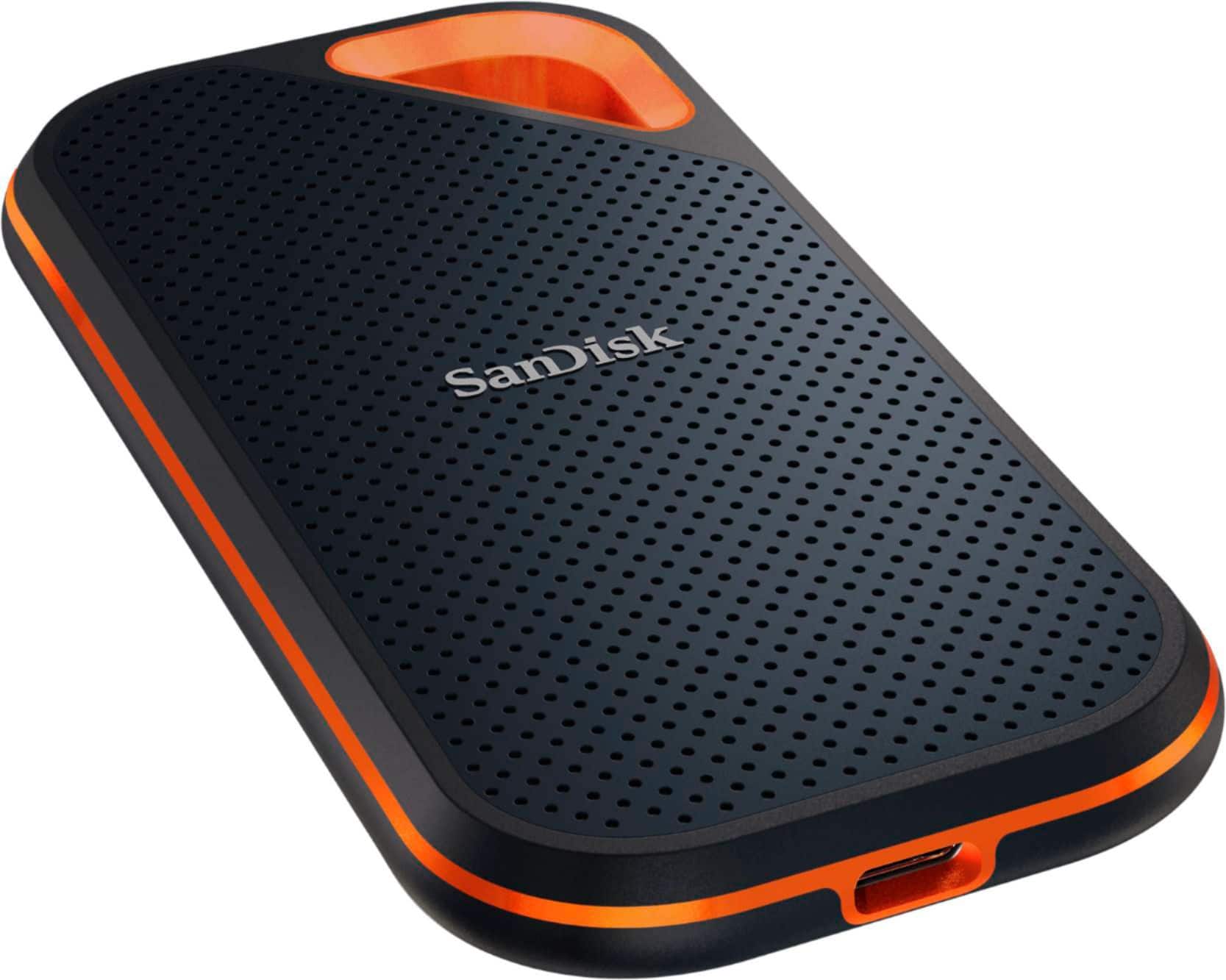
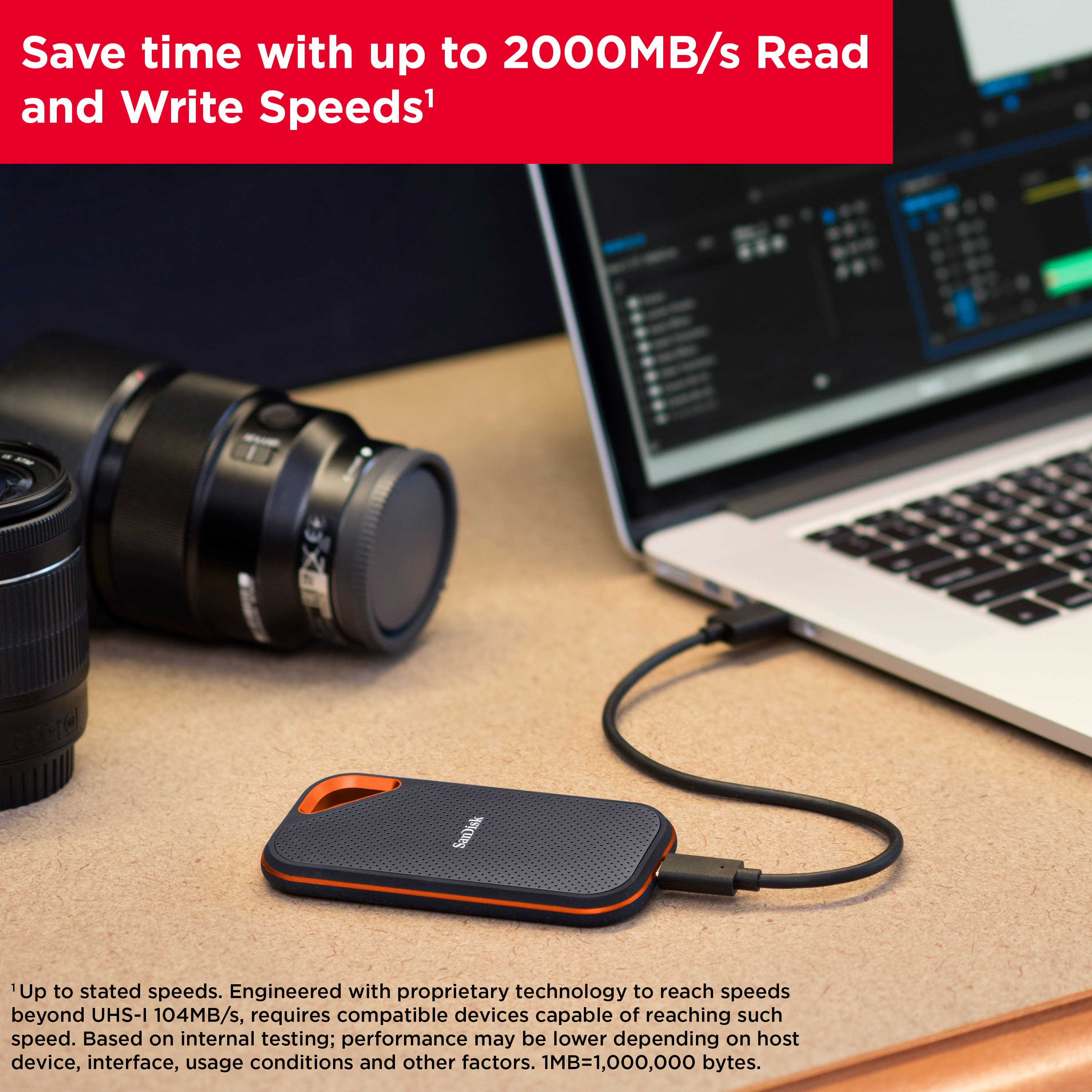
A:AnswerPlease be advised that transfer speed is also dependent on your hardware configuration and that advertised speed can be obtained under optimal conditions. However, the SanDisk Extreme PRO® Portable SSD V2 (SDSSDE81) will provide you the maximum speed when connected to USB 3.2 Gen 2x2 which is 2000MB/s and would also like to inform you that this drive has not been tested on USB 4.0 port.
A:AnswerHello, we would be happy to help but it would be best to contact us directly so that we can investigate further and provide you with an appropriate resolution. You can use the Ask form at https://kb-eu.sandisk.com/app/ask/ and there is also a phone number you can call available at https://www.sandisk.com/about/contact/customer-care.
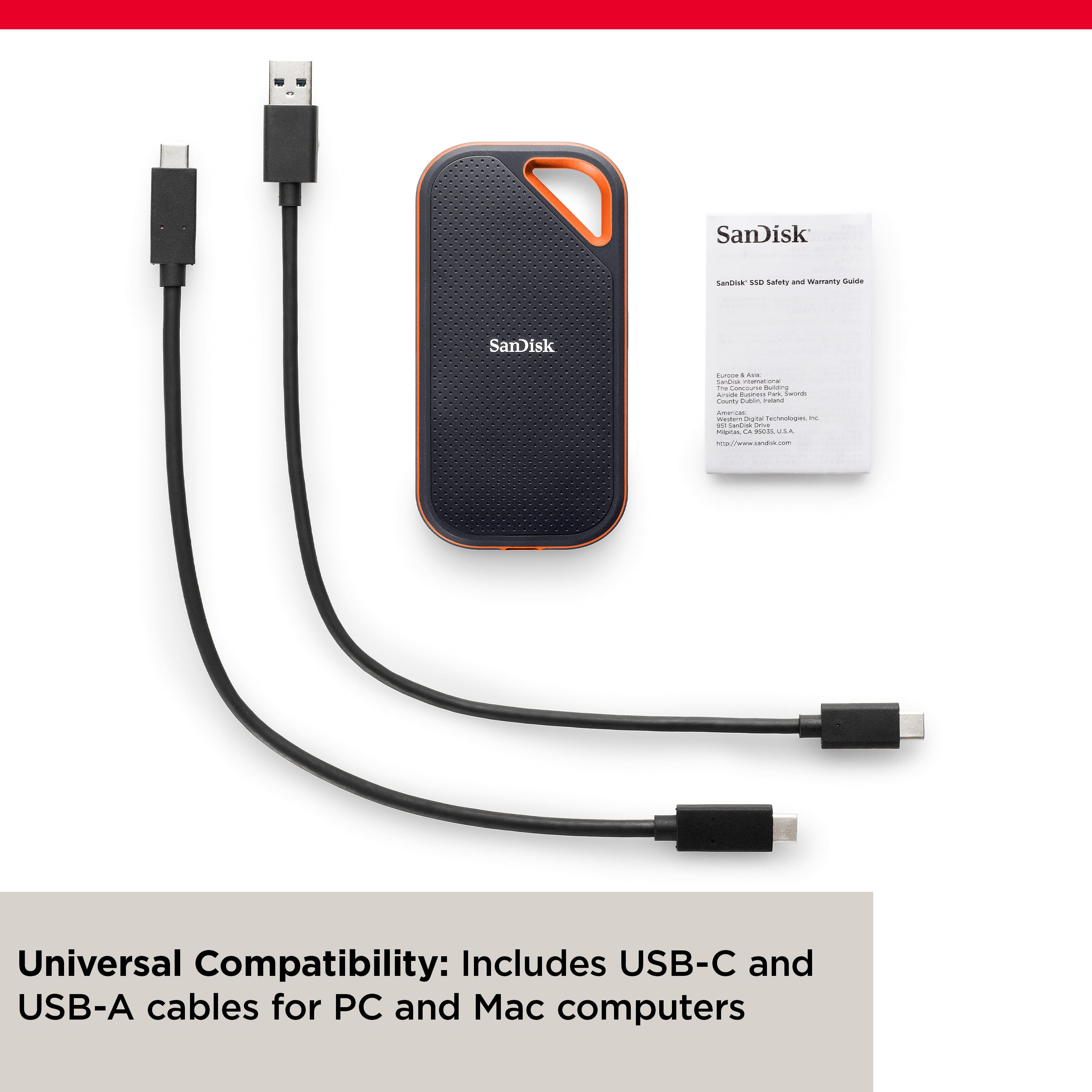
A:AnswerThis is a USB-C drive and can be used with any PC/Mac/iPad Pro which has USB-C port. Since iPhone 12 and even newer versions do not have USB-C port this SSD cannot be used with iPhones. However, there is another device "SanDisk - 128GB iXpand Flash Drive Luxe for iPhone Lightning and Type-C Devices" available which will serve your purpose. Transfer speed will be much lower than SanDisk SSD.
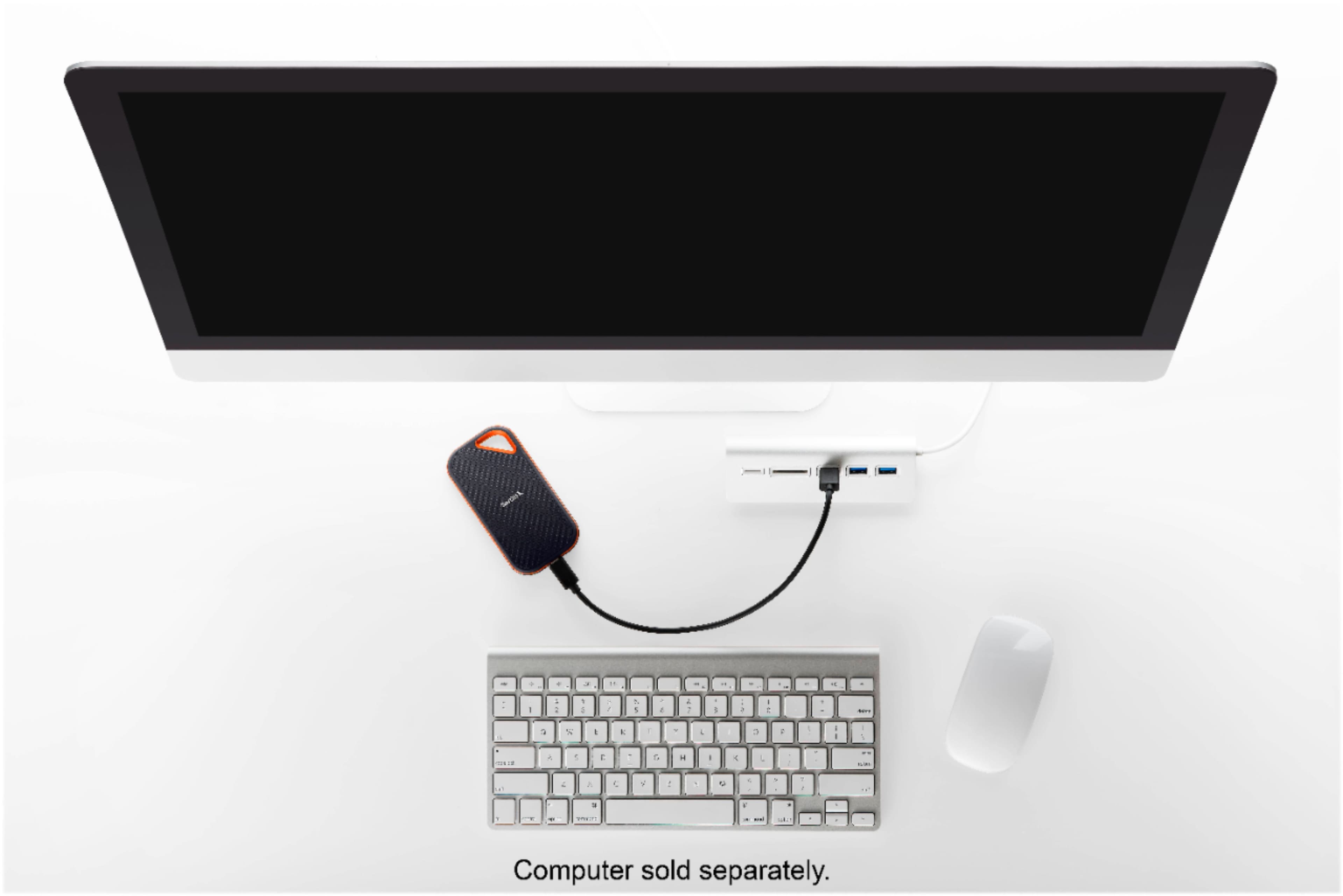
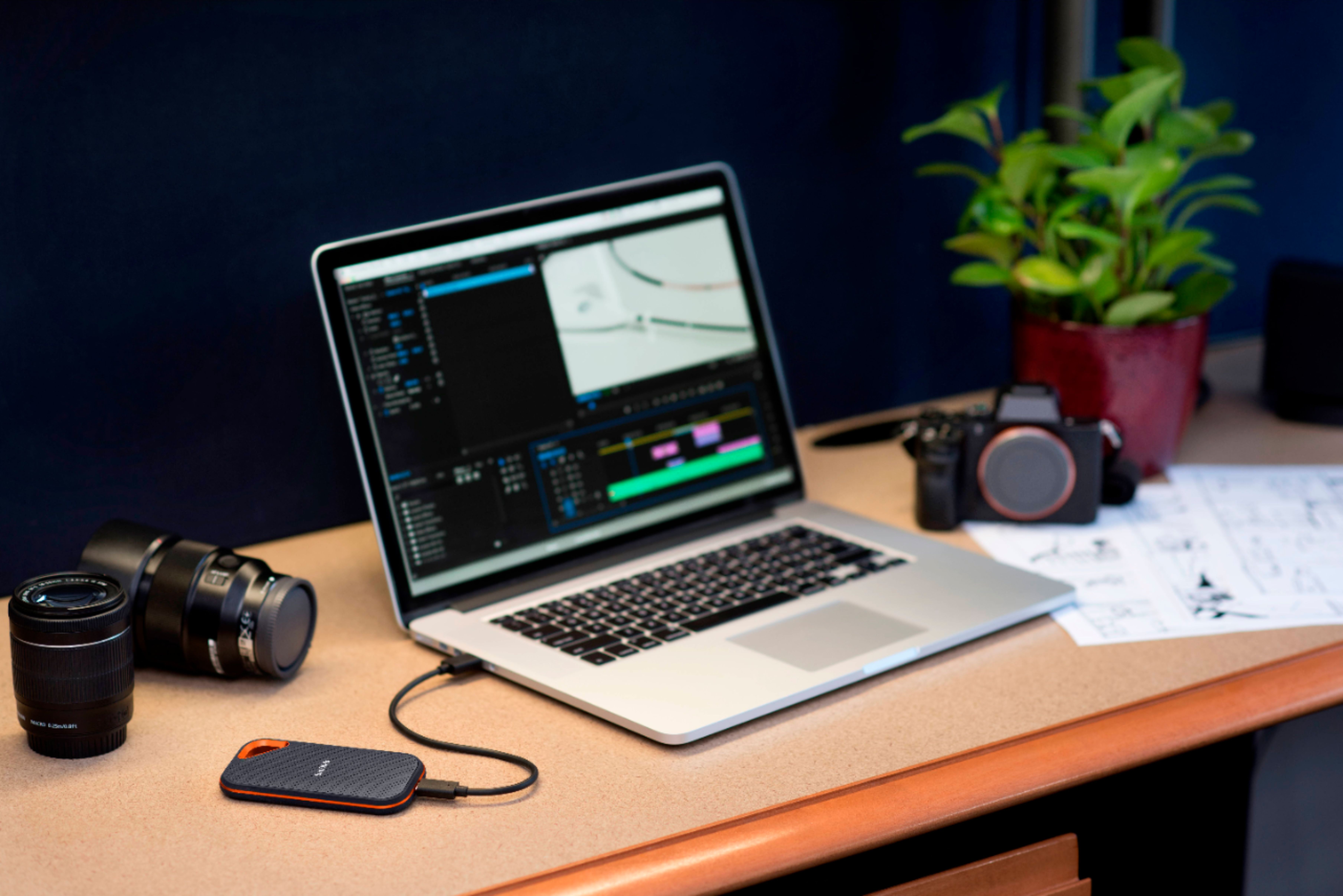
A:AnswerPlease allow us to inform you that SanDisk®️ portable SSDs are a plug and play devices. You can connect the drive to the computer and start transferring the data using drag and drop or copy/paste method. You do not require any special driver, firmware update or software to use the drive on computer. Our drives use the native drivers of the host device.
A:AnswerIt is a USB-C connection, not wireless. If you have it connected to a computer and your remote in, I’m sure you can access it but you can’t just send files to it without a host computer.