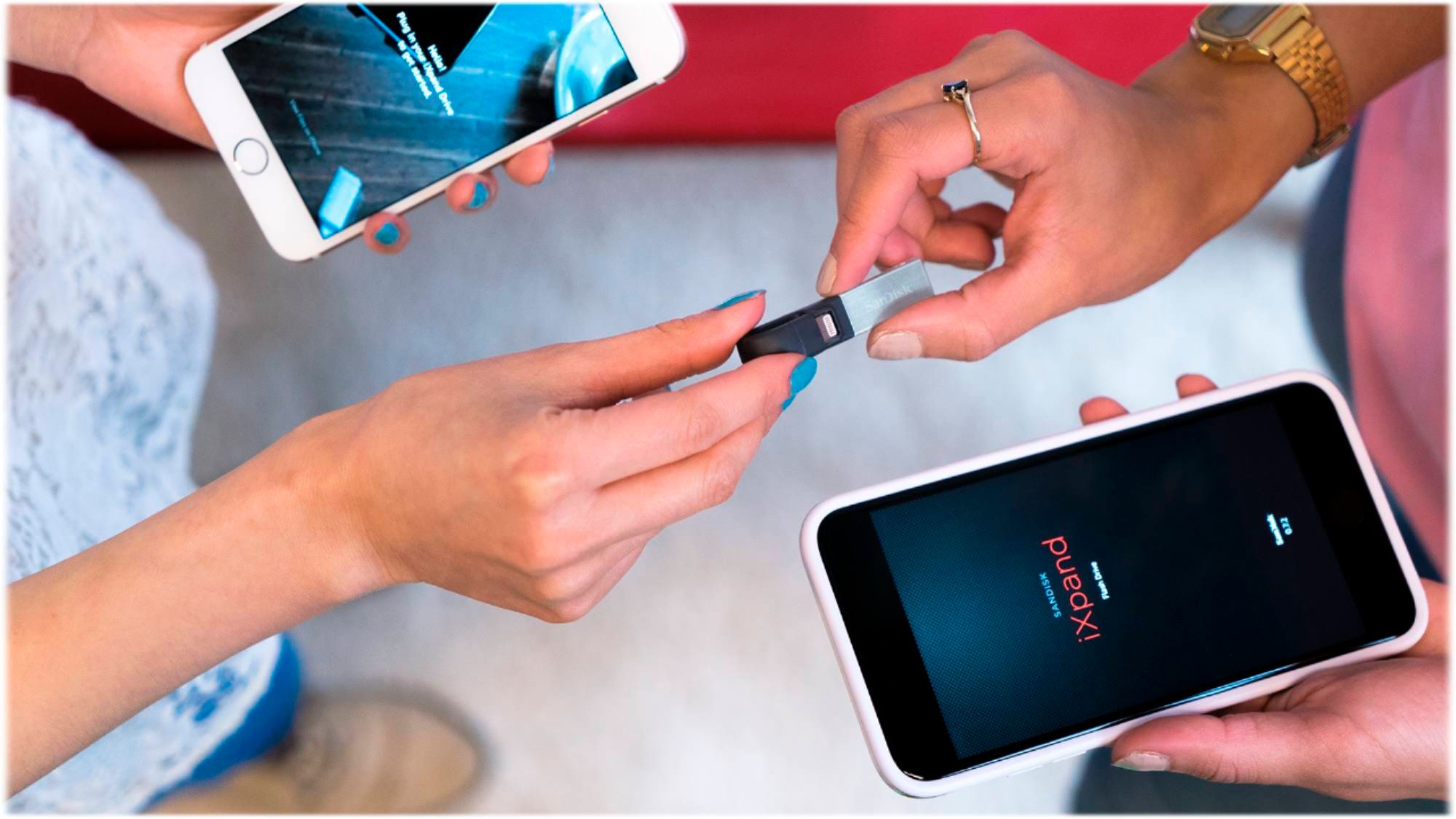
A:AnswerIt depends on the quality/file size. Higher resolution pictures and videos will always take up more storage, but if your device is 128gb, then the flash drive should be able to hold all of your photos. Check your “pictures/video” within your Apple device to see how much bandwidth/internal storage your device uses for that media type.
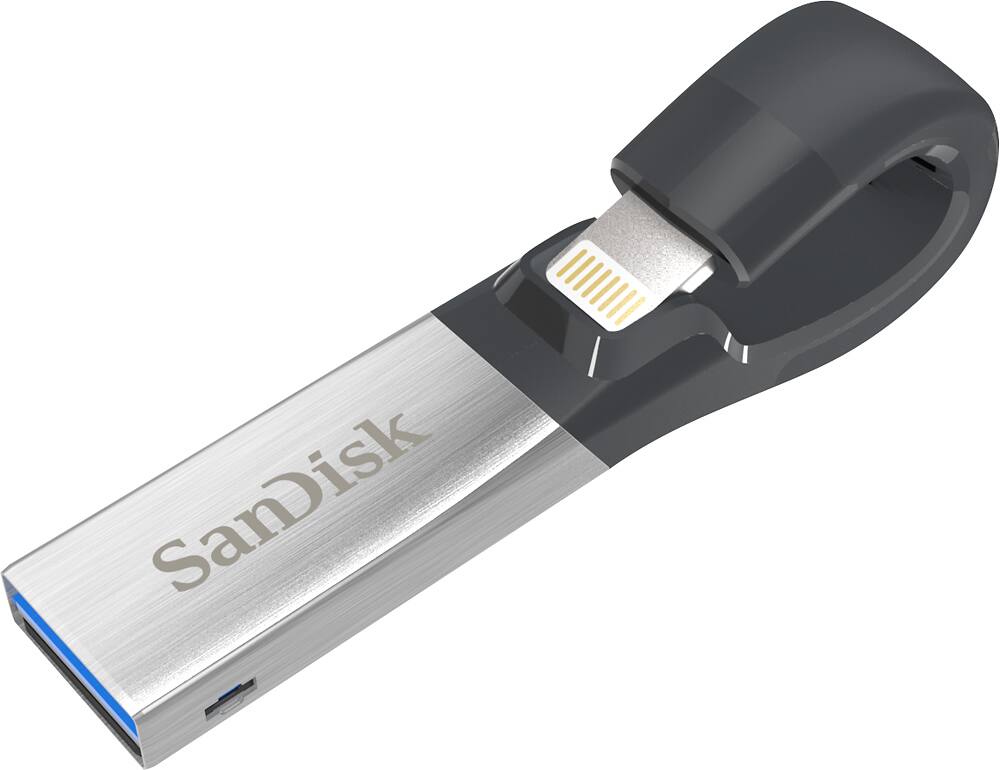
A:AnswerNo. It uses a lightning/Apple connector. Samsung phones do not use that. You’ll need one that’s either micro USB, or USB C to use with an android.
A:AnswerHi, we would be happy to help, but it would be best to contact us directly so that we can investigate further and provide you with an appropriate resolution. You can use the Ask form at https://kb-eu.sandisk.com/app/ask/ and there is also a phone number you can call available at https://www.sandisk.com/about/contact/customer-care.
A:AnswerFlash drives can go bad and it is recommended that you back up your photos and files with multiple flash drives, hard drives, or DVD’s.
I have been lucky and have a 20 yr old 256 mb Compact Flash Card drive that still works. It is very slow at transferring data but my newer Windows Laptop is backward compatible with it.
A:AnswerHi, we would be happy to help, but it would be best to contact us directly so that we can investigate further and provide you with an appropriate resolution. You can use the Ask form at https://kb-eu.sandisk.com/app/ask/ and there is also a phone number you can call available at https://www.sandisk.com/about/contact/customer-care.
A:AnswerYes, you can store and play music from the SanDisk® iXpand USB 3.0 128GB Flash Drive on the iOS devices. Please reach out to our support available at https://www.sandisk.com/about/contact/customer-care.
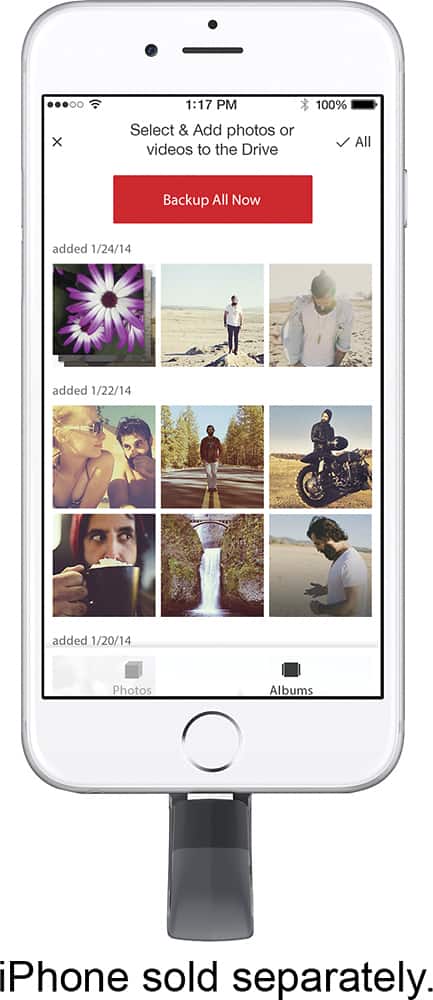
A:AnswerHi, please be informed that you need to install the SanDisk® iXpand Drive App from the Apple App Store on your iOS device in order to transfer data to/ from this iXpand Drive. In order to know more, you can visit the support page of the SanDisk® iXpand Drive on our official knowledge base by referring to this link: https://kb.sandisk.com/app/answers/detail/a_id/18644/.
A:AnswerHi, in order to know the number of pictures this Flash Drive can store, we suggest you to visit our official website and view the web article for the same by referring to the below mentioned link:- - https://kb.sandisk.com/app/answers/detail/a_id/69
A:AnswerHi, we would be happy to help, but it would be best to contact us directly so that we can investigate further and provide you with an appropriate resolution. You can use the Ask form at https://kb-eu.sandisk.com/app/ask/ and there is also a phone number you can call available at https://www.sandisk.com/about/contact/customer-care.
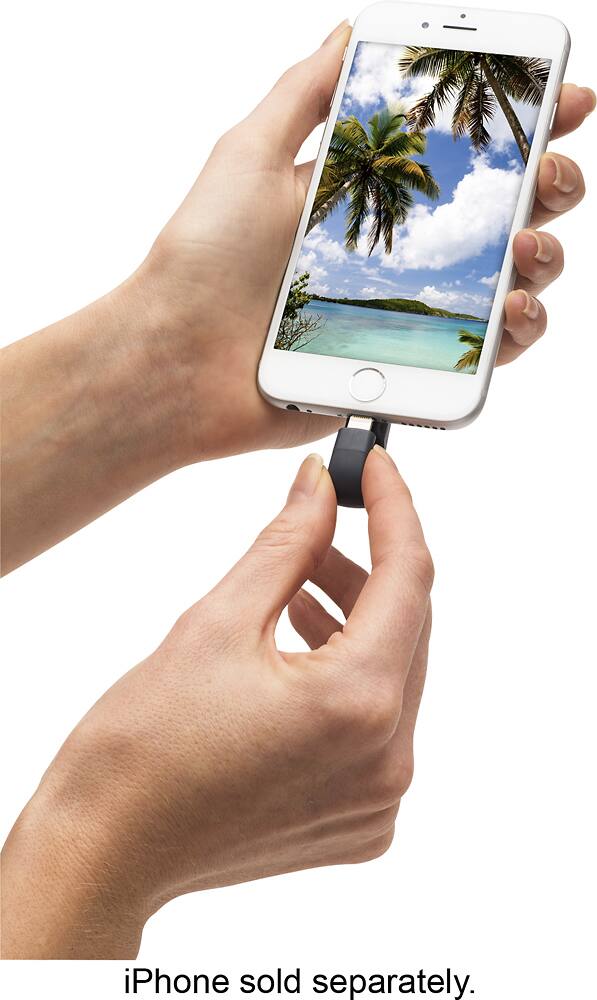
A:AnswerFortunately I was able to transfer photos from my iPhone to the iExpand disc (lightening) and the disc would save the same dates that the photos were taken.
A:AnswerPlease allow us to inform you that you need to download iXpand drive app from the app store of your iOS device. However, this Flash Drive works as a regular plug and play USB drive when connected to a computer.