A:Answerit is not itemized in a way a human would recognize as organized. it looks like its by file name for me(ie screenshot174921, screenshot174922 screenshot174923 etc) and there is no way to edit the way to view the list from your phone. you can from the computer but it will not stay that way after being unplugged
A:Answerno, you have to transfer photo by photo, your better off plugging your phone into a computer and using that as a mediator to do batch transfers. this device also will not handle 256gb since it advertises 128gb but within the storeage device the have apps downloaded that you cannot delete further decreasing the item to 116gb instead
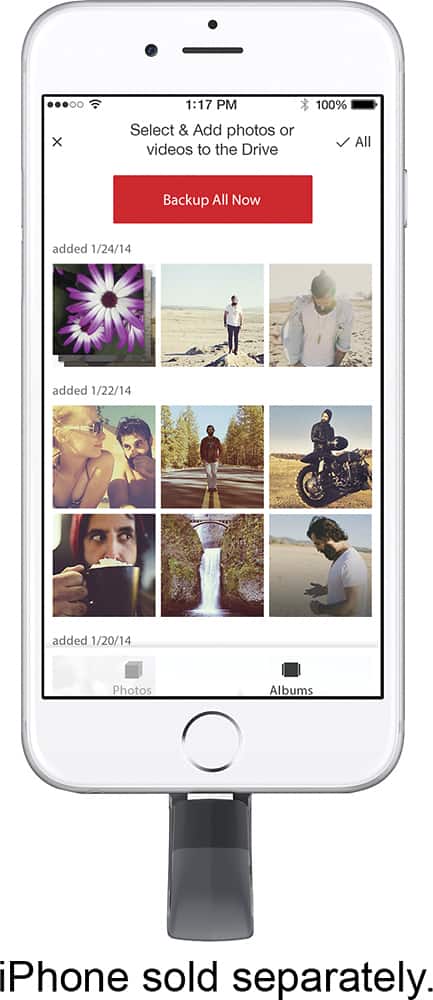
A:AnswerThe App is just a viewer for pics and video. You can delete from it but the storage is all on the usb drive and doesn’t consume phone storage. As far as I can tell.
A:AnswerWell this one is designed for iOS users. Like for iPods, iPhones and iPads.
But if it were for your android and/or windows based phone, the limitation would be dependan on the memory size ov the combined phones you are trying to download from
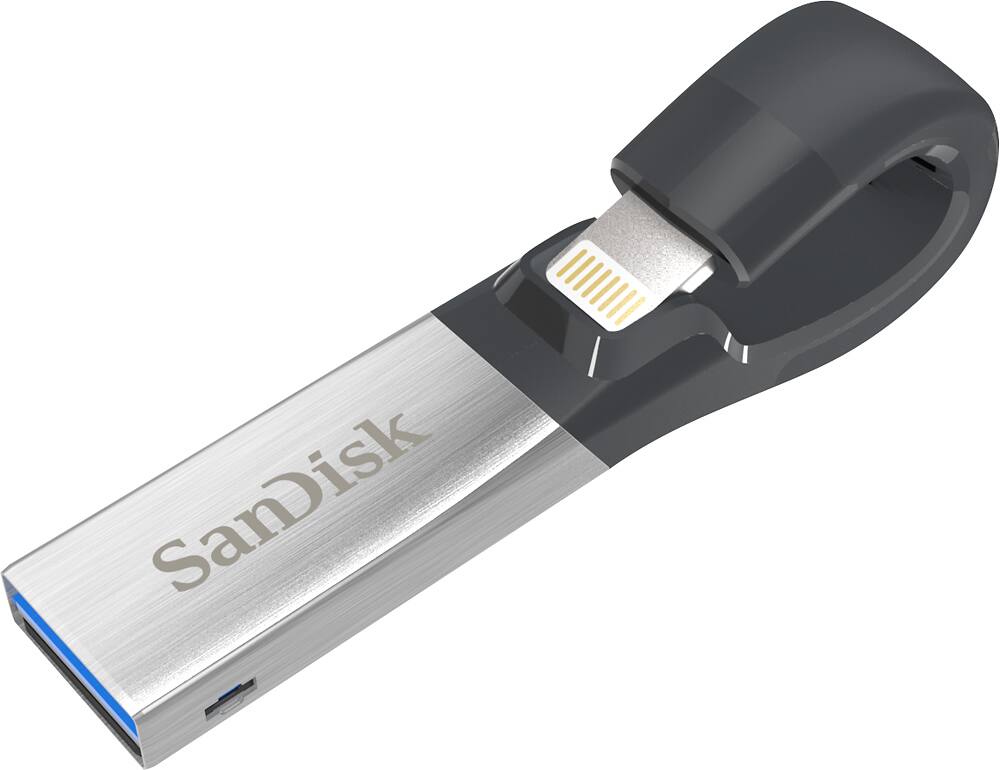
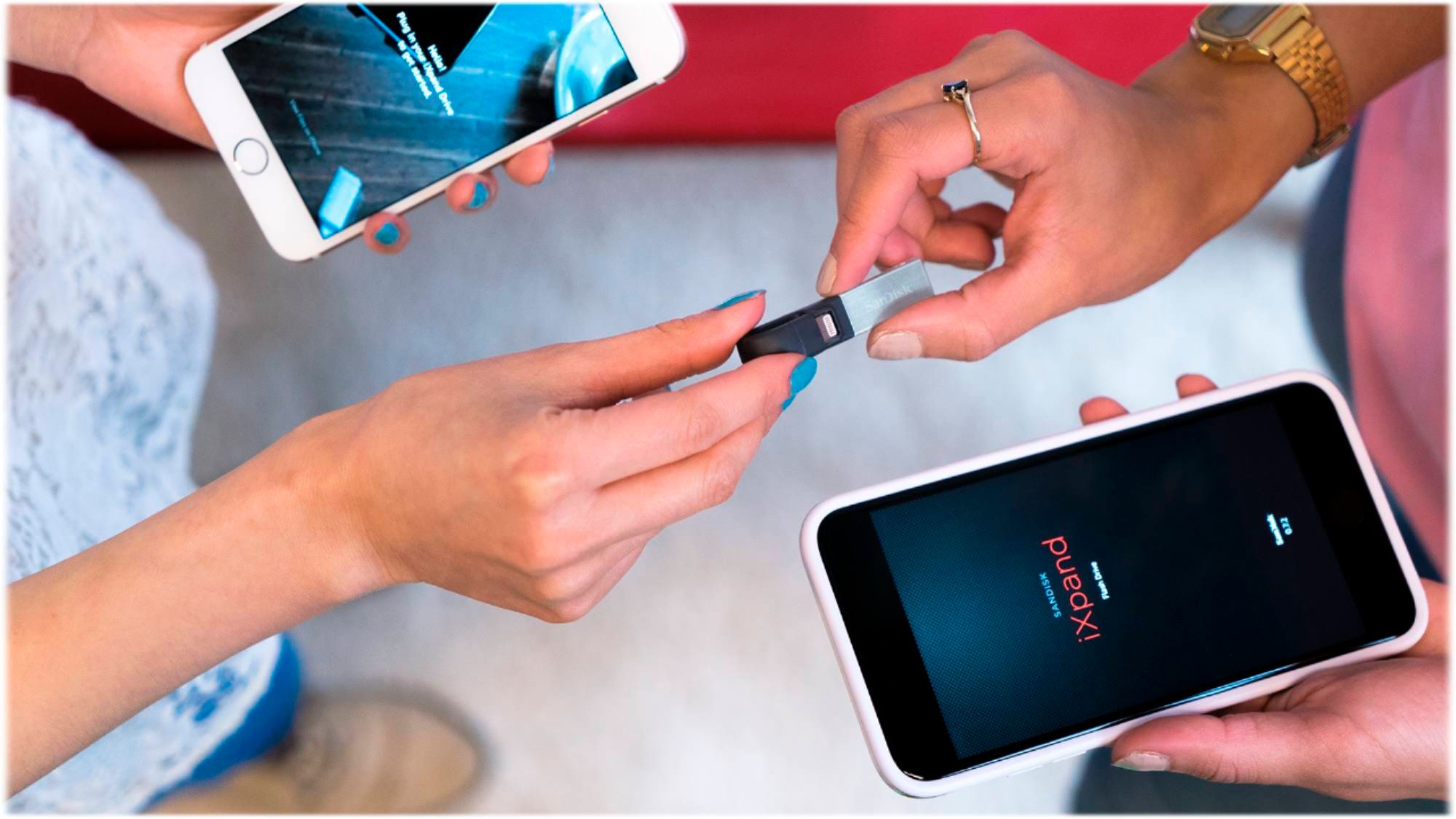
A:AnswerYes, it has a USB plug that you can plug in to your PC. The other connection is the lightning connector for the latest model of Apple products.
A:AnswerWell, it has a USB on one side and a Lightning (Apple/iOS)can’t nnector on the other side. I suppose if you get an adapter from USB to whatever your phone has, you could.
I personally would do the transfer through a computer instead.
A:AnswerI have only tried SSD with Macbook Pro, however, a different SSD will work for Ipod. Here is the link for description.
https://www.ifixit.com/Answers/View/58566/Can+the+HDD+be+replaced+with+a+SSD