A:AnswerYes
You can either use Sandisk software here.
http://kb.sandisk.com/app/answers/detail/a_id/14826
or use software like TrueCrypt / Vera Crypt
There are many others.
A:AnswerFive year manufacturer's warranty. Operation lifetime is not available but is determined by both physical strength and the number of read/write cycles. There is lateral movement of the drive's USB port so some caution is suggested when handling, inserting or removing the drive. The number of read/write cycles depends upon usage but there is a design specification for this type of flash memory and is probably high enough to support extended use beyond the manufacturer's warranty period.
A:AnswerYes, you can still use the drive without password protection. The SanDiskSecureAccess (i.e., password protection) comes stored on the drive, but you would have to manually set up the feature. Otherwise, it works like any other drive that isn't encrypted.
A:Answeryou are correct when you mention size but so far we have placed over 4400 high quality photos from our Nikon cameras on ours and it only took 11-12% of the capacity. Hope this helps.
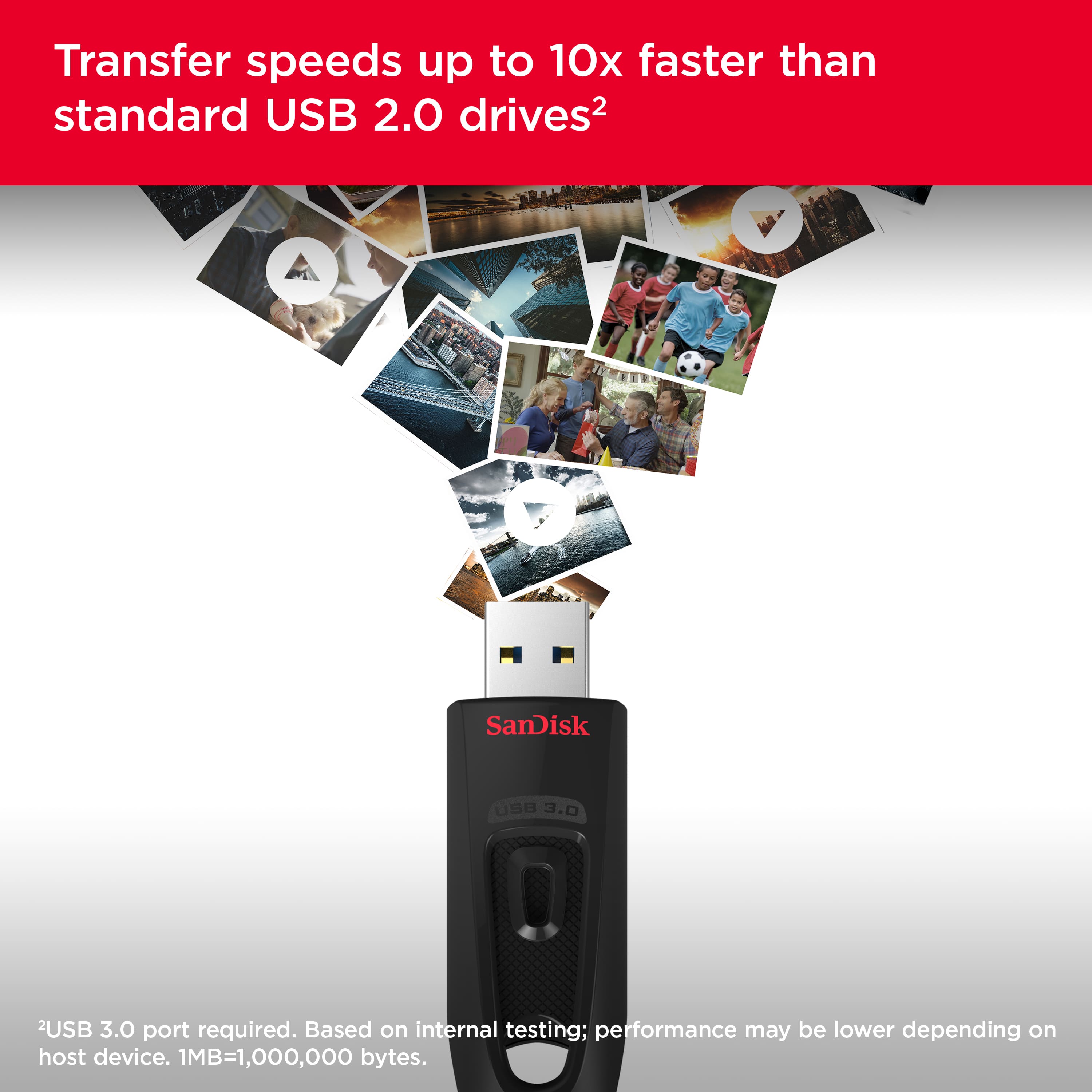
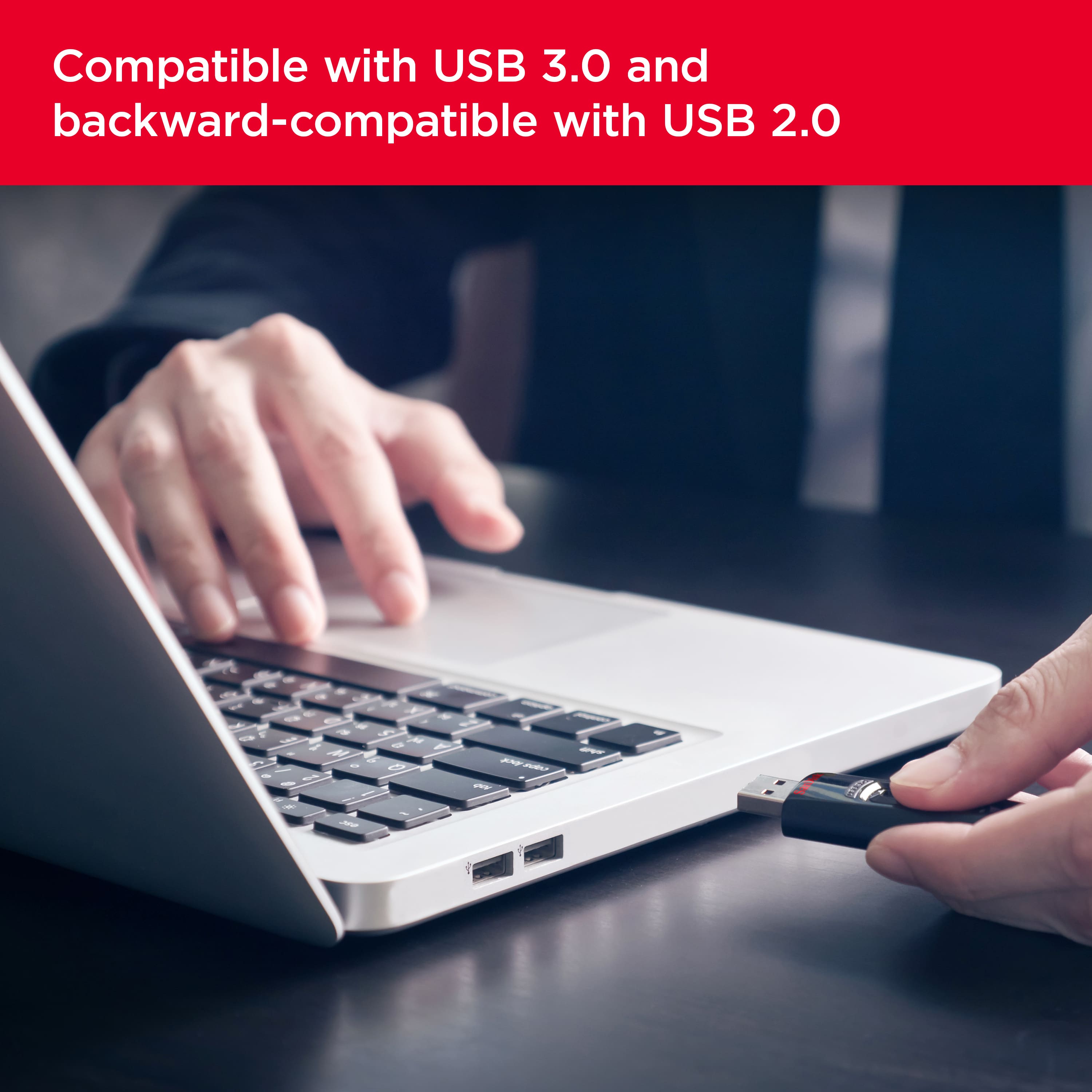
A:Answer3.0 is a lot faster than 2.0. It is backward compatible with a computer that has only USB 2.0 ports. If you have even only one 3.0 port, get a 3.0 jump drive.
A:AnswerYou do not get the whole 128GB available, there is some overhead and a few files preloaded so I use 118GB usable and that should allow you to get 14 8gb files safely downloaded to it
A:AnswerYes, think of it as another folder on your desktop. A folder that you can put a maximum of 128GB of stuff into. you can add and remove items to it just like you would a folder.
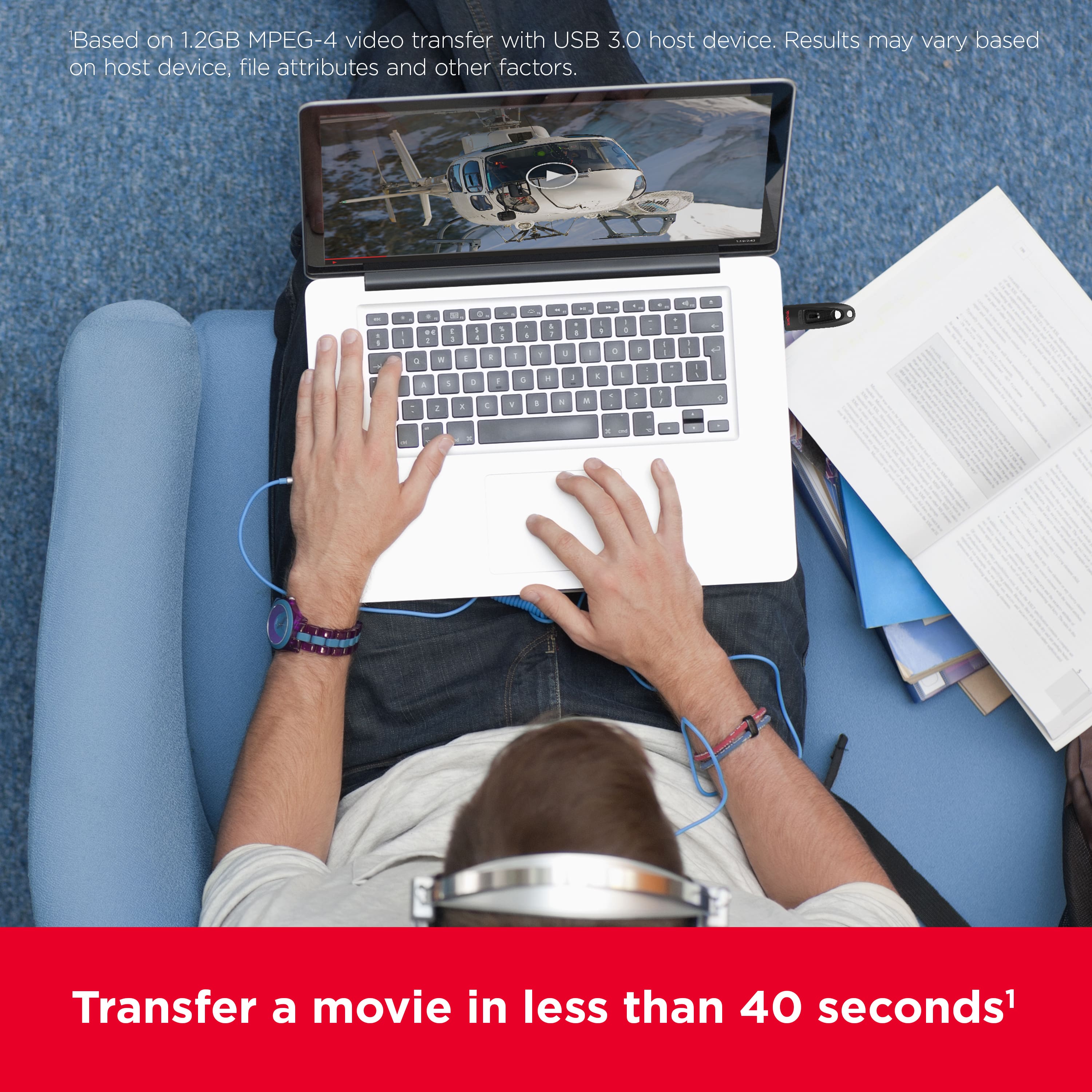
A:AnswerNot sure what you mean by easily as it does involve some mouse clicking. If you plug it into your PC, a storage icon will be displayed. You can then copy the picture or other files you want transferred. Then eject the flash drive properly. Next plug the falshd rive into your Max's USB port and want until the drive is printed. From there you can open up the storage device and copy the pictures or files that you want onto your Mac. Depedning on your situation though, there may be much better ways to transfer files.
A:AnswerI have a 2022 Grand Cherokee WK that has two types of USB ports. I have over 500 MP3 songs on two of them. One at the front of the console, and one at the end.
I select the USB I want to hear on the screen and pick songs. They've been playing fine for years.