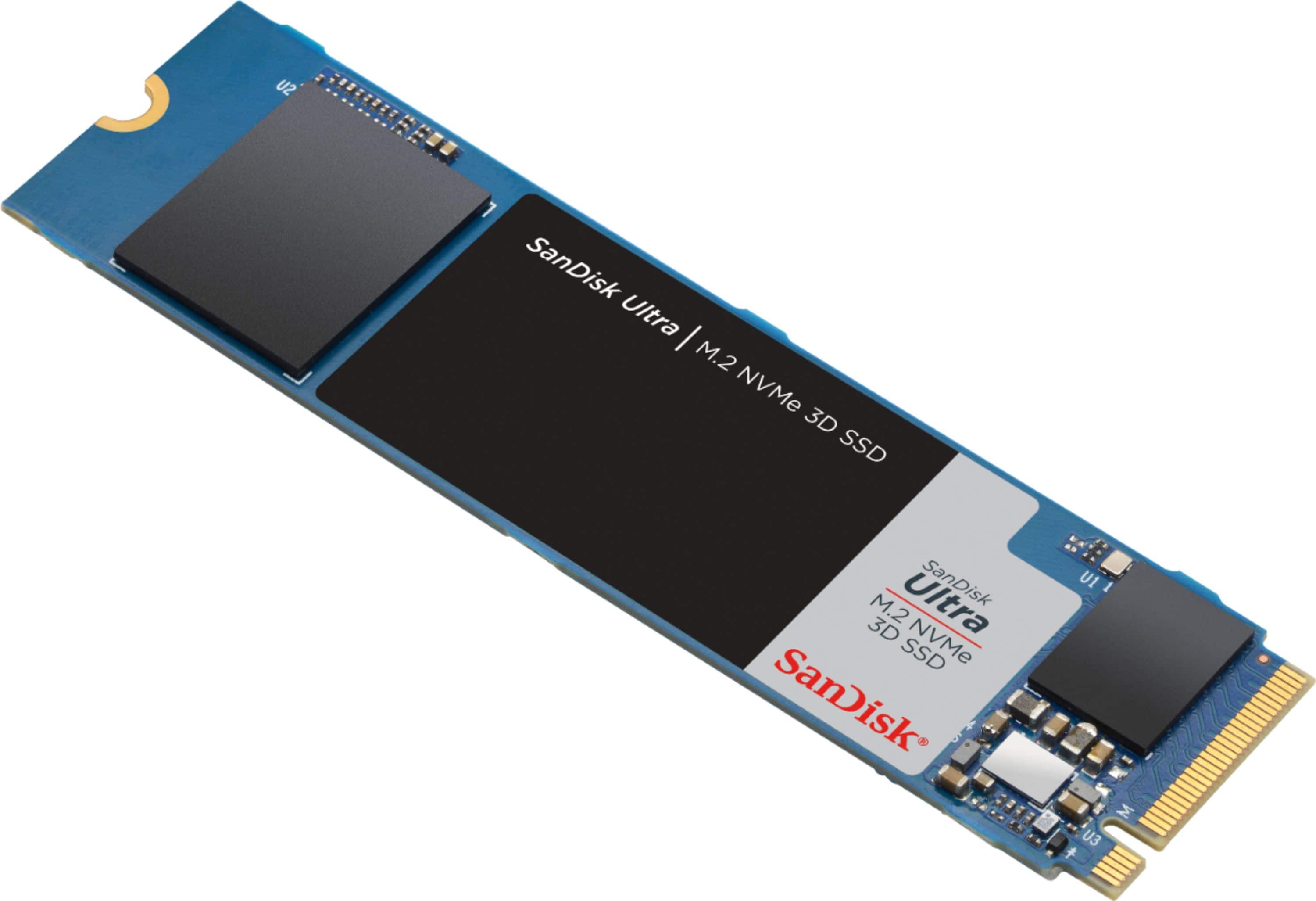
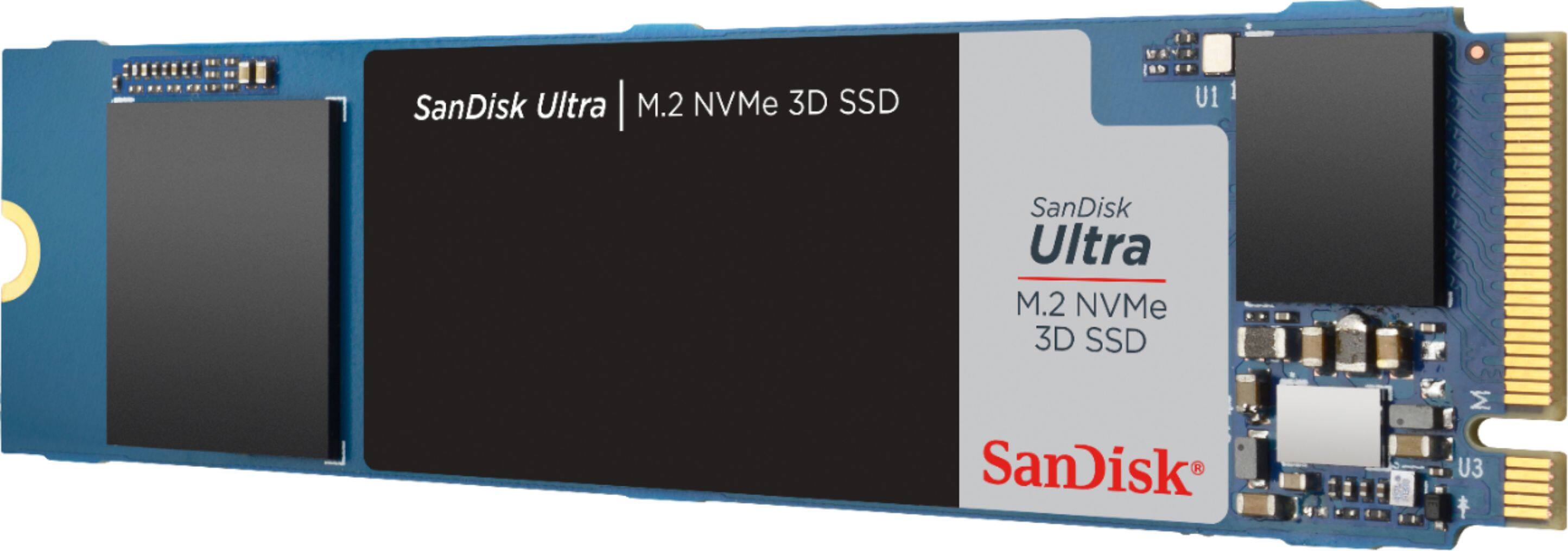
A:AnswerHi, please be informed that if the M.2 Slot does not support NVMe Drives, then this SSD Drive would not work in that M.2 Slot. In order to know if your M.2 Slot supports NVMe Drives, it would be best to contact the manufacturer of your laptop/ motherboard as they would have all the technical specifications for the same.
A:AnswerHi, please be informed that if your Dell laptop has an internal PCIe 3.0 x4 NVMe M.2 slot, then you can connect this SSD Drive in your laptop. In order to know if your laptop has an internal PCIe 3.0 x4 NVMe M.2 slot, it would be best to contact Dell Customer Support as they would have all the technical specifications for your laptop.
A:AnswerHi, please be informed that if your computer has an internal PCIe 3.0 x4 NVMe M.2 slot, then you can connect this SSD Drive in it. In order to know if your computer has an internal PCIe 3.0 x4 NVMe M.2 slot, it would be best to contact your computer manufacturer's Customer Support as they would have all the technical specifications for your computer.
A:AnswerYes it definitely will work with your computer, you have 2 m.2 slots on your motherboard, and if you wanted to transfer your existing OS with everything intact you could use aomei partition assistant (the freeware version works) and it will do it in a couple clicks. There are other ways, but this is what I used, very simple, safe and free.
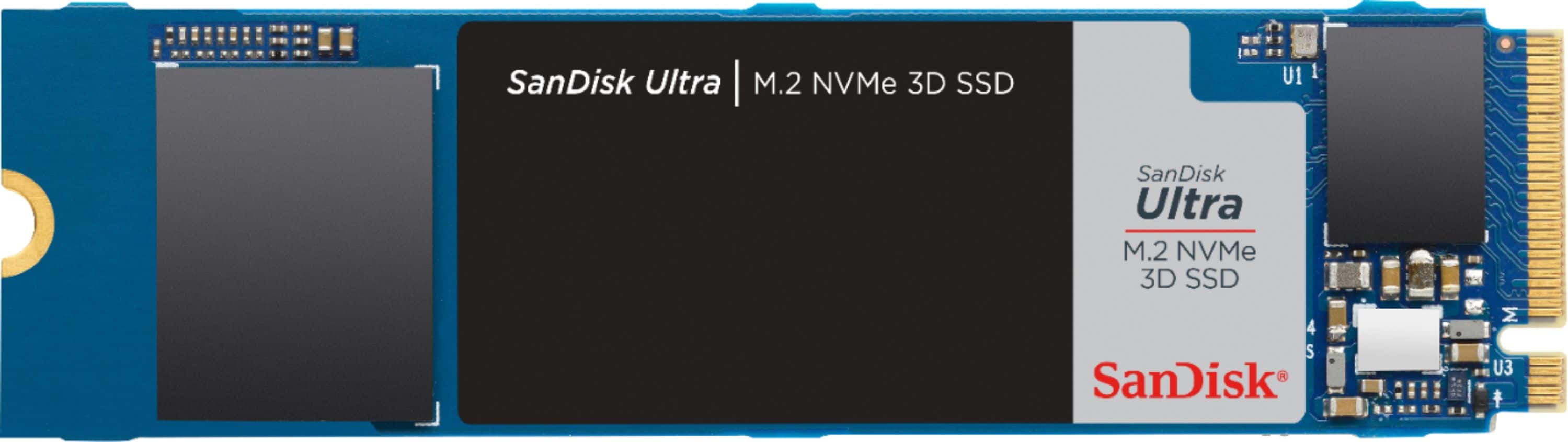
A:AnswerNo. This does not have dram cache. This is the same drive as the WD SN550, picture looks identical. WD SN550 also does not have Dram, so buy the cheaper of the two.
A:AnswerHi, please be informed that if your ASUS motherboard has an internal PCIe 3.0 x4 NVMe M.2 slot or above, then you can connect this SSD Drive in your laptop. In order to know if your motherboard has an internal PCIe 3.0 x4 NVMe M.2 slot, it would be best to contact ASUS Customer Support as they would have all the technical specifications for your motherboard.
A:AnswerHi, please be informed that if your HP Desktop has an internal M.2 NVMe slot, then you can connect this SSD Drive in it. In order to know if your desktop has an internal M.2 NVMe slot, it would be best to contact HP Customer Support as they would have all the technical specifications for your desktop.
A:AnswerHi, please be informed that if your Dell AIO PC has an internal PCI Express 3.0 NVMe slot in it, then you can connect this SSD Drive in your PC. In order to know if your AIO PC has an internal PCI Express 3.0 NVMe slot, it would be best to contact Dell Customer Support as they would have all the technical specifications for your laptop.
A:AnswerYes. I use one as a backup drive. You have to go to Amazon and get the enclosure kit. It come with the metal case and the usbc cable for about $20.
A:AnswerNot like it is, you need an adapter since macbooks ssd's are different. If you look online, you can find the adapter for around $20. It is a simple install after you get it. The adapter is on amazon for $10 (Arestech M.2 NVME SSD Convert Adapter)
A:AnswerNo.
1st - That is not enabled on the PS5 yet, the feature is completely disabled until sometime in the future. Do not buy anything yet for it.
2nd - You need a PCIe 4.0 drive with much faster speeds and throughput, this is PCIe 3.0.
A:AnswerHi, please be informed that if your MSI laptop has an internal PCIe 3.0 NVMe M.2 slot, then you can connect this SSD Drive in your laptop. In order to know if your laptop has an internal PCIe 3.0 NVMe M.2 slot, it would be best to contact MSI Customer Support as they would have all the technical specifications for your laptop.
A:AnswerIt should work fine. The size is under the specifications tab. It’s m.2 2280. That’s pretty standard. Just check your user manual to see what size m.2 is compatible with your device.