Questions & Answers
- Model:
- SDDD2-128G-A46
- |
- SKU:
- 4901073
Highly rated by customers for: Storage Capacity, Micro USB, Ease of use
Page Showing 1-15 of 15 questions
Q: QuestionHas anyone used with this an iMac, Ipad, or an iPhone? Any problems? Any suggestions that you can offer. Thanks!
Asked by Jeanniej.
- A:Answer iPad/iPhone do not use Micro. There are more and more styles and brands to chose from for iPhone & iPad now.
Answered by shopper
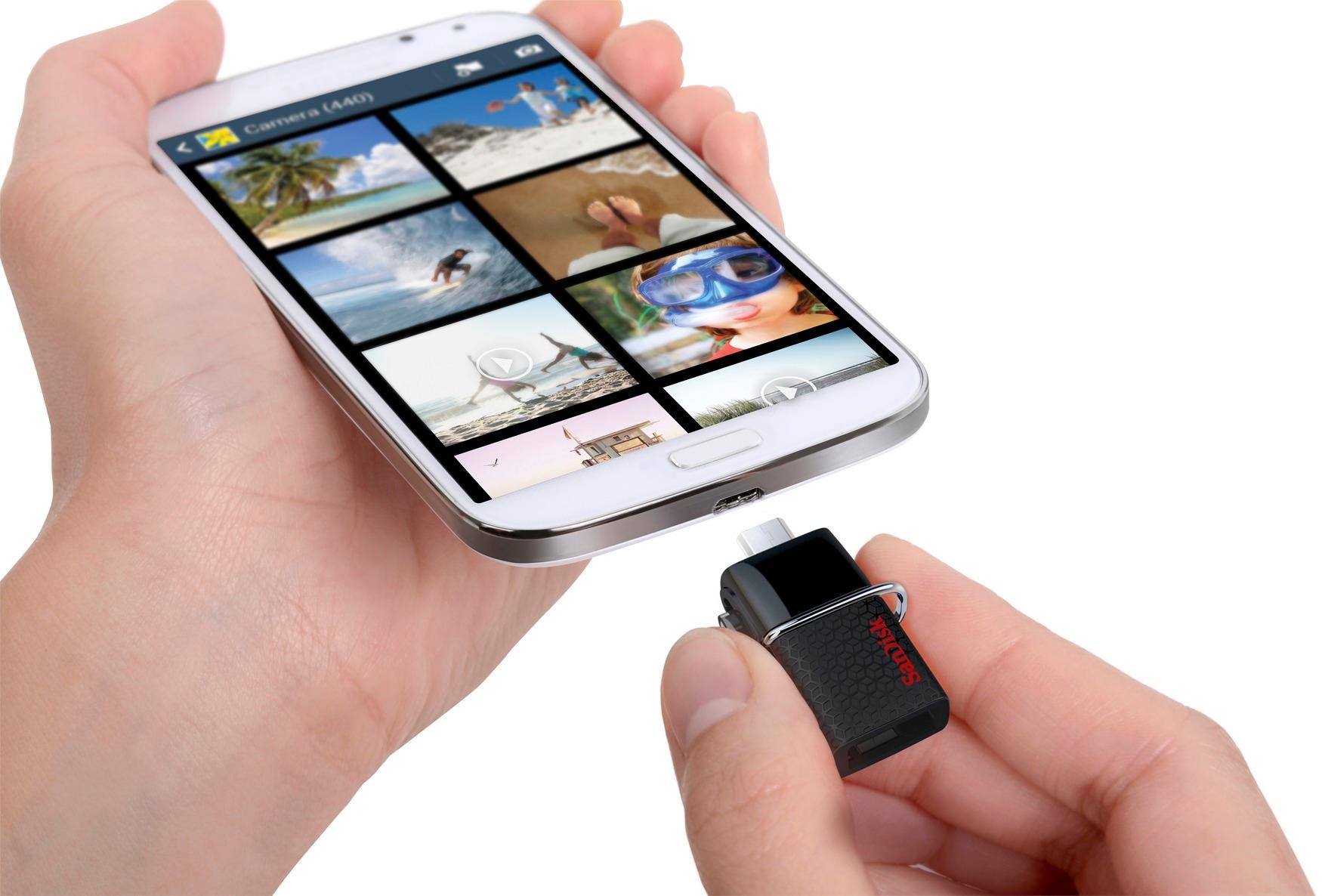
Q: QuestionWill this work with Galaxy s8 active
Asked by Spoofer.
- A:Answer I have the Galaxy s7 Edge. I transfered all my pictures and videos without any problems to the Scan drive then an even quicker transfer to Photo Shop. I would think the Galaxy s8 will work just as easily.
Answered by Gamecock2001
Q: QuestionCan this be used with an iPad Pro?
Asked by Anonymous.
- A:Answer No, this can not be used with an iPad Pro.
Answered by CommunityAnswer
Q: QuestionCan i use this to back up my MacBook? if not any suggestions?
Asked by noel.
- A:Answer This is micro/USB drive but this do come in a drive works with Apple products like iPhone, iPad..... I have an old Mac can use the USB side and you can check your MacBook to see. Computers are still using USB except mobiles use micro & others. I am the PC person not Mac. I do know that iPhone doesn't use micro & Samsung Note8 can't use this one either. You need to find out your phone connector. This actually works kinda like a flash drive except it has micro and USB duel drive for either mobile or computer.
Answered by shopper
Q: QuestionWill this work with a Samsung Galaxy A8 tab. If not what would?
Asked by Jack.
- A:Answer No, it cannot be.
Answered by CommunityAnswer
Q: QuestionDoes this device encrypt data and can it be password protected?
Asked by gqkappa.
- A:Answer Yes, mine came with the software to do so on the drive. Since I don't care about encryption and PW's on my USB, I just deleted it. So, I can't tell you how good or bad it is, but you can do what you want per your question.
Answered by MarcoPolo2150
Q: QuestionWill this work with the Samsung S8 phone?
Asked by S8Samsung.
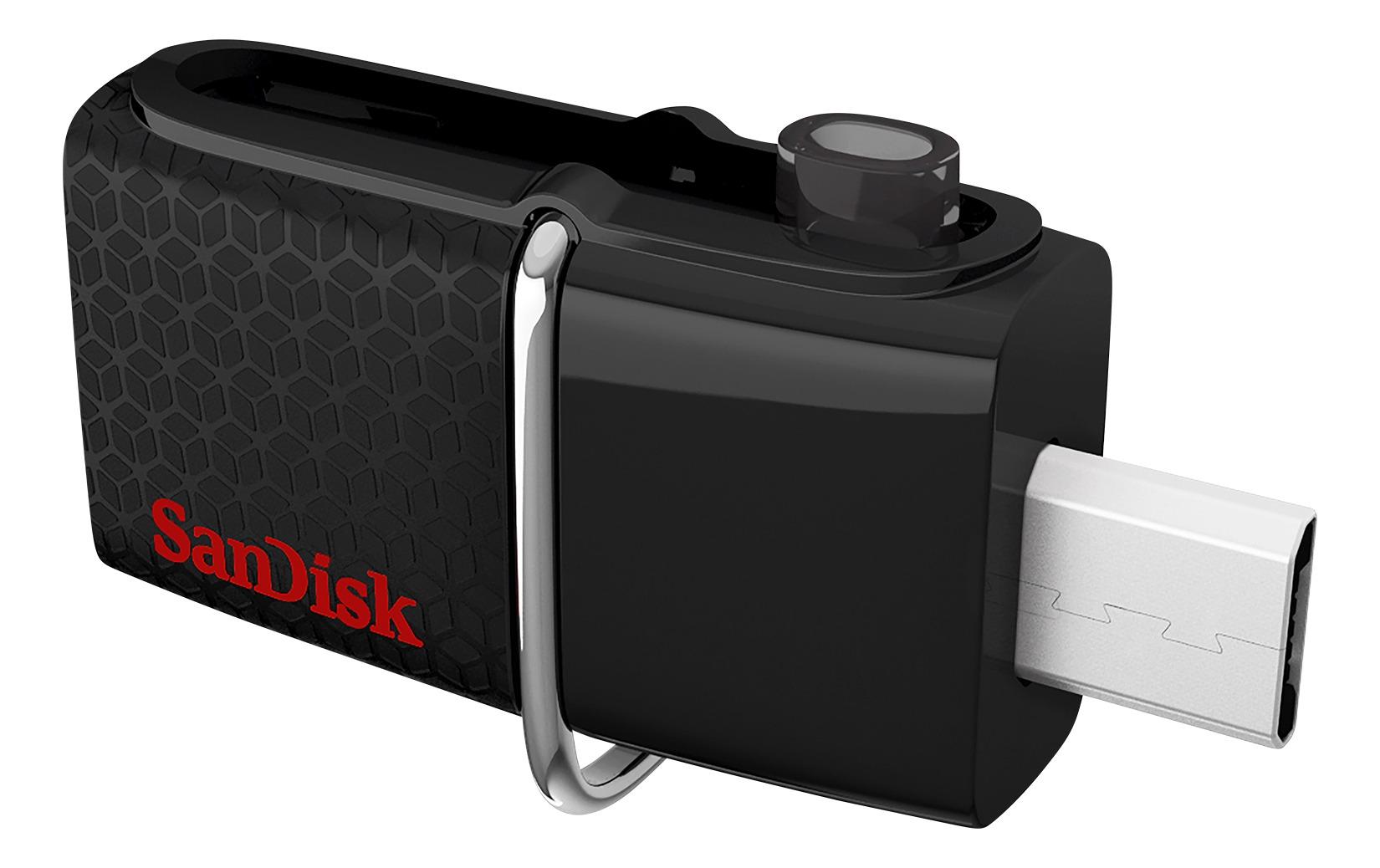
- A:Answer This is for phones having Micro USB-B type port. Samsung S8 has USB-C. If you have the USB adapter from USB-C to USB -A that was provided by Samsung when you purchased new phone or can buy online, you can use this or any other standard flash drive.
Answered by Siva72
Q: QuestionWill this work on a Galaxy S6? Thank you.
Asked by Mike.
- A:Answer Yes it will work with S6
Answered by Siva72
Q: QuestionSANDISK ULTRA DUAL 64GB/128GB WILL IT WORK ON MY SAMSUNG GALAXY NOTE 4
Asked by YANKS.
- A:Answer it should
Answered by akaSAM
Q: QuestionCan this drive be used with a Samsung galaxy 6 cellphone
Asked by Anonymous.
- A:Answer yes
Answered by akaSAM
Q: QuestionIs this compatible with a galaxy s5 and a galaxy note8?
Asked by Photonut.
- A:Answer Yes.
Answered by Gameferret
Q: QuestionWhy notify me of this if the price has doubled? Will you honor the $30 price tag?
Asked by dsp.
- A:Answer Yes
Answered by Bhoi
Q: QuestionWill this drive work with older versions of Windows like Windows 7 or Vista?
Asked by Harv.
- A:Answer YES. I USE IT ON WINDOWS 7 & 10.
Answered by MAURYS
Q: QuestionIs this USB memory stick compatible with Windows 10? I bought a 128G SanDisk mem stick today at my local BestBuy. When I got home, I saw on the package that it's not compatible with Wx 10. Is this stick Wx10 compatible?
Asked by Bill.
- A:Answer I would recommend not opening it and call or go to the store in person. Speak with a specialist like GEEK Squads customer support and services desk. They will take care of you and will make sure you have the correct flash drive. If you opened it already, than you know already if it works or not. If not, maybe you can return it with receipt within 15 days of purchase for possible refund, exchange, or maybe store credit. That is based off personal experience. Hope that helps some. Thanks, stosh
Answered by Stosh
Q: QuestionTHIS SANDISK IT IS AVAILABLE FOR iphone?
Asked by WILLY.
- A:Answer Both USB ports on this device won't connect to an iPhone...just about every model. All expansion for an iPhone goes into the power connector port which is on the X, or the 8 appear to be USB C (which this has), but Apple's IOS doesn't allow external memory except for pictures. You can't add any USB memory and expand the memory of the phone and add movies, etc. like you can on an android (that's usually through SD cards), but they will recognize there is a storage device connected to the power port and read and write to them. Even if you buy Apple's dongle to connect the power port to USB, it only allows pictures to be written and fetched from the USB device. Generally the rule of thumb with iPhones is to get the model with the most memory on board if you want to store movies, or need the space, because except for pictures, you're not going to be able to use any device for extra storage (read/write) with an iPnone. That's one of many reasons I moved to android.
Answered by MarcoPolo2150
Page 1, Showing 1-15 of 15 questions
Top Rated
- $329.99$329.99The price was $469.99
- Ultimate Deal$299.99$299.99
- Ultimate Deal$139.99$139.99
- $121.99$121.99The price was $129.99
- Ultimate Deal$1,099.99$1,099.99