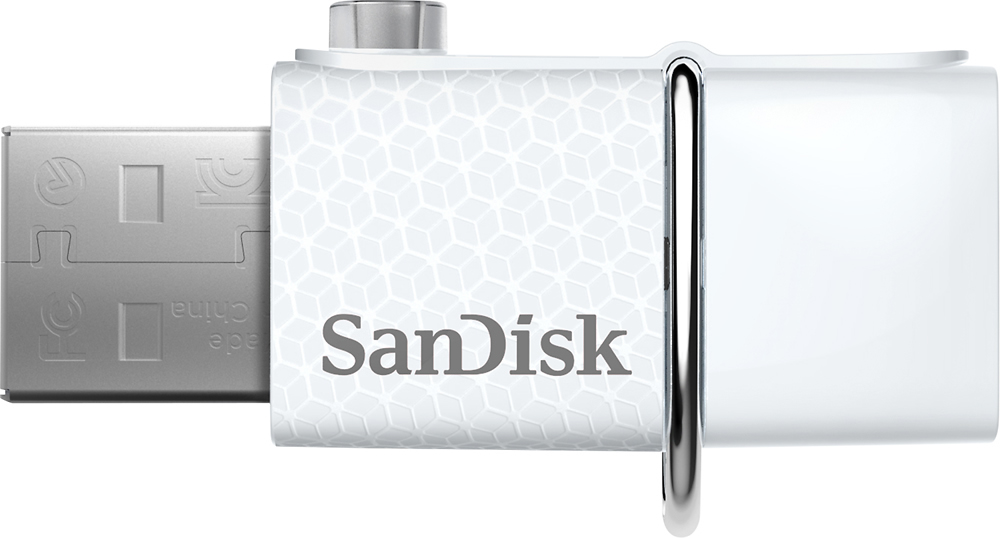
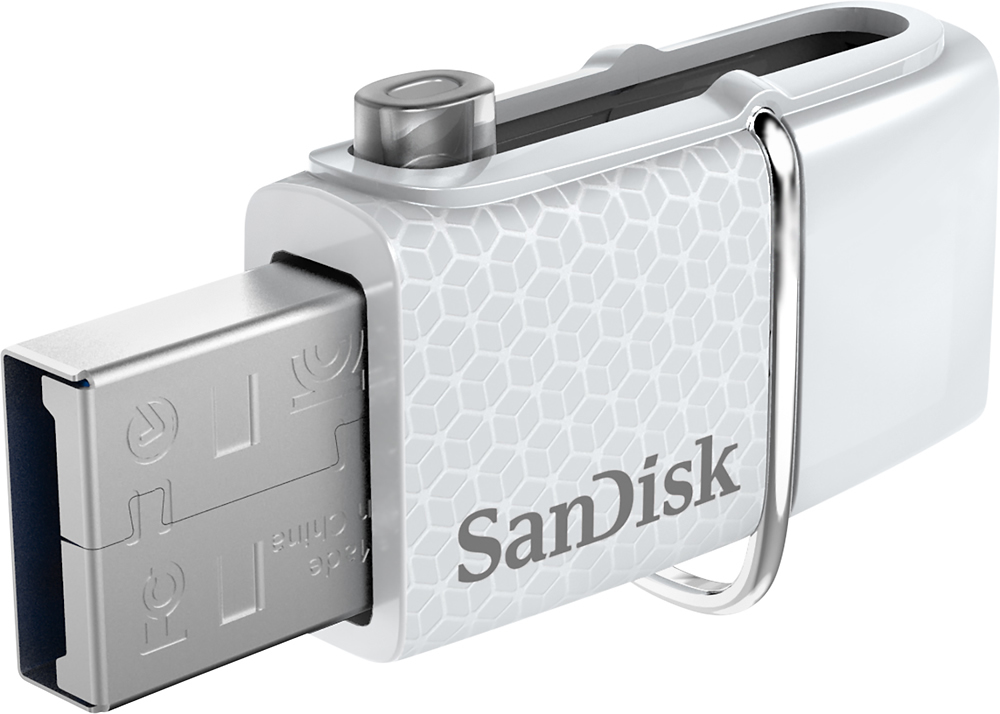
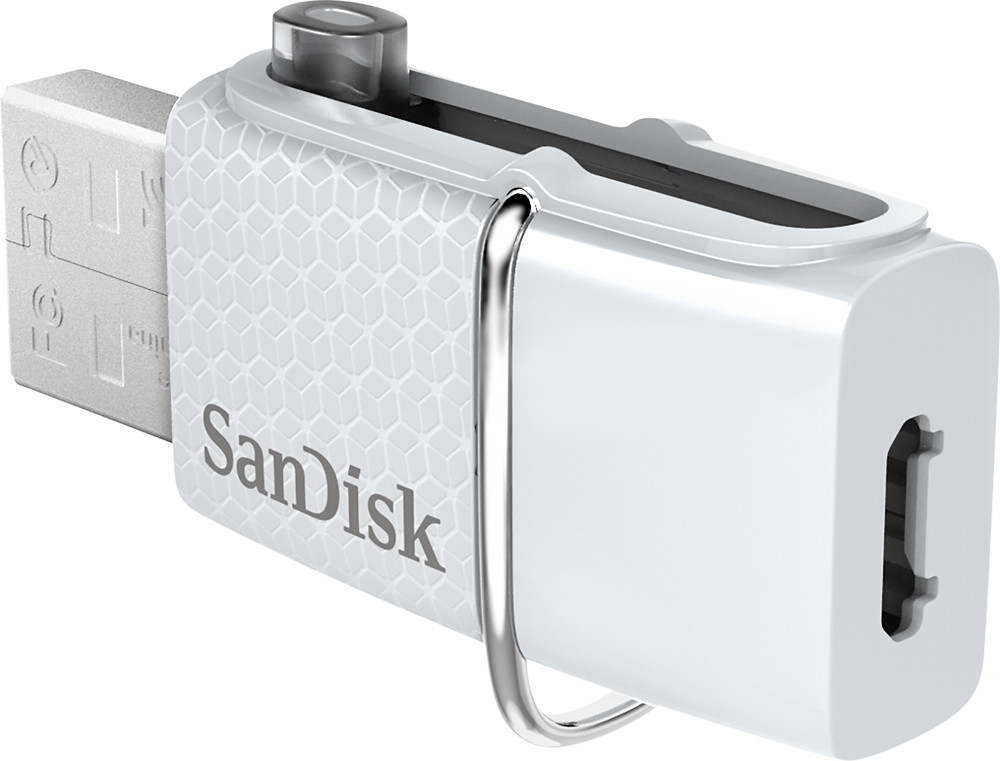
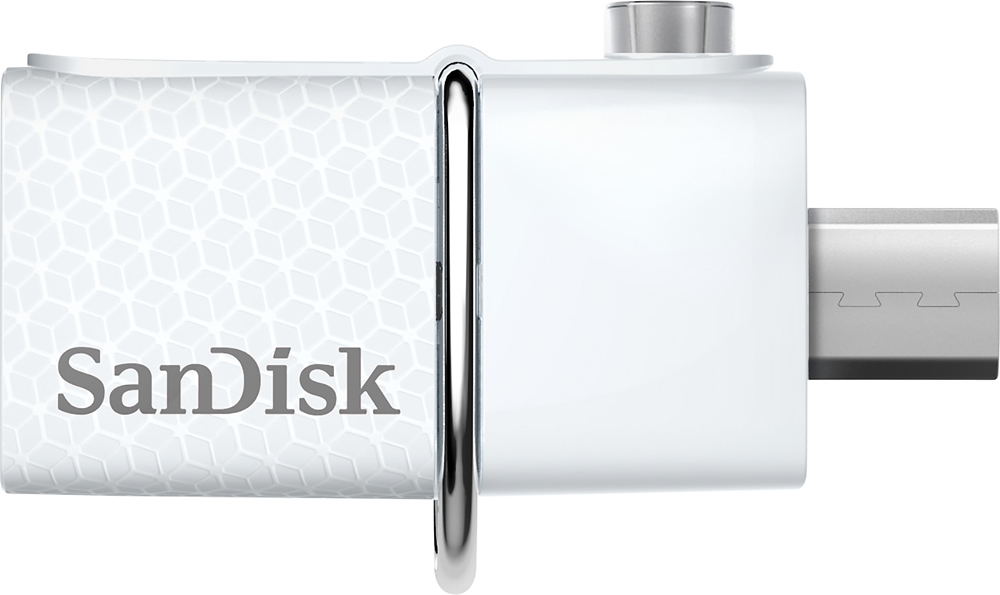
A:Answer Yes you can. I have not found a way within the stock Android OS to transfer data between storage locations (internal storage, microSD card, or a USB drive like this one) on an Android phone (there may be one; but, I haven't found it). However, there are several free File Manager apps on Google Play that will allow you to do so. I downloaded one called File Manager + and was able to use it to transfer files from a Blackberry Priv's internal storage and a microSD card mounted in the Priv to this drive. I then dismounted this drive and used it to transfer the files to a Windows PC. This drive works well for that purpose. I found File Manager + (the free app) a little difficult to work with (user interface is not intuitive to me); but, did get it to work after playing with it for a while. Again, there are a number of free Apps (including this one) on Google Play that should let you transfer data (individual files or entire folders) from another storage location on your Samsung 6 to this device. I picked this one because it was ad free. You might want to try various ones until you find one that meets your needs to download pictures from other storage locations on your phone to this device.