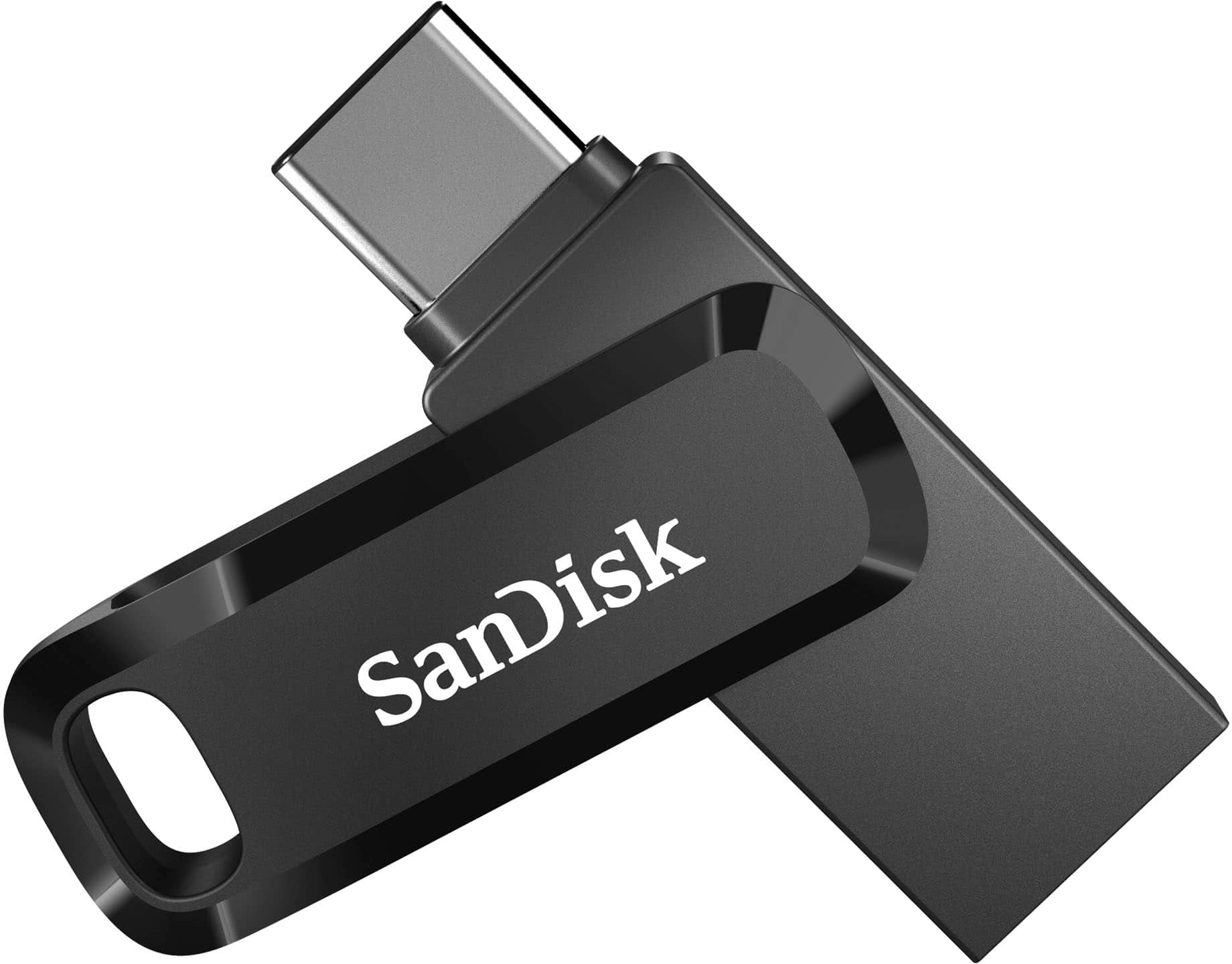
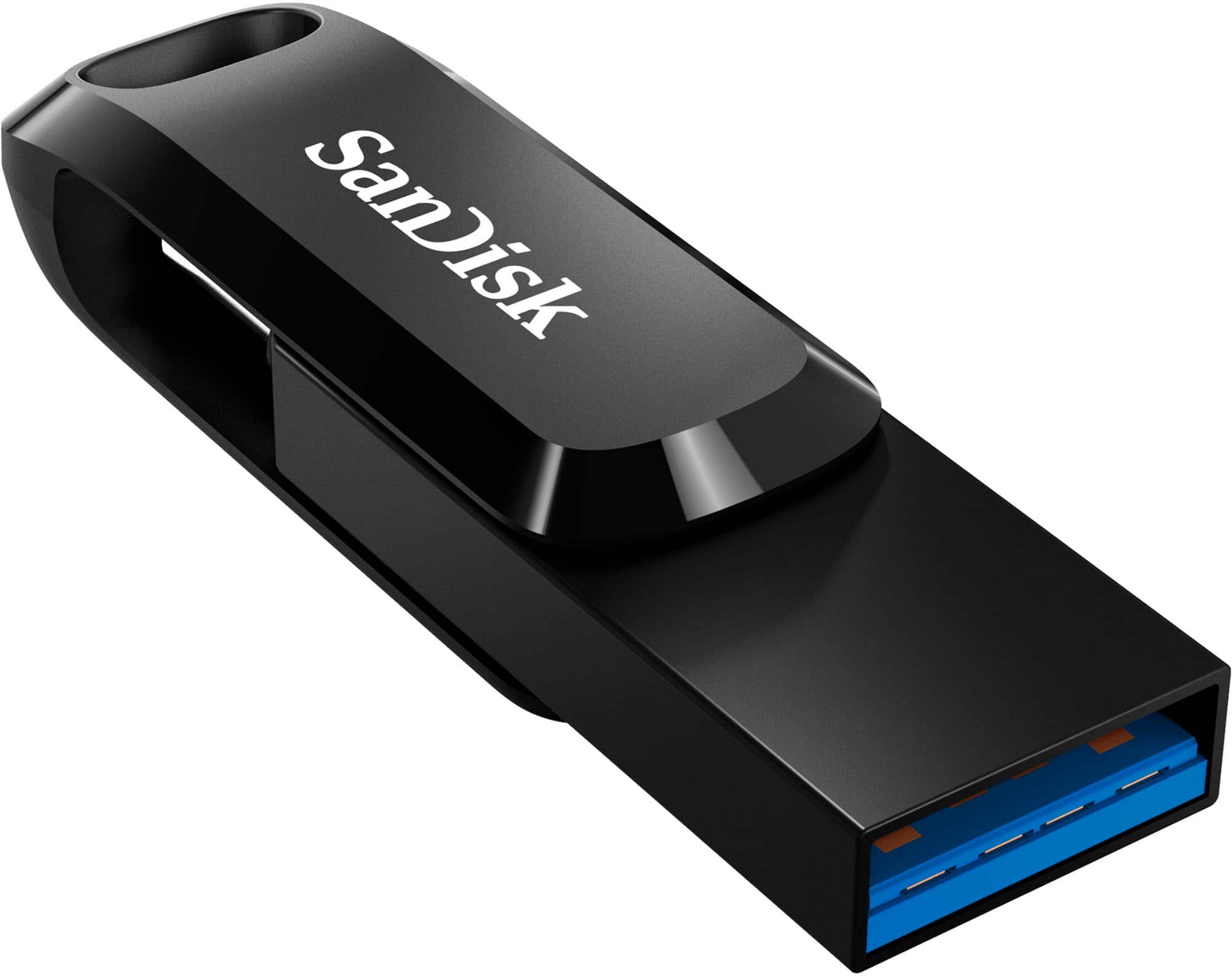
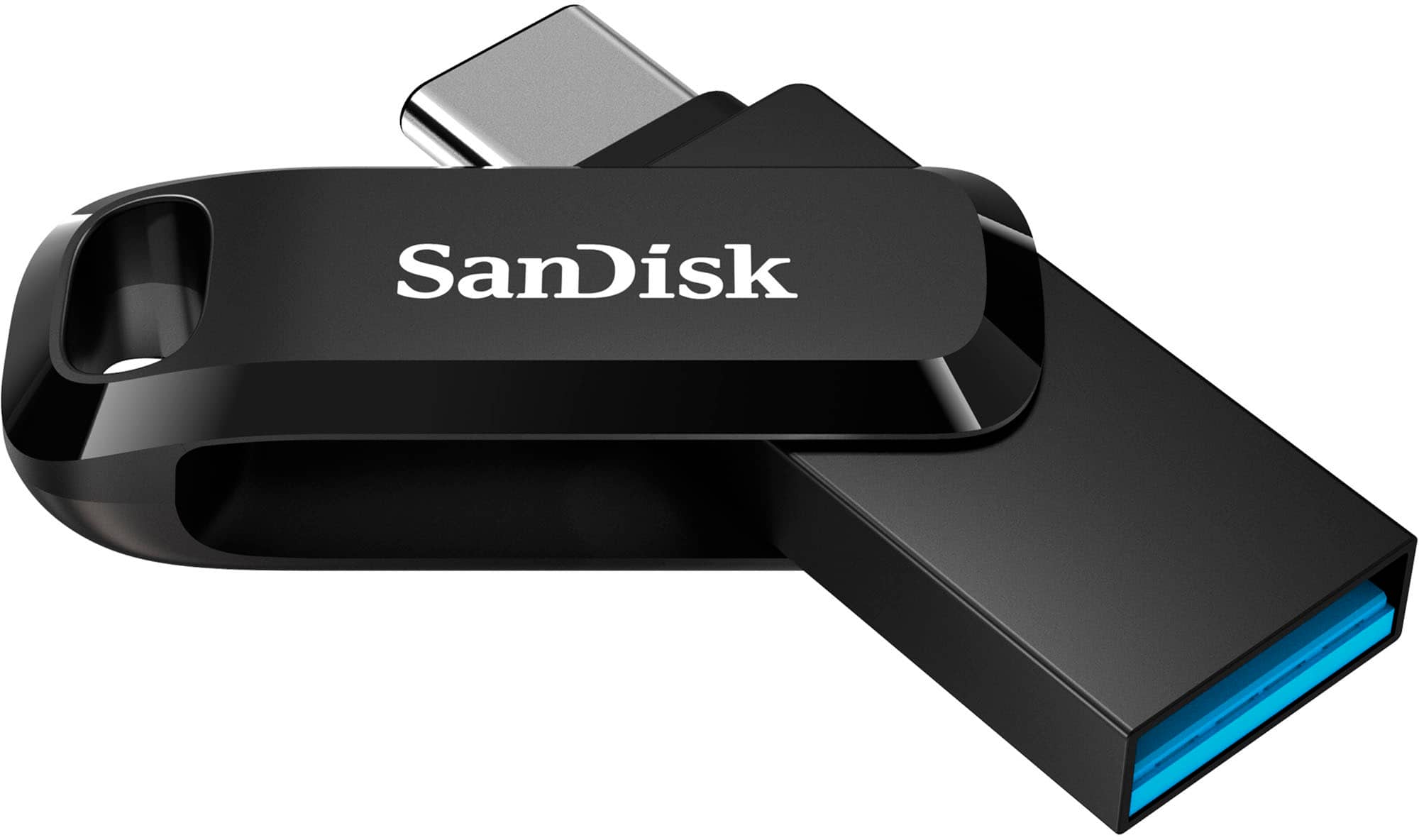
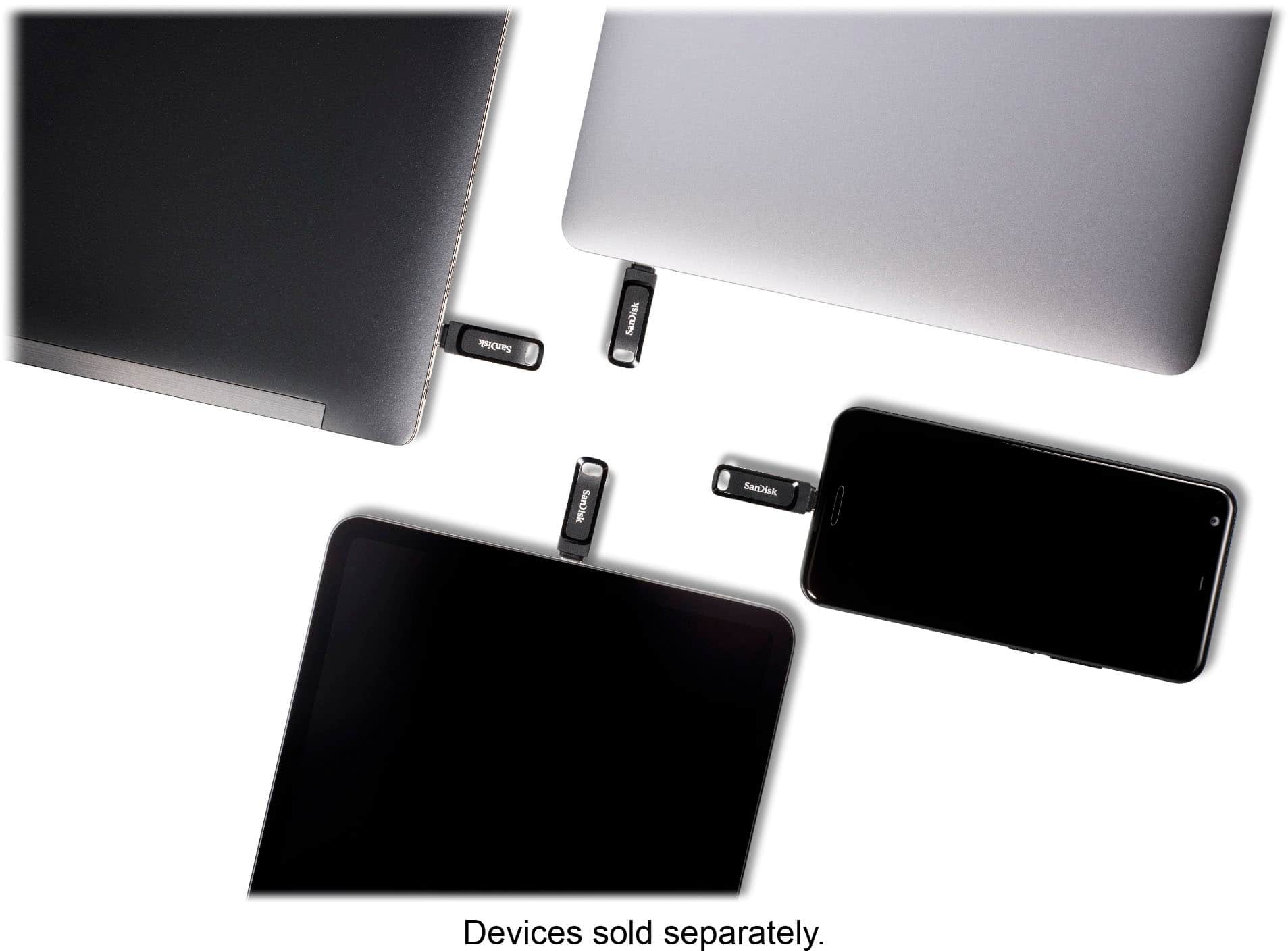
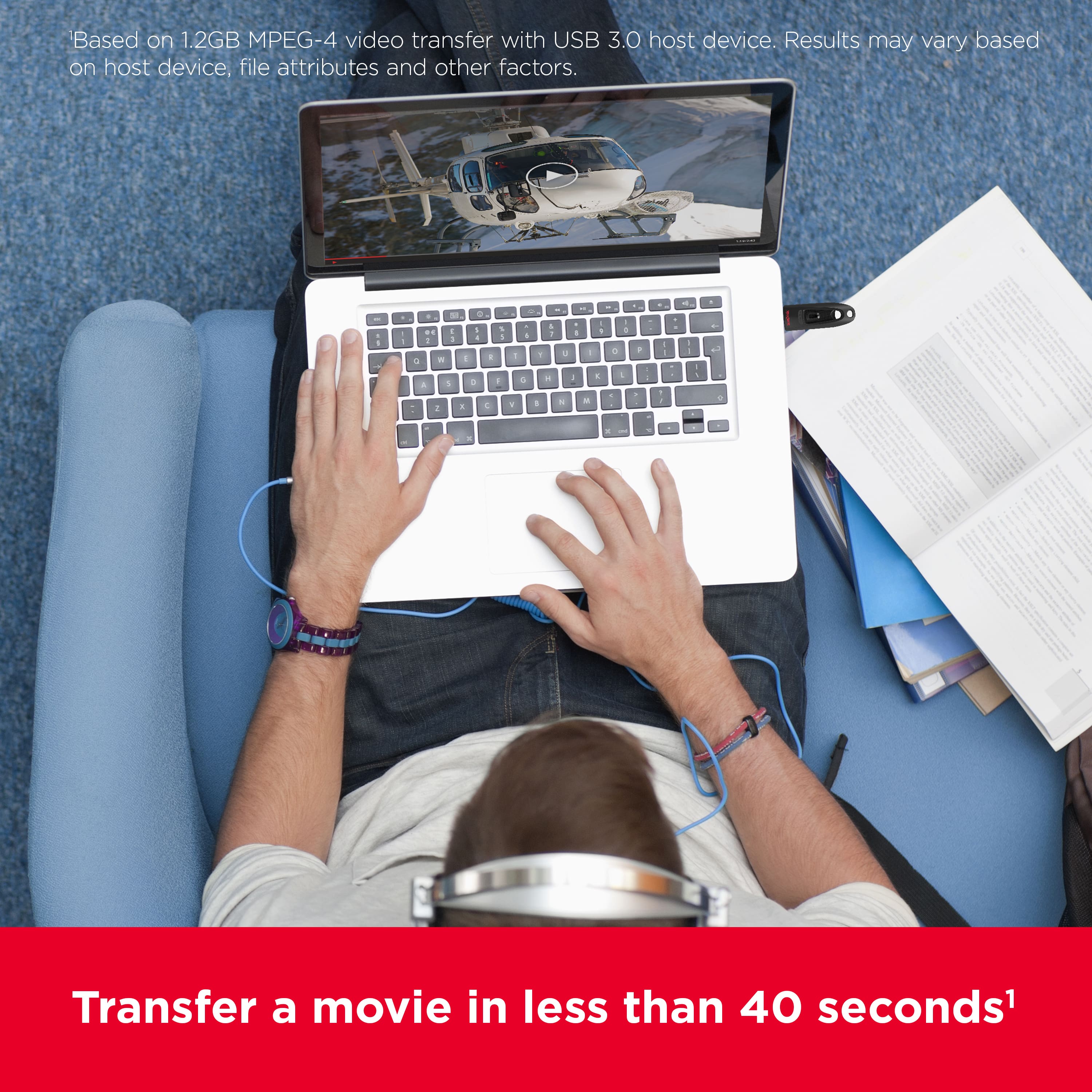
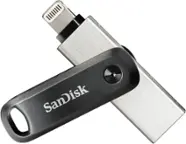
A:AnswerHi, thank you for reaching out to us. Please note that you can load movies onto the SanDisk Ultra Dual Drive Go flash drive from your HP laptop, then connect it to your iPad Pro using the USB-C connector. On iPad, you can access the drive using the built-in Files app, which will let you browse and play compatible movie formats directly.
A:AnswerSorry to hear about the trouble. Please ensure your device is fully updated and connect the drive directly to the port without using any adapter. This product is plug-and-play, so it should be recognized right away. If you need further assistance on this or any other SanDisk product, feel free to reach us at: https://support-en.sandisk.com/app/askweb
A:AnswerHi, thank you for reaching out to us. The SanDisk Ultra Dual Drive Go 1TB can store a large collection of movies. For example, if one HD movie is around 2–4GB in size, you could fit hundreds of them, while higher-quality Full HD or 4K movies (4–8GB each) would take up more space, so you’d store fewer. The number of stored files on a storage drive/device depends on the file size and quality.
A:AnswerI did the reformat to exFat and now can transfer large files. Works with Windows, IPad, iPhone and Mac. I hope that helps. Btw I reformatted using windows format.
A:AnswerHi Steve, we are sorry to hear you’re having trouble connecting your SanDisk Ultra Dual Drive Go to the host device. Please ensure your phone supports USB OTG and the USB-C port is clean. Try reconnecting after restarting your phone. You may also test the drive on another device or a computer. If the issue persists, you can open a ticket at (https://support-en.sandisk.com/app/askweb)
A:AnswerHi Ralph, Thank you for reaching out to us. Please know that you can use SanDisk Private Access application to password the data as this device will allow you to use the Vault which is password protected in the USB drive. See, Answer ID 48025 (https://support-en.sandisk.com/app/answers/detailweb/a_id/48025) for the instructions on how to download and install Private Access for SanDisk products.
If you face any issues, you can open a ticket at (https://support-en.sandisk.com/app/askweb) with detailed problem and error screenshots.
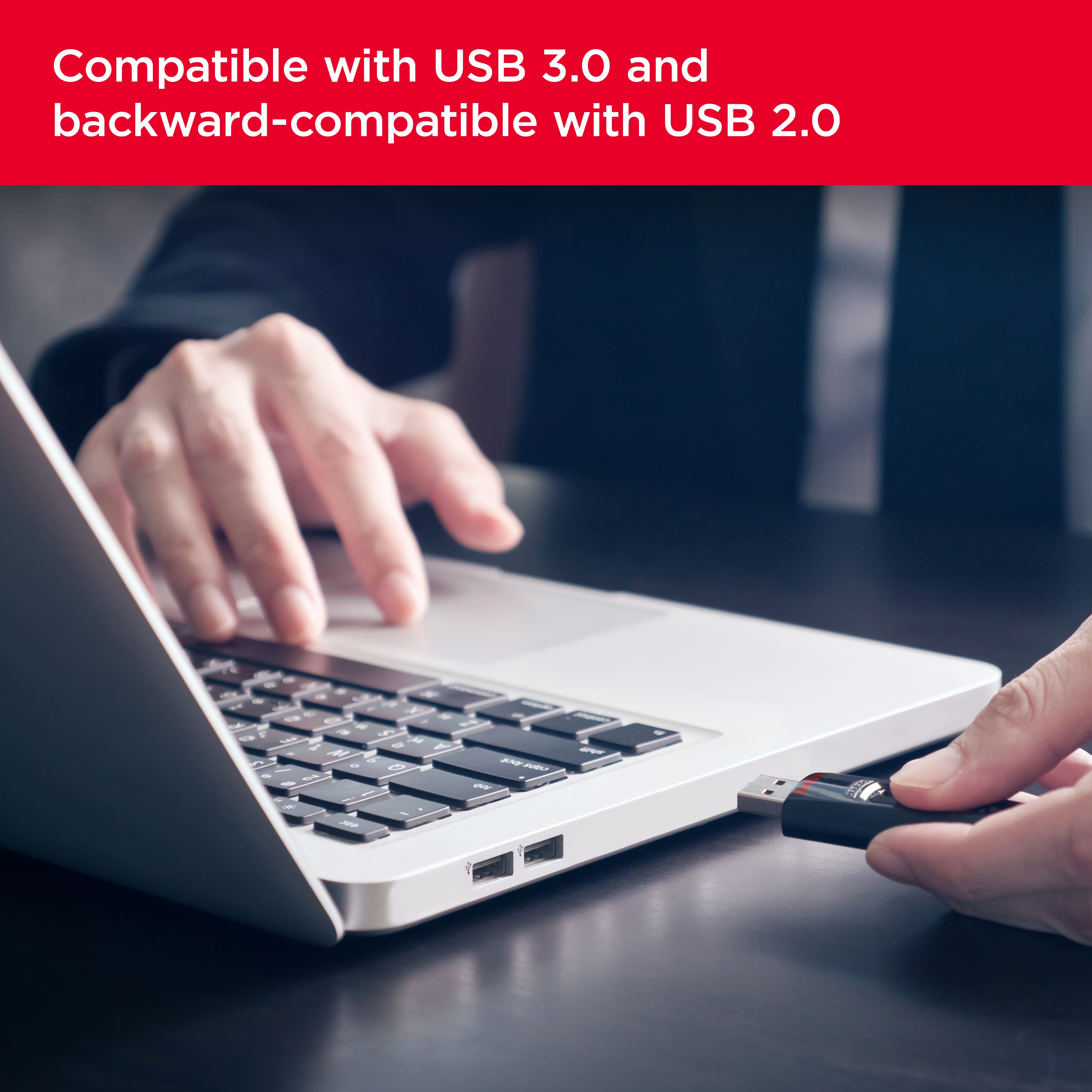
A:AnswerHi, Please know that the SanDisk Ultra Dual Drive Go USB Type-A/USB Type-C is a plug-n-play flash drive that is compatible with USB Type-C devices (phones, laptops, and tablets) and works on iOS 10.0.2+, Android 11+, macOS v.10.9+, Windows 10+. We still recommend to contact the host device manufacturer support for more compatibility information.
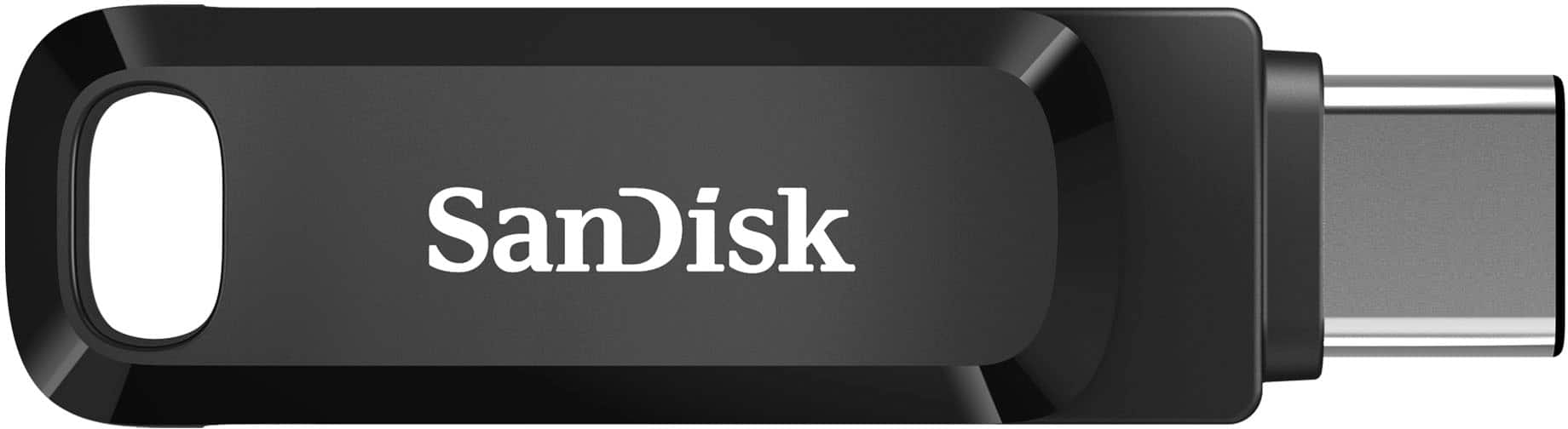
A:AnswerHello, Yes, You can copy files to the drive from PC and connect to iphone 15 Pro and can access with Files App. Please refer to the mentioned link to access in files app : https://support-in.wd.com/app/answers/detailweb/a_id/50917/related/1
A:AnswerI was using it on a s21 ultra also on my s22 ultra it works excellent. My s21 has only 126gb and needed to get some pictures and videos transfer to make room and it works like a charm . Easy to use
A:AnswerWe are so sorry to hear about your experience. Please ensure the drive is firmly connected to your host device and your host device is fully updated. If the issue continues, please get in touch with the support team for further assistance by opening a ticket at (https://support-en.sandisk.com/app/askweb)
A:AnswerWe would be happy to help but it would be best to contact us directly so that we can investigate further and provide you with an appropriate resolution. You can reach out to our support available at https://www.westerndigital.com/support/international-phone-numbers.