
Black Friday is hereShop new DoorbustersShop now

Main Content

Questions & Answers

Page Showing 1-20 of 27 questions
  • QuestionIs this SanDisk flash drive compatible with iPhone 15?

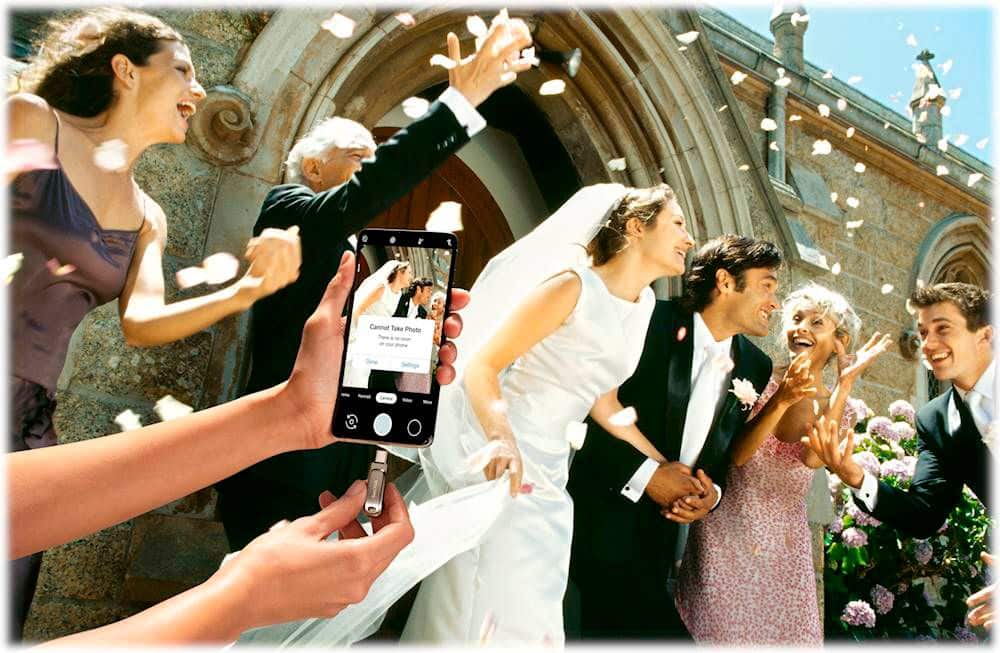
    • Answer This flash drive is compatible with iPhone 15/Pro via Apple Files App, but it does not support direct video recording.
    This question and answer was generated by AI based on customer and product data.

  • QuestionWhat is the maximum read speed of this SanDisk flash drive?

    • Answer The maximum read speed for this flash drive is 400 megabytes per second.
    This question and answer was generated by AI based on customer and product data.

  • QuestionHow does the SanDisk Memory Zone app work?

    • Answer The SanDisk Memory Zone app automatically backs up your recent photos, videos, music, documents, and contacts.
    This question and answer was generated by AI based on customer and product data.

  • QuestionWhat type of USB interface does this flash drive use?

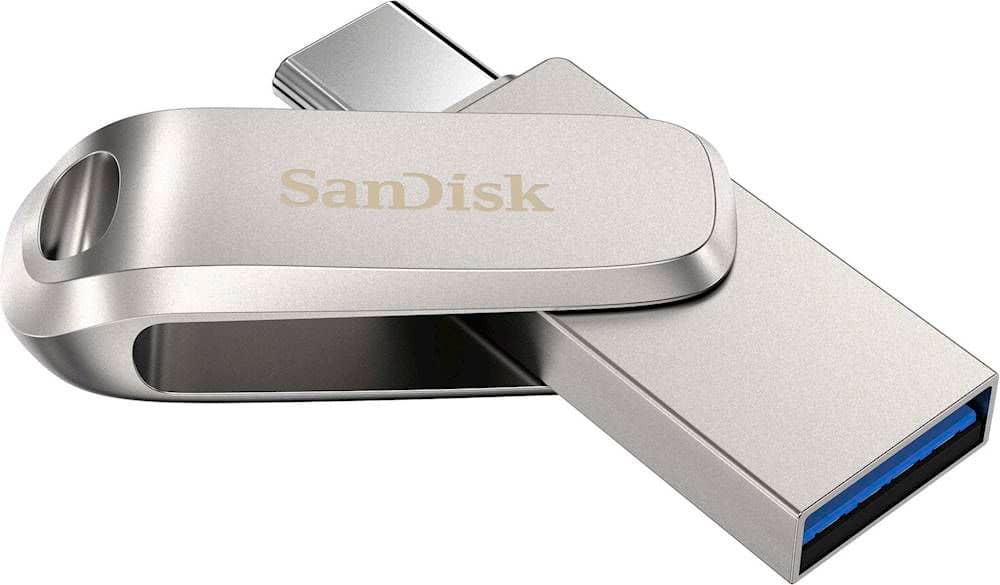
    • Answer This flash drive uses a USB 3.1 (Gen 1) interface for fast connection and is backward compatible with USB 3.0 and USB 2.0.
    This question and answer was generated by AI based on customer and product data.

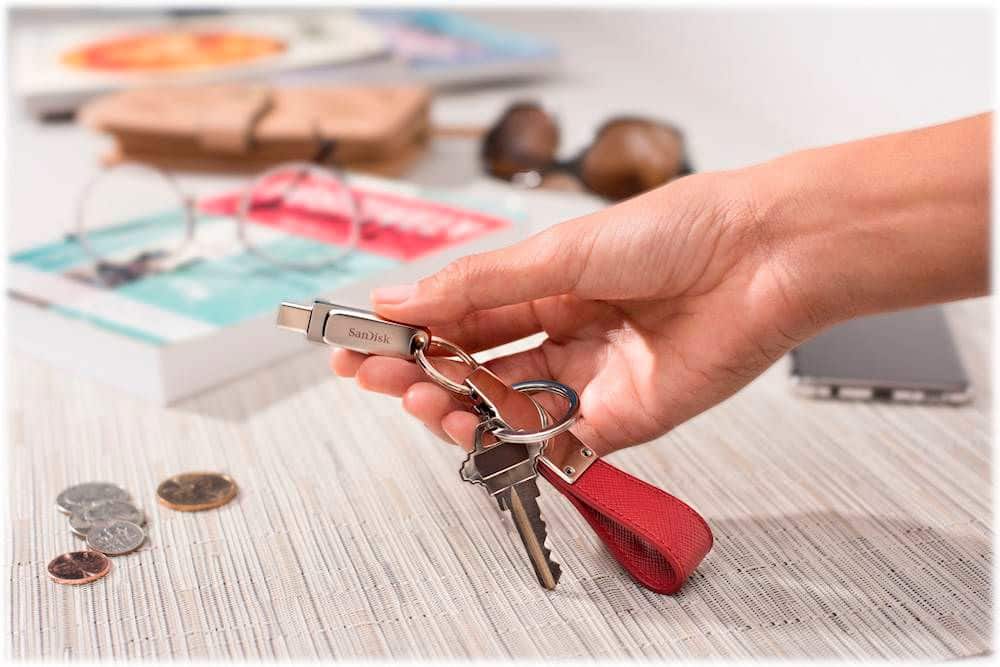
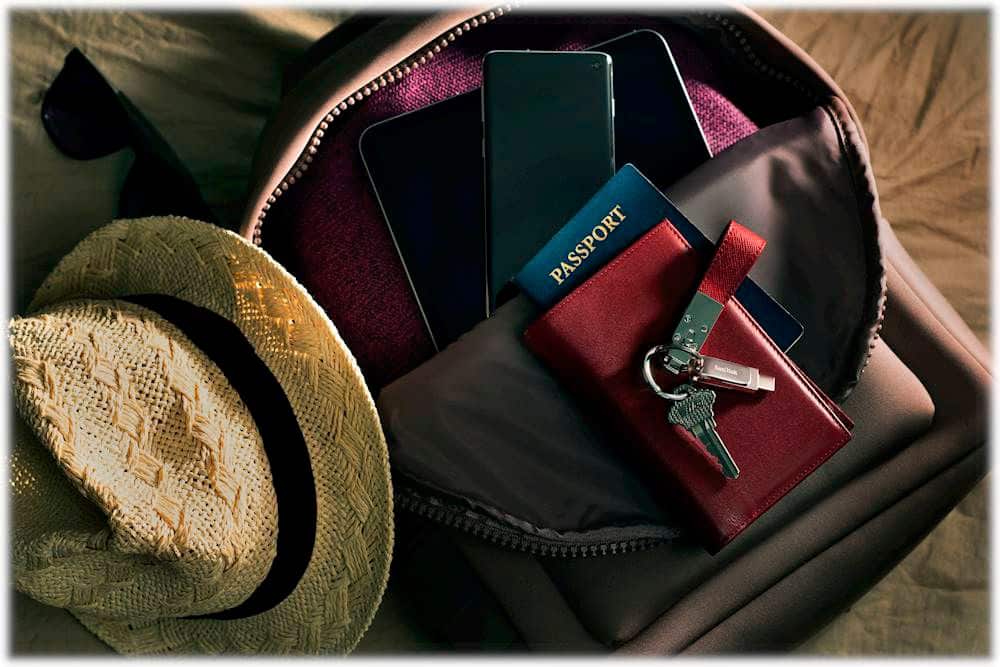
  • QuestionDoes this flash drive have a keyring hole?

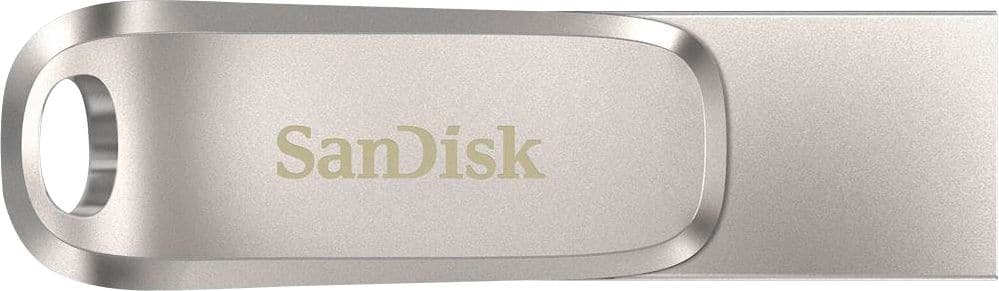
    • Answer Yes, it features a keyring hole to take your drive on the go.
    This question and answer was generated by AI based on customer and product data.

  • QuestionWhat is the storage capacity of this SanDisk flash drive?

    • Answer This SanDisk flash drive has a storage capacity of 256GB.
    This question and answer was generated by AI based on customer and product data.

  • QuestionHow to connect this to iphone. ?

    Asked by Anonymous.

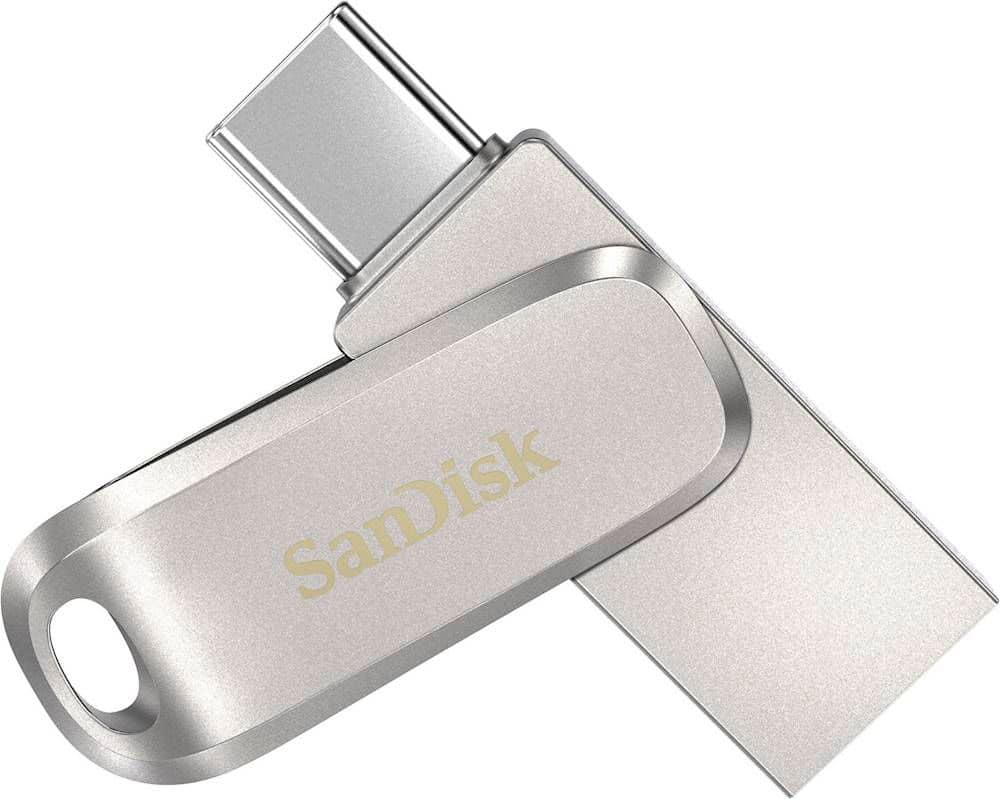
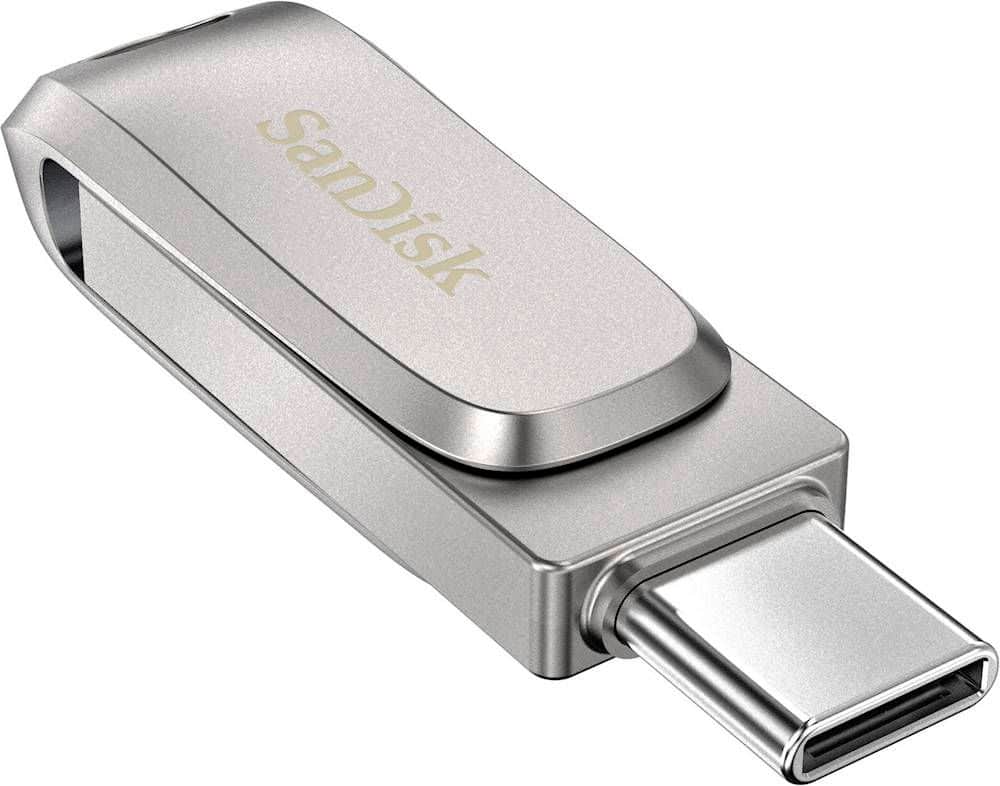
    • Answer Just flip(or rotate) the usb connector and it will show a smaller connector that goes into your phone.

      Answered by mrmvrtinez

  • Questioncan you use it to download music from computer to play in car stereo

    Asked by Anonymous.

    • Answer Hi, Please know, if your car stereo supports USB playback, you can use the SanDisk Ultra Dual Drive Luxe USB 3.1 Type-C Flash Drive to play music from your computer to your car stereo. Make sure your car stereo supports the USB drive file system and the file format of your music.

      Answered by SanDisk Team

  • QuestionJust purchased 9/13/25 . Trying to transfer pictures of grandchildren to my PC. My Iphone 16 Pro does not recognize it when it's plugged in.

    Asked by DAVE.

    • Answer Hi Dave, we apologize for the inconvenience. Please note that the Ultra Dual Drive Luxe should work with the USB-C port on your iPhone 16 Pro. Please ensure your iOS is up to date and try reconnecting. Also, try accessing the drive using the Apple Files app. If it still doesn't work, test it on a PC to confirm functionality. If the issue persists, please open a support ticket with a detailed problem description and relevant screenshots at (https://support-en.sandisk.com/app/askweb).

      Answered by SanDisk Team

  • QuestionMy Dell Inspiron 15 3000 notified me that Storage Space is low. Will this fix that issue?

    Asked by ShaunOS.

    • Answer Please allow us to inform you that all the SanDisk® Drives are plug & play storage device and you can transfer files to this drive so that you can free some storage from a computer. In order to know how to transfer files on this drive using a computer, please refer to the below mentioned link : -- https://kb.sandisk.com/app/answers/detail/a_id/104

      Answered by SanDisk Team

  • Questionif the drive is damaged for example: dropped on the floor or in water, is it possible to recover or save the data back?

    Asked by Cicakman.

    • Answer Hi, thanks for contacting us. Please be informed that if the drive is physically damaged (like dropped or exposed to water), data recovery depends on the extent of the damage. In mild cases, a data recovery service might help recover your files. It’s always best to keep a backup of important files in another safe location or cloud storage.

      Answered by SanDisk Team

  • QuestionIf I store photos in this drive with full storage capacity, how long will they last in the drive? Will the data eventually disappear on its own after a certain period of time (more than 5 years)?

    Asked by Cicakman.

    • Answer Hi, thank you for reaching out to us. Please note that your photos will not disappear on their own, even after 5 years. The SanDisk Ultra Dual Drive Luxe uses reliable solid-state flash memory designed for long-term storage. As long as the drive is stored properly and used with proper handling to refresh the data, your files can safely last longer. For extra safety, we recommend keeping a backup copy in another drive or cloud storage or you can follow 3-2-1 backup strategy. Please see (https://support-en.sandisk.com/app/answers/detailweb/a_id/52654)

      Answered by SanDisk Team

  • QuestionMy Mac is not communicating that it sees he drive except when I take it out. Then I get notification that it was wrongly removed. I can’t seem to figure it out.

    Asked by Anonymous.

    • Answer Hi, thank you for contacting us. It sounds like your Mac is detecting the drive only upon removal, which usually points to a connection or format issue. Please try connecting the drive to a different port or system to check. If the issue persists, you may open a support ticket at (https://support-en.sandisk.com/app/askweb) with a detailed problem and relevant screenshots.

      Answered by SanDisk Team

  • QuestionDoes this work with the Memory Zone app?

    Asked by Bazzkota.

    • Answer Hi, thank you for contacting us. The SanDisk Ultra Dual Drive Luxe USB Type-C works with the SanDisk Memory Zone app on Android devices, allowing file management and backups. However, on iPhone models with USB-C ports, it connects through the Files app only. For iOS, it functions as plug-and-play storage without app support.

      Answered by SanDisk Team

  • QuestionWill this work on iPhone 14

    Asked by Grammy.

    • Answer Hi, thank you for reaching out. Please be informed that the SanDisk Ultra Dual Drive Luxe won’t directly connect to your iPhone 14 since it doesn’t have a Lightning connector. For iPhone use, we recommend the SanDisk iXpand Flash Drive Luxe, which comes with both a Lightning connector (for iPhones) and a USB-C connector (for newer devices and computers). This makes transferring photos, videos, and files between your iPhone and other devices very easy.

      Answered by SanDisk Team

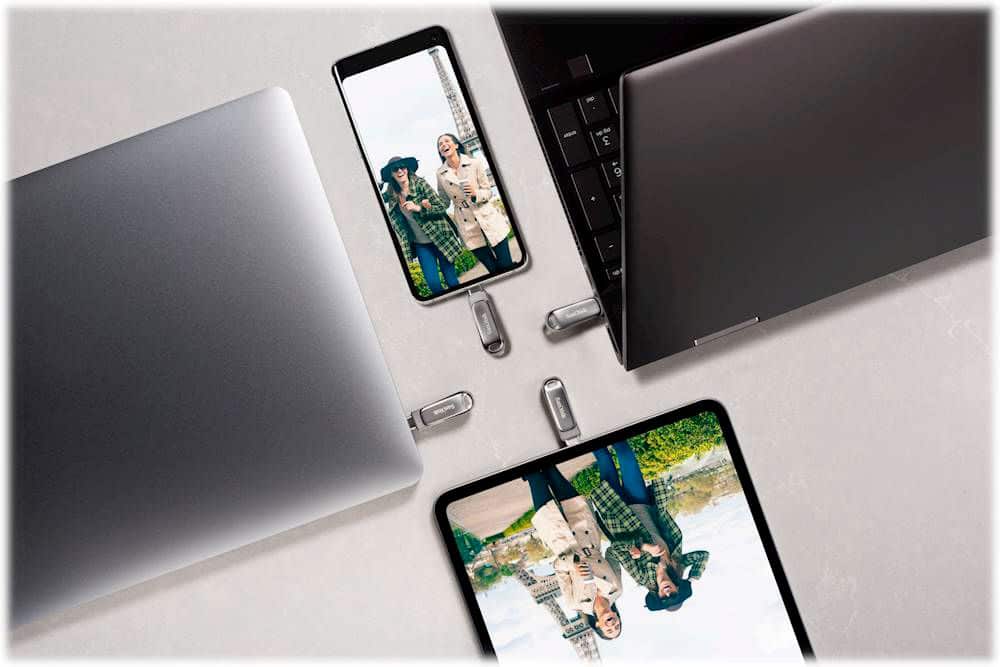
  • QuestionIs this flash drive compatible with Macbook Air?

    Asked by Gabi.

    • Answer Yes if you have either connection ports!

      Answered by Petrafied

  • QuestionCan i use this to save my steam library games on this instead of a hard drive

    Asked by Justinamazing.

    • Answer Possibly. Might suggest a larger storage capacity depending on what you are saving.

      Answered by Petrafied

  • QuestionDoes this work with the iPhone 15 Pro Max?

    Asked by Shelley.

    • Answer Please allow us to inform you that we have not tested the SanDisk Ultra Dual Drive Luxe 256GB USB 3.1 USB Type-C Flash Drive with the Apple iPhone 15 Pro Max. We would recommend you to contact Apple Support for compatibility inquires.

      Answered by SanDisk Team

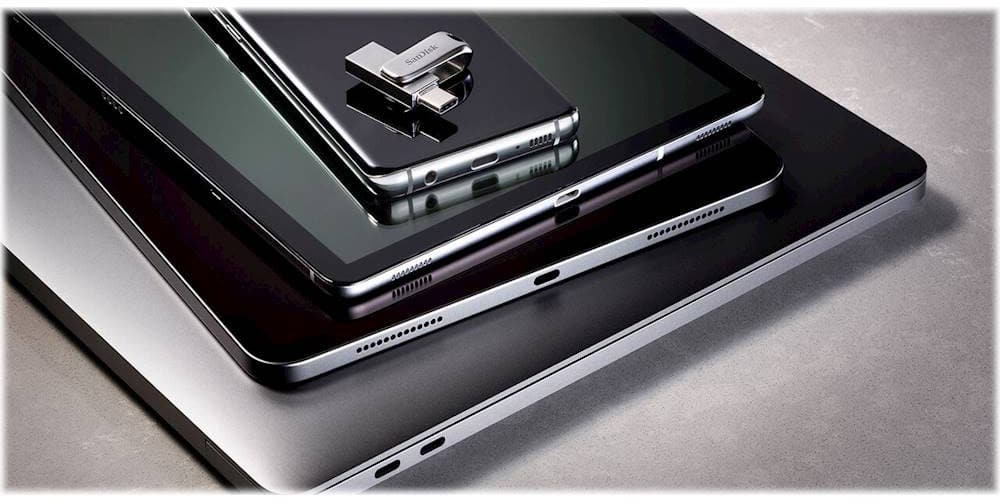
  • QuestionIs it compatible with IPAD PRO 6th generation?

    Asked by richie23349.

    • Answer Yes, the SanDisk® Ultra Dual Drive Luxe is compatible with the Apple iPad Pro as it comes with USB Type C port. We recommend to use the iOS Files app to move files to and from the device. For more information on how to use the native files app on your iOS device please refer to Apple Article HT206481.

      Answered by SanDisk Team

  • QuestionCan I use this for more space on my fire tv

    Asked by Vi.

    • Answer Yes

      Answered by Chapin