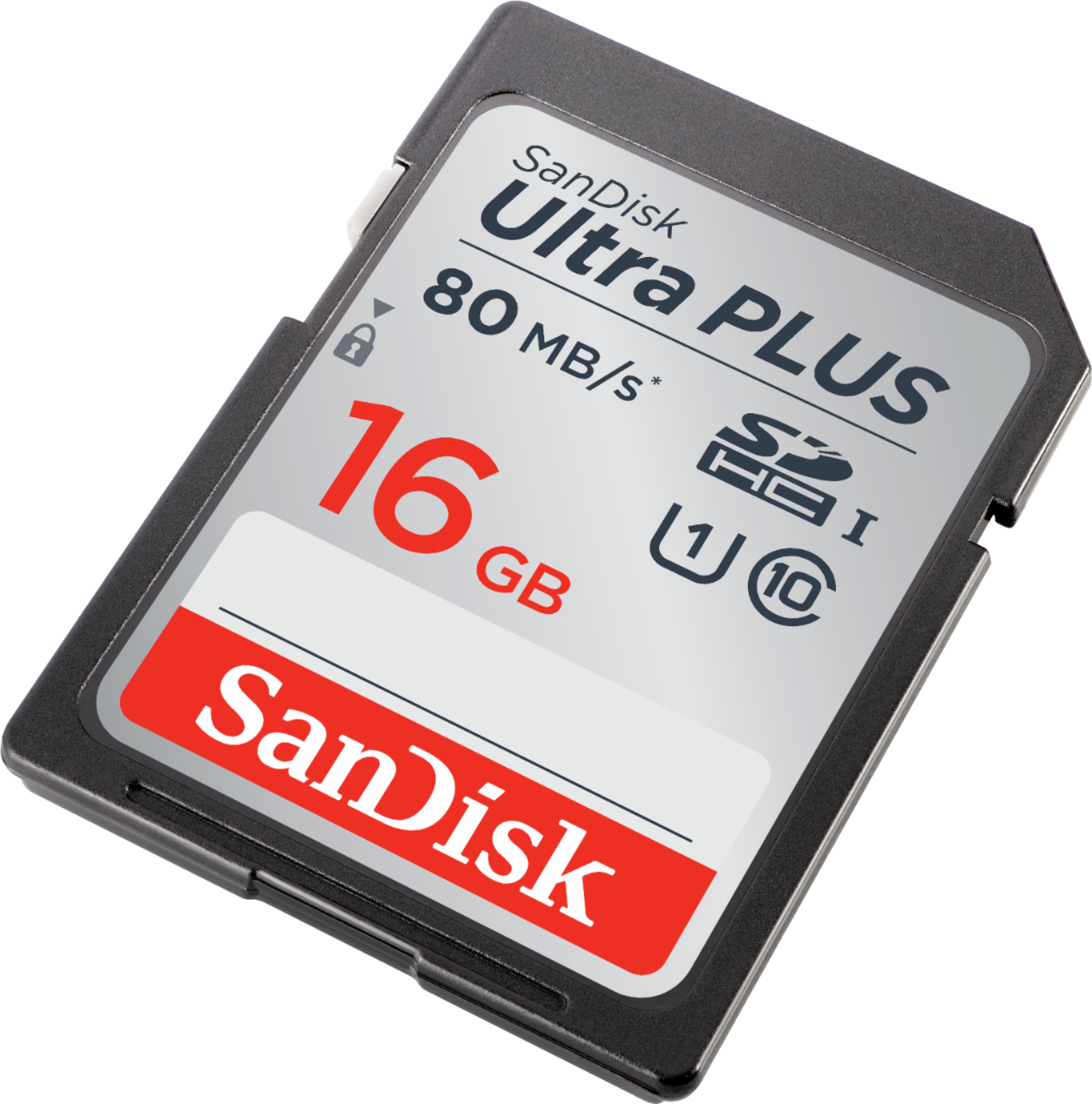
A:AnswerAs far as I know, there is no way to retrieve your photos once they are deleted. Best thing to do is to save/download all the pictures onto your computer as well as to a cloud storage.
Hope this helps.
A:AnswerHere is a guide from their website. It will vary depending on make and model along with the camera's settings. http://kb.sandisk.com/app/answers/detail/a_id/69/~/number-of-pictures-that-can-be-stored-on-a-memory-device
A:AnswerIf you shoot a lot of pictures, I would get 16GB. If not, then the 8 GB. Even the 8 GB will store about 2000 jpg files which is huge. The class is probably more important as the larger number will let you take pictures faster depending on your camera.
A:Answer2 GB is the maximum SD card capacity for the Nikon Coolpix 7600. This is straight from the Owner's Manual. I have this camera and tried to install an 8 GB card. I got an error message on the screen that the card would not work with the camera.
A:AnswerHi, please be informed that this Memory Card is a regular sized SD Memory Card and the GPS device you have mentioned does not support it. It only supports the smaller microSD Memory Cards. Hence, we suggest you to get a SanDisk® microSDHC Ultra Plus 16GB Memory Card from Best Buy.
A:AnswerYes, the SanDisk®️ SDHC Ultra PLUS 16GB Memory Card will work in the Nikon D3200 as it supports the SDXC Memory Cards. However, in order to know the numbers of pictures this Memory Card can hold, you may refer to the article using below mentioned link:
-- https://kb.sandisk.com/app/answers/detail/a_id/69
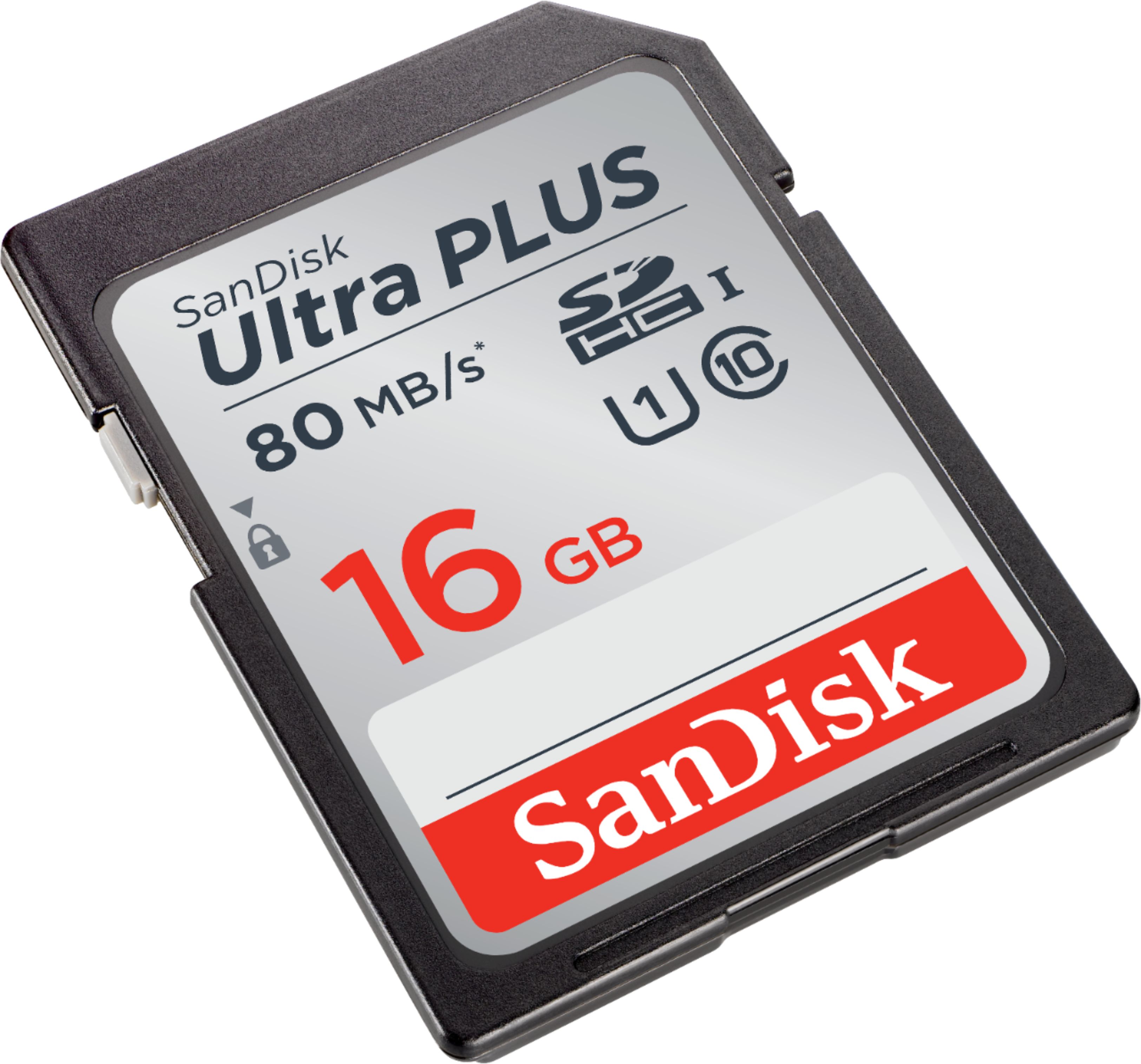
A:AnswerNo, the SanDisk®️ SDXC Ultra PLUS 16GB Memory Card will not work in the Nikon Coolpix L1 as it supports only the SD Memory Cards of upto 2GB capacity.