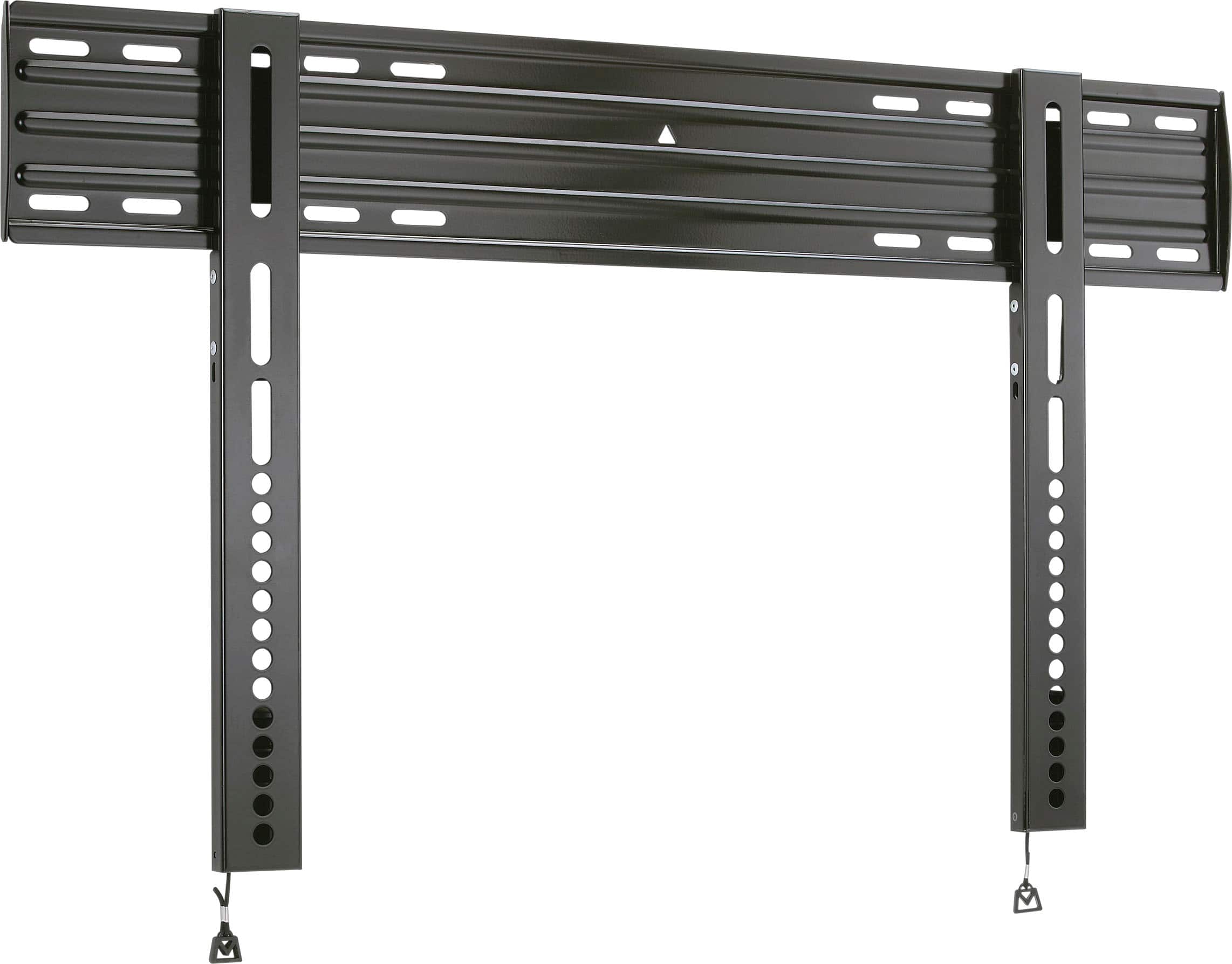
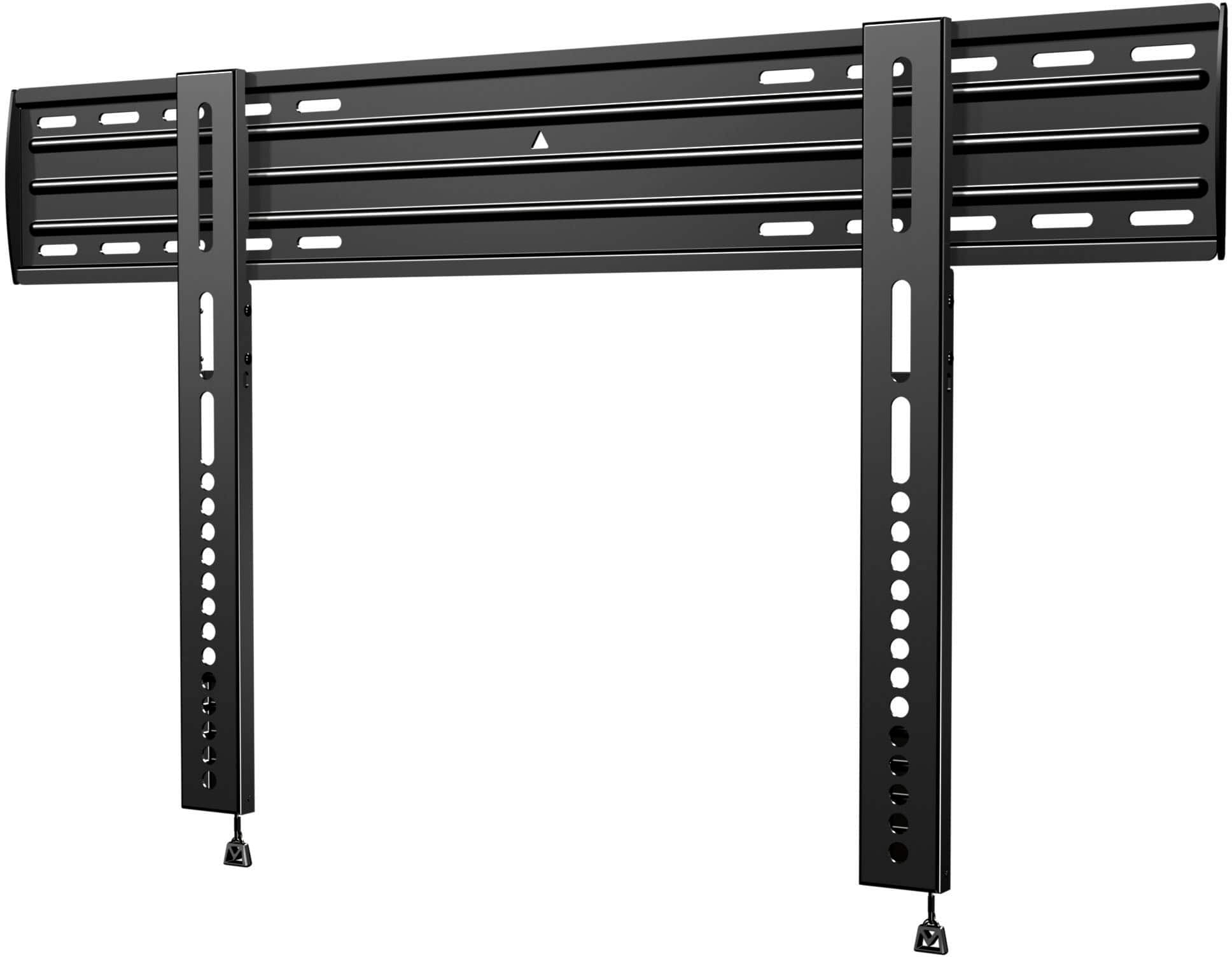
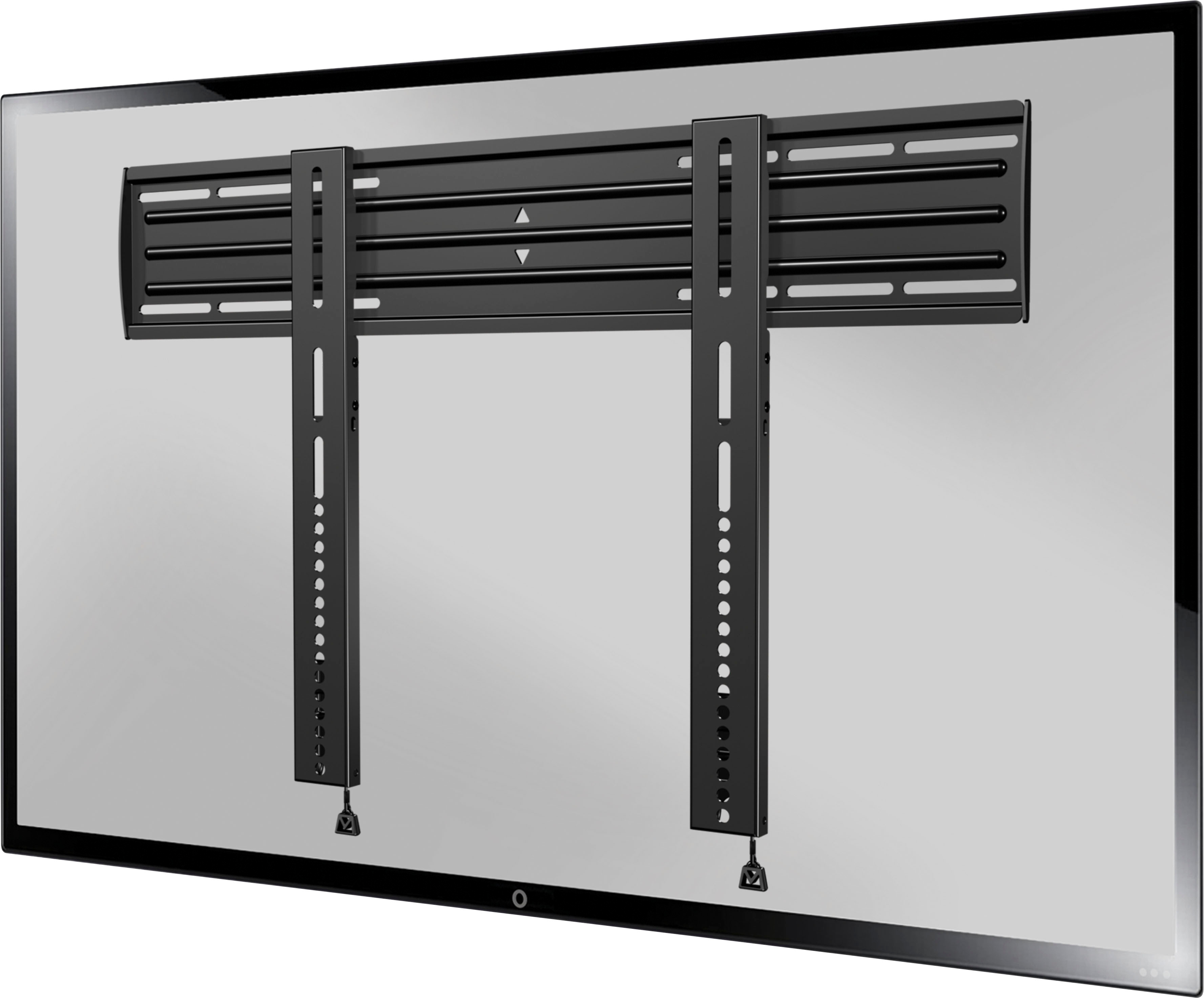
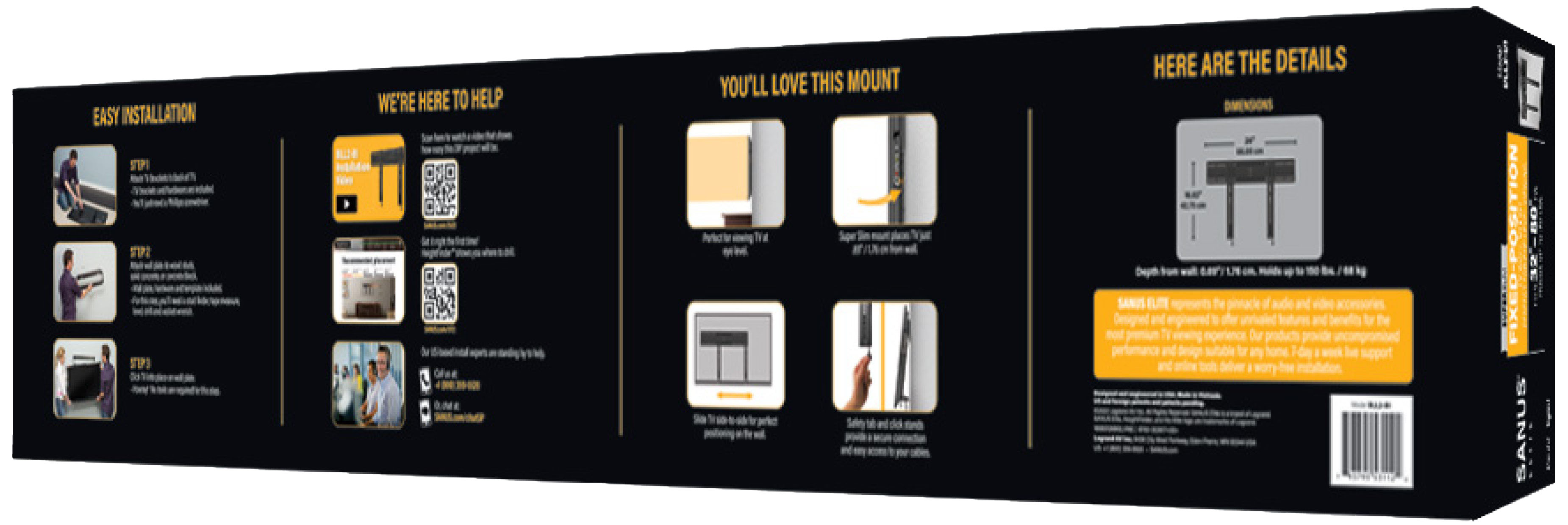
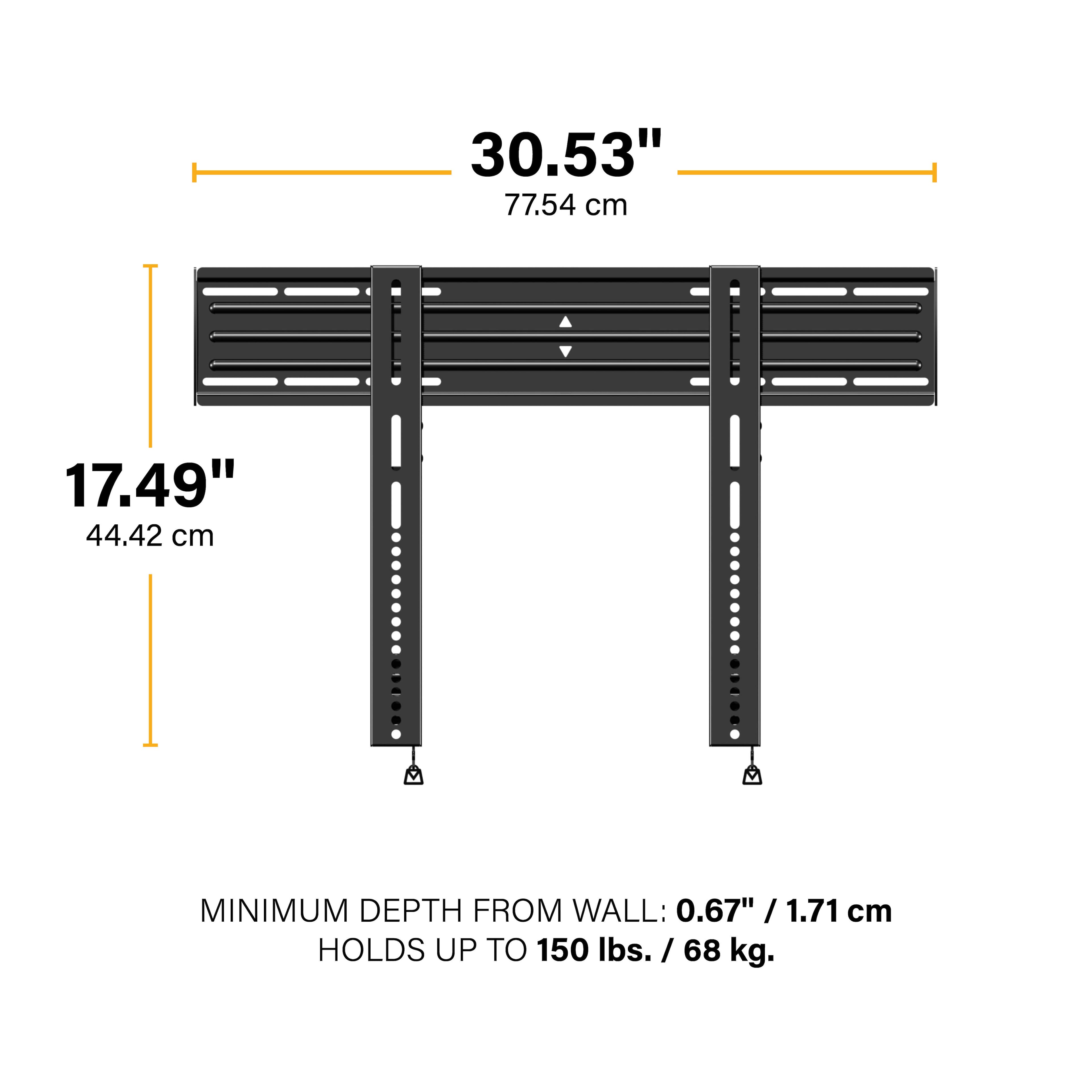
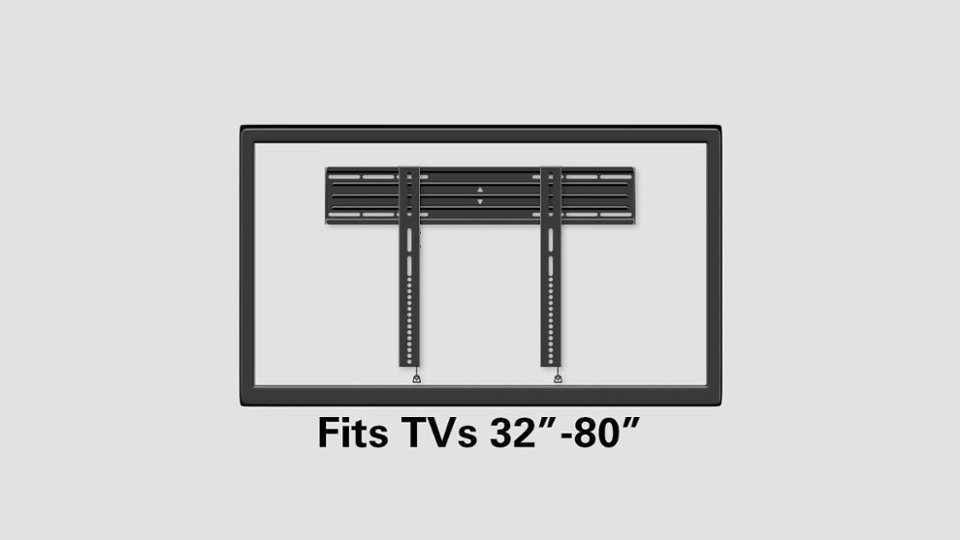
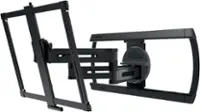
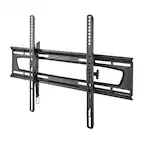
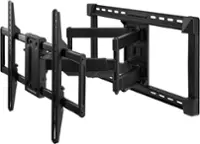
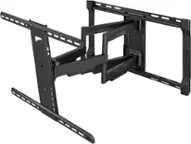
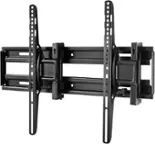
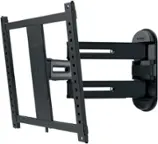
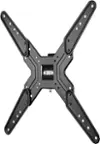
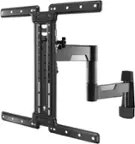
A:AnswerWell idk why it says that because i've used this mount to hang my LG 75" QNED tv 2023 edition so it should work on everything up to that anything bigger i couldnt tell ya if it will work
A:AnswerHi Joseph,
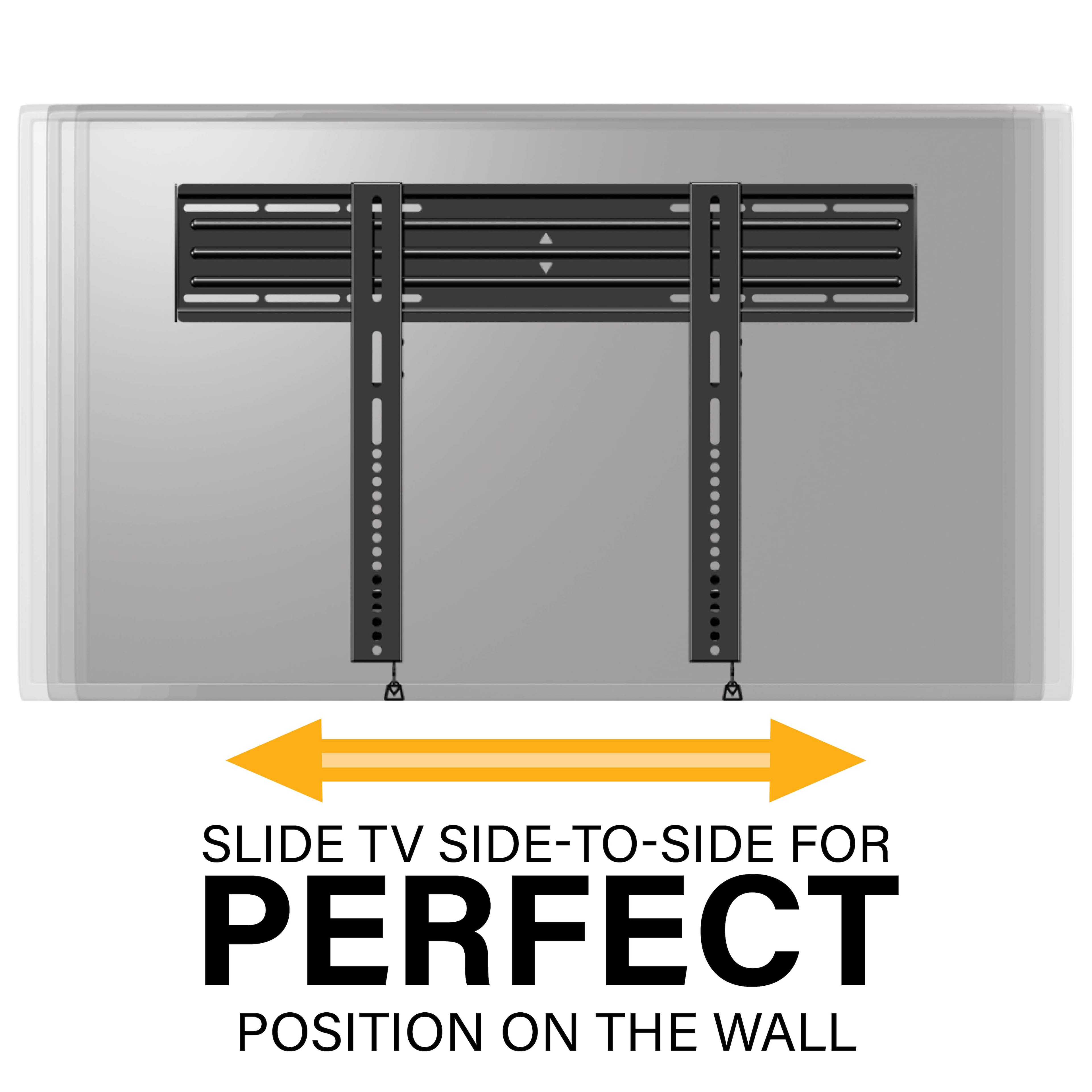
Yes this mount allows you to easily slide your TV left or right once it has been mounted on the wall. If you have any other questions please give us a shout at info@sanus.com or 1-800-359-5520. Thanks, Nate @ SANUS
A:AnswerHello,
I'd need a bit more information to determine the compatibility with your TV. Do you know the model number? You could also give us a shout at info@sanus.com or call 1-800-359-5520 and we'll be able to give you more info.
Thanks,
Nate @ SANUS
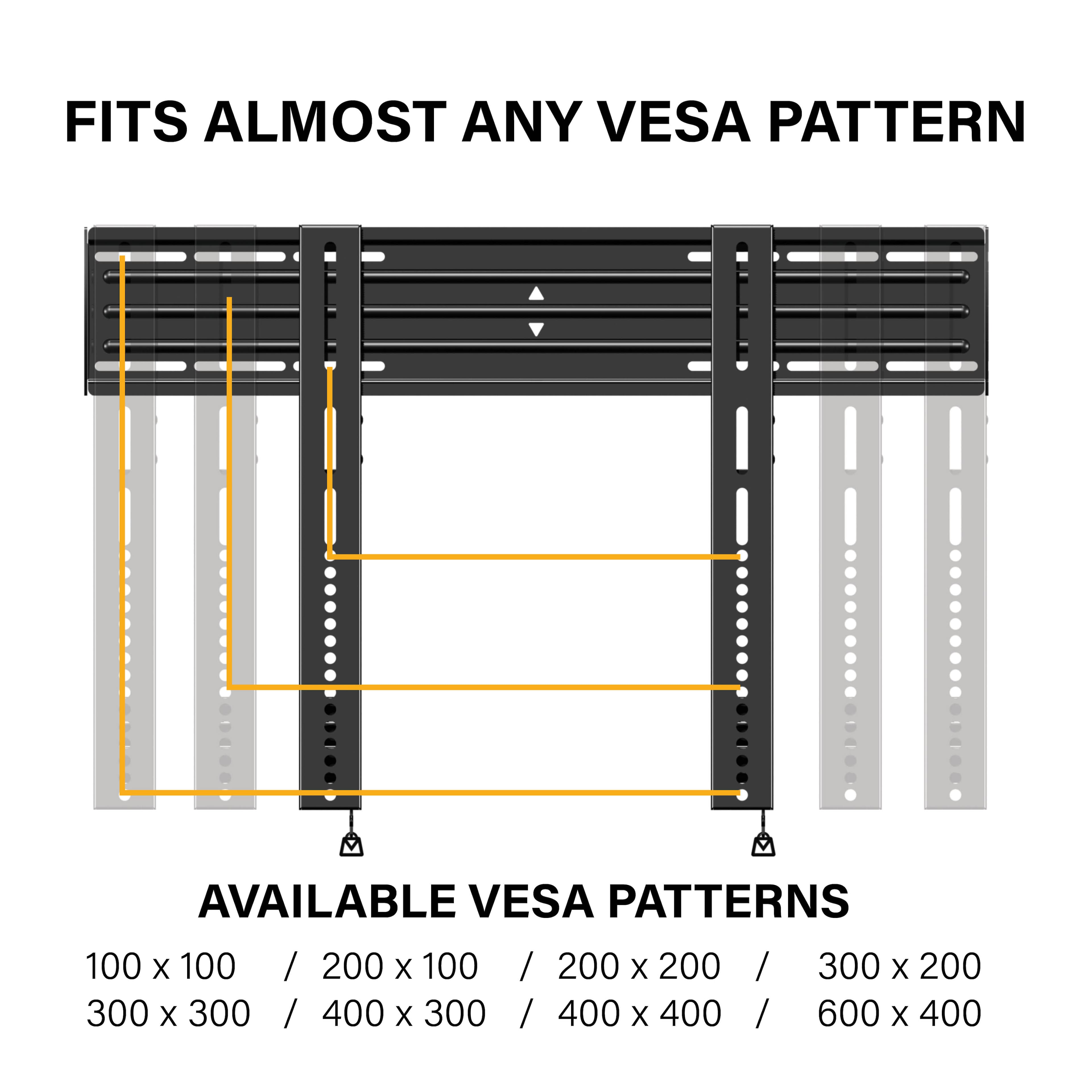
A:AnswerMy concern is the Samsung owner's manual that has the following unclear language: "Our 58” and 63” models do not comply with VESA Specifications. Therefore, you should use our dedicated wall mount kit for this model."
I guess I'll have to wait to actually get the TV and the mount next to each other...