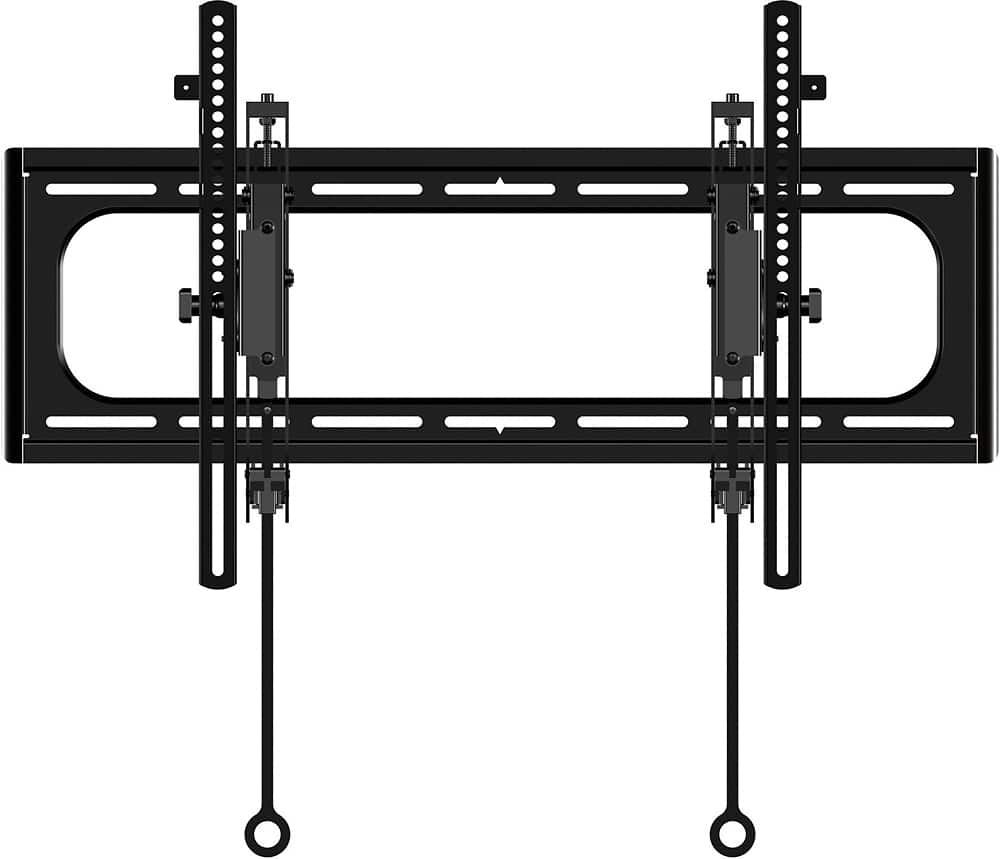
A:AnswerI don’t see it being an issue as it can slide horizontally with a nice little buffer of space. And you’re mounting some big screws into the stud. It’ll work out for you.
A:AnswerDepending on what kind of tv it’s is you can adjust arms on tv to compensate height adjustment. Adjust arms up to move tv down , move arms down to push tv up .
I hope this helps
A:AnswerI dont know specifically but I would recommend gently screwing in different screws till you find one that threads in about and 1" - 1.5" and threads all the way in without hitting the back of the TV screen. i.e. Screws all the way in without resistance
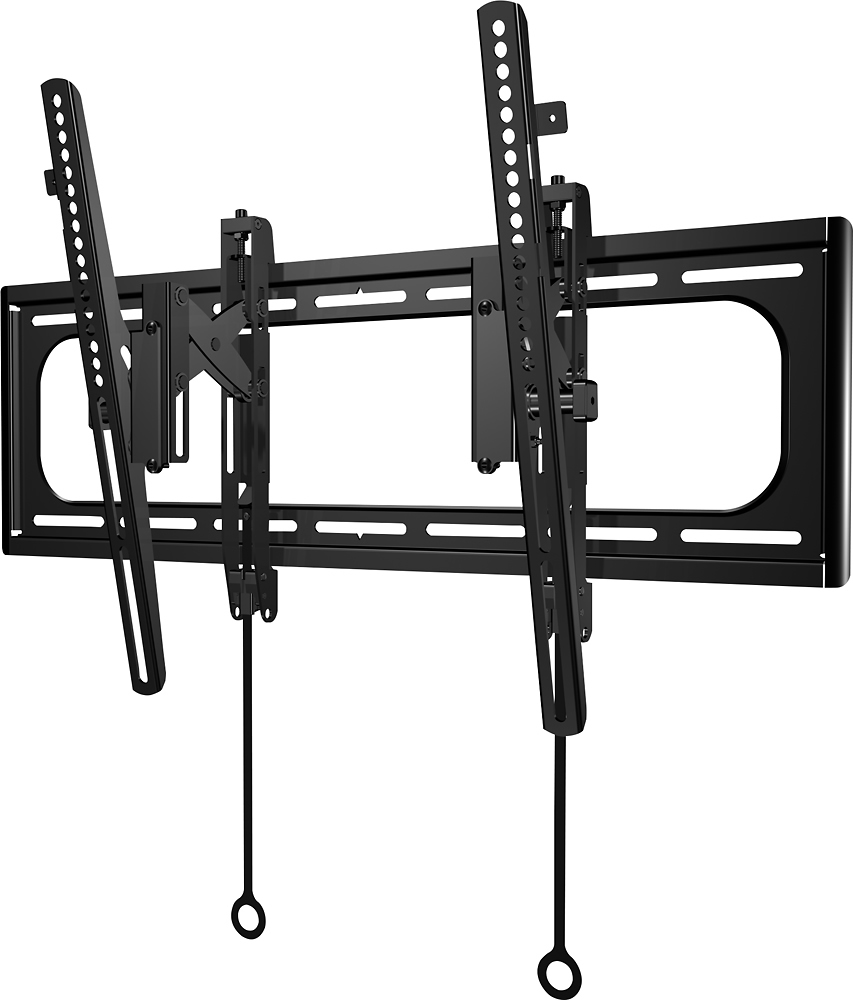
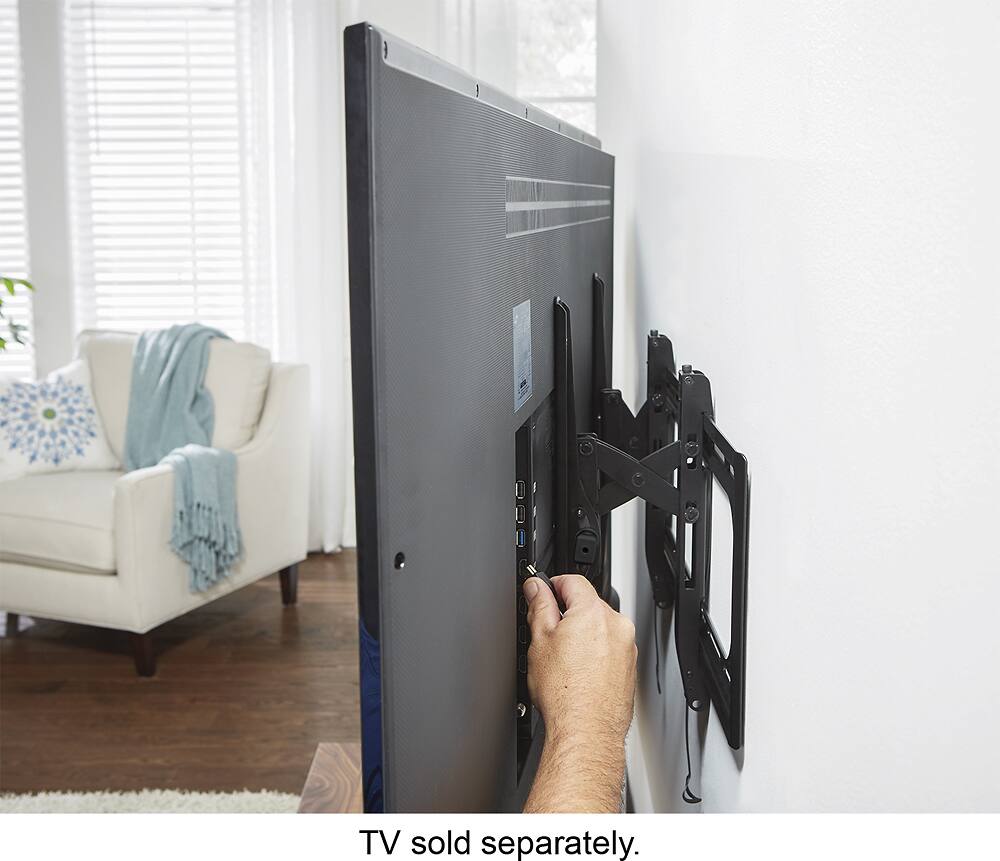
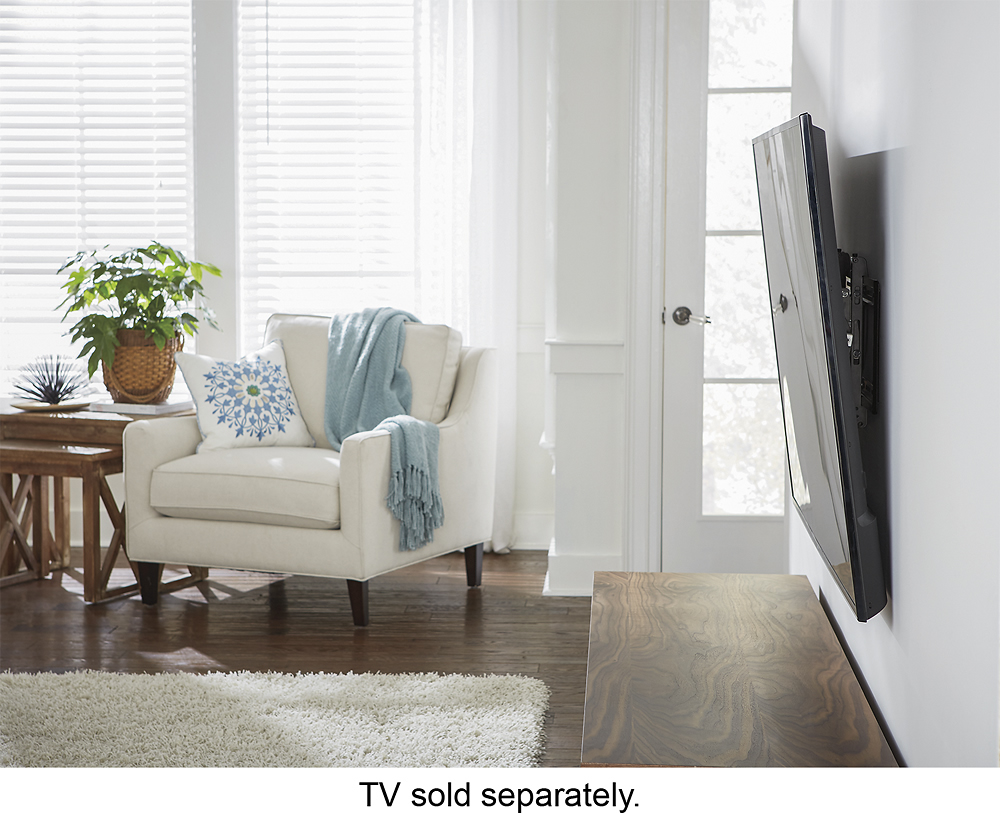
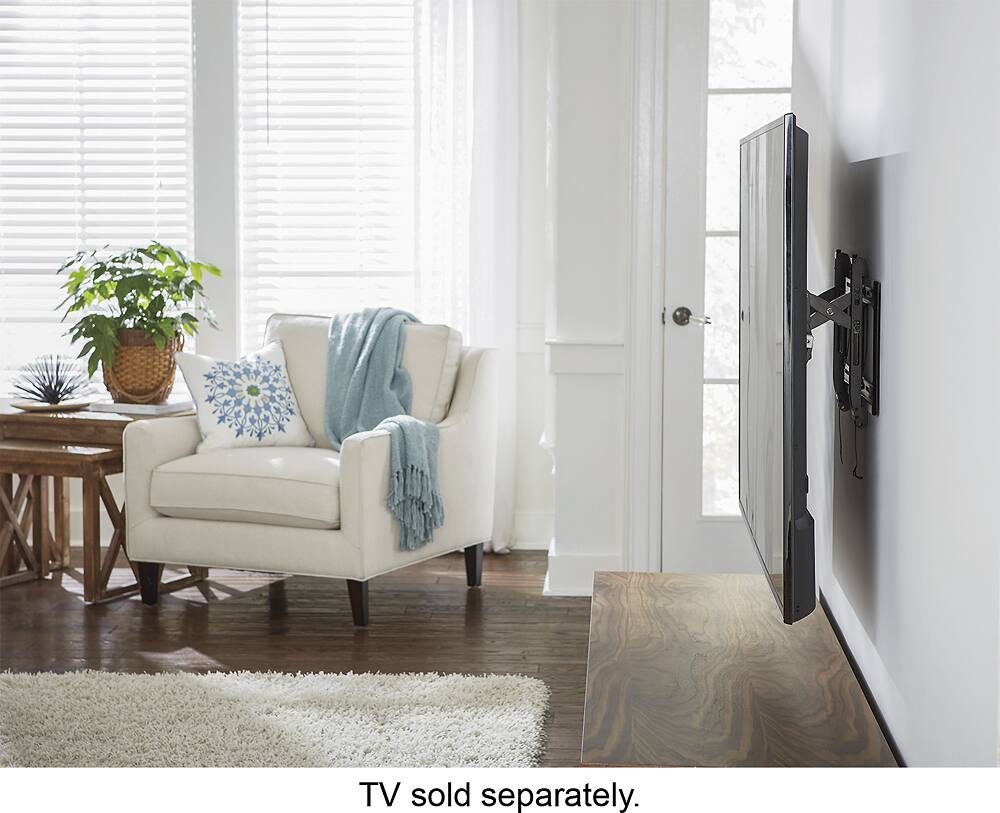
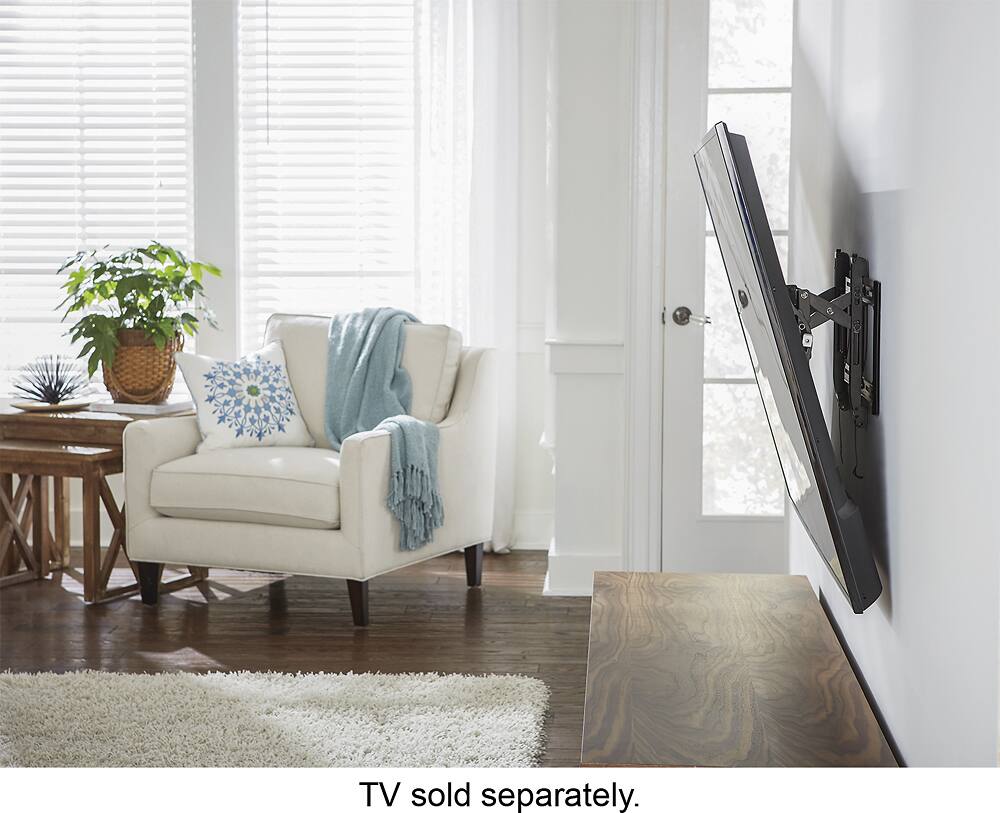
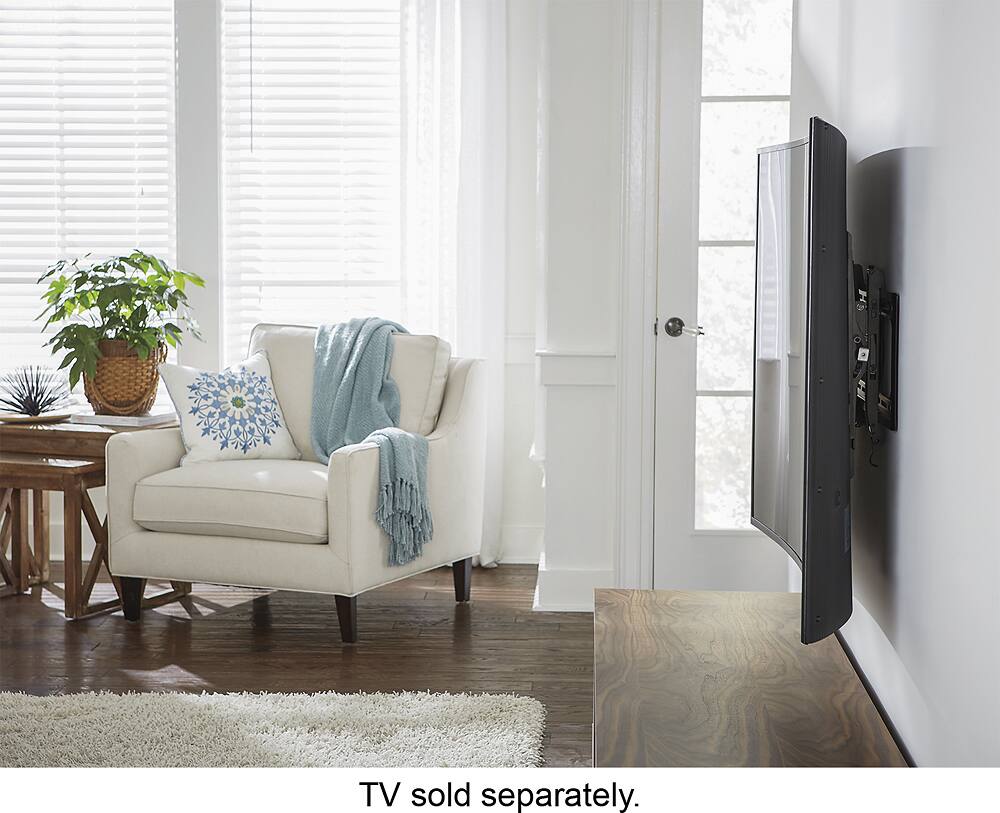
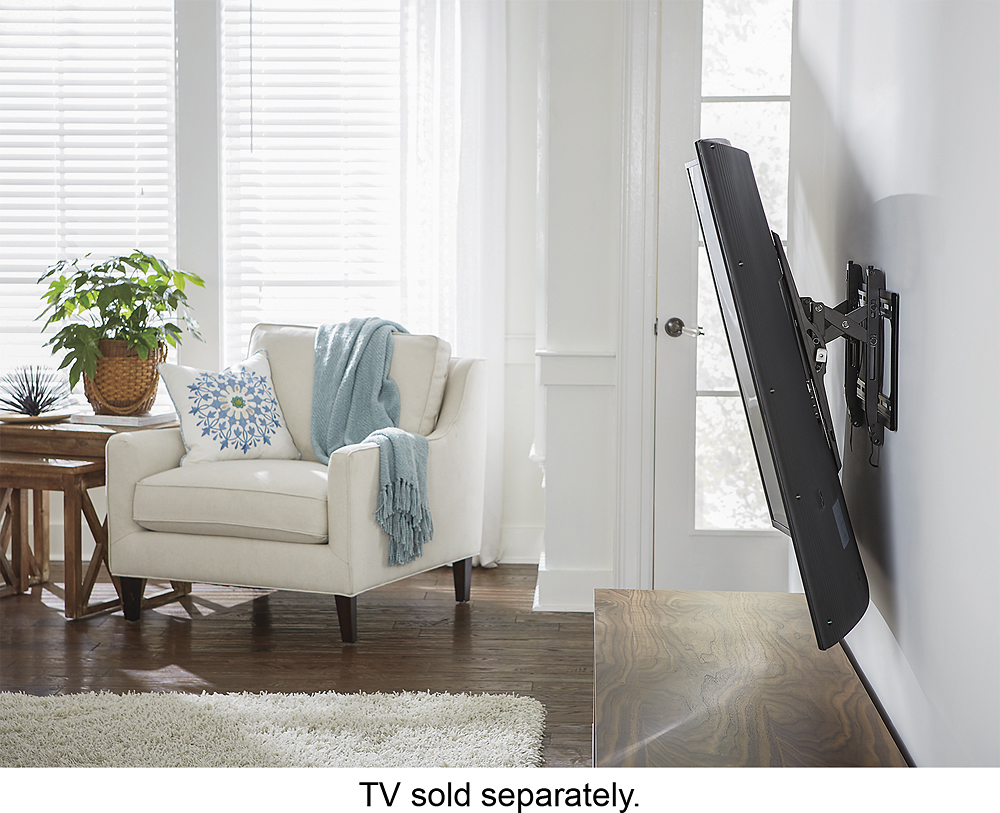
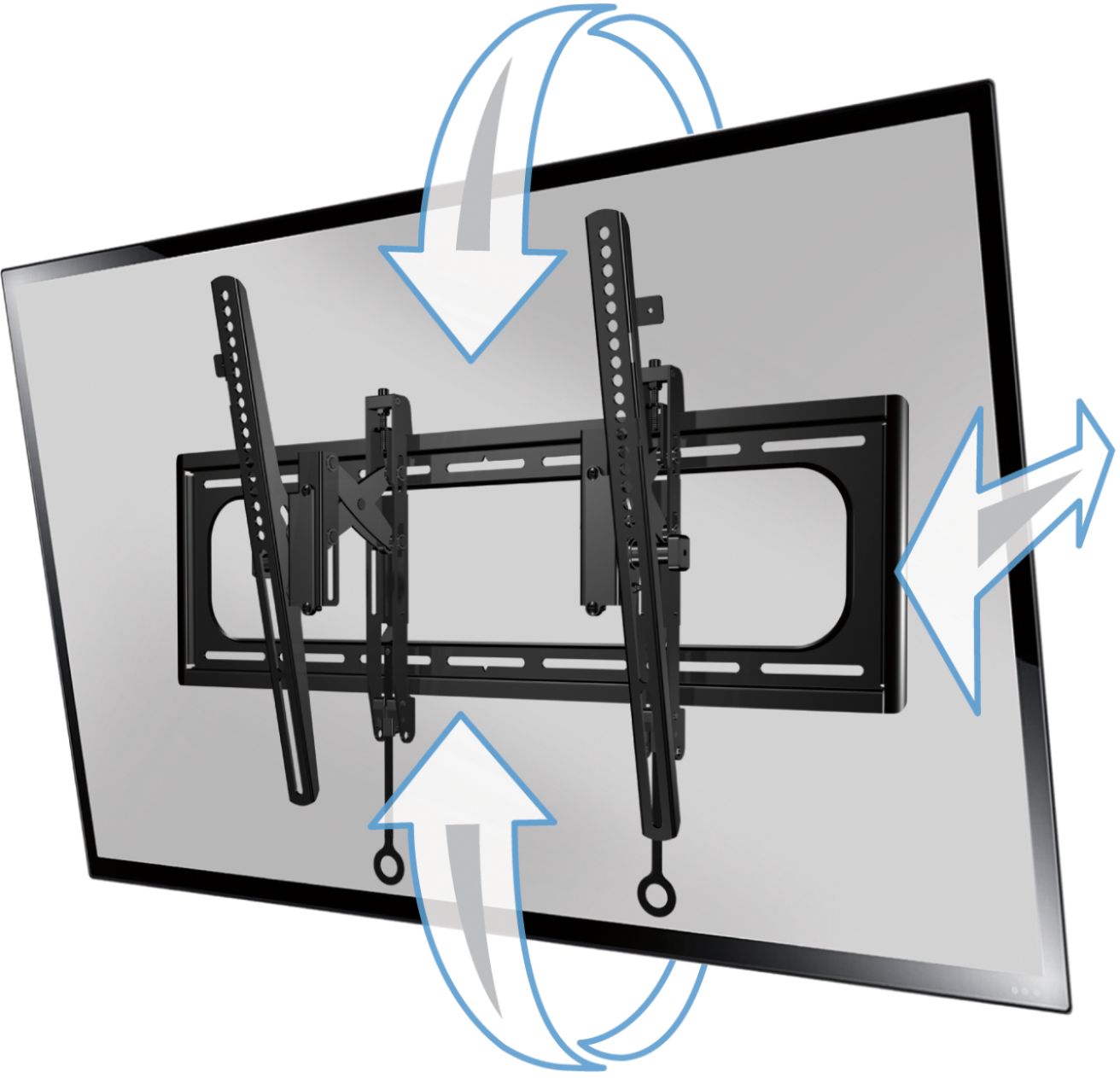
A:AnswerAccording to the manual, the TV can tilt forward from the top about 12 degrees.It can also extend from the wall about 5.7 in. I hope that this will help you.
Nick
A:AnswerHardware comes with the Wall Mounting package. A few spacers are included that may give you enough clearance on the back of the TV part of the wall mounting package. You may want to check with the manual to see if any specific instructions are given for wall mounting. I hope that this will help you.
Nick
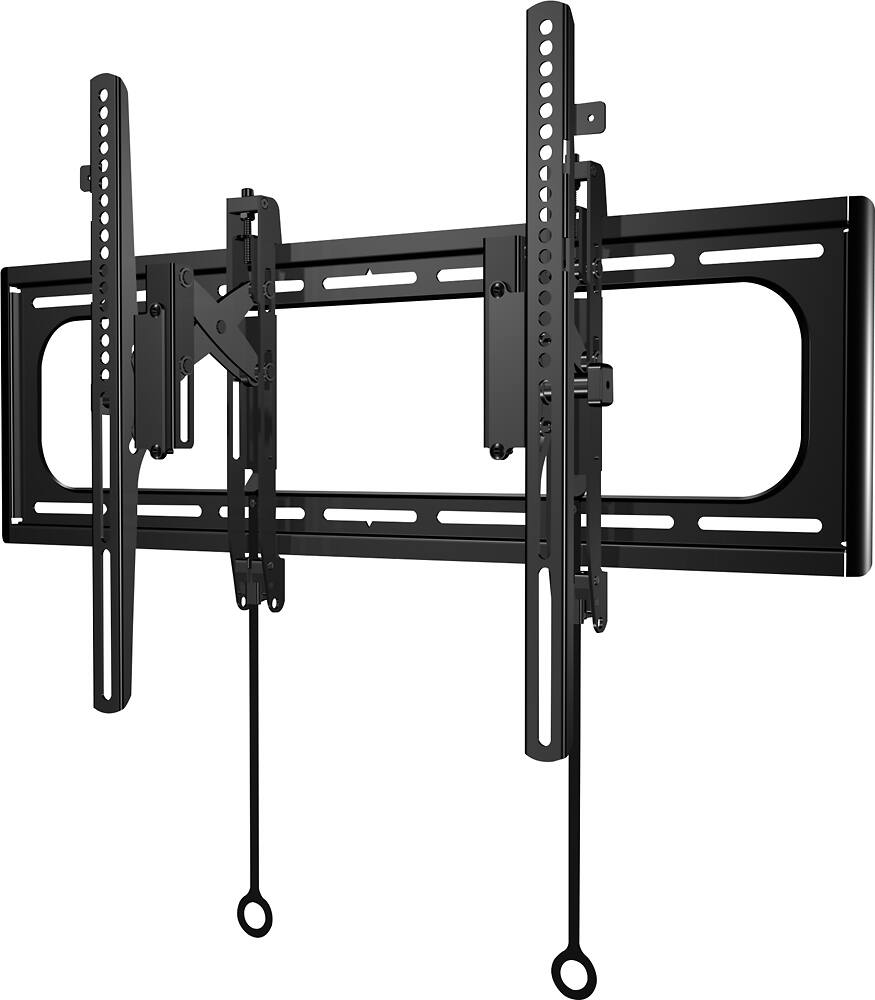
A:AnswerOn the box it states that this model of the SANUS TV Wall mount (BTL2-B1) fits TVs 42 in. to 90 in. and holds up to 150 lbs. This wall mount is very heavy duty. It comes with just about all the hardware that you will need. The manual for your TV should give you the information for the size screws or bolts that you need to attach the TV part of the wall mounting system. There are two parts for the wall mounting package. One attaches to the TV and the other mounts to the wall. The instructions that come with the package are very easy to follow and all the hardware that you will need is included. I hope that this will help you.
Nick