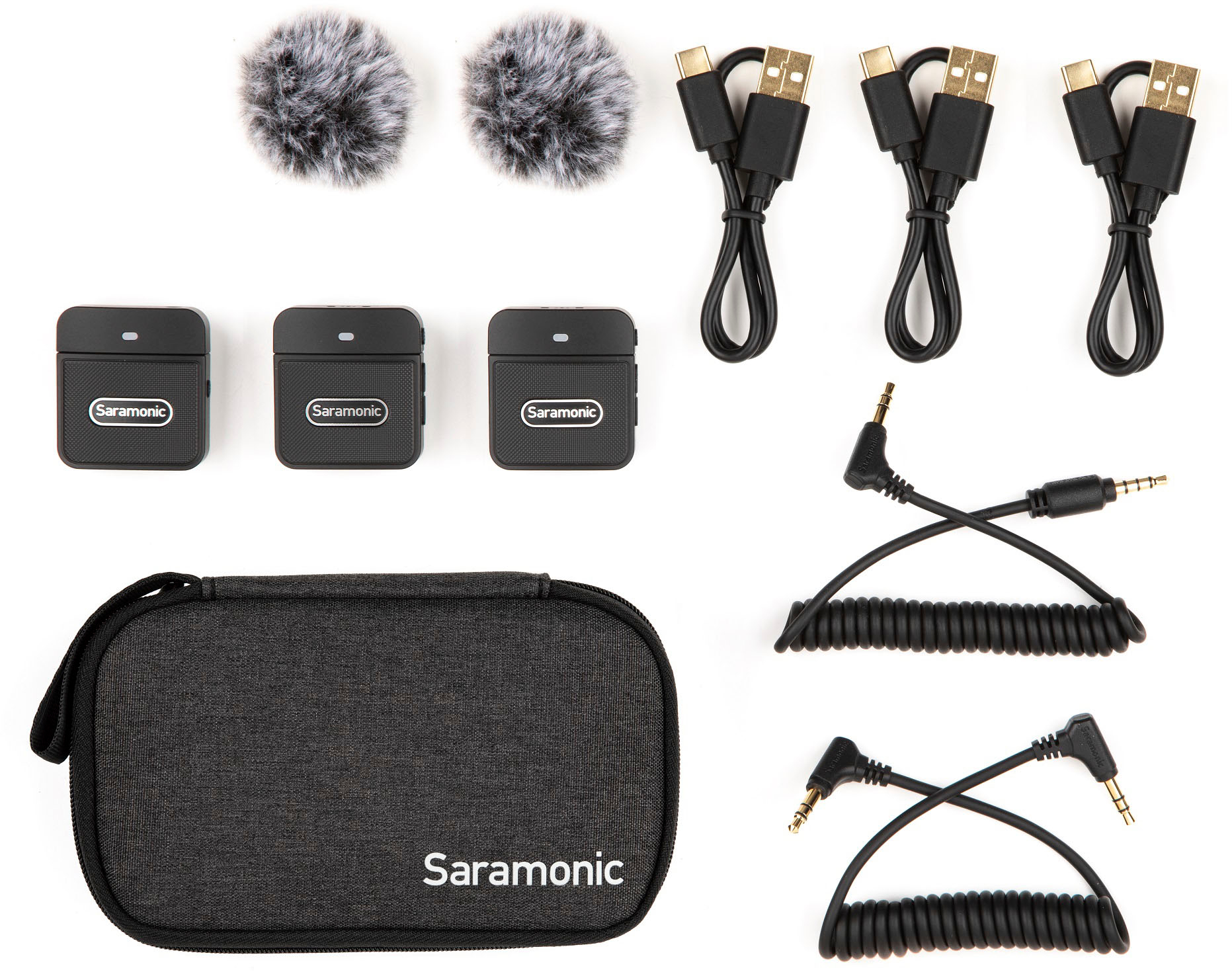
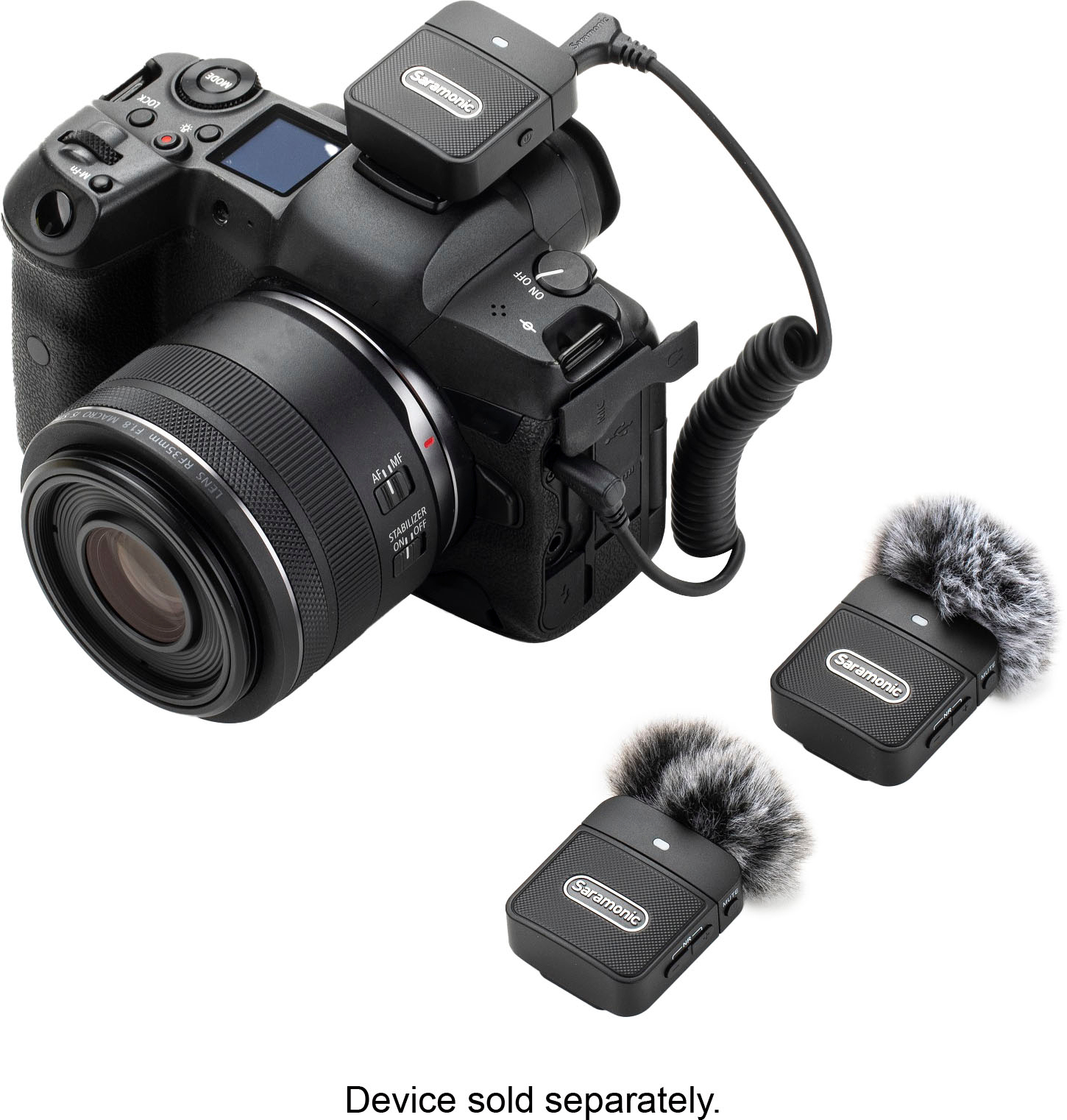
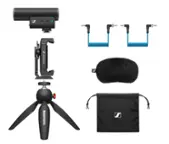
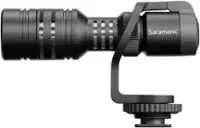
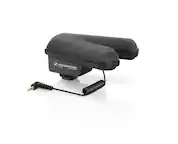
A:AnswerYes. Please use the included TRS to TRRS (right-angle to straight) output cable into your Galaxy s8's headphone port. Make sure to plug in the straight end into your phone. Also, remove the cable to playback the videos and recordings.
A:AnswerYes, but you will need the GoPro Mic Adapter or the GoPro Media Mod to use any external mic. Best Buy sells the Media Mod: https://www.bestbuy.com/site/gopro-media-mod-hero12-black-hero11-black-hero10-black-hero9-black-black/6429539.p?skuId=6429539
A:AnswerIt would not cancel the noise completely, but the noise Will be barely noticiable. Honestly, the Quality is excellent for this type of projects, i'm saying this because I got this product for the same reason.
A:AnswerYou could connect the receiver to a Bluetooth transmitter and receive these 2x mics into a computer. Plugging in the Blink 100 B2's receiver into something like this: https://www.bestbuy.com/site/aluratek-bluetooth-audio-transmitter-black/6332920.p?skuId=6332920
But you will need a BT transmitter of some sort.
A:AnswerNo.
You can buy a second set, and connect the second receiver to another device for recording though. But you need a device that has multiple inputs if you want to connect them to the same device. Consumer cameras do not have enough inputs.
A:AnswerI’m having the same problem, It doesn’t work with my Iphone 15, and I already tried to do what they already answer. Please tell me if it worked for you.