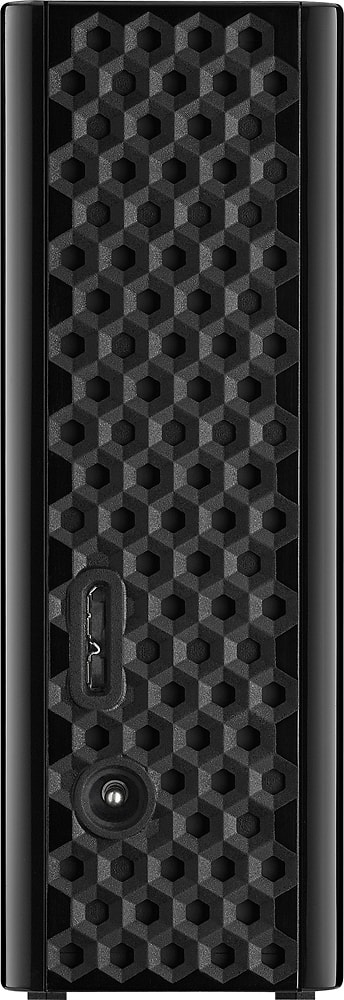
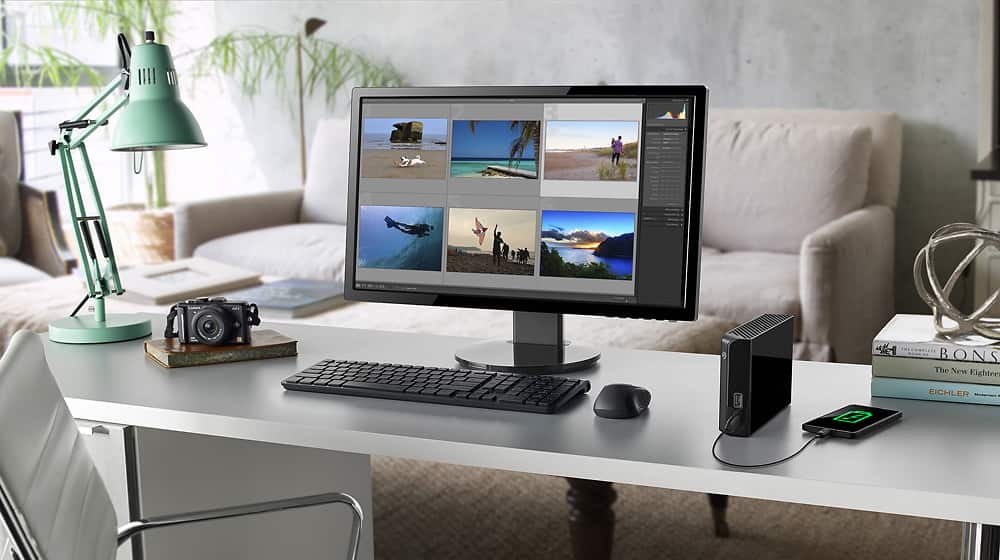
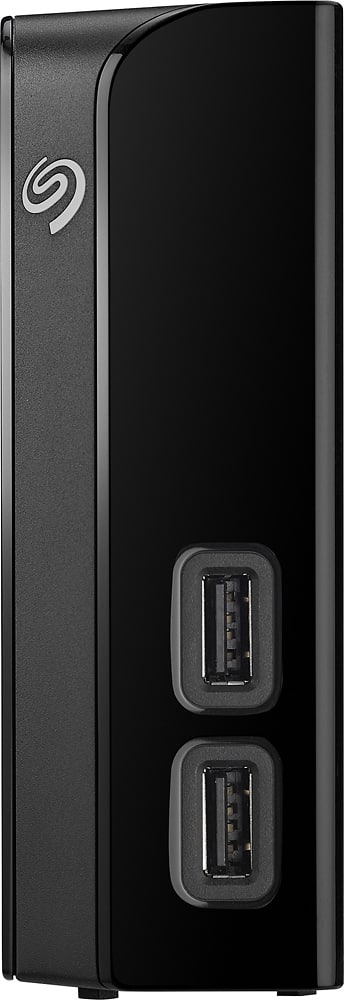
A:AnswerThe network card needs to be powered and all of the drivers/software needs to be accessed so yes the computer needs to be turned on. This is a hub meaning you can access other USB drives via the 2 USB 3.0 ports on it has. That allows you to plug this drive directly into the computer and 2 more drives in the 8TB drive, meaning 3 drives are sharing one USB Port on your computer. If you are looking for a standalone "hub", you need to search for "Network Attached Storage" or NAS. That's different. It has software and hardware on the drive to allow it to operate independent of a computer and be recognized on your network without being attached to the network via a computer.
A:AnswerIt's just like any other external drive. Just plug it in, plug in the USB cord to your computer, click through any install options that your computer pops up with, and then it's ready to use.
A:AnswerYes you can back up as many as you like but I would recomend not doing cross platforms. If you are using cross platforms like Windoze and Macs, buy two drives. Format one for WINDOZE AND ONE FOR MAC. KEEP THE MAC BACKUPS ON THE MAC FORMATTED DRIVE AND THE WINDOZE BACKUPS ON THE WINDOZE FORMATTED DRIVE. I TRIED TO USE THE paragon driver from Seagate and it ran into some issues so I got a second drive and now problems should be eliminated. What happened was my Mac could not use the drive anymore because the catalog and Volume became corrupted. Luckily I saved everything before it was to late and then reformatted the drive. Avoid the problem and buy two different drives if you need to. If not, you can backup several computers to the same drive no problem. Also, always make sure to properly eject the drive. Good Luck!
A:AnswerIt should. Usually any issues with connectivity have to do with the contacts on the cable wearing out. It is a great drive i have two for xboxes, and one for my computer.
A:AnswerNot sure about that. I was able a few years ago able to hook up an external HD to my DVR recorder and save shows there. If your DVR allows that then I would presume you could save shows to it. I use the 8TB HD to save Xbox one games to it.
A:AnswerI would think so. My xbox one loads all my games to the hard drive and i have no issues playing games. No you don’t have to partition the drive.
A:AnswerHello Yeye,
Since you are getting an error code when connecting the Seagate Backup Plus Hub to the Windows 7 computer, we'll need to troubleshoot the device. Also the best way to explain how the backup software works, will be on the phone.
Please use following link to contact our technicians so that we can better support you:
https://www.seagate.com/contacts/
Regards,
Zac
Seagate Support
A:AnswerI have seen other drives made specifically for playstation, not sure if they made one of this model for the PS. I would think that it should work, but maybe contact seagate to ask.
A:AnswerMy understanding of hard drives in general is this, the more you access said drives the more wear and tear on it. If you occasionally store things on it and just let it sit, then it can store data for long time. That’s why C: drives crash frequently, they are the drives most frequently accessed.