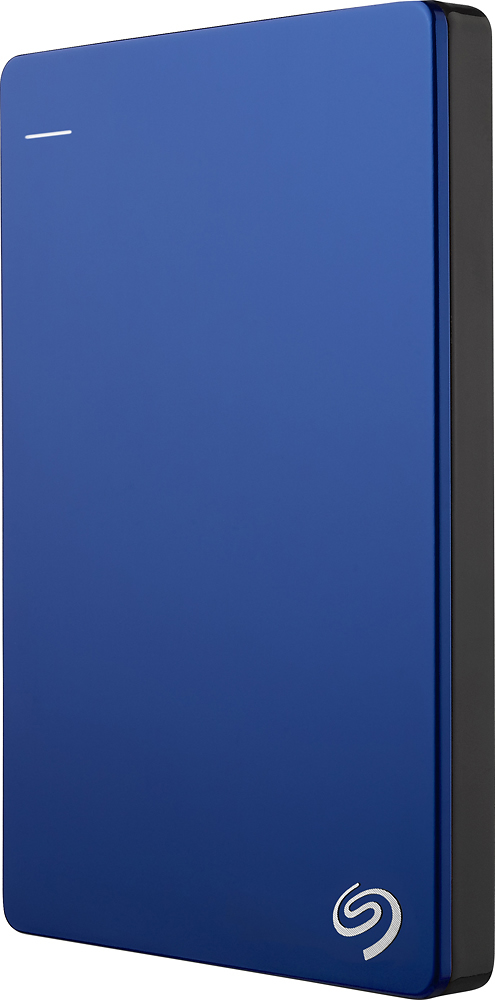
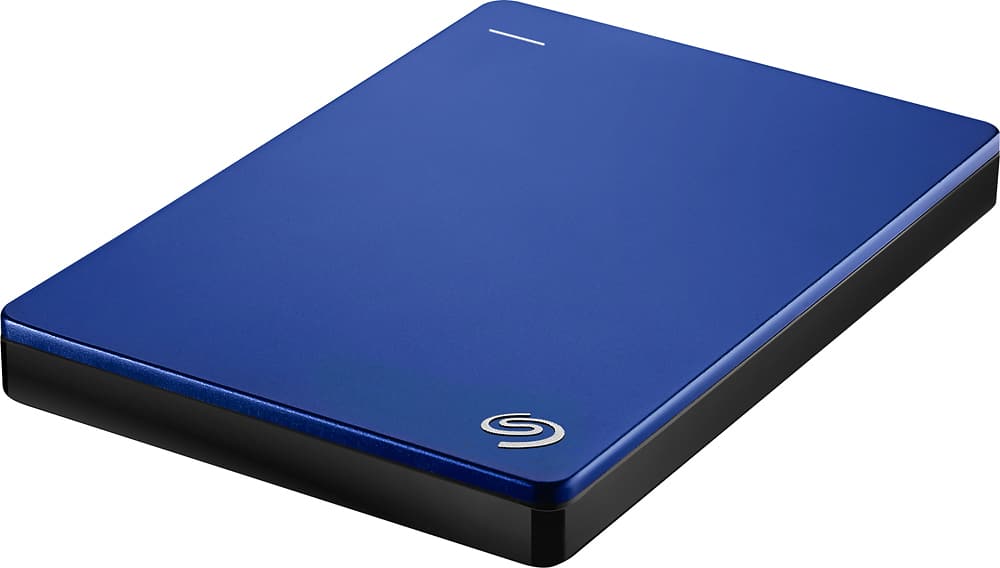
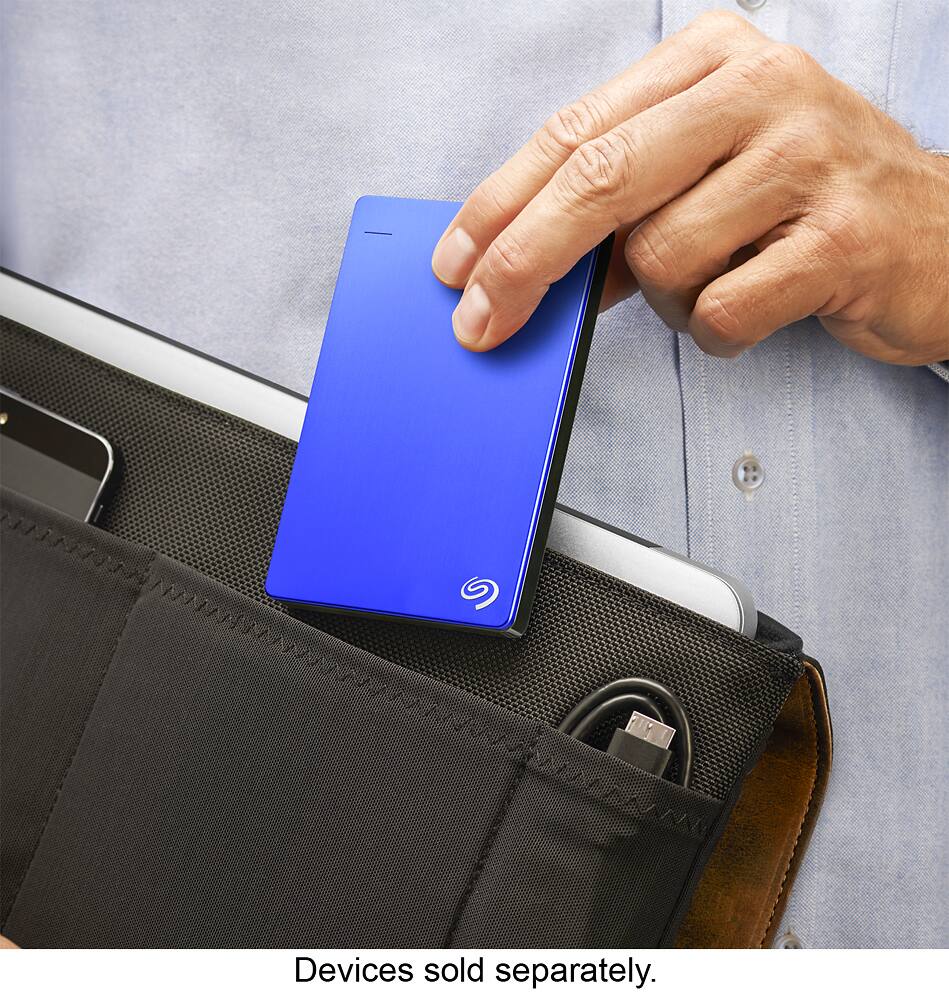
A:Answer Short answer: it depends on the details of the player. Long answer: as external USB drives go, this is one of the best you can buy, and it's very reliable. However, the ability of devices to use external disks varies widely for mainly two reasons. Some devices have limitations to the amount of power they can deliver via USB, which is why some high-capacity USB disks have additional external power connectors. This one does not, since overall it is not very power hungry, but may still be asking too much for some USB connectors. Some devices also have limitations on the size of the external drive they can support. I have used this one successfully on SONY Blu-Ray players, and also on a Samsung smart TV and it works. But in the case of doubt, just try.